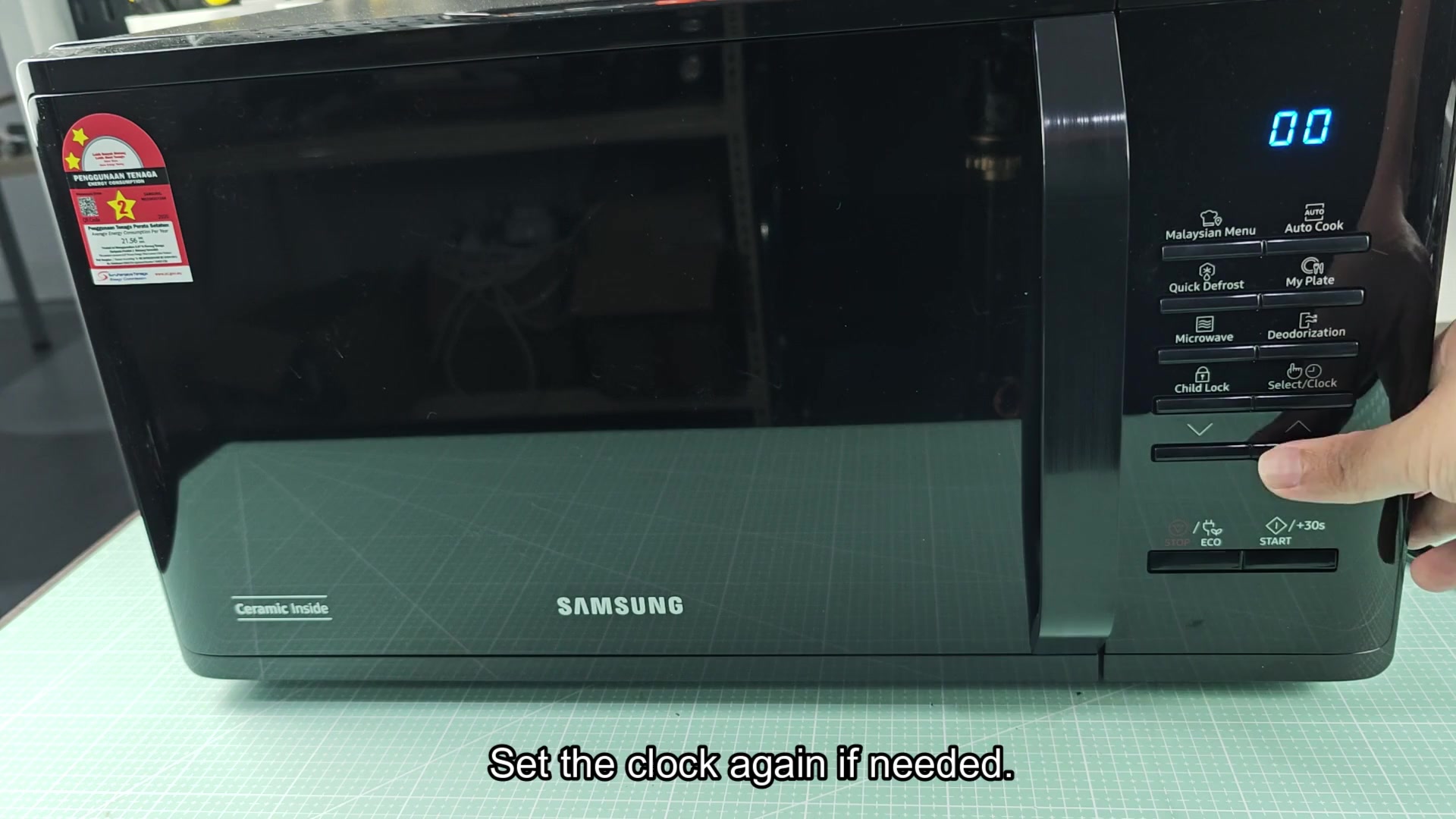
If you’re experiencing slow response times on your Samsung microwave‘s controls, it’s time to pull the plug out of wall outlet. That forces a hard reset by cutting all power to internal board.
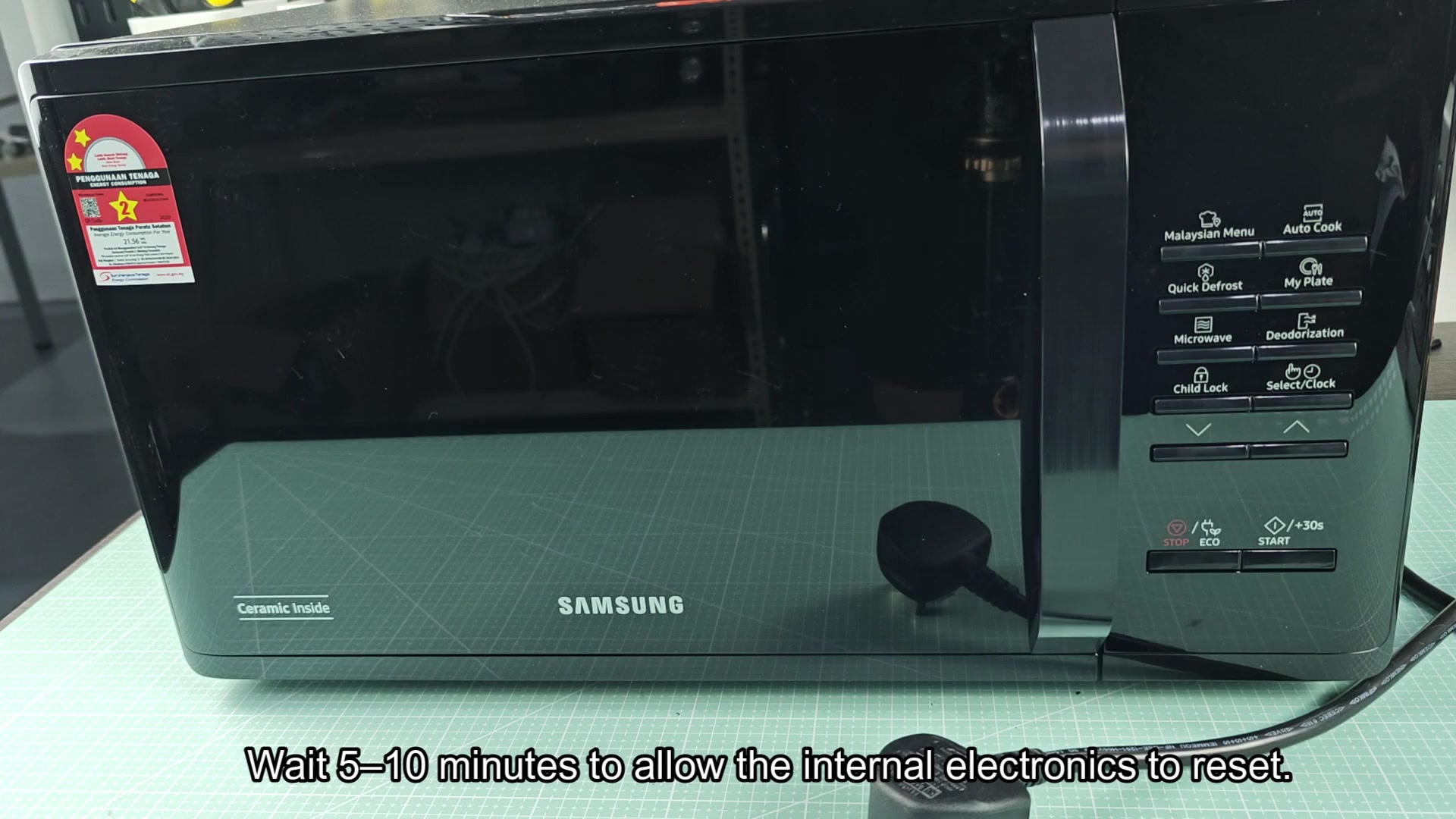
Let it sit for a minimum of five minutes (ten minutes is better). This gives electronics enough opportunity to clear its cache and fully discharge.
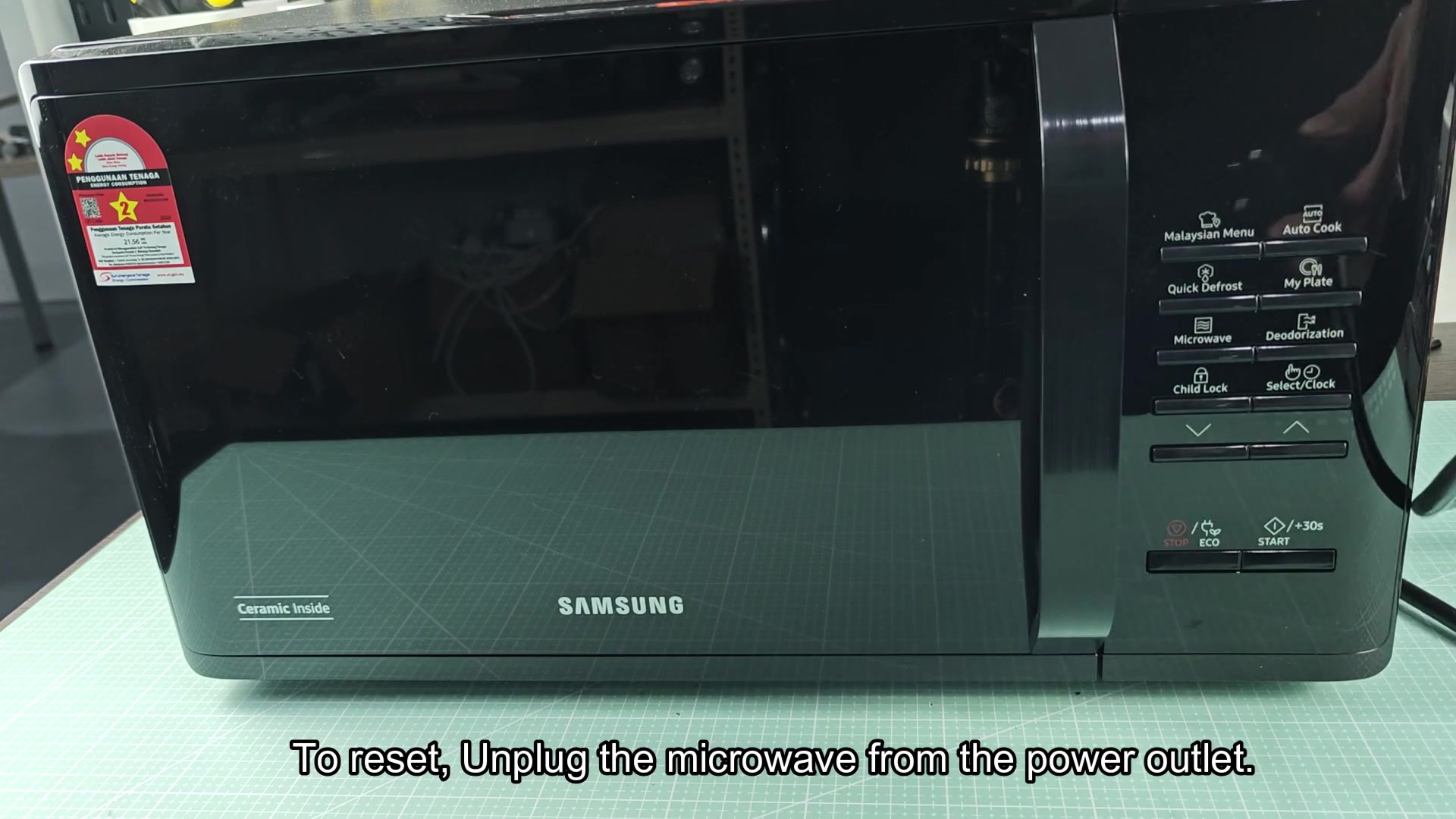
During this period, digital display will turn black. This ensures that there’s no residual power in the capacitors and that unit are completely powered down. The memory chips is also resetting themselves, which is why it need this break.
Restoring Power and Final Steps
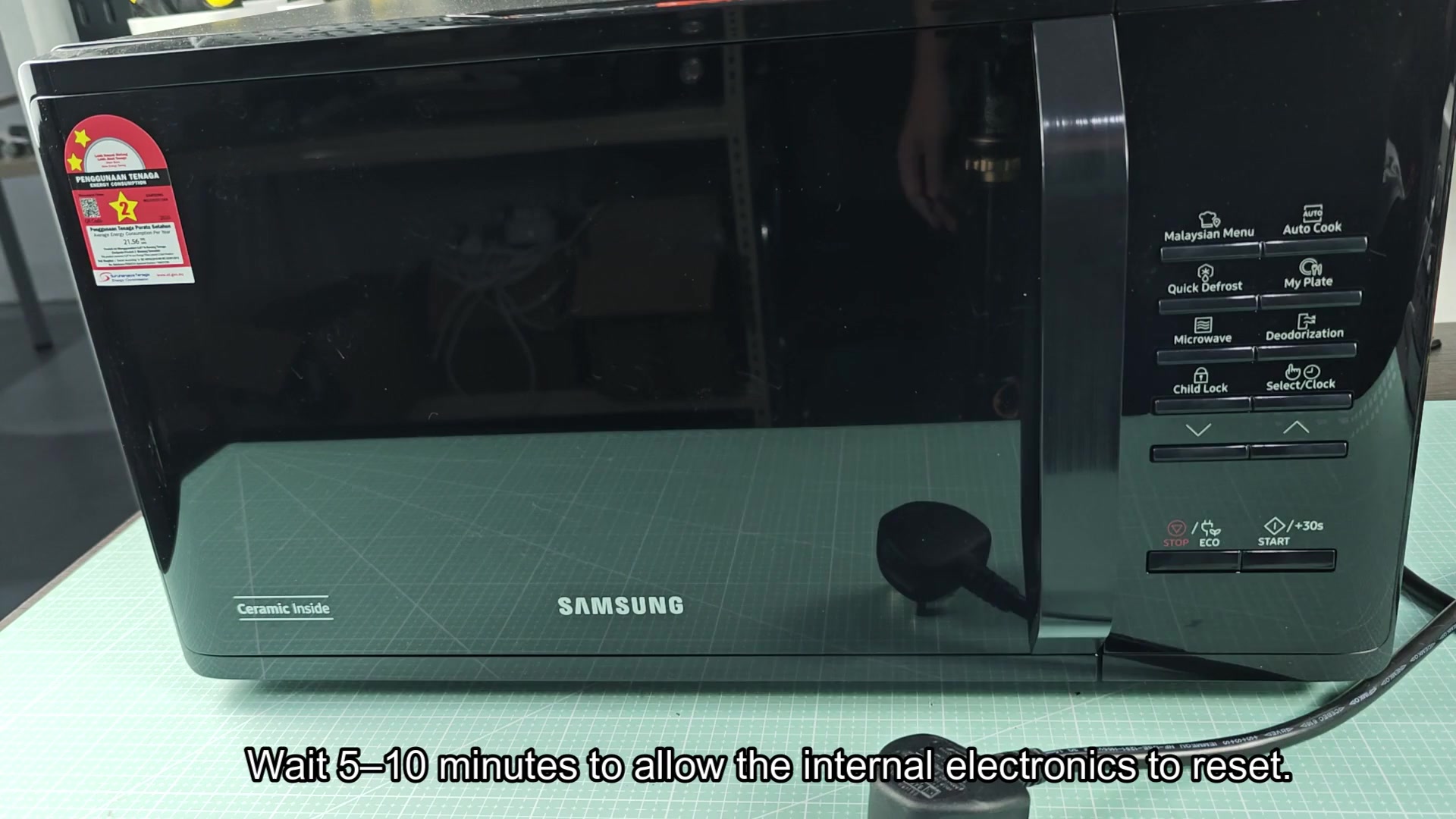
After you’ve waited for time given, you may reconnect cord to its socket.
Now the microwave turns back on and begins humming lightly. Then the display comes alive, in this case, a series of eights. It appears as if there’s an “88” followed by another “88.” That means the microwave are booting normaly and all appear to be well.
To finish restarting it, you need to reset the clock. Hit the clock or select button on the panel. Enter your current time using number pad. The system needs a valid time set to cook correctely.
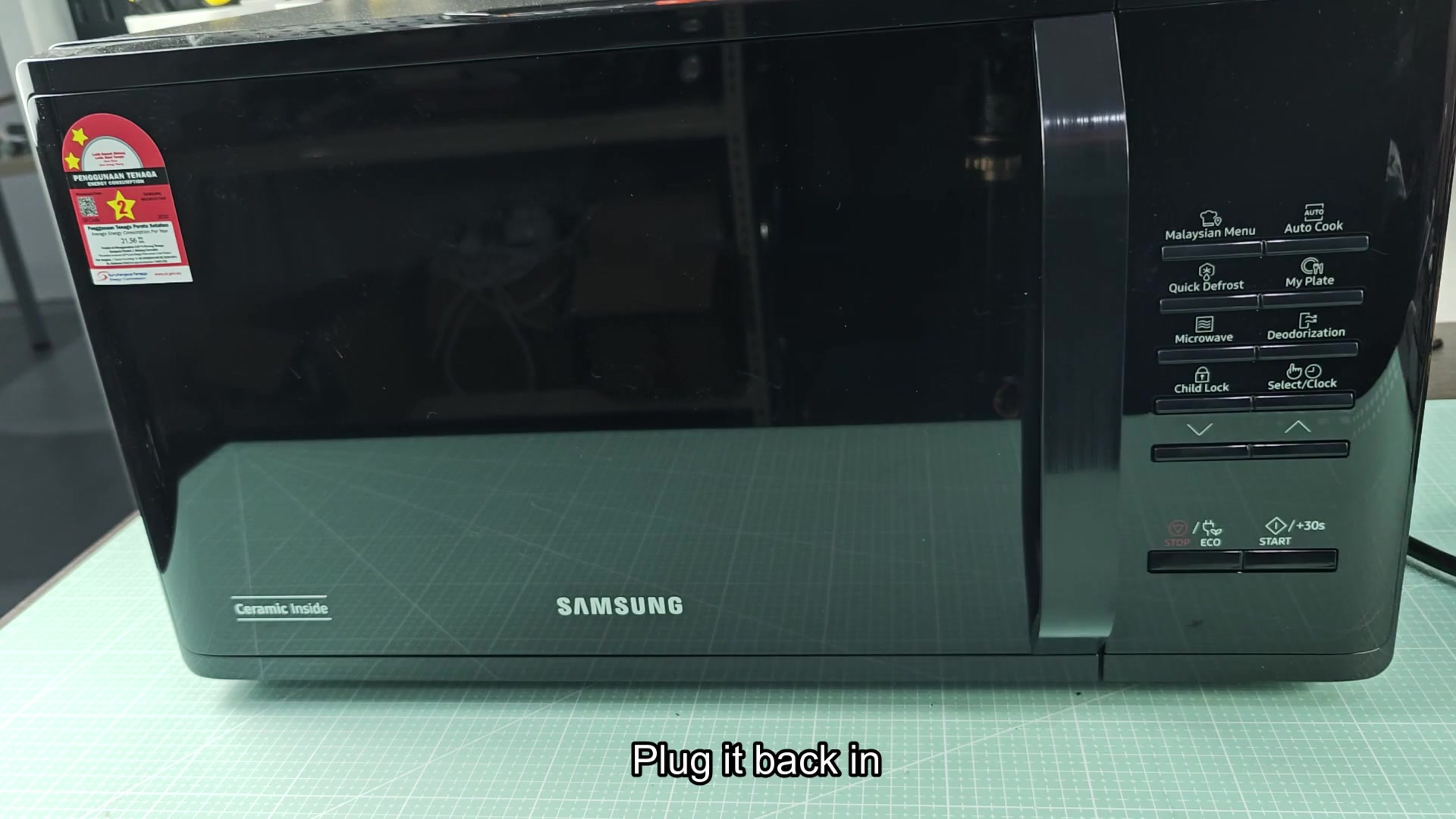
Hit the start button to see if it works. The turntable will spin and the inside light will turn on. No error codes or weird sounds? You’re fixed!