
Please save/bookmark this page for convenient access later on.
Useful Converters:
What’s the Custom Recipe Multiplier For?
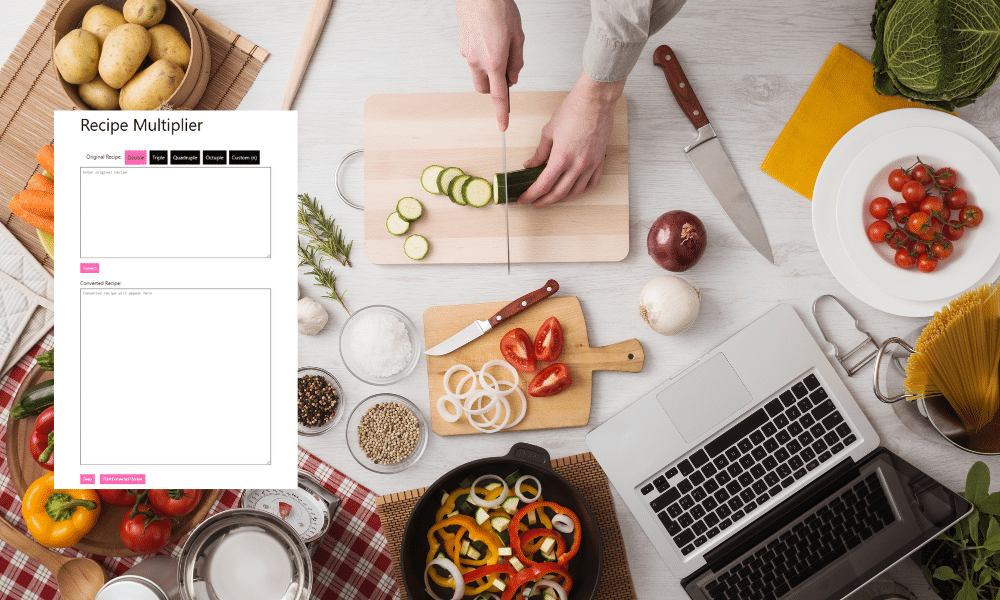
The custom recipe multiplier has been designed for the purpose of multiplying an original recipe to any portion size.
These are the different presets available to choose from:
- Double (x2)
- Triple (x3)
- Quadruple (x4)
- Octuple (x8)
- Custom (Multiply by any number)
Simple Guide On Using Custom Recipe Multiplier:
- Input the Original Recipe Inside the “Original Recipe” Field:
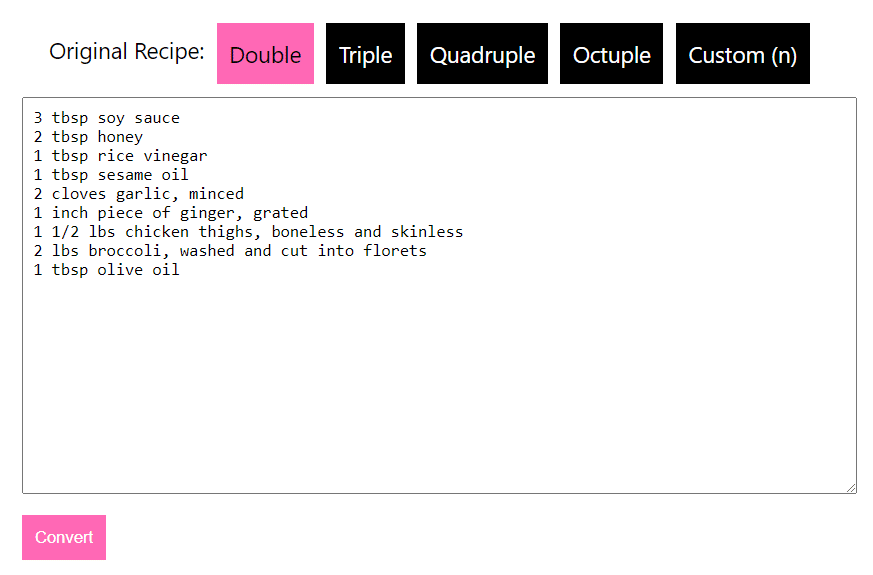
- 3 tbsp soy sauce
- 2 tbsp honey
- 1 tbsp rice vinegar
- 1 tbsp sesame oil
- 2 cloves garlic, minced
- 1 inch piece of ginger, grated
- 1 ½ lbs chicken thighs, boneless and skinless
- 2 lbs broccoli, washed and cut into florets
- 1 tbsp olive oil
- Select A Preset Multiplier Value (Double, Triple, Quadruple, Octuple or Custom)
For the example mentioned above, i tried using Triple (x3).
This will multiply the recipe by 3.
Similarly, if i had selected an option like quadruple, it would have multiplied the value by 4.
For the custom multiplier, i will demonstrate an example on the latter part of the article.
Right now, let’s have a look at the result of the third (x3) multiplier.
- Clicking the Convert Button
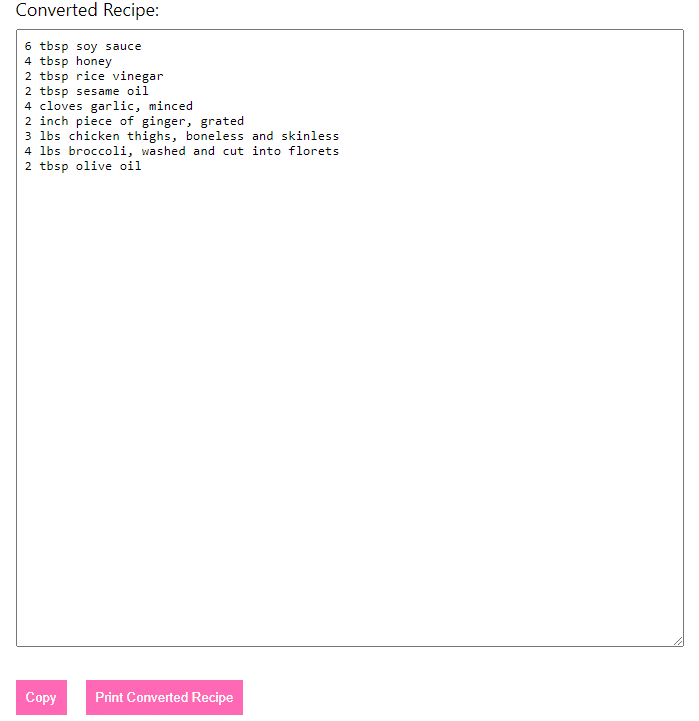
The output is as follows:
- 6 tbsp soy sauce
- 4 tbsp honey
- 2 tbsp rice vinegar
- 2 tbsp sesame oil
- 4 cloves garlic, minced
- 2 inch piece of ginger, grated
- 3 lbs chicken thighs, boneless and skinless
- 4 lbs broccoli, washed and cut into florets
- 2 tbsp olive oil
Keep in mind how the convertor will make any fraction in Numeric or Decimal for you to easily identify how much is the fraction
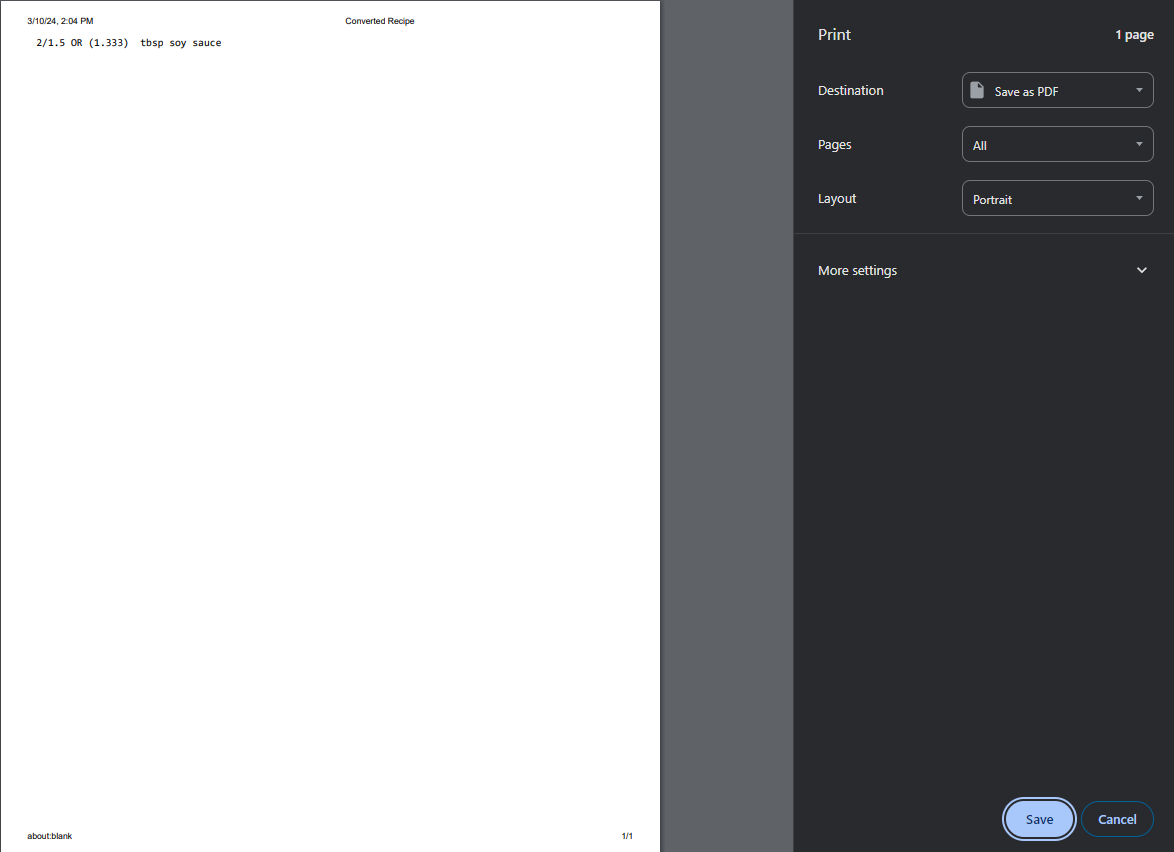
An Example: 2/3 tbsp soy sauce converted to 2/1.5 OR (1.333) tbsp soy sauce
It can be confusing to identify a value like 2/1.5, but with this, it’s easily recognized as 1.3 tbsp.
- Click on the Copy Button
As soon as you press the copy button, you will have a prompt showing how your recipe is successfully copied.

You can easily paste it anywhere.
- Click on the Print Button
Printing the recipe only requires you to click on the “Print” button. It will print on the mentioned destination.
- Multiply Recipe by Custom Number
- Enter any recipe values you’d like to change
- Select the Custom (n) option
- Type any number that you want to multiply the recipe with.
Original Recipe:
- 2 salmon fillets (about 6 oz each)
- 2 tbsp soy sauce
- 1 tbsp honey
- 1 clove garlic, minced
- 1 tsp olive oil
- 1 bunch asparagus, ends trimmed
Custom Recipe Multiplied by 6:
- 4 salmon fillets (about 6 oz each)
- 4 tbsp soy sauce
- 2 tbsp honey
- 2 clove garlic, minced
- 2 tsp olive oil
- 2 bunch asparagus, ends trimmed