
On the one hand, there’s some common sense to the idea of making sure things in the kitchen are safe (particularly if you have little kids). For instance, what if you’d like to be even safer with your Panasonic microwave than praying that nobody pushes the buttons? Well, there’s the child lock function, which prevents accidental use and adjustment.
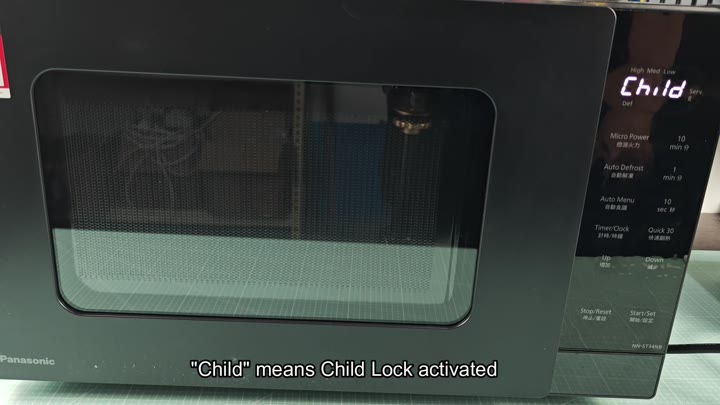
How to Activate the Lock
The activation process is straightforward. You tap the Start/Set key three times in a row.
It is also quite easy to turn on.
Activating it couldn’t be easier. Just tap the Start/Set button three times. That’s it. A big Child appears on the screen to let you know the lock has been enabled. There are no confusing menus to navigate and no buried settings to discover. It’s clear when the feature is engaged or not. No second guessing involved.
When in this mode, however, it behave differently with controls. All buttons on the panel is disabled. They will register a push, but they won’t do anything. The microwave simply doesn’t acknowledge any input from you. (The door-open switch continues to work, though; it’s a safety feature.)
So yes: you have to open the door to see if your food is cooked yet. And when you do that? The interior light comes on, but not one of the cooking features respond.
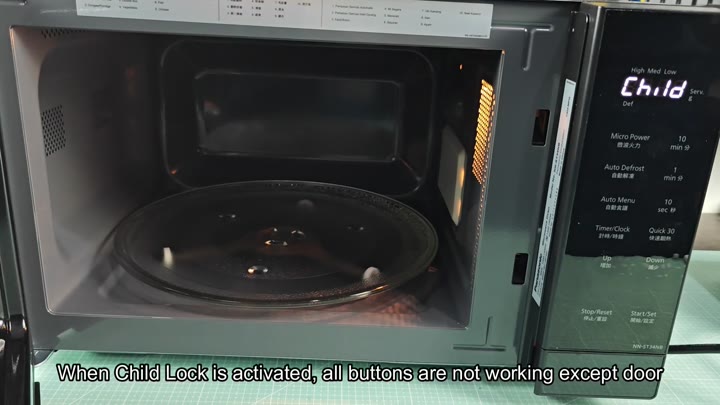
Works just like it should.
This still isn’t enough, though: at some point you have to turn the microwave back on. But how? How do you disable this feature?
You can’t press Start, doing that will probably restart your cooking timer. What you do instead is hit the Stop/Reset button three times in a row. That’s what releases the safety lock.
Why not just hit it once or twice? Because that could either pause an ongoing cooking cycle or reset the timer. Three times is the magic number; that unlocks the panel.
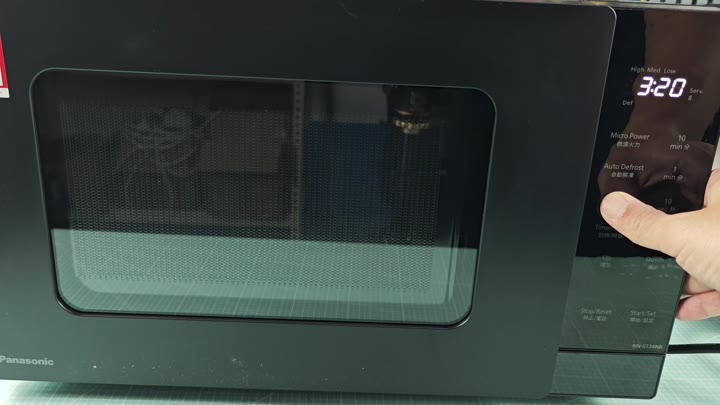
Once you press it three times though, the microwave shuts off, and returns to normal. The Child label goes away on the screen and you’re able to use the buttons once more. Try setting a quick timer and see for yourself. Immediately, the keypad lights up and accepts your input.
It doesn’t need to reboot or anything; it’s seamless. It’s typically smoother different than most other appliances that make you hold down a button for several seconds.
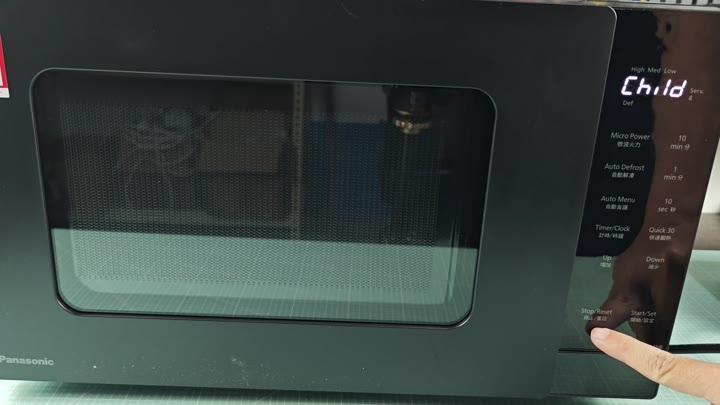
The Panasonic tested was a black model (NN-ST34HB). It featured a typical control panel with Clock/Timer, Auto Defrost, Micro Power, etc., easily seen. The buttons was labeled in both Chinese and English, which is standard and did not change how it work.
You can program a time while the lock is off and it displays the time that was entered. There are power settings for Low, Med, and High. The interface seemed straightforward and trustworthy.
The child lock makes me feel safe without having to think too much about activating it accidently. It is one less thing to worry about when a stray hand presses start.
It’s not too complicated that I’ll ever forget how to do it; just three presses, which is easily enough to remember. It is also not so simple that a toddler might tap randomly and hit it three times in perfect succession by luck.
That balance between convenient and secure has been thought out well here. It is easy to get into the habit of leaving it on throughout the day as another level of protection. You should of tried it for yourself. It’s not too moddern to use.