Cooking several things at once make meals easier and Dual Zone technology takes care of this for you. Without needing additional counter space, you are getting a single unit with two separate zone to cook on. The system manage the time so you don’t have to coordinate anything manualy.
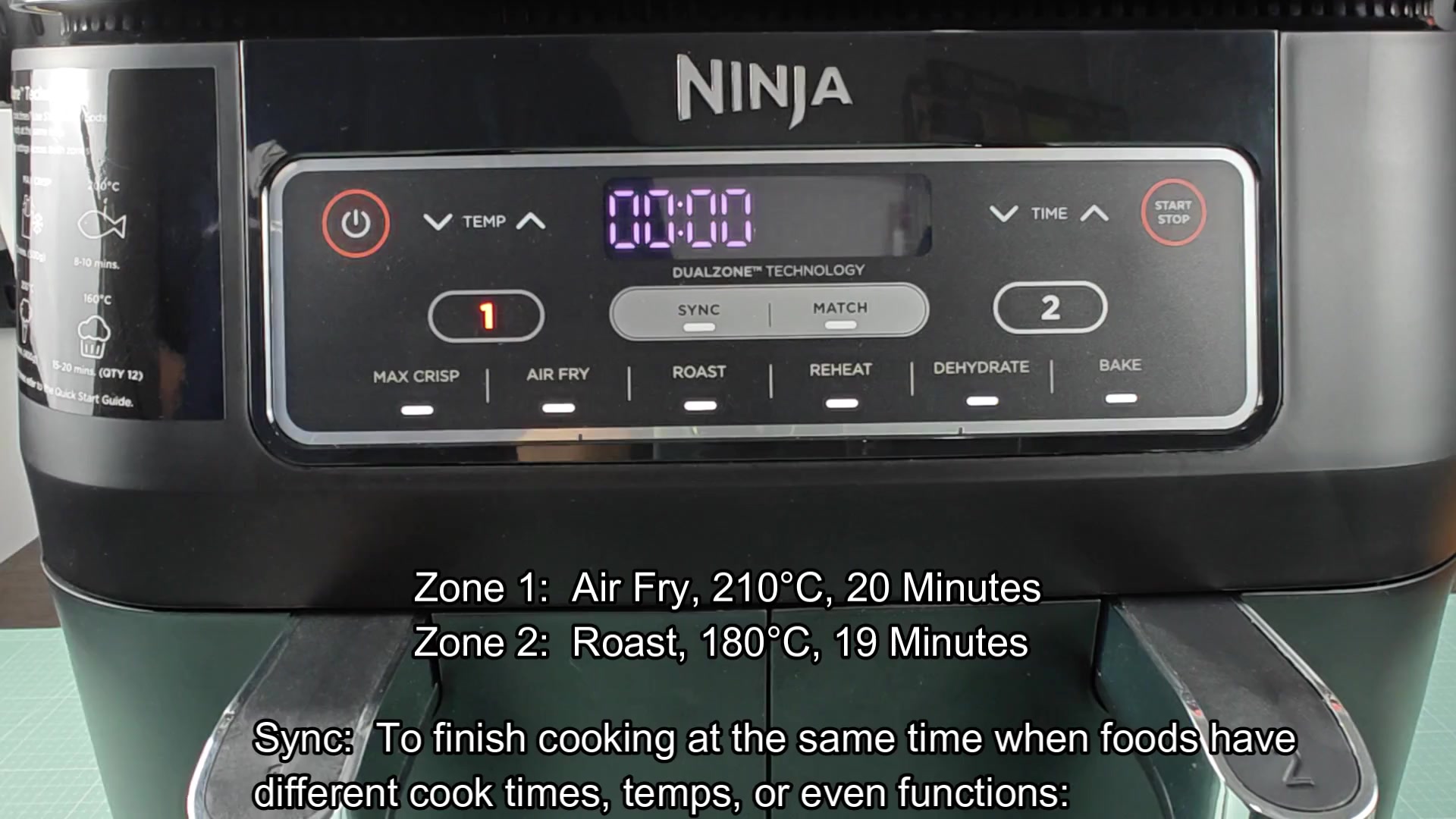
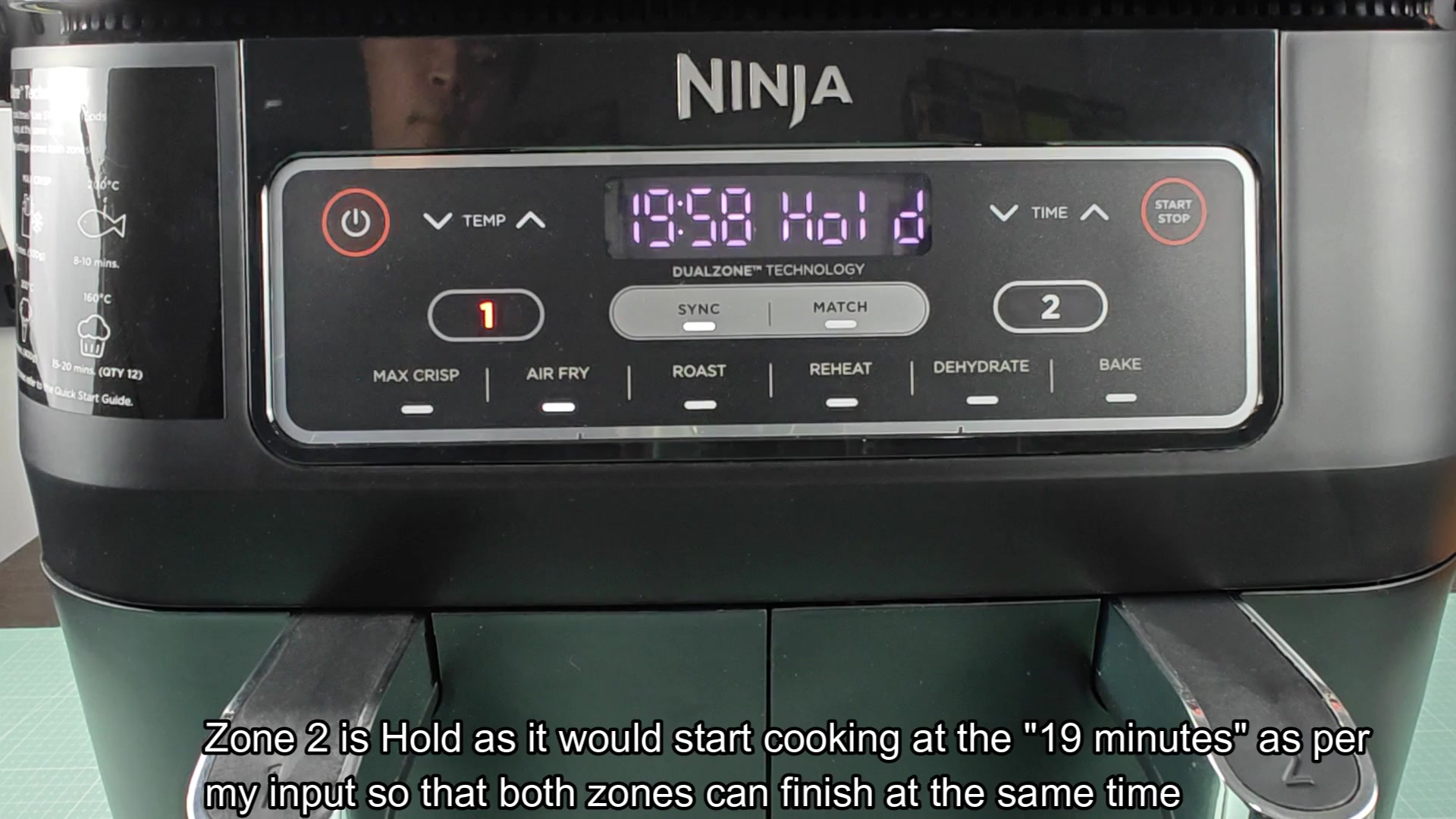
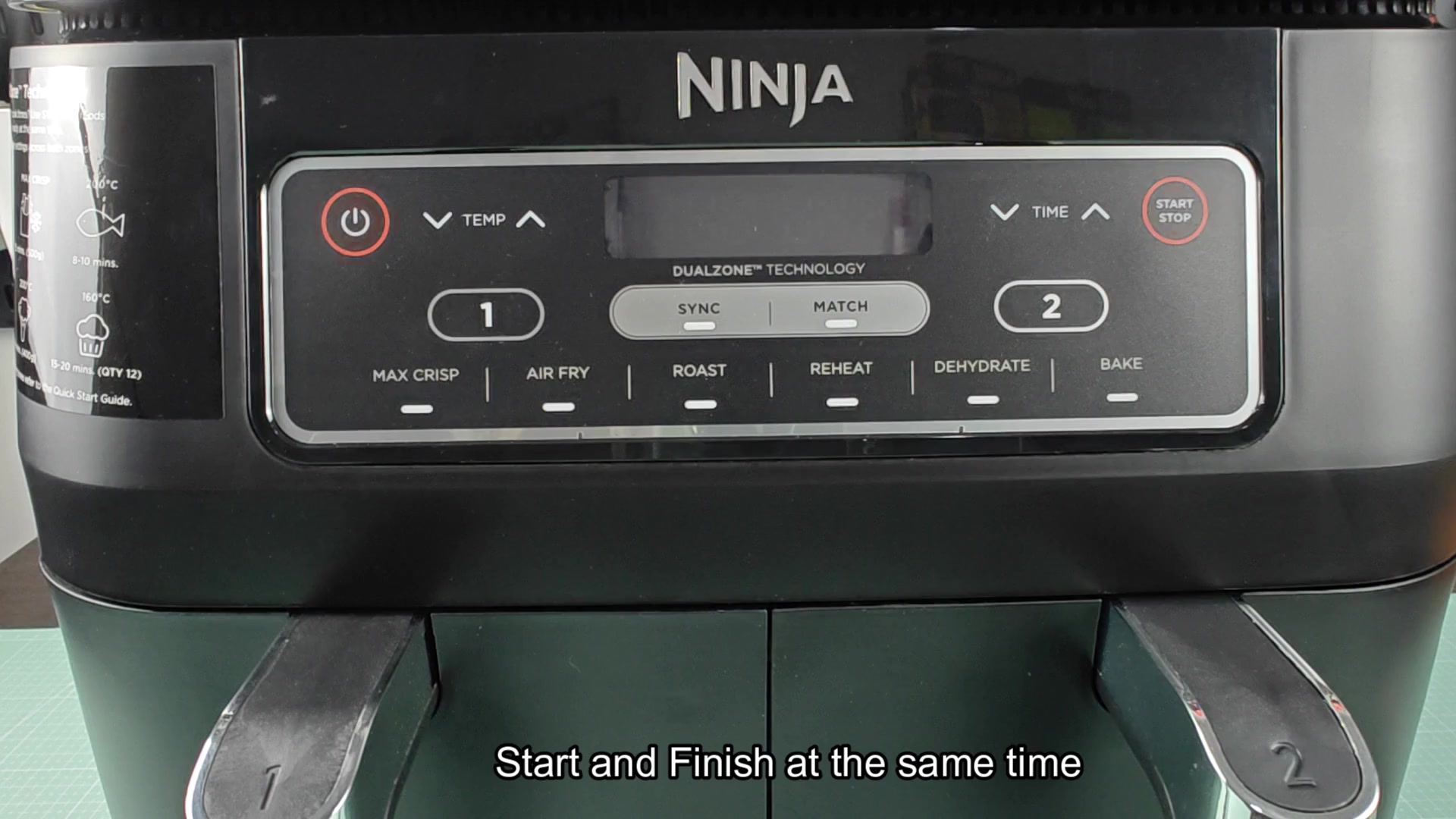
Sync function: You can test the Sync function to see how it coordinates different cooking times. Set your time and temp for each zone; choose the program for each; hit Sync and Start. This is good for something like a recipe that has varying cook times. It will put the one that takes less time into a Hold mode where it simply wait patiently until other is done.
Understanding Sync and Match Modes
Both zones heat at the same time, but they finishes together. It was good to test this out with some chicken wings which took 20 minutes to cook and vegetables, which took just 19. If it wasn’t synced, I’m sure the veggies would of got burnt while the chicken was still cooking. Now both of them show up on plate hot and fresh, simultaneously.
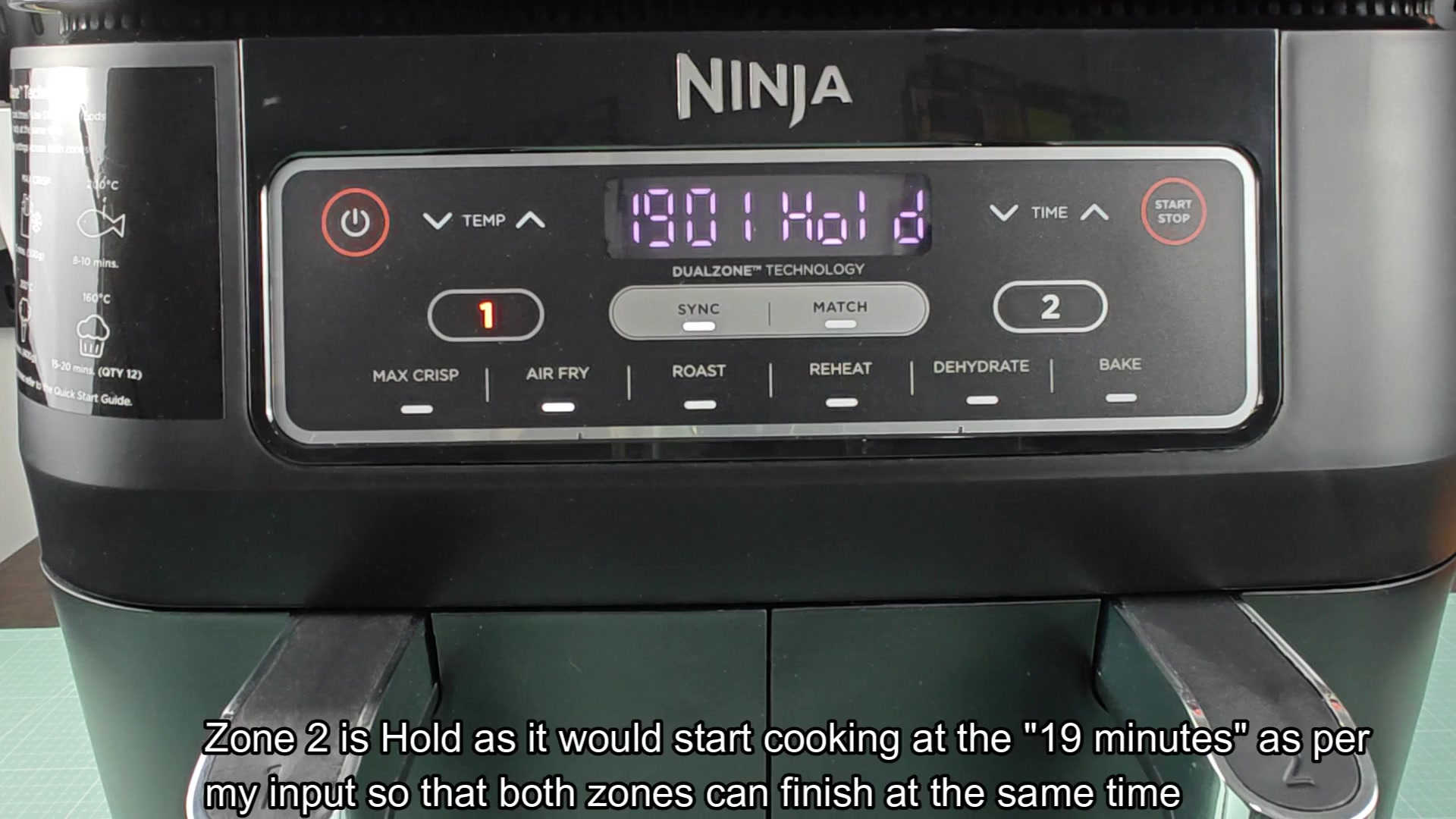
When you begin your timers, both is displayed on the screen and countdown. At first glance it can be a bit confusing to have one of the cycles running and the other paused. But it make sense. The shorter cycle waits in holding pattern till longer cycle has reached its end point. Then it complete instantly so all ends right on time.
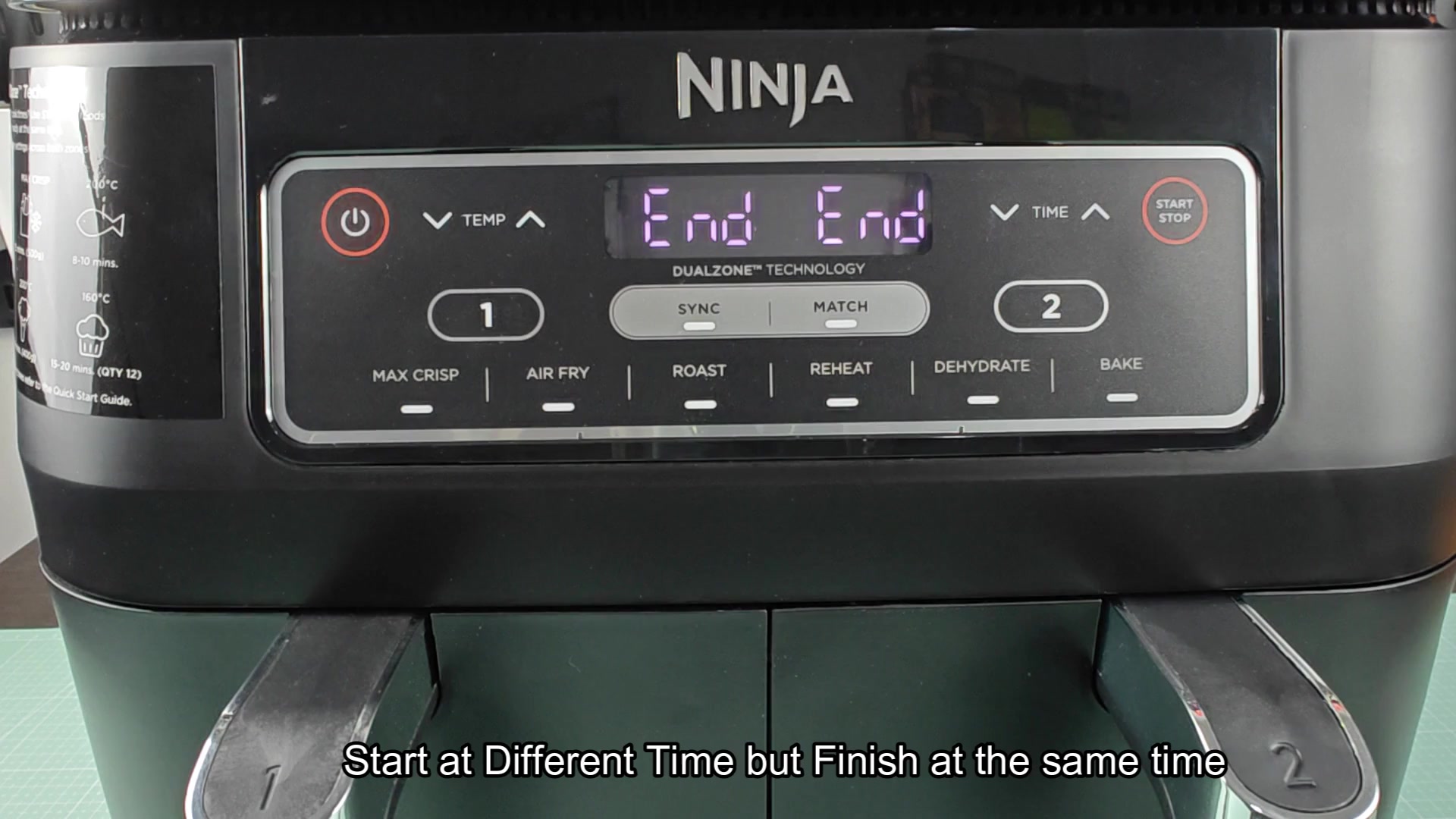
If you’re having guests over, this is also really useful as you don’t need to dish out cold appetizers while you wait for the rest of the meal. From your point of view it all just flows and takes the pressure off having to keep up with two different time schedule on an ordinary oven or stove. Just hit Sync and leave it be.
Match: A reminder that the Match function automaticly duplicates settings from one zone to the other. Set up Zone 1 however you want (time/temperature/program), push Match, and it’ll apply those same settings to Zone 2. No manual tweaking required on second side. Handy if you’re making twice as much of something.
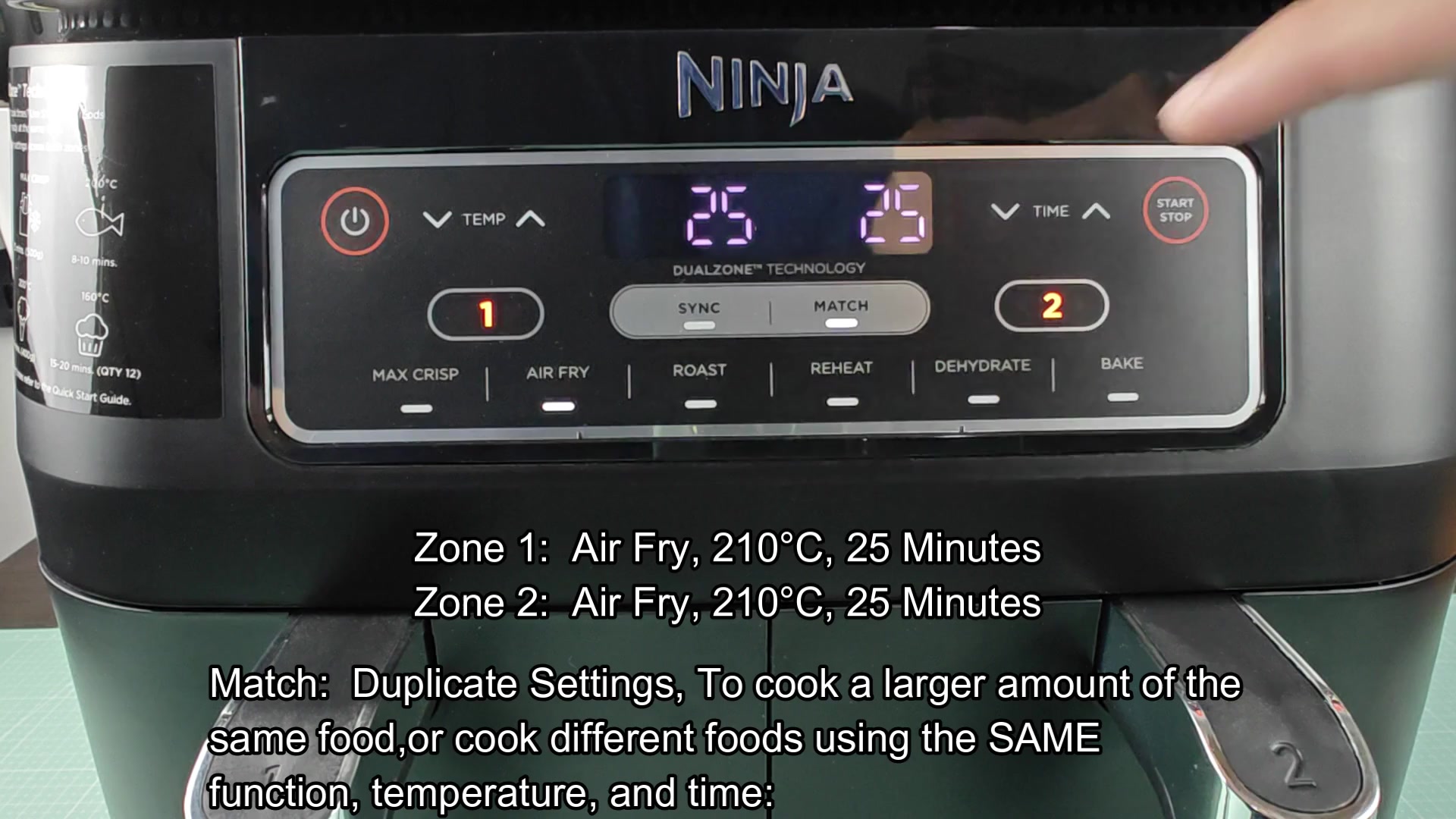
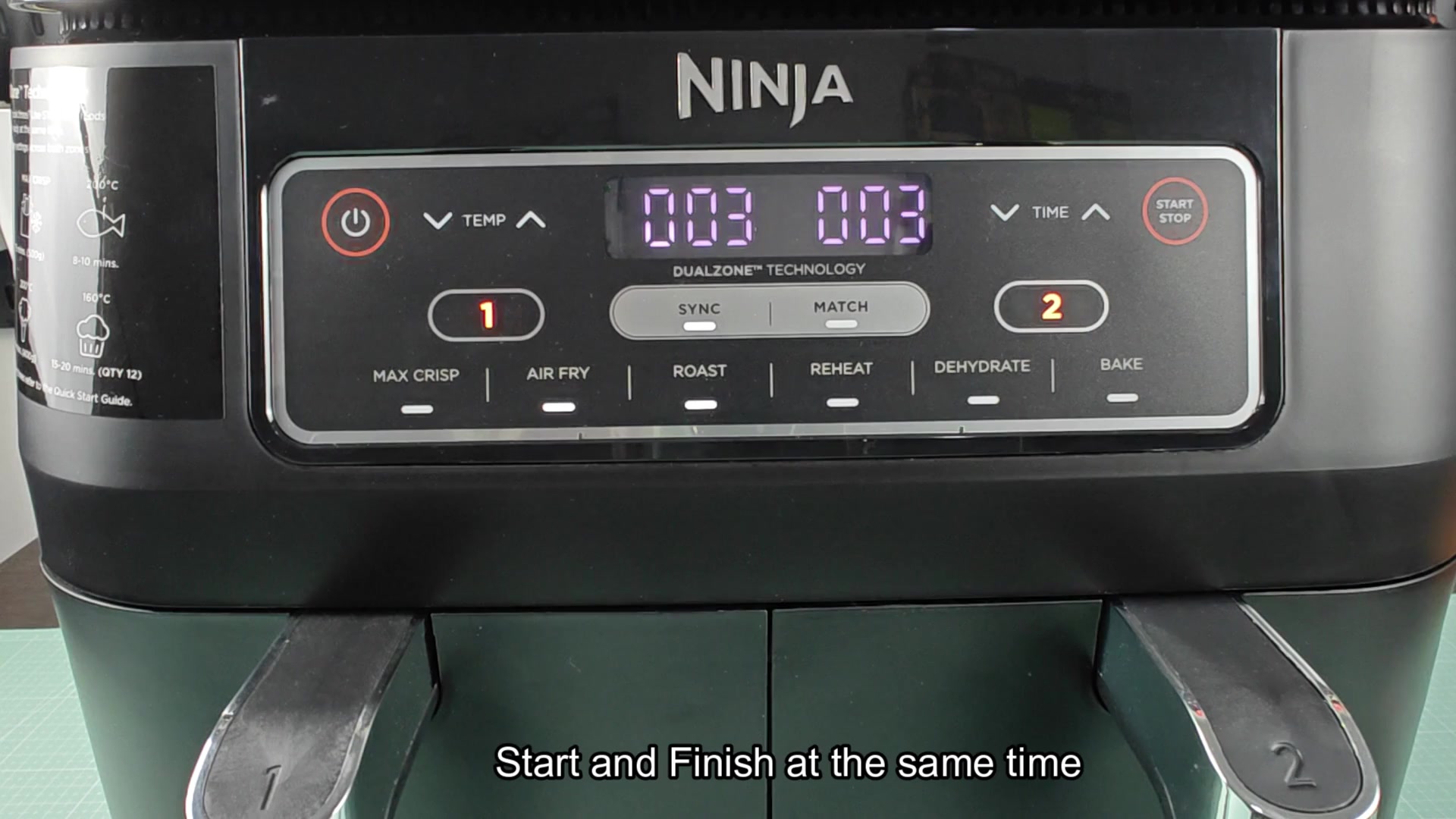
The device has three different modes: Sync for coordinated meals, Match for duplicating settings, and Independent mode where each zone run on its own. They will turn on at the same time and go off at the same time, etc. So that’s how I ran it, with a basket of split fries, and it came out well. Everything lined up and each side got even cooking. You won’t have to push buttons and hope each side gets a twenty-five minute timer; just set it and forget it.
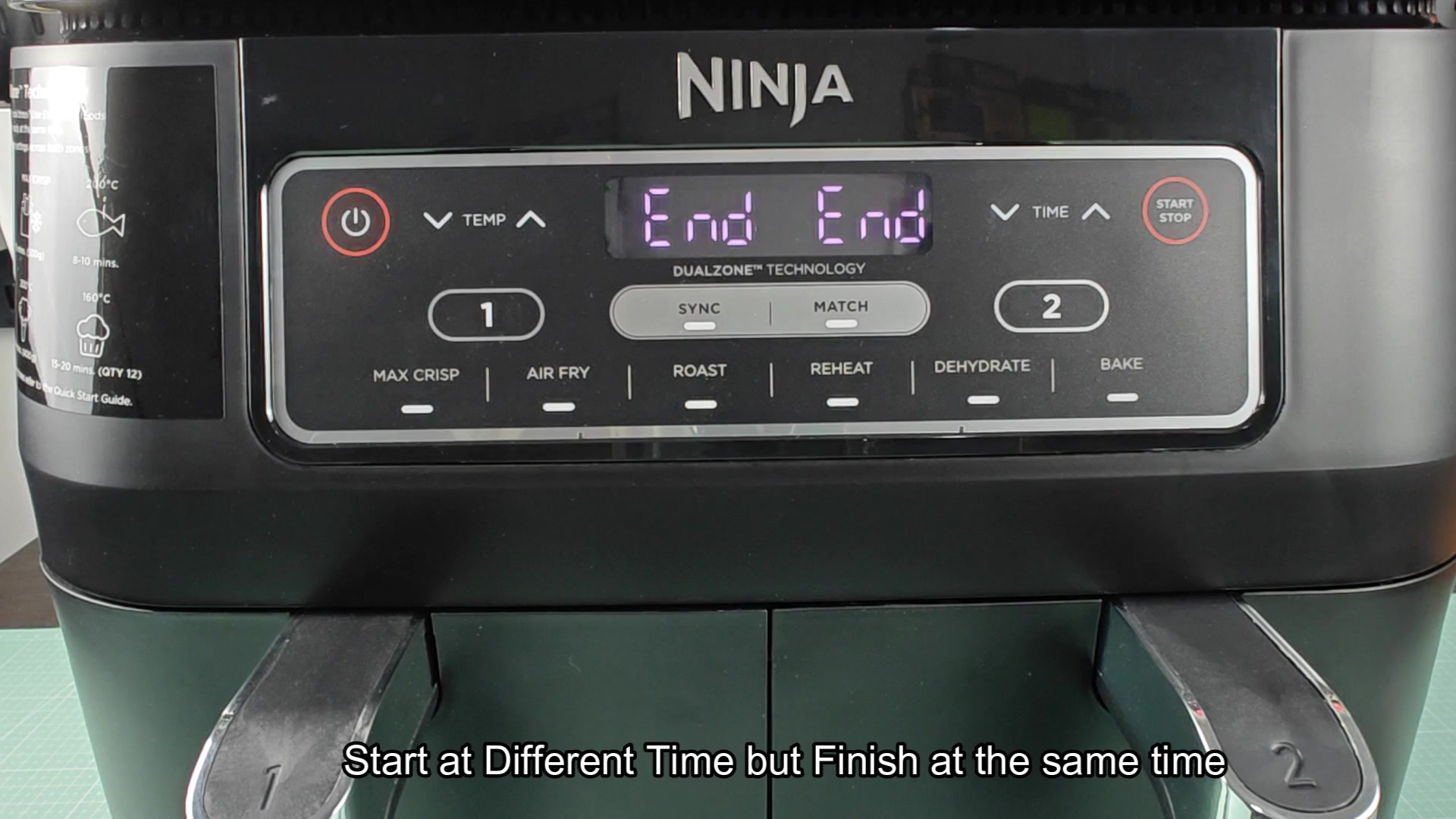
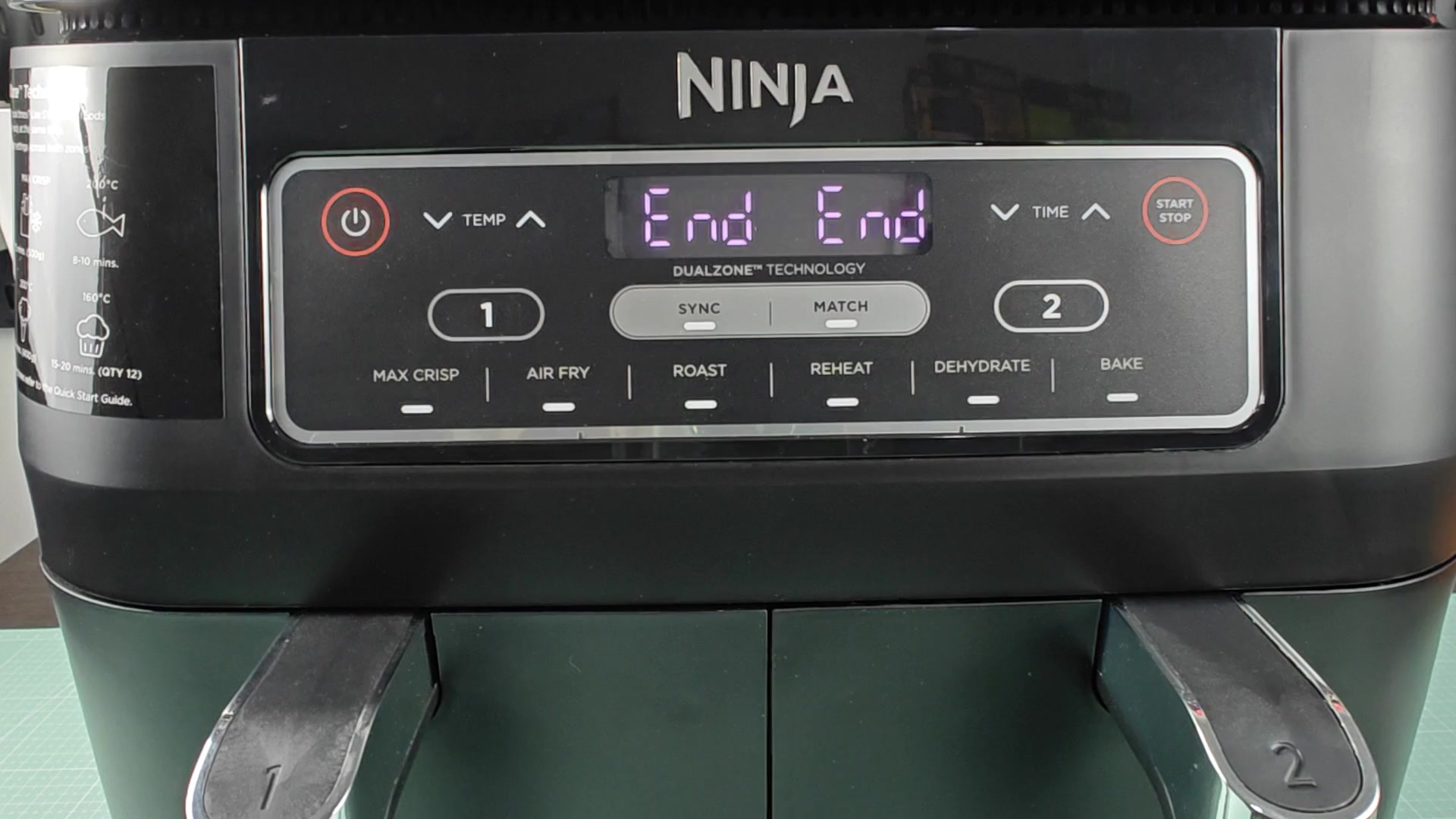
The cycle times is great as well. For example, at zero they both show End, there is no delay between zones showing end. That’s nice because now I only have to clean after a single finish rather than having to deal with staggered completions for that cooking session. It saves me some time and that’s nice enough by itself.
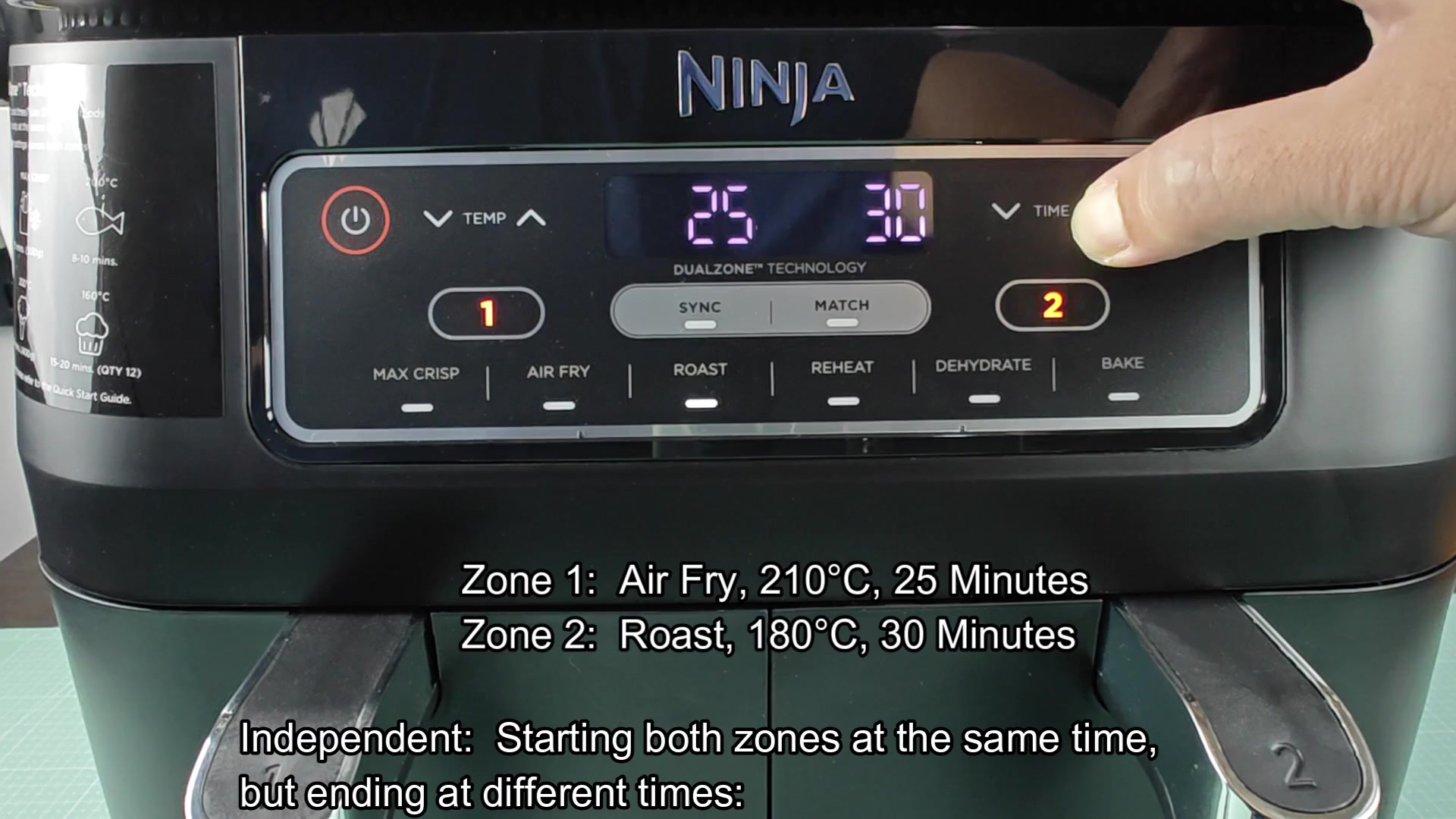
Then there’s the case for no coordination whatsoever, and that’s where Independent mode enters into play. Here, every zone run independently according to its own settings and schedule. Want Zone 1 to Roast while Zone 2 Air Fries at a higher temperature? Go ahead! No need for any syncy-syncy logic here.
To test this out, I programmed 30 minutes on one side of the oven and 25 minutes on the other. When I hit the start button, both started counting down at the same time; however, the one with longer time ended first, while the one with shorter time beeped and shut off. It was completely liberating; I could prepare different dishes without having to jam them into a single set schedule.
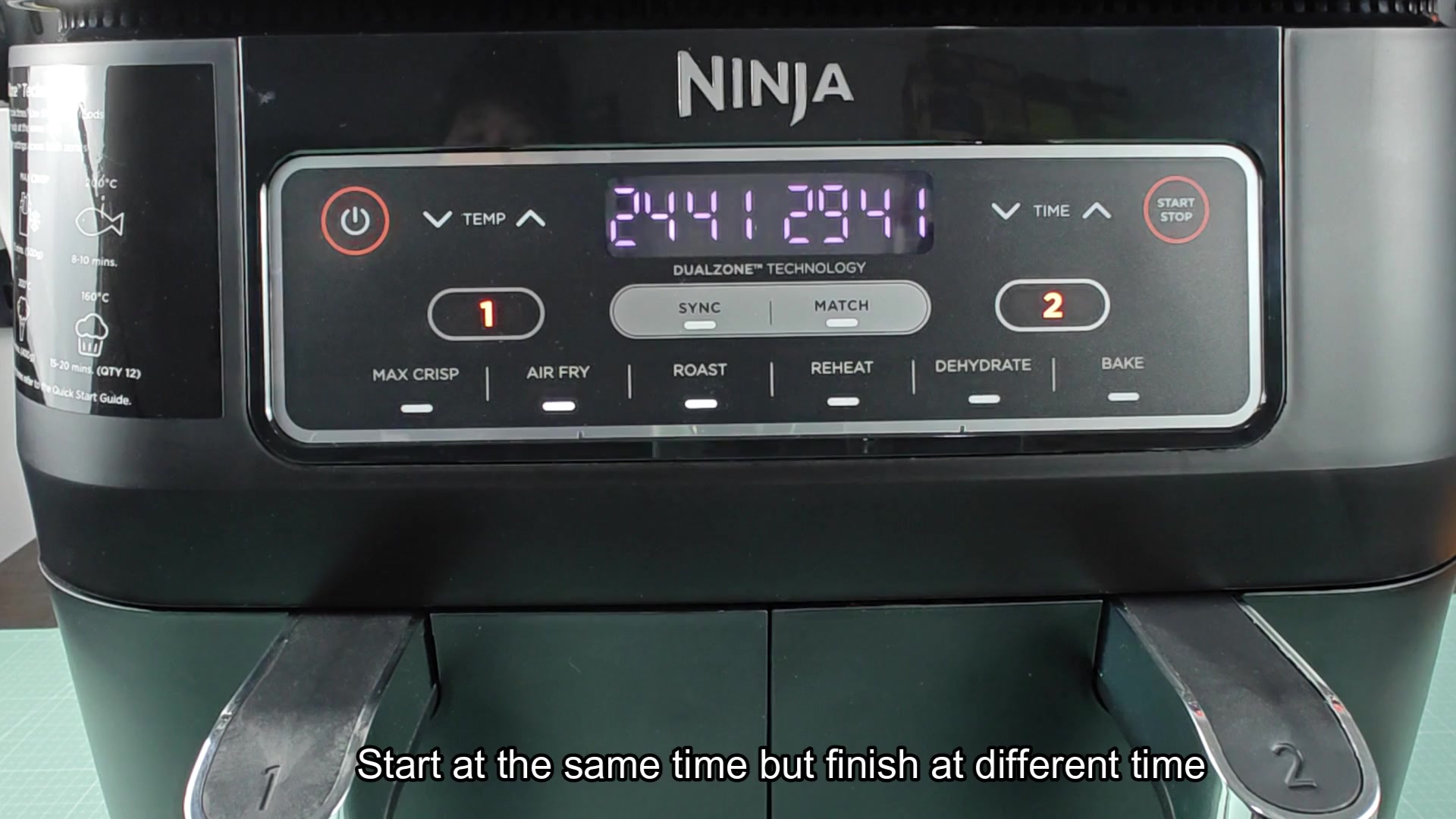
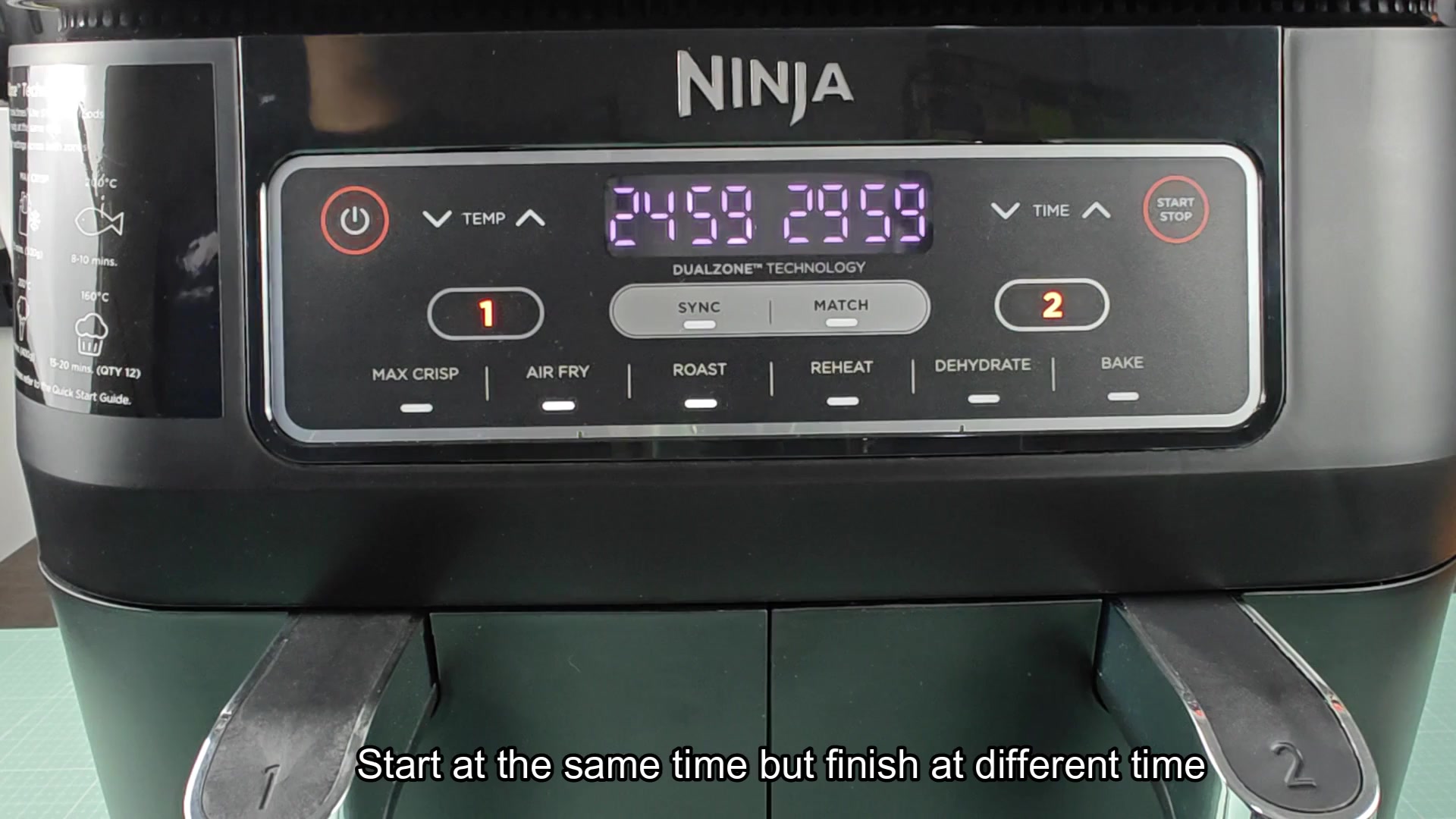
Two separate basket run concurrently and the display shows both timers counting down at once. So for example, one can be set to 24 minutes left; the other to 29 minutes, neither interacting with the other. That’s fine if say, you’re heating up leftovers in one basket but also have some fresh food you want to cook in the other; you don’t care which comes out first.
These three modes should cover just about any situation you find yourself in. Use Independent for random chores, Match for doubling up, or Sync for coordinated meals. It’s simple enough where you can open the box and figure it out in minutes without having to read through a complicated manual. Operation is straight forward with clear buttons for Sync, Match and regular Start/Stop controls.