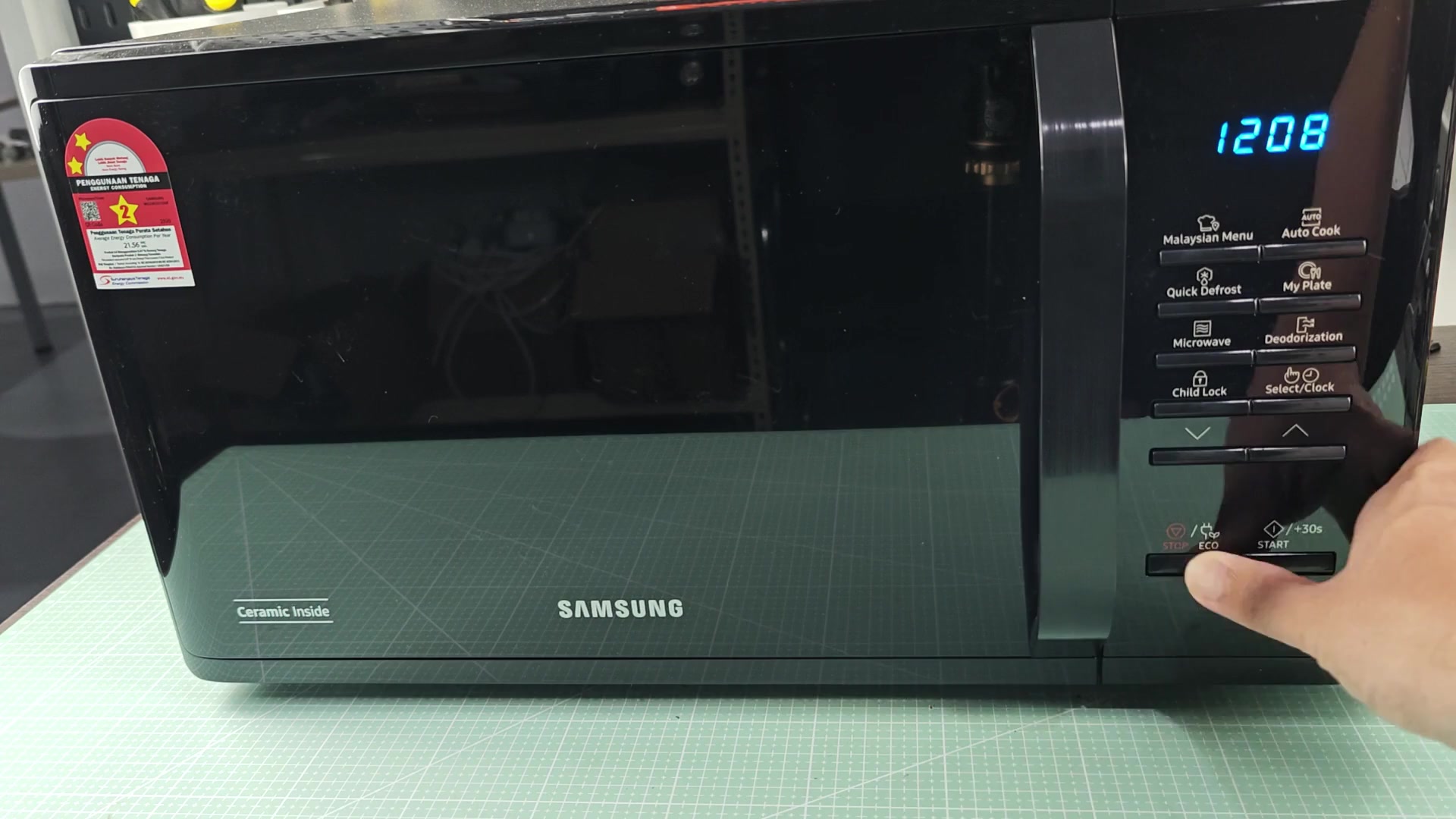
When you live with a Samsung microwave, you’re always dealing with noise. Beep beep. Beeeep beep. It’s constant and it gets annoying after a while.
What if you just want some peace and quiet when making simple meal? How does that constant sound interfere with your morning routine? Sounds like one too many things on a crowded kitchen counter!
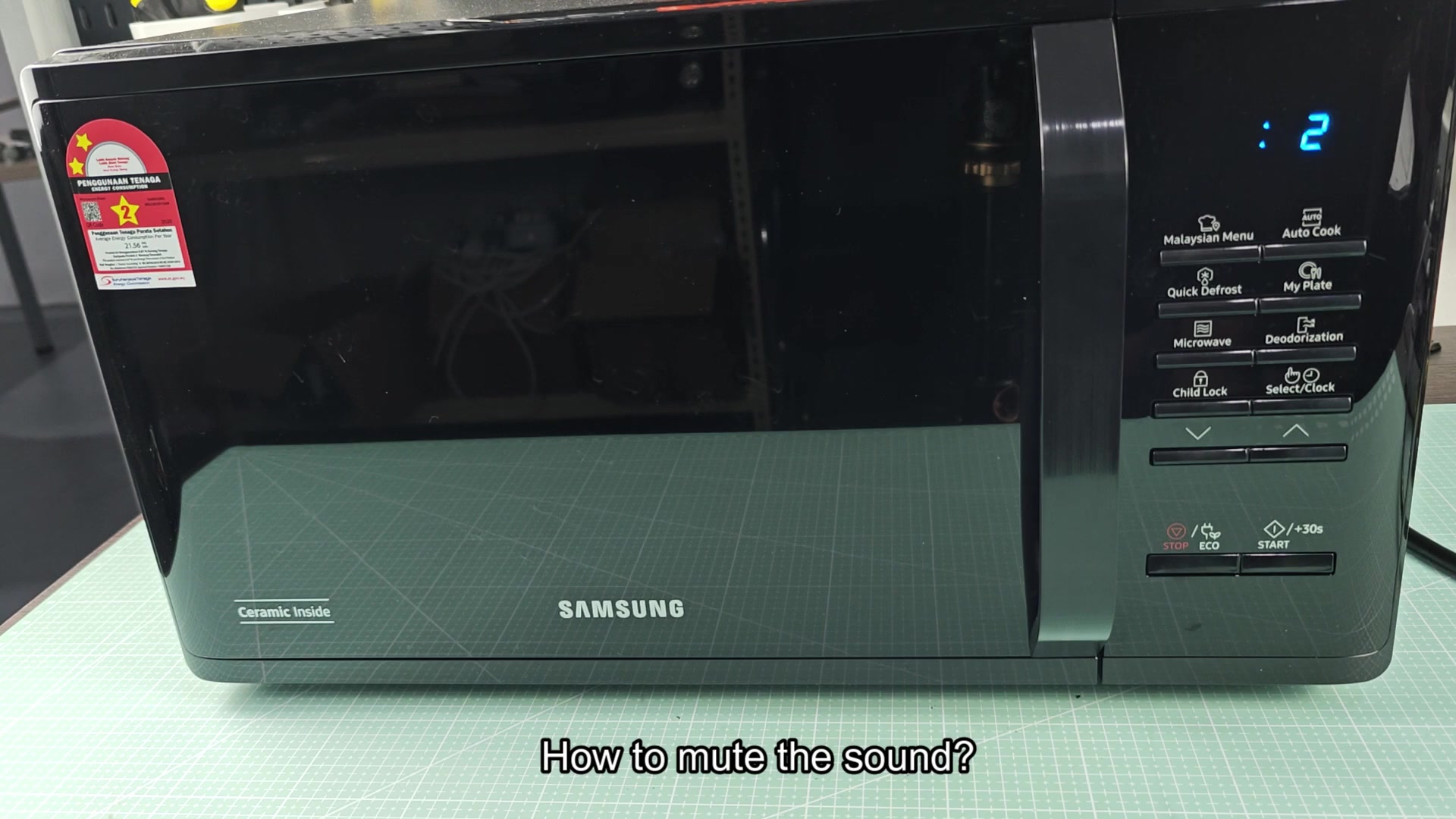
It’s probably annoying you but you don’t want to unplug it. Fortunately most newer appliances include some sort of mute option and this one isn’t an exception. Rather than digging out the owner’s manual, there is a simple combination of buttons available. It will quickly shut up your appliance without having to read the fine print.
How to Mute Your Microwave
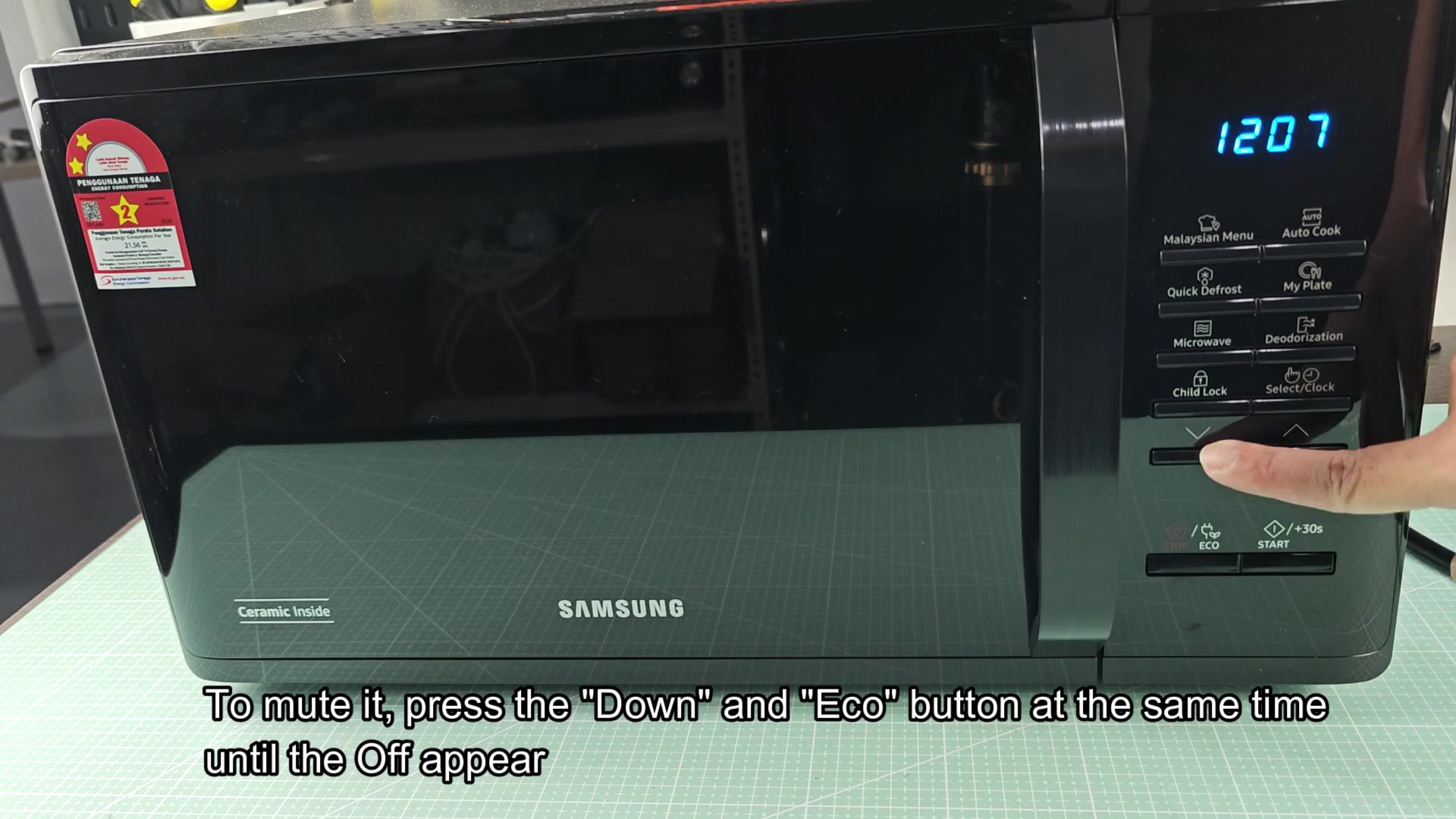
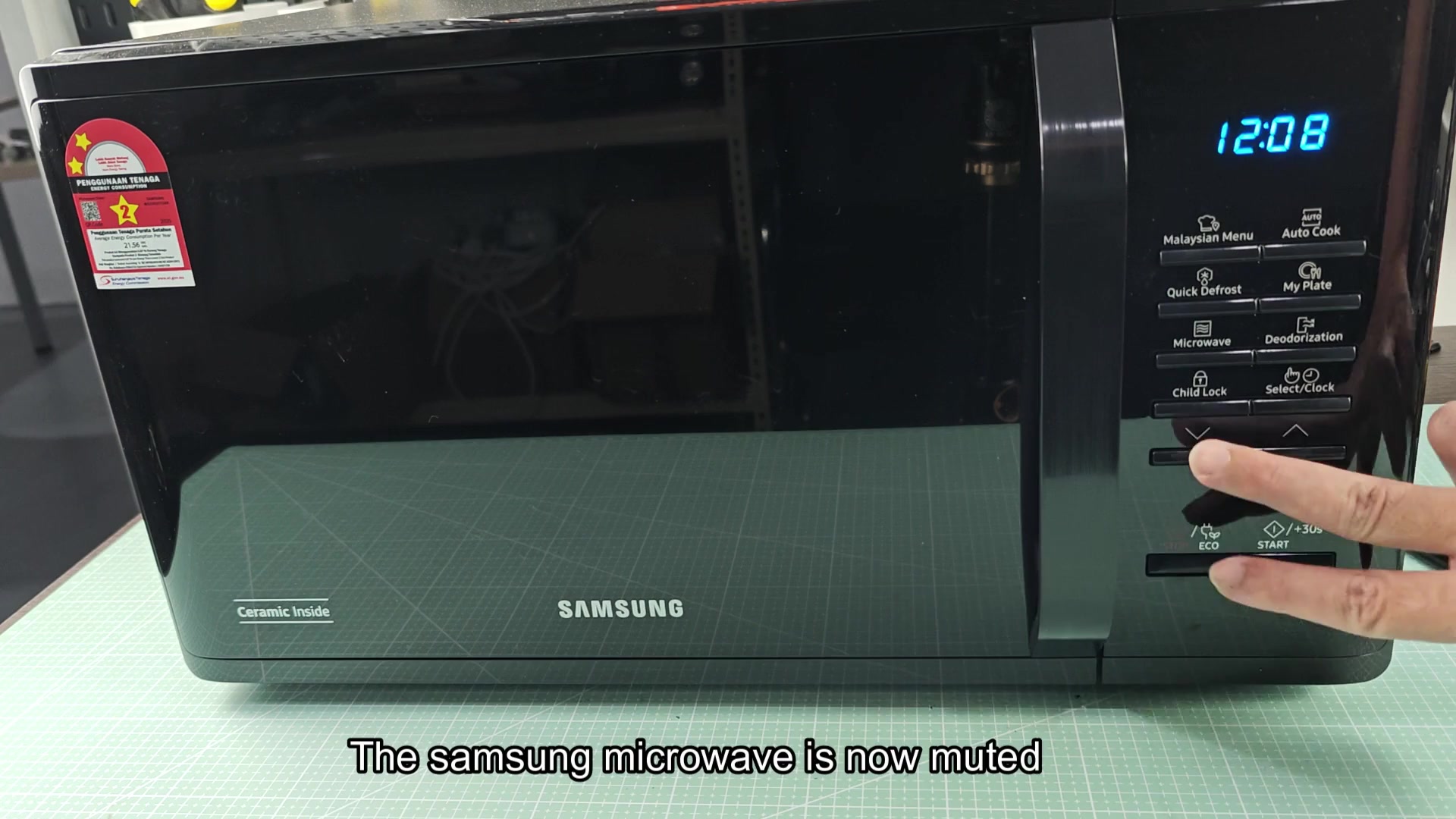
To do this, you’ll have to hold down two buttons simultaneously. Specificly, you want to use the Down arrow button along with the Eco button. Place one finger on each key then hold them there until you notice something happen on-screen.
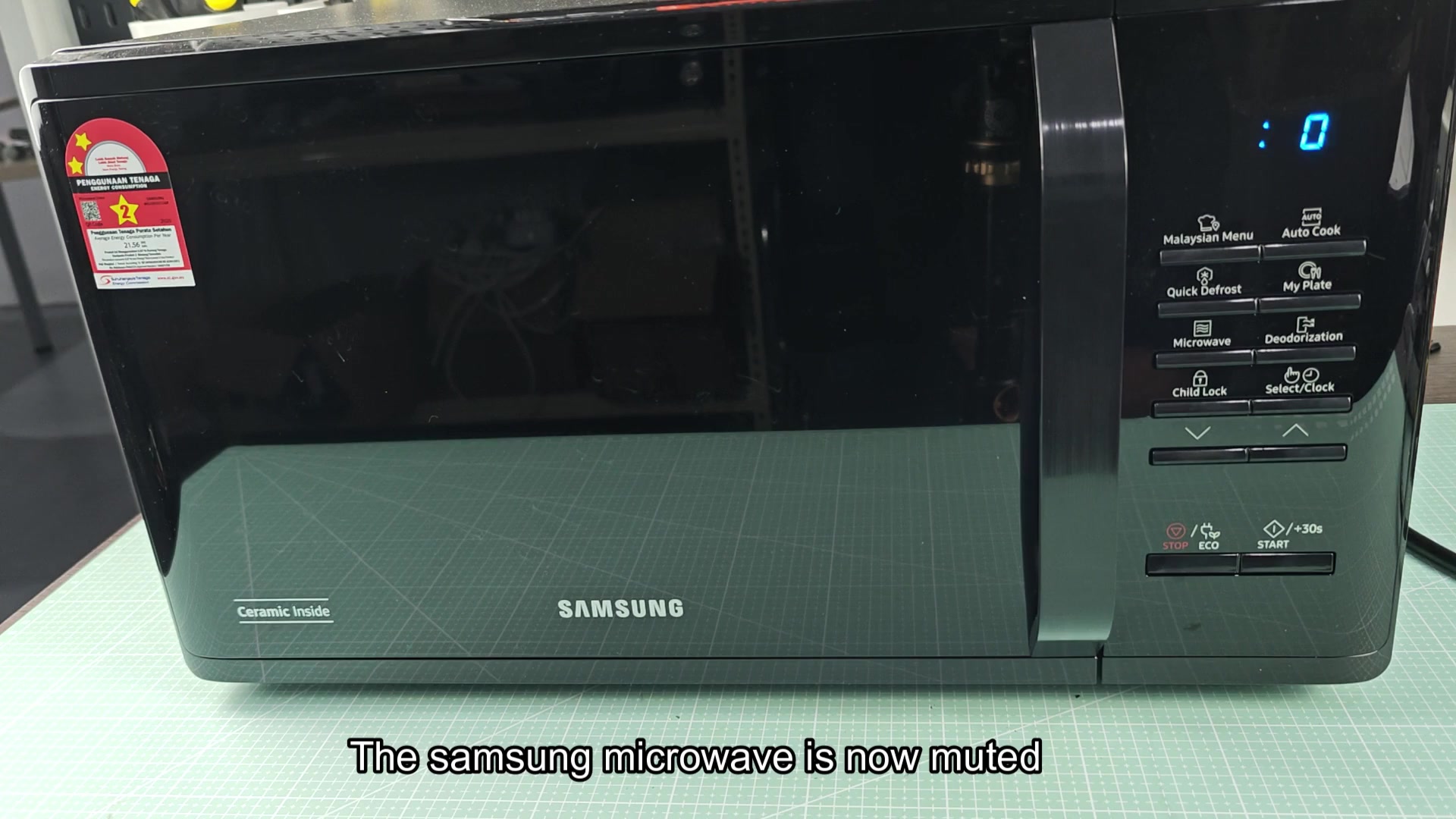
The mute feature will be activated, so simply wait for that and you’re good to go. It’s simple after you get a feel for what buttons to press.
When you’ve muted the sound, you’ll see word “Off” appear on the digital display. That’s your confirmation that it’s turned off and the beeping is now silenced.
For a sense of day-to-day comfort, having a quieter kitchen makes a difference, especially at snack time. You will no longer have unexpected blasts from the kitchen while relaxing with some tv time in other part of the house.
It’s equally easy to turn the mute back off again. Just hit those two buttons once more and you’re good to go. There’s no need to hunt around for an unmute button; that same Eco and Down button pairing will turn silent mode on or off. The symmetry makes the feature easy to use every day.
When you hit mute again, the screen revert back to displaying “On.” That’s your visual confirmation that the sound alerts has been turned on again.
Based off my testing of the toggle, the microwave does indeed respond every single time, so no delays or other issues there. Seems like it’s doing what it’s supposed to do.
The good news is that knowing where the buttons are located saves time. There aren’t any hard-to-find switches or dials. Instead, they’re all right there in plain sight on the control panel.
All you have to use is two fingers to adjust settings and no complicated key sequences to remember.
After a few weeks with it, I can tell you this: The mute will remain enabled until you re-enable it. So if you want some peace and quiet when making dinner, this feature doesn’t require any babysitting, no worry about it flipping back off during an outage or anything like that. Family members appreciates the lower volume as we wait for meals to warm.
That is the answer to one of the gripes we all have with new kitchen gadgets.
A lot of folks don’t like it when their digital timer keeps buzzing at them. Samsung has made a simple button combination you can press for mute. You don’t need someone who knows what they’re doing in order to hit it, just anybody in your home can do it.
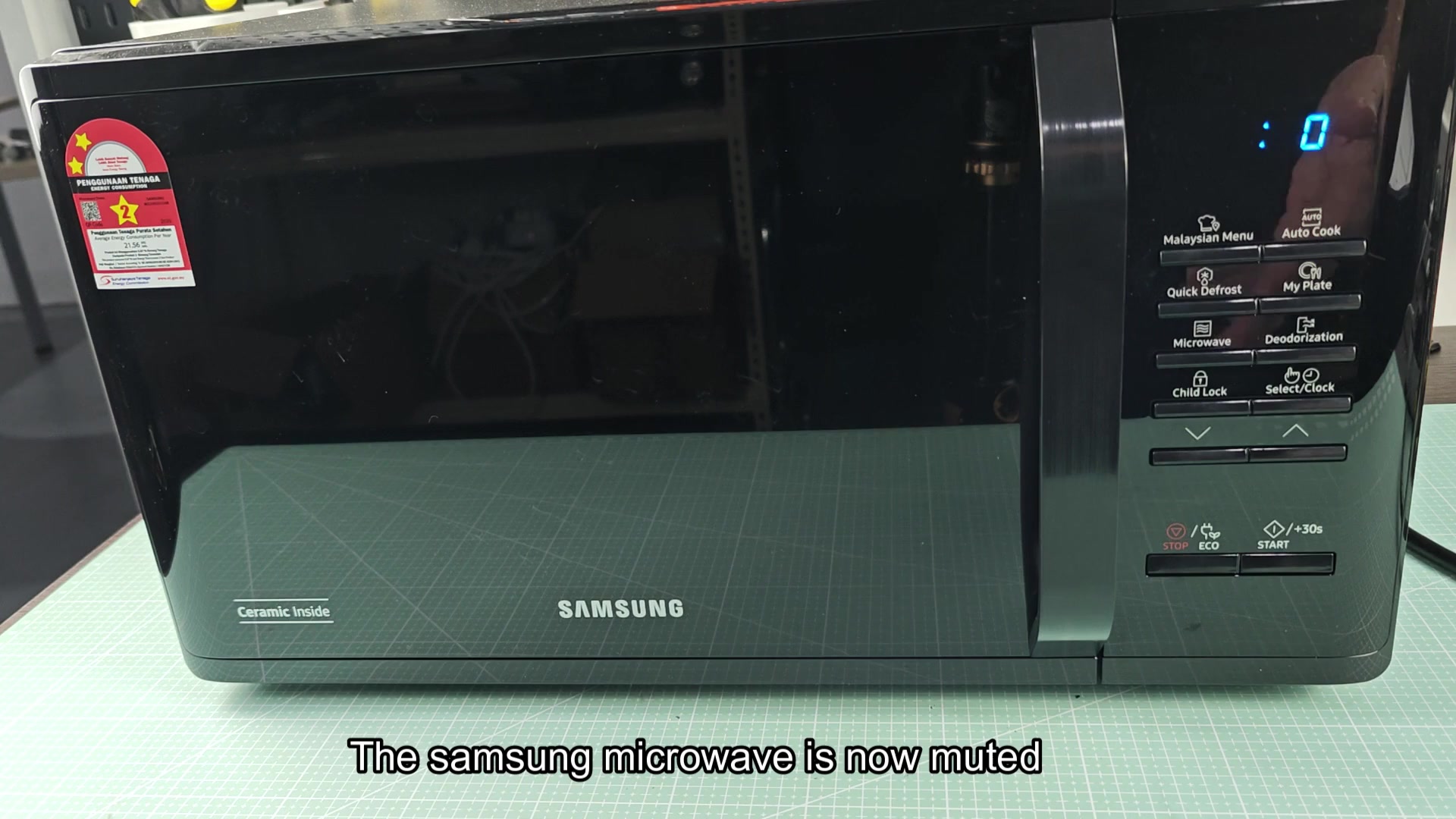
That way, cooking can be even more peaceful than before. You still get everything else out of the microwave as before. And you simply choose whether or not you want to hear the feedback. It is a small difference, but a nice one that makes you happier with the gadget.
It’s worth hunting down the fix: silence in your kitchen
If you have an older model that you’re not ready to toss yet, rest assured, plenty of Samsungs has a solution here too. The problem can be completely solved by holding down two buttons at once. If the beeping bothers you at all, give it a shot. It’ll make a difference in your daily comfort.