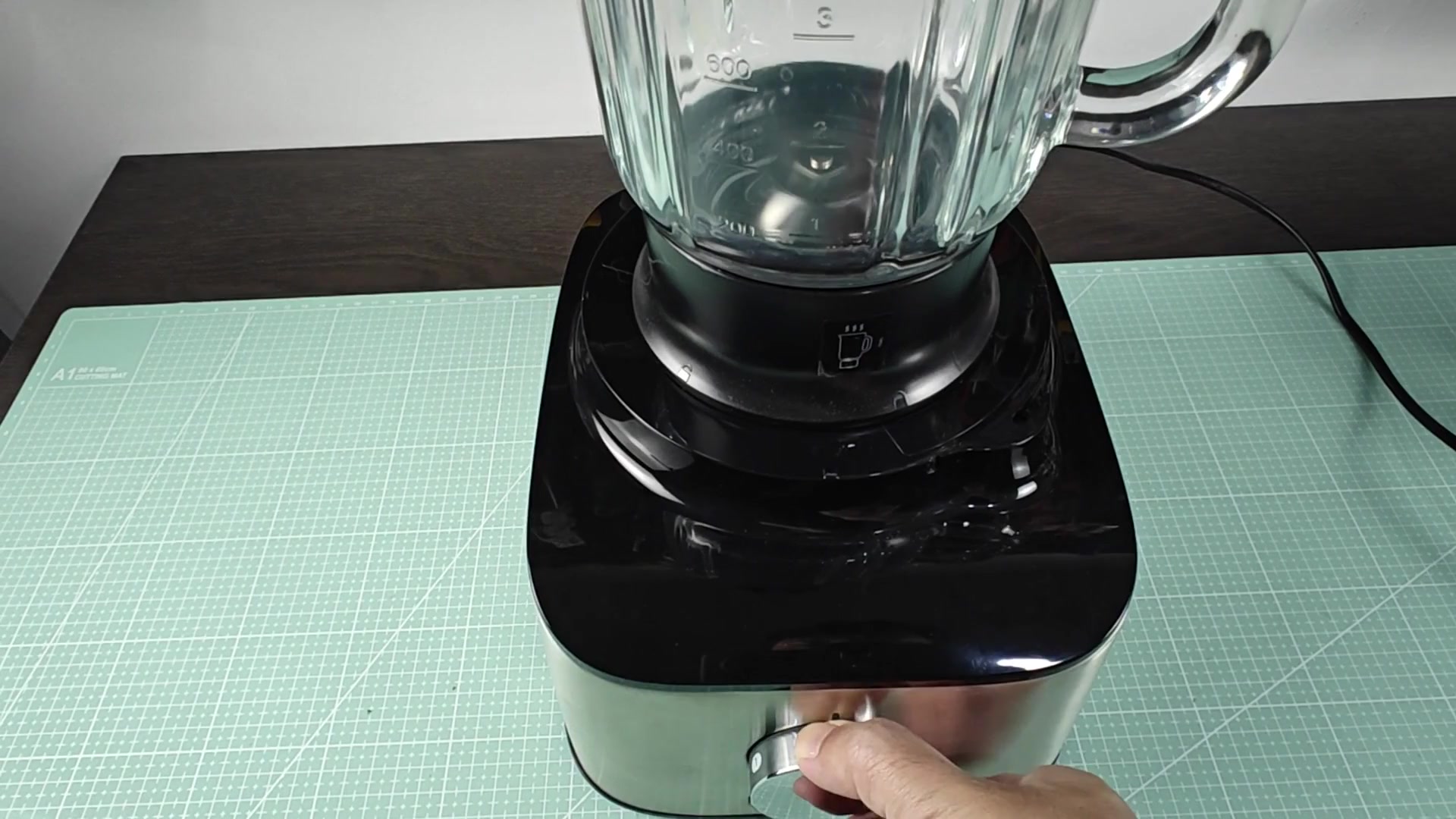
When you plug your Kenwood food processor in and turn the dial to ON it doesn’t spin. The blades don’t move and the motor isn’t humming at all. Most of the time this make folks think that the motor is burnt out, but that is usually not the case. Check these basics before you toss a good appliance.
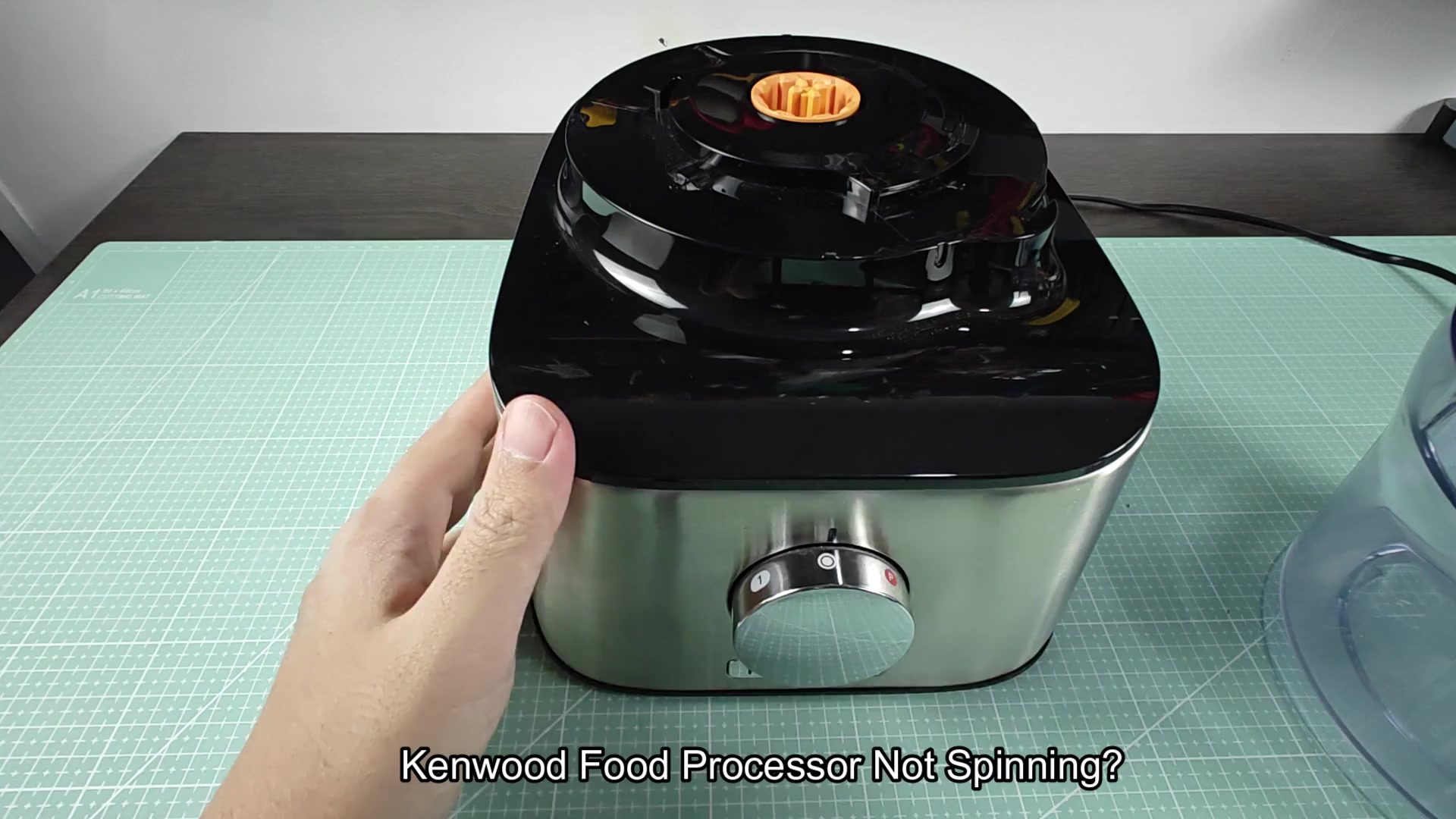
First, make sure the bowl is installed. Put the clear plastic bowl on top of the base and confirm it’s aligned properly with the orange coupling in the center. The bowl should feel snug against the base. If not, it might stop power from reaching your motor. This will answer a lot of your seeming false mechanical failure issues and is an easy fix.
Checking the Electrical Power Source
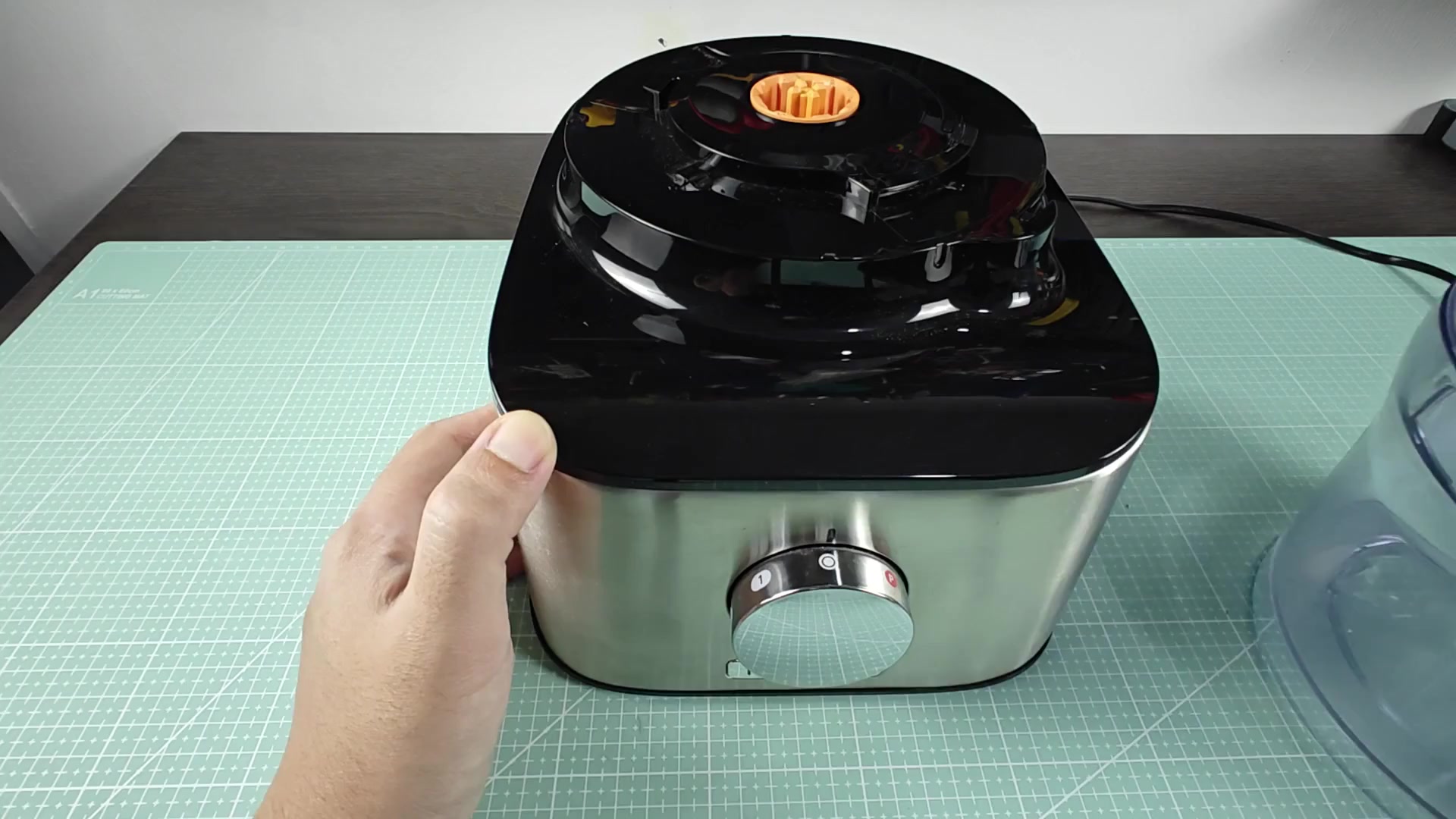
Make sure the locking mechanism are locked correctly as well. Make sure that the entire top assembly slide all the way into place and makes that definite clicking noise when it does.
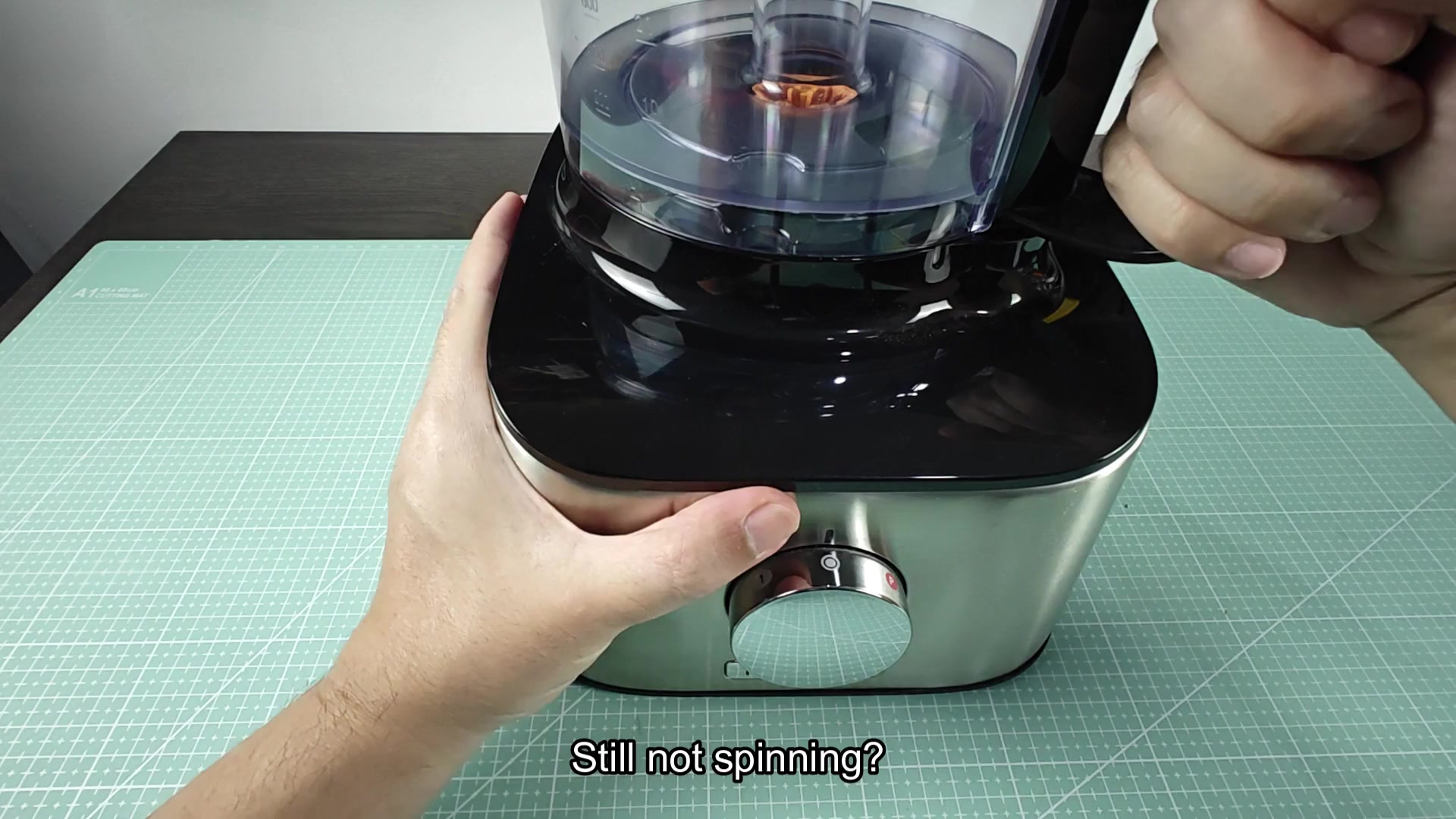
This lets you know that the safety switch within the housing was tripped. This is another reason why people have this issue because the switch doesn’t engage, allowing the unit to spin. It’s easy for many people to miss because it seems so subtle.
If you look at underside of where the cover fits on the top, you will notice the little switch in the black plastic housing. That is what needs to be engaged for the food processor to run. The slightest misalignment will keep that switch disengaged and the motor never gets any signal to turn on. It’s a mechanical interlock meant to prevent harm to user.
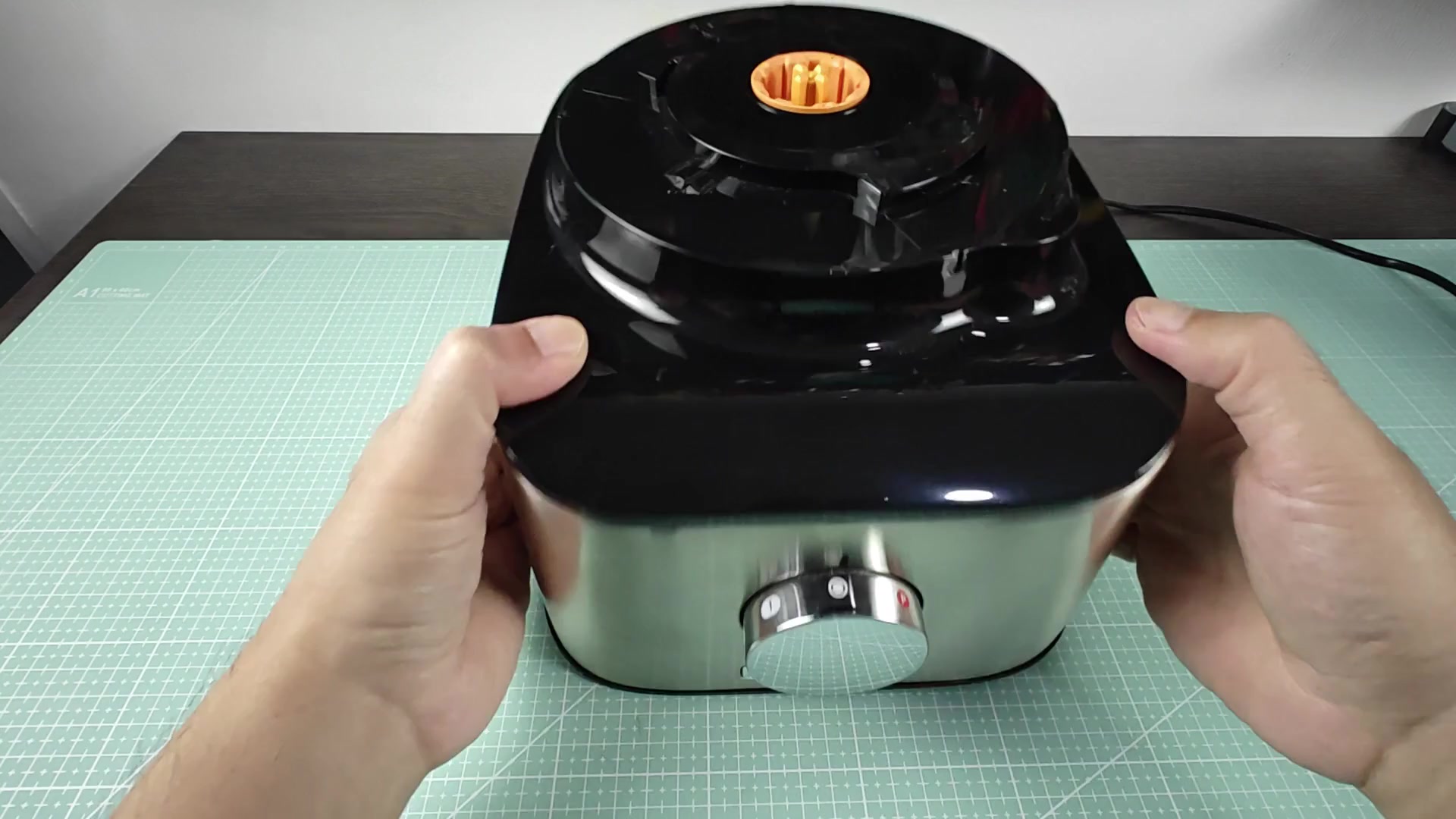
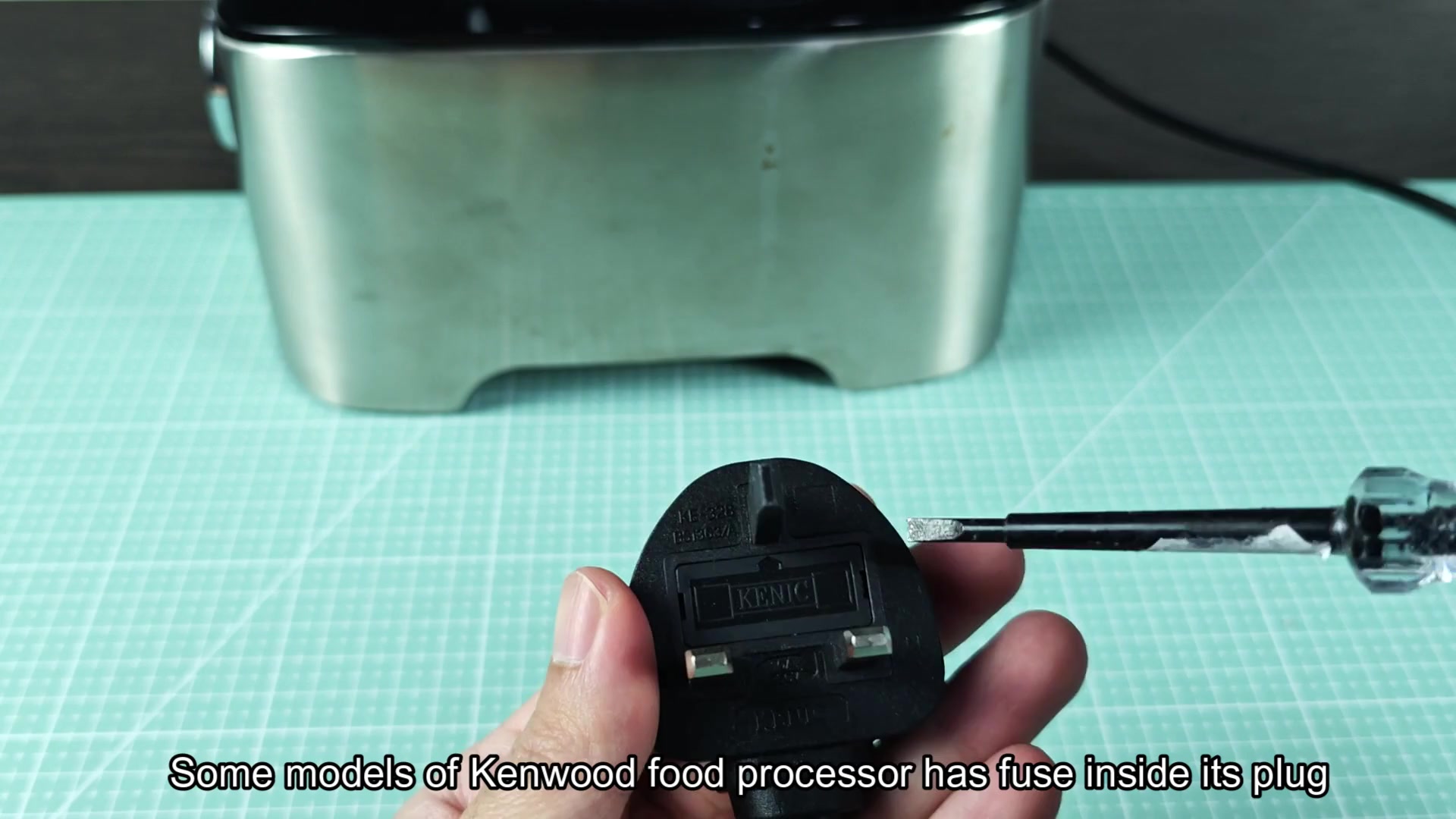
Assuming you’ve locked the bowl properly and the machine is still silent, then have a look at your power source. Certain Kenwood machines (and many other makes) includes a fuse within the plug. It’s all too easy to overlook this point; simply take a peek in there with a screwdriver. This is a simple mistake that prevents the whole unit from working.
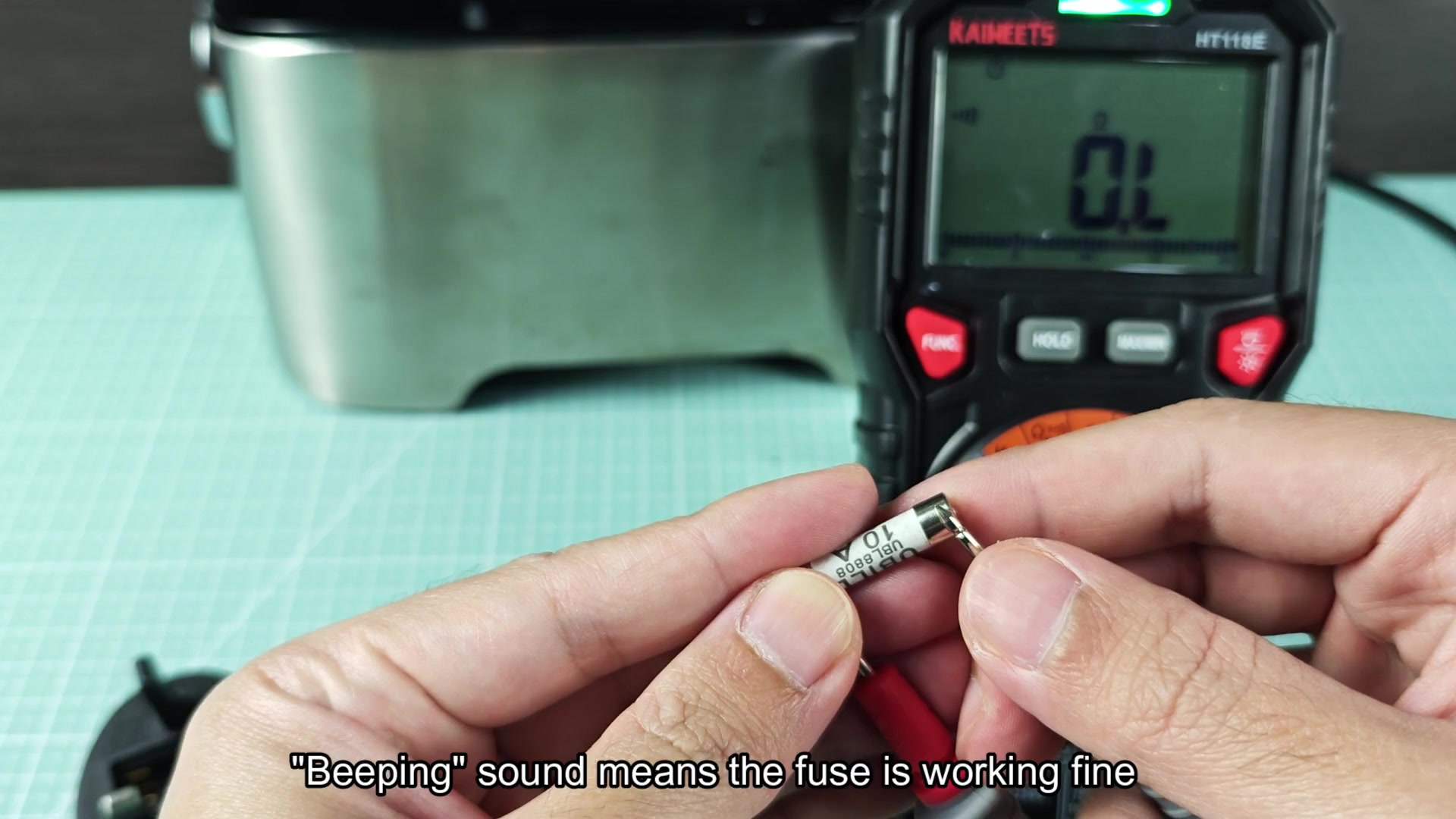
Check the fuse with a handheld digital multimeter. The rotary dial should be set in the continuity range. To properly diagnose, place one probe on each side of the fuse. If the meter show continuity or close to zero resistance, the fuse is good. You won’t guess what’s inside the plug; you’ll have an answer.
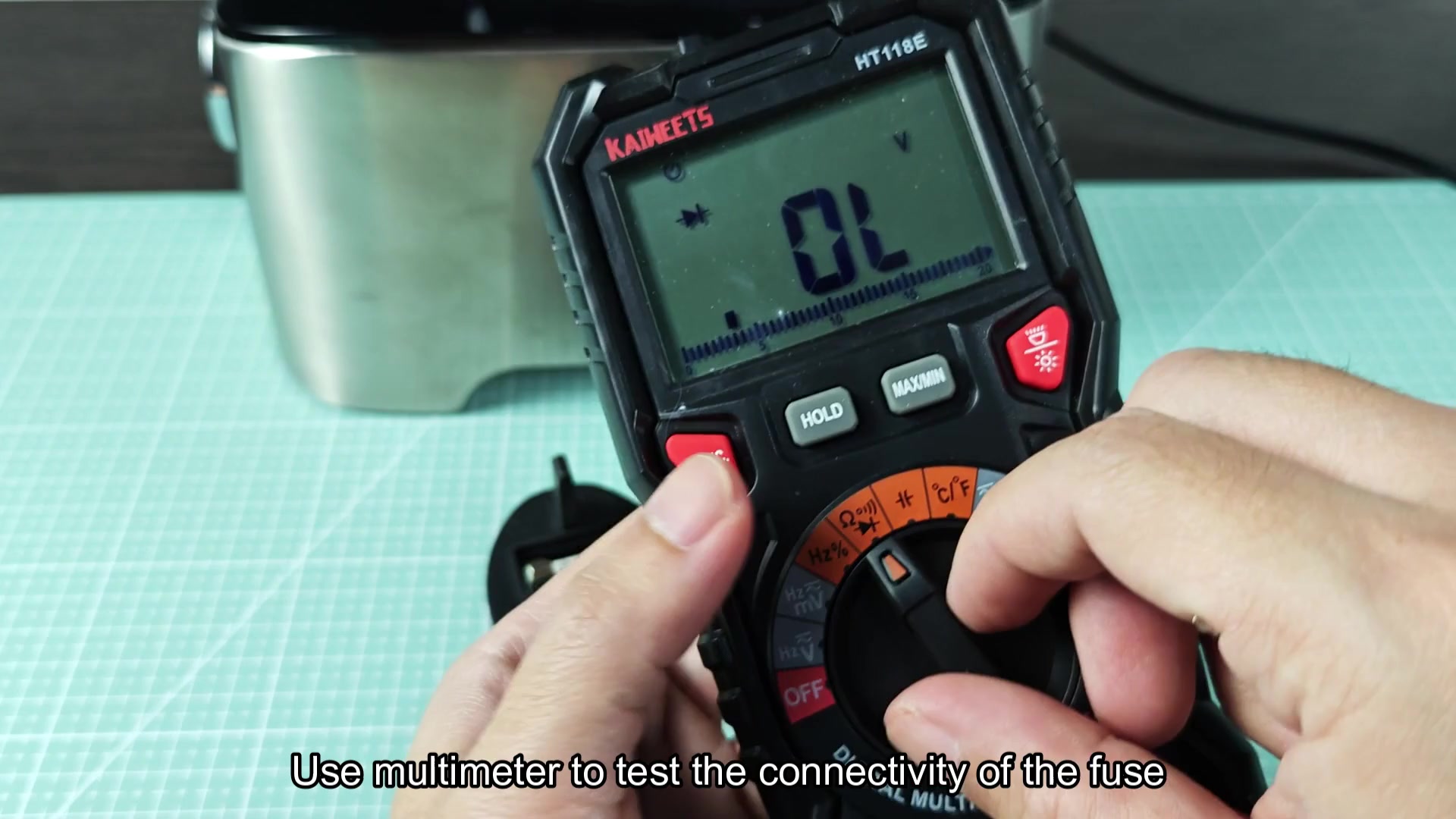
You might see OL (out of range) on a multimeter. OL indicates that there’s no continuity in the circuit; the connection isn’t made. In other words, the fuse fails to provide a pathway for current. The failure won’t be visible with your eyes, as it can happen inside the casing, so testing will let you know if the fuse actualy went bad.
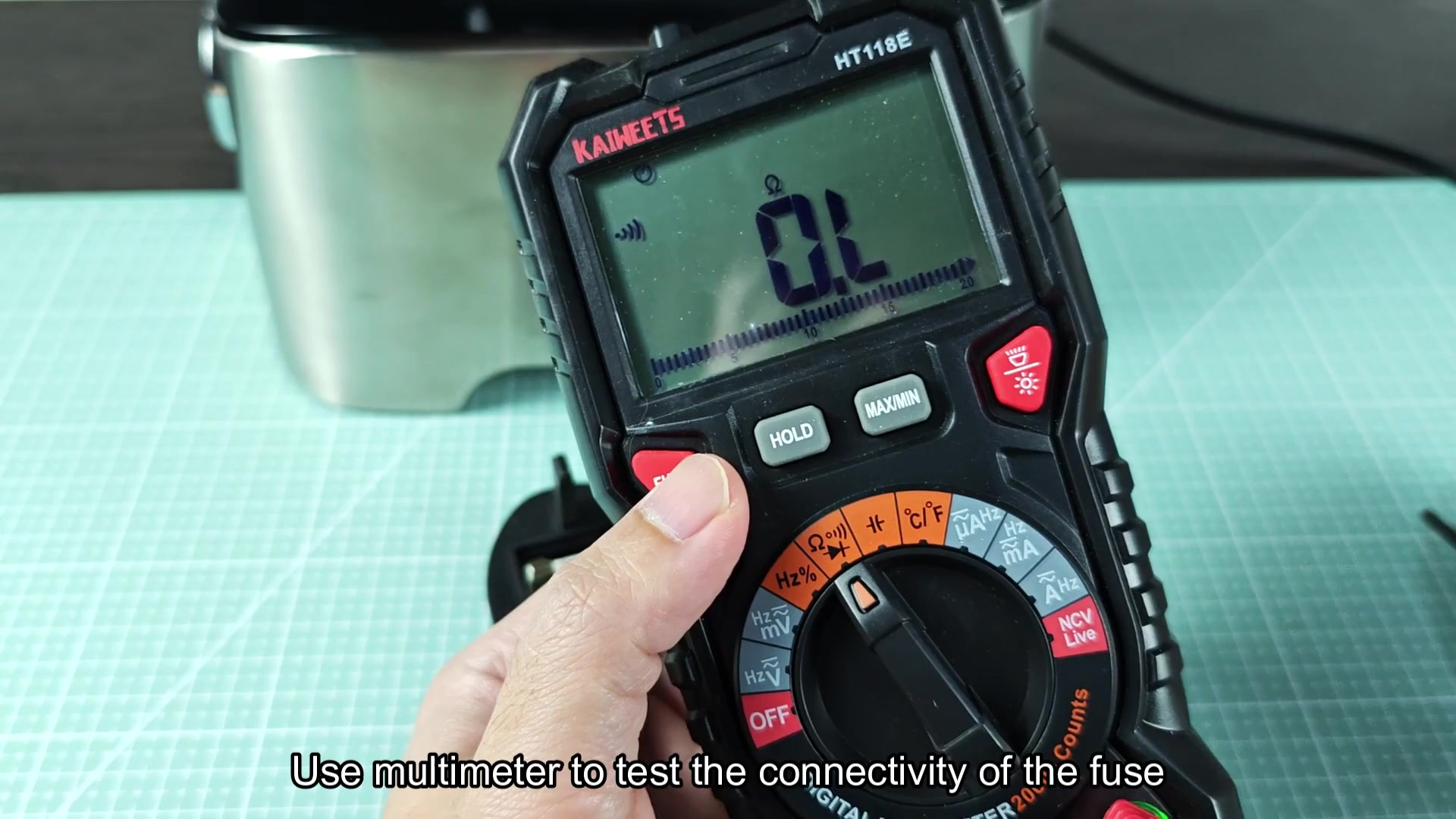
To check it thoroughly remove the cylindrical fuse and use an ohmmeter or multimeter. The outside of the fuse should say something like 10A. That’s not what you are looking for. What you need to measure is the inside condition.
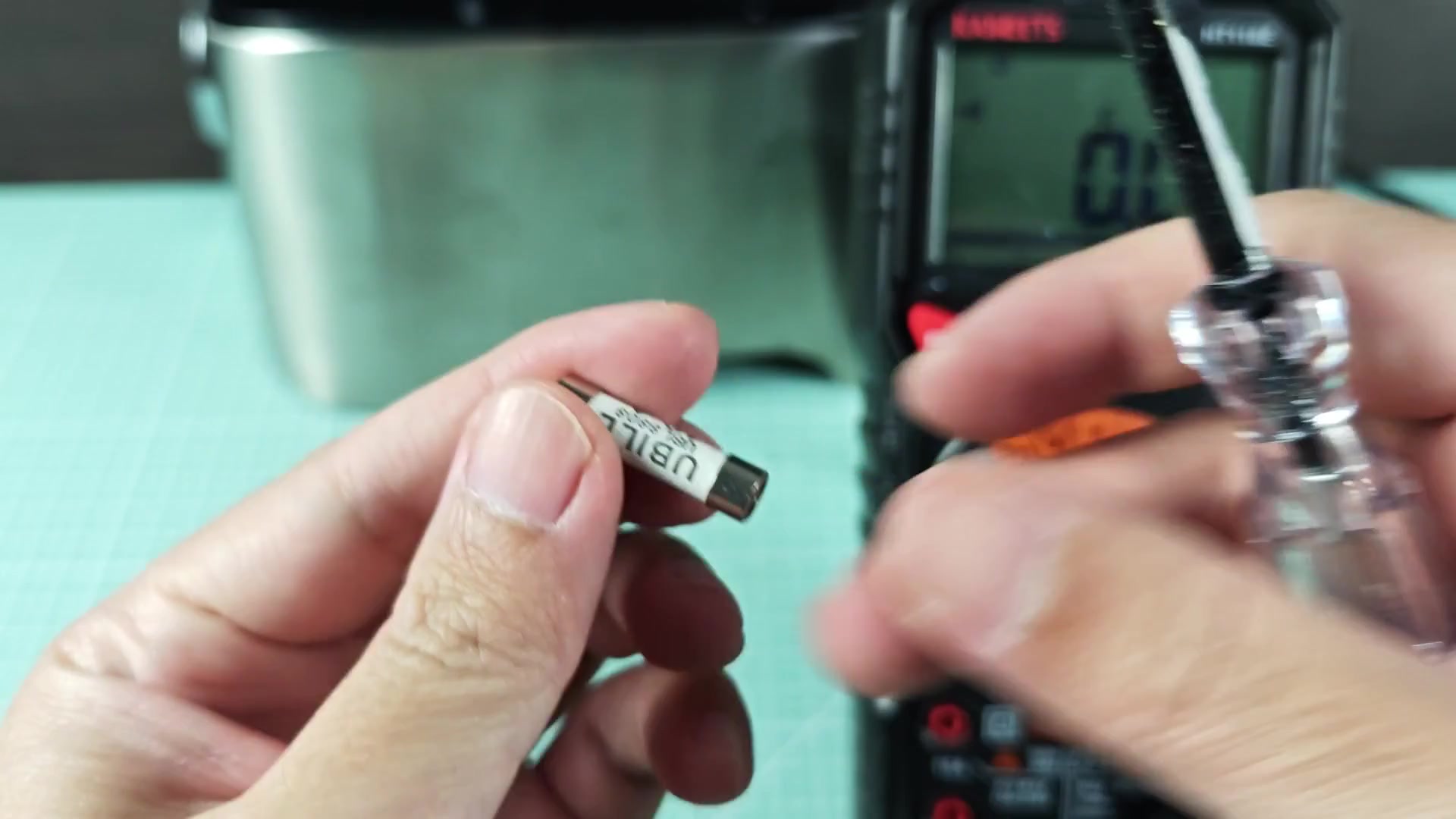
If the meter sounds (beep) or measures very little resistance (near zero), then your fuse is okay. If it doesn’t beep or read low but instead still has a fairly high reading, then your fuse is bad and must be replaced. It’s a small inexpensive component that saves a bunch of money by keeping the big bucks ($$$) motor from being damaged.
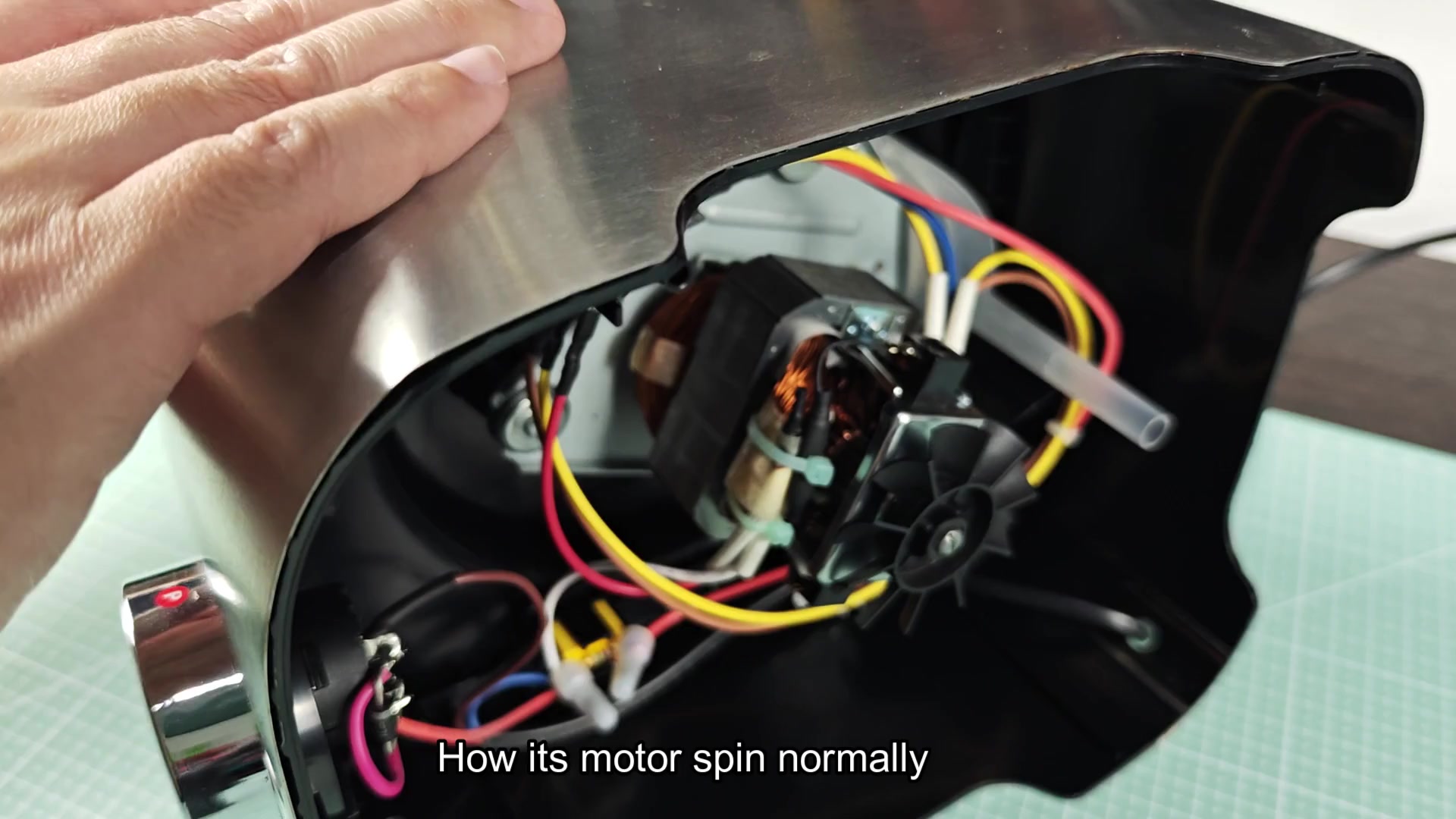
Physically the motor probably looks good. It consist of wires going to terminals and copper windings. But typically that’s not the problem; it’s upstream somewhere in the path of power. If the motor won’t spin, check the plug fuse covers and then the locking switch. That will cover most situations and is fast and cheap different than service calls.
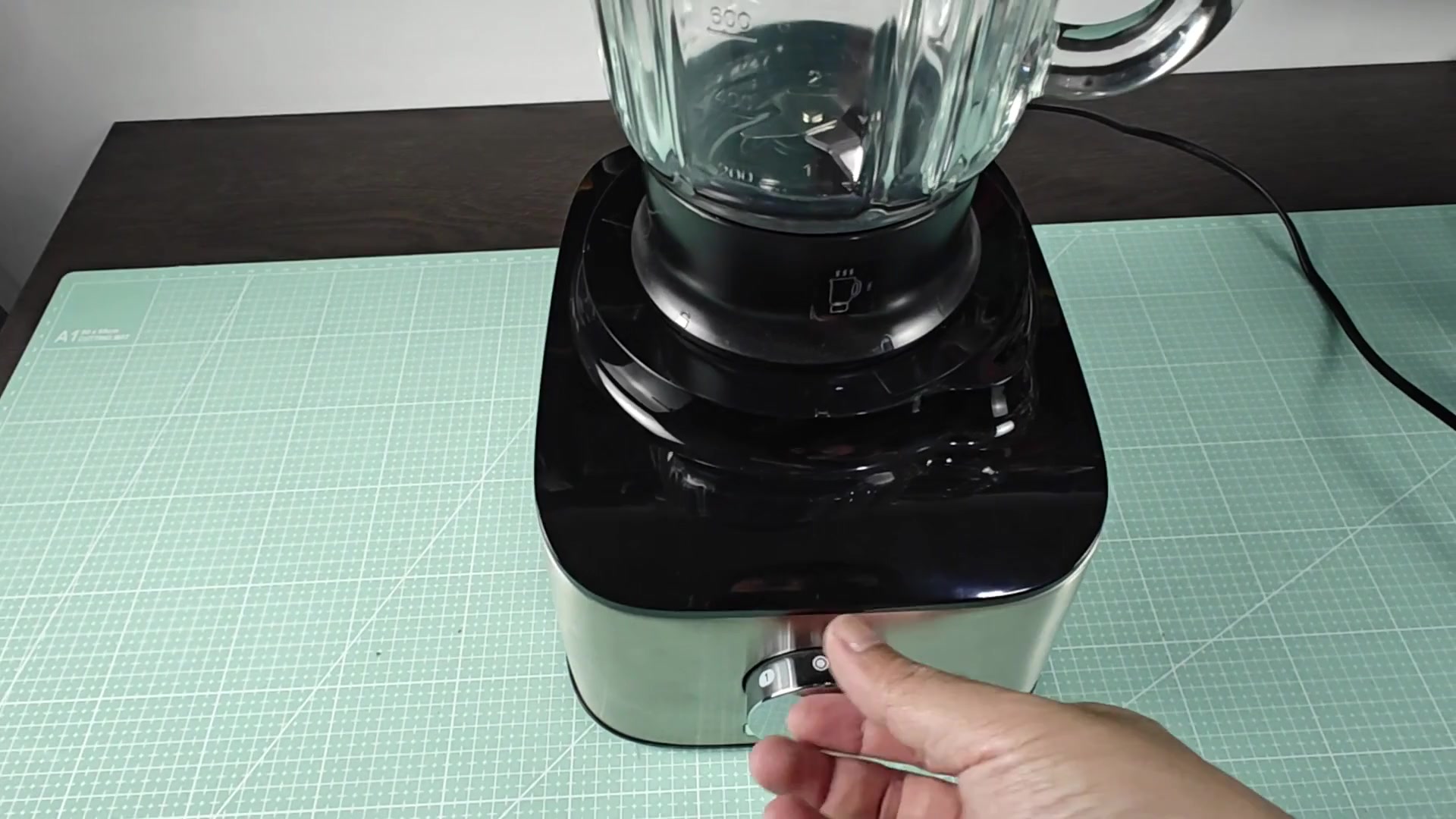
If so, replace the fuse and try turning the front control dial. Use the “0” and “1” labeling on the dial as a guide to the speed. After that adjustment, the machine will work as expected.
These are basic checks that often solve the problem and spare you calling for service. Before jumping to conclusions about major failure, always check the simple stuff. You should of checked the plug first.