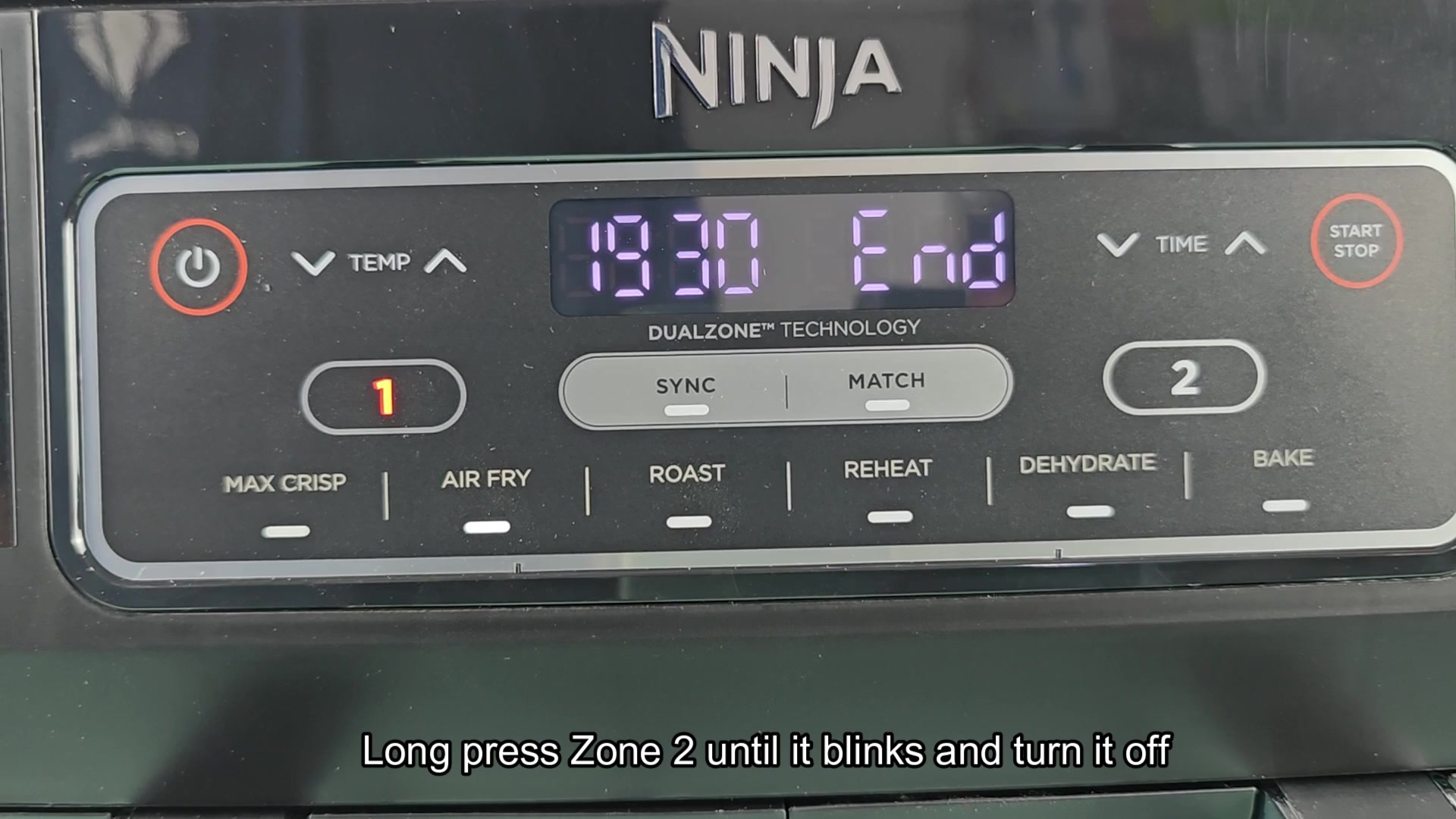
The Dual Zone option is nice. However, it’s easy for your timing to get off and one side will be done before the other. That’s true for both the Match mode and the Sync mode as they’re both built to complete simultaneousy.
It doesn’t work like that when cooking food, some items cook faster then others. You end up having to turn one zone off prematureley.
How to Stop One Zone Early
Which side do I stop first? That’s when I pick the faster cooking side. Here, the goal is Zone 2. You’ll see the clock on the screen counting down how much longer it will take. Wait for that side to finish up. It’s finished; no need for any more heat. Letting it sit there will only dry it out.
Find the Zone button on control panel. That’s located above icons representing each of your cooking modes. Press and hold the button firmly. Do not just give it a quick light tap.
Continue holding until display responds. When it does, the numbers will begin flashing rapidly, indicating the system is waiting for a zone change. From there it’s easy; as soon as you see the display blink, simply press the Start/Stop button.
That shuts off power in that zone. That means the heating element go dead in that area and the fan stops spinning in that direction. No error message, no problem. The other zone just kept right on cooking.
This is exactly what you want. On the display, you see “End” in the stopped zone. With the other zone (Zone 1), it continued to run according to its prior time setting.
Now, allow that second batch to do its thing. No more guessing about whether anything is finished. This way, you save dinner from burning.
So give it a try next week. The process is always the same. Long press until blinking, then hit Start/Stop. Worked great in match too. Same logic on the buttons. You can even control one of the two zone individually if you want. It is no different than sync mode.
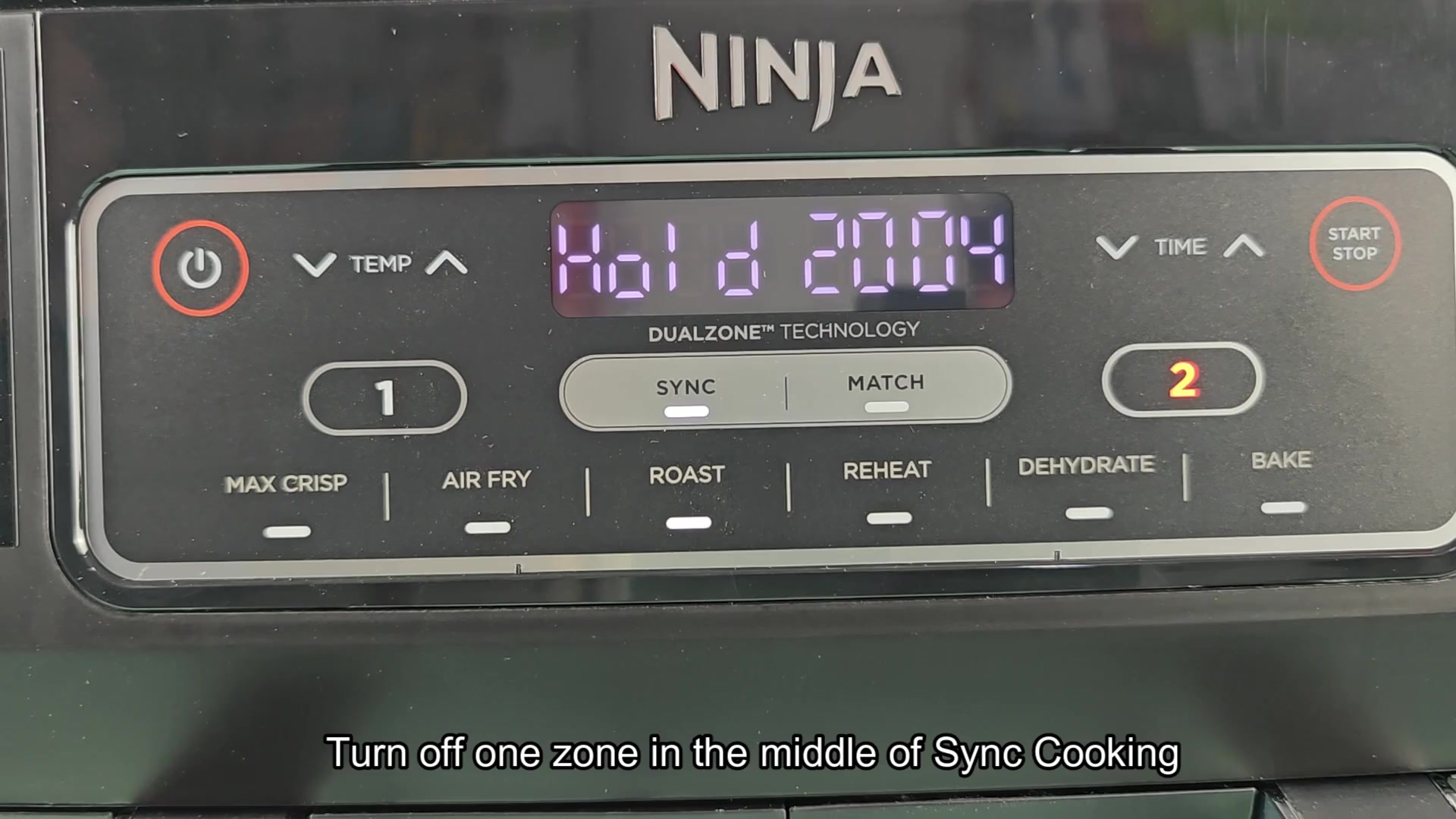
At the beginning, sometimes it’s a perfect fit to the times. Same count-down in Zones 1 and 2. Everything will all finish up together.
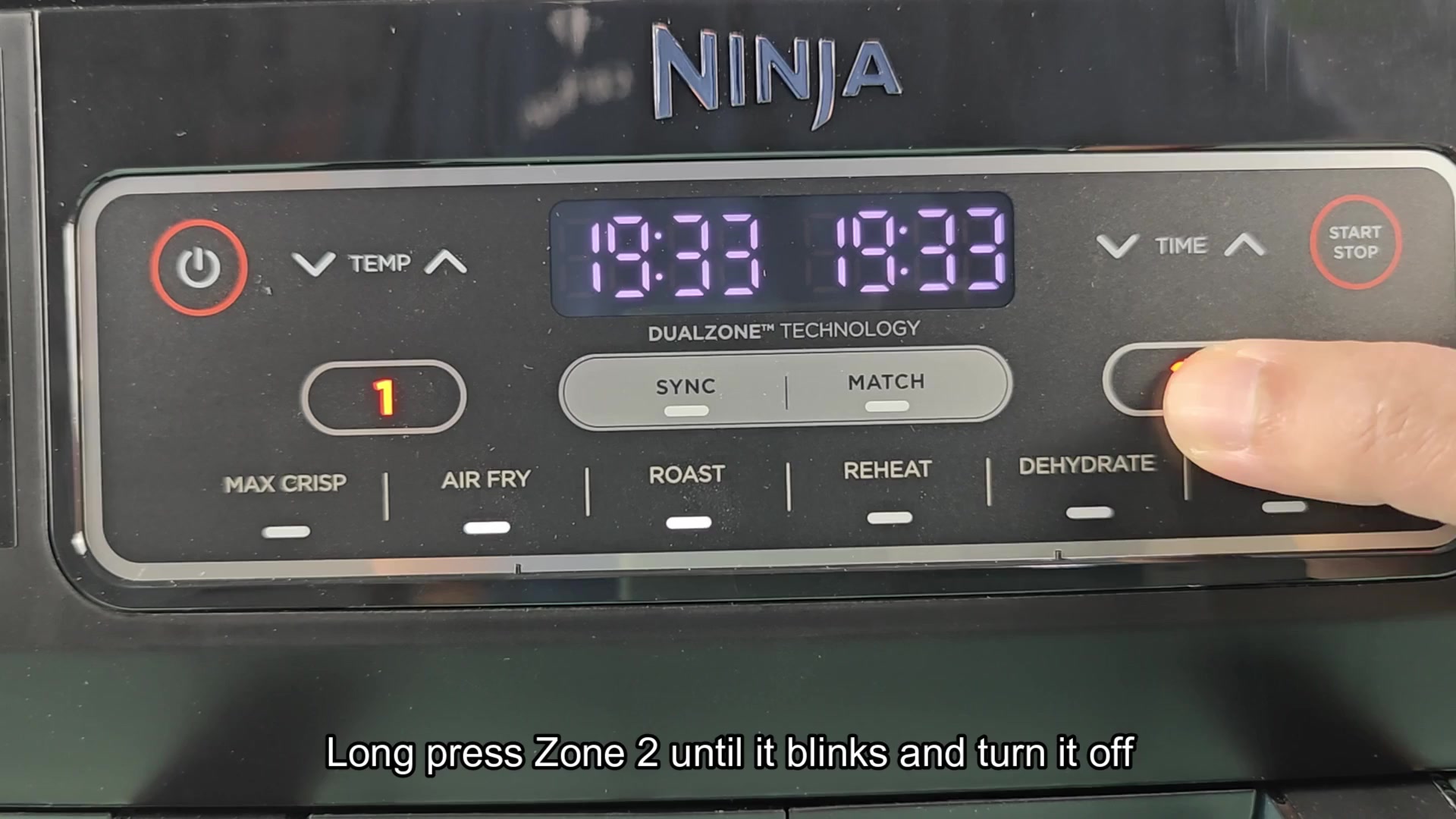
But halfway through maybe one is done, though not the other. Thick potatoes take longer than chicken wings. Don’t let your chicken wings overcook while waiting for your potatoes to finish.
The same thing goes for match cooking, use the stop process. Push down on the zone button till it blinks, then push Start/Stop and that kills off the side. Then the screen changed to “End” again.
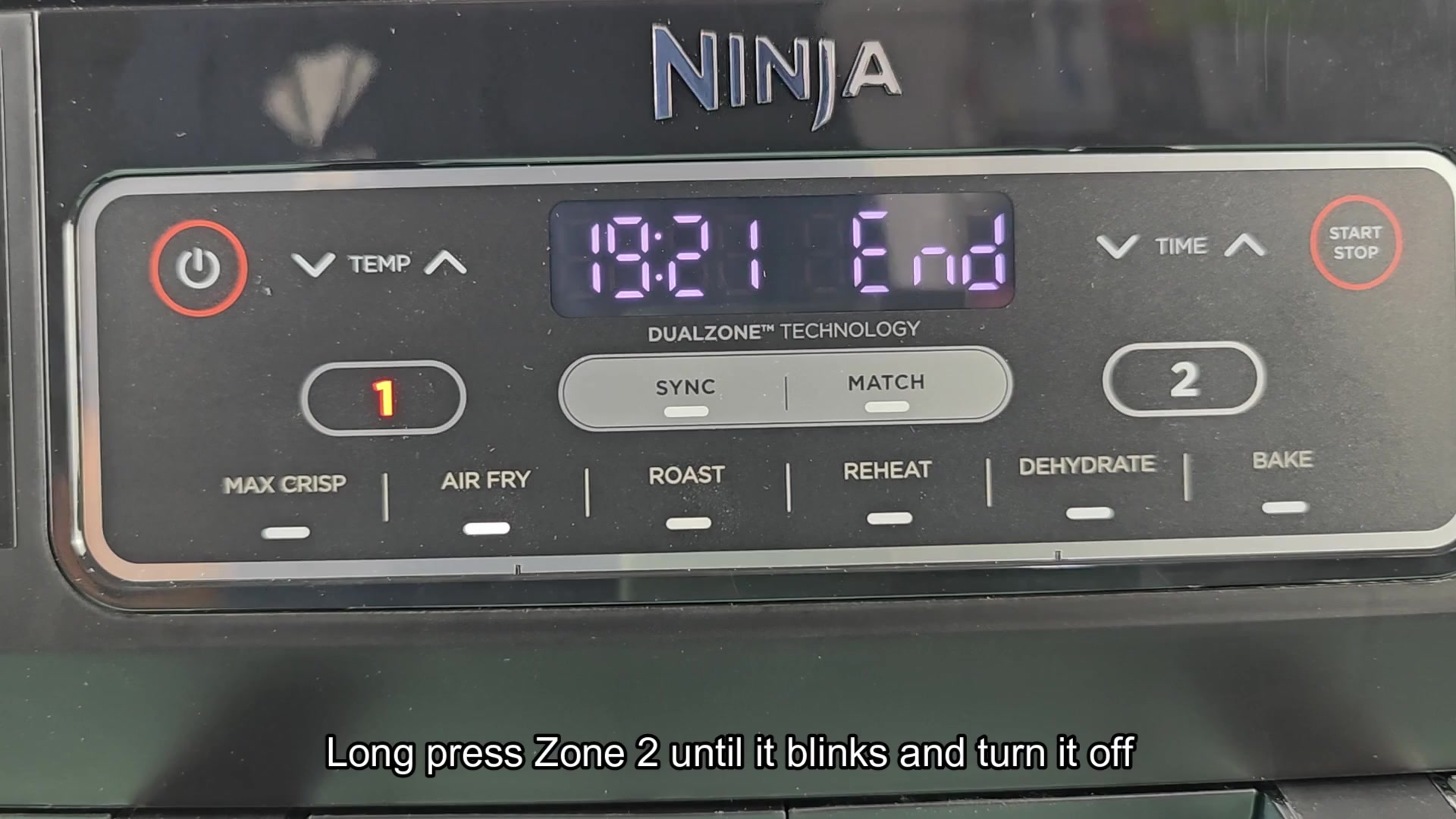
And sure enough Zone 2 turned off and is no longer lit. Zone 1 was still counting down as normal. Having that level of control just feels nice.
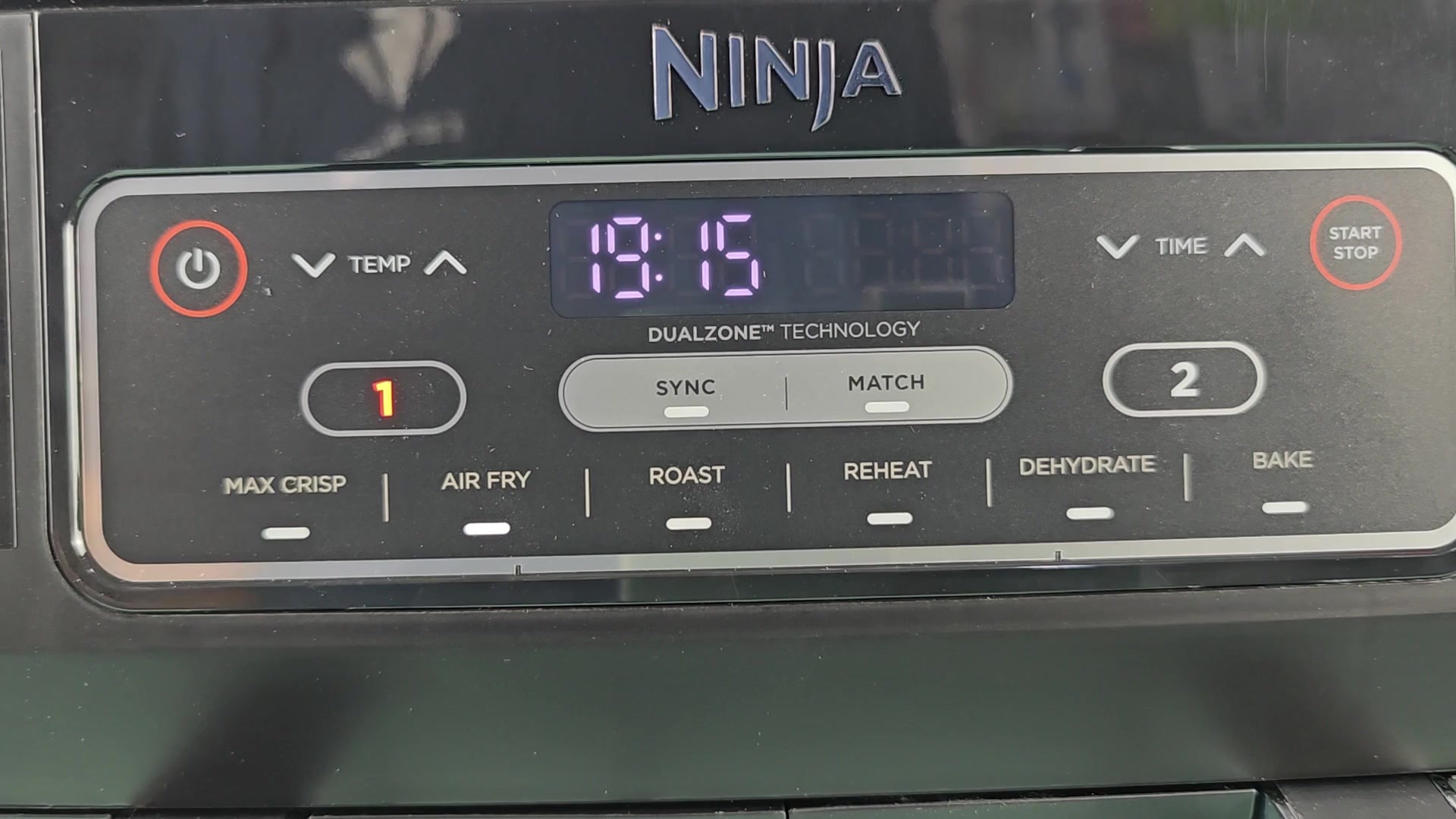
Once you understand how to use it, the interface is intuitive. There’s nothing that requires a manual for this particular task. Just pay close attention to what you see on the displays. If something is blinking, it’s because you’ve selected a mode. If it says “End,” it’s because the zone is turned off. I could of not understood why pressing the button briefly did not work.
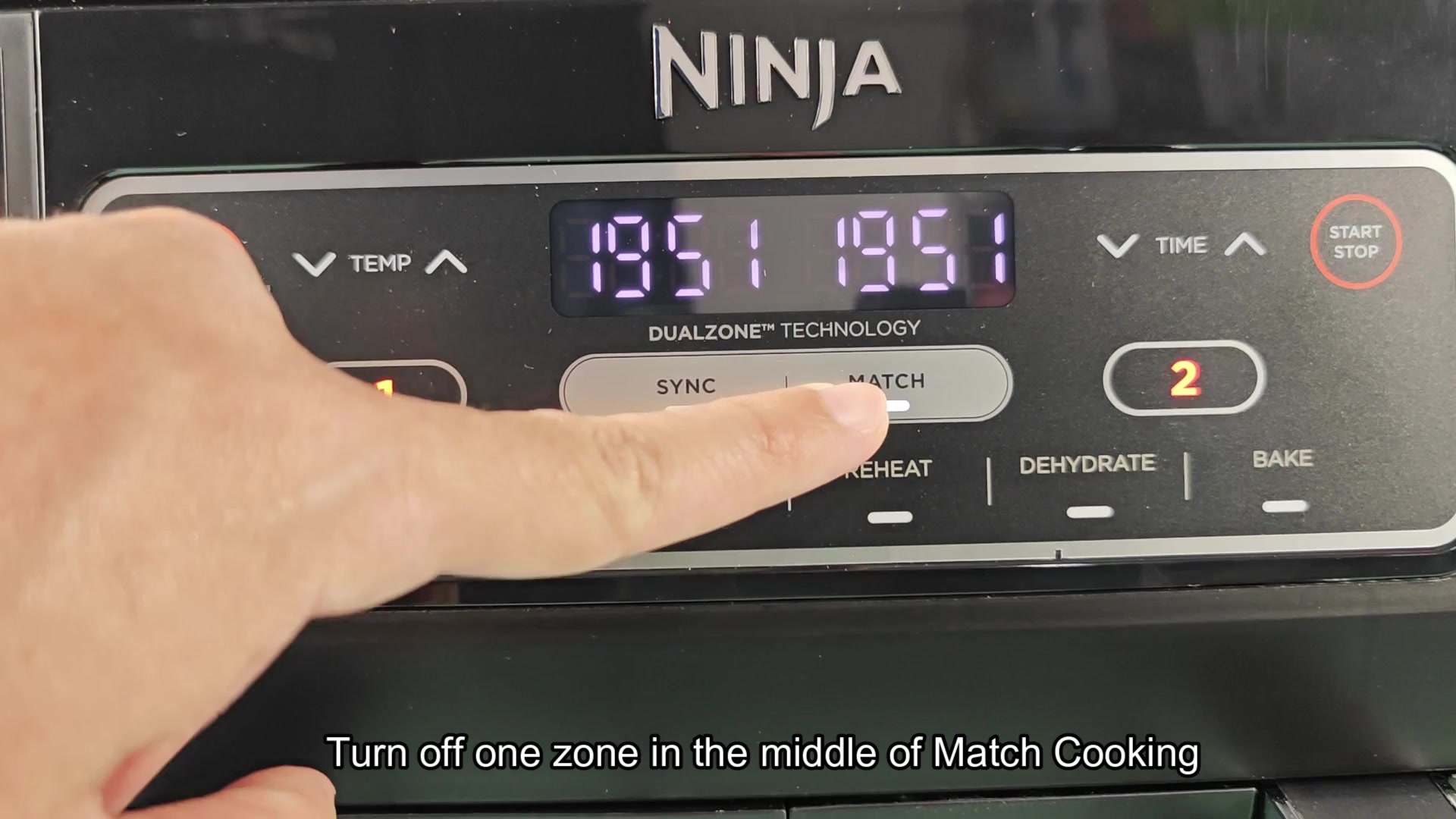
So now you know: press and hold for a bit longer. These appliances requires patience. Little things makes a huge difference.
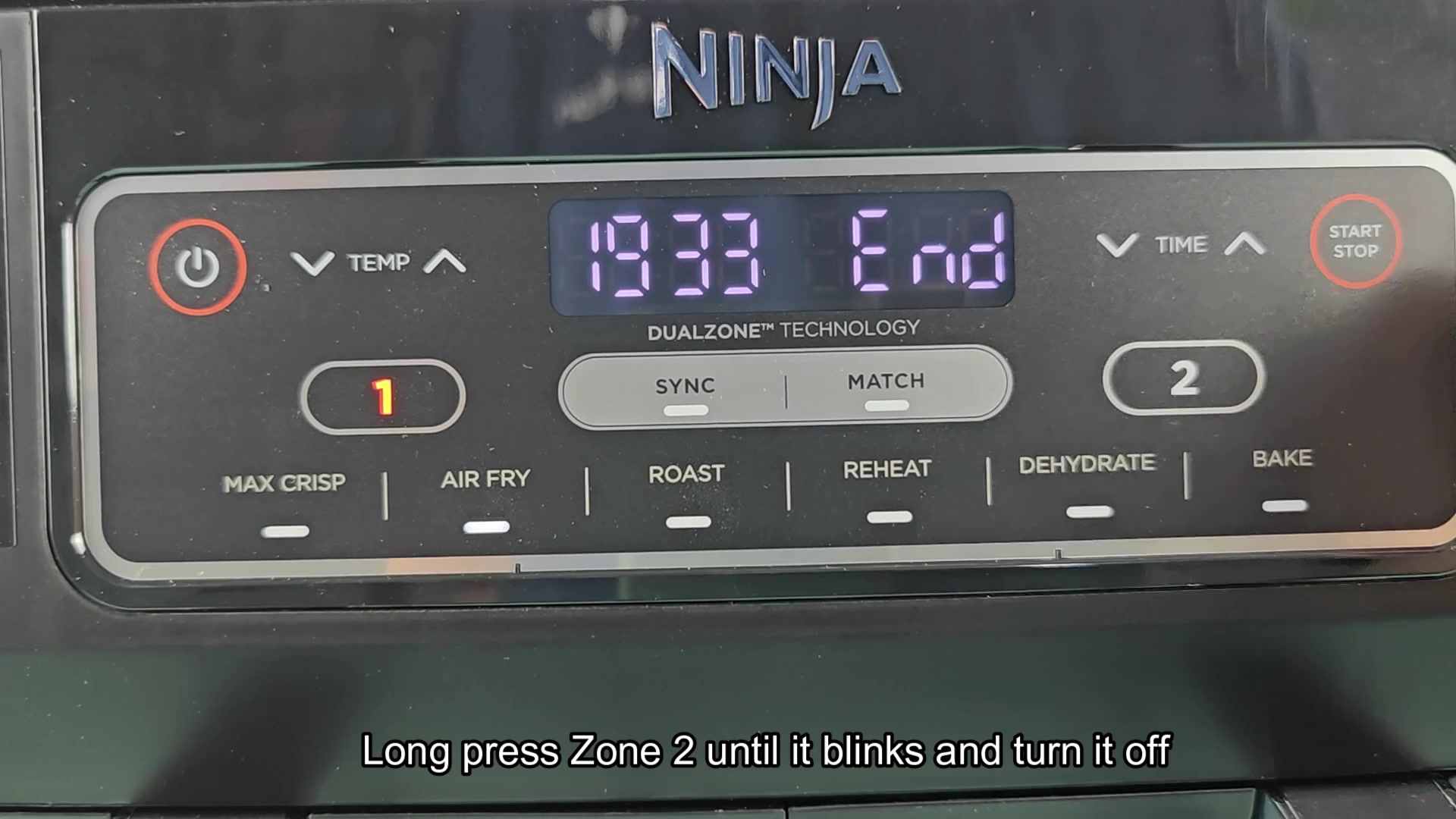
Once you learn this trick, your cooking routine is greatly improved. No more burnt edges on foods that are done before others. From there on out, every meal turns out perfect because you can stop the foods that finish early.