
How to set the clock on a Hamilton Beach FlexBrew.
There are just a few easy steps you’ll need to follow to set the clock on your Hamilton Beach FlexBrew. First, plug the machine into a working outlet. Second, make sure the screen light up.
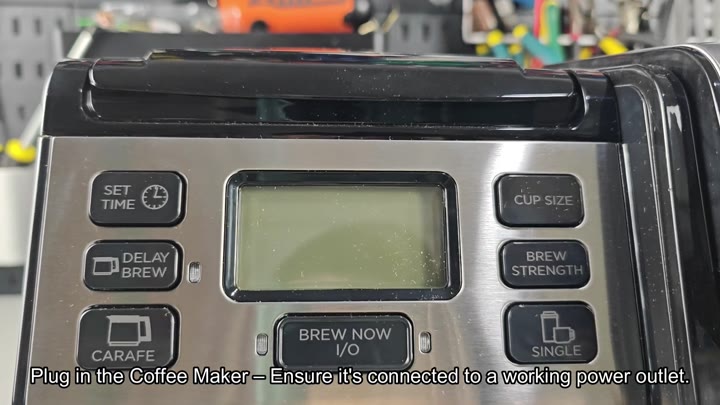
The Set Time button sets the time, in hours and minutes.
Entering The Time
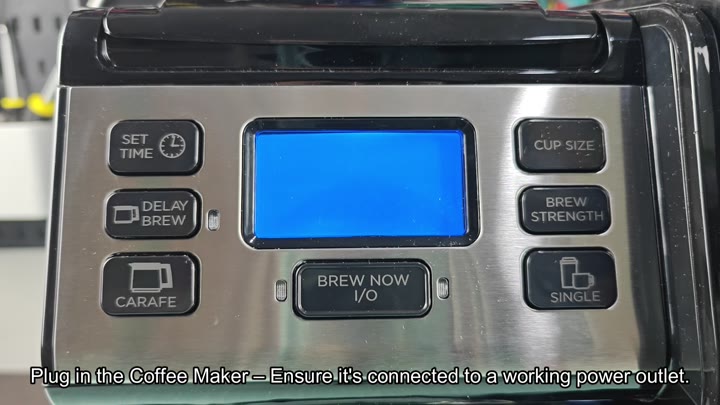
The operation couldn’t be simpler, no need to a manual, or complicated code combinations. Just press the button to start the change, tap to select the correct numbers.
Start by holding down the Set Time button. Hold it down until the hour numbers blink (this blinking indicate the clock is waiting for your data).
After the hour number blinks you release the button and then tap it once more to enter the hour field. Tap the Set Time button again, until the hour display what time it is on your wall clock. After setting the hour, let it sit there for a second or two, and the system will moves to the next step itself.
Once you’ve set the time, however, you wait for the blinking to stop to confirm that the new time are saved. This happens without pushing a single button.
To change the minutes, you simply push the Set Time button again, then just cycle through the numbers until it display what you want.
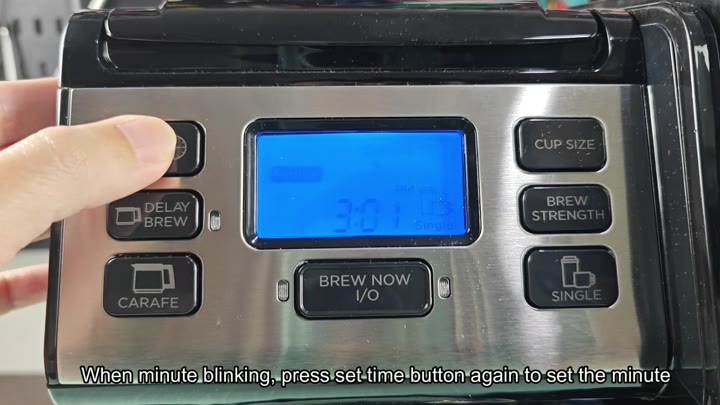
It’s not rocket science. It’s literaly just a matter of pushing some buttons, watching the screen update and ensuring that the minutes is correct.
Once you’ve set the minutes, pause and let the display blink for a short time. Wait until it stops blinking. At that point, it knows the new time has been entered. It will settle onto the proper time and you’re done.
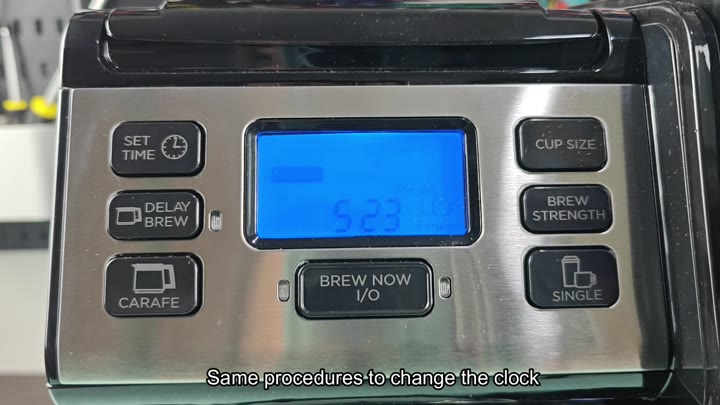
It matches up exactly with what time is on your phone; no need to reboot the machine, no need to change any settings elsewhere. Less than a minute, and that’s it; no router reboots, no firmware updates is required.