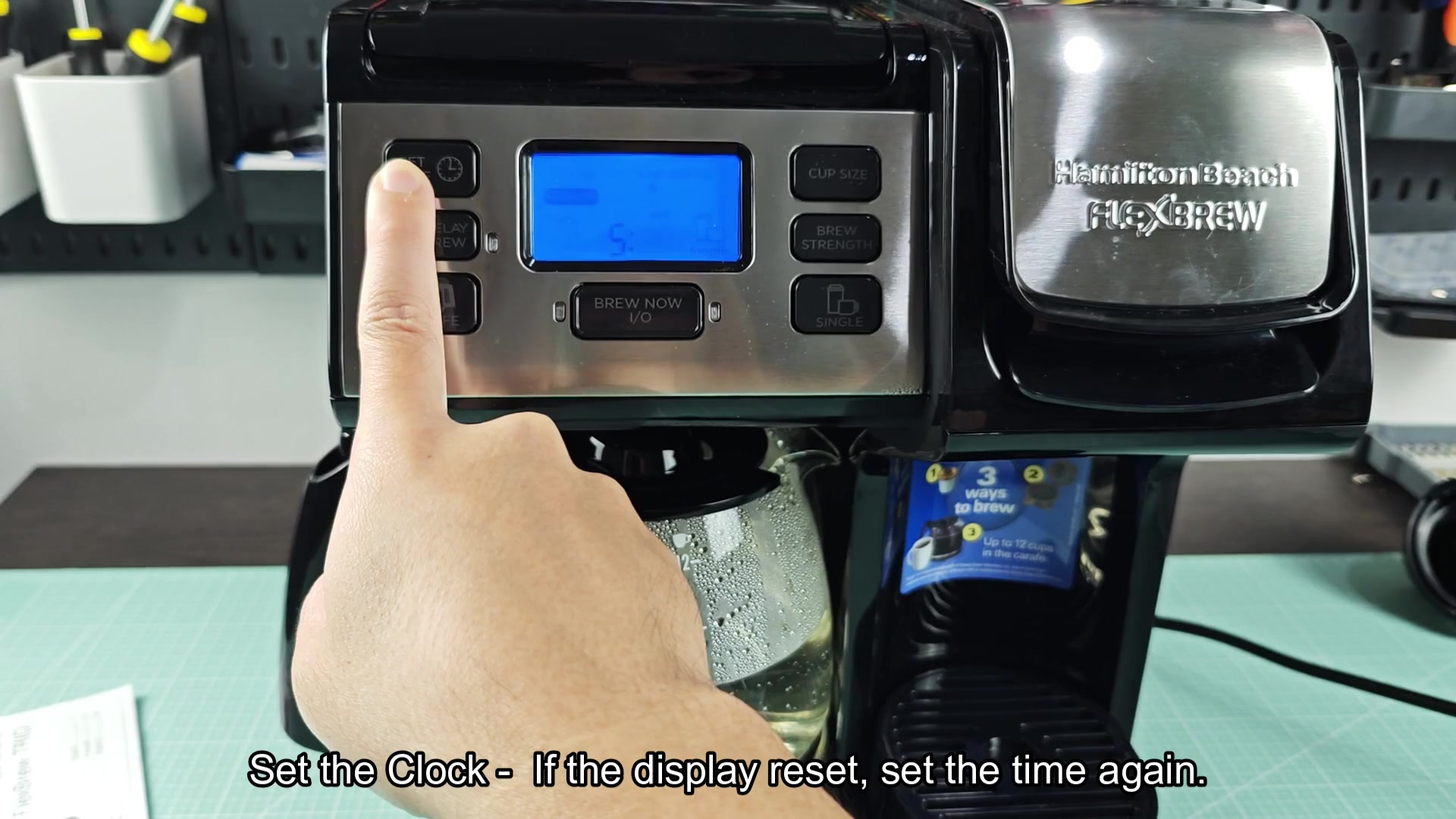
First of all, the Hamilton Beach FlexBrew coffee maker doesn’t have a reset button. Seriously, go look. There isn’t a single button that says “Reset,” and I checked to see if there was hidden switch behind drip tray. No mention of any in manual.
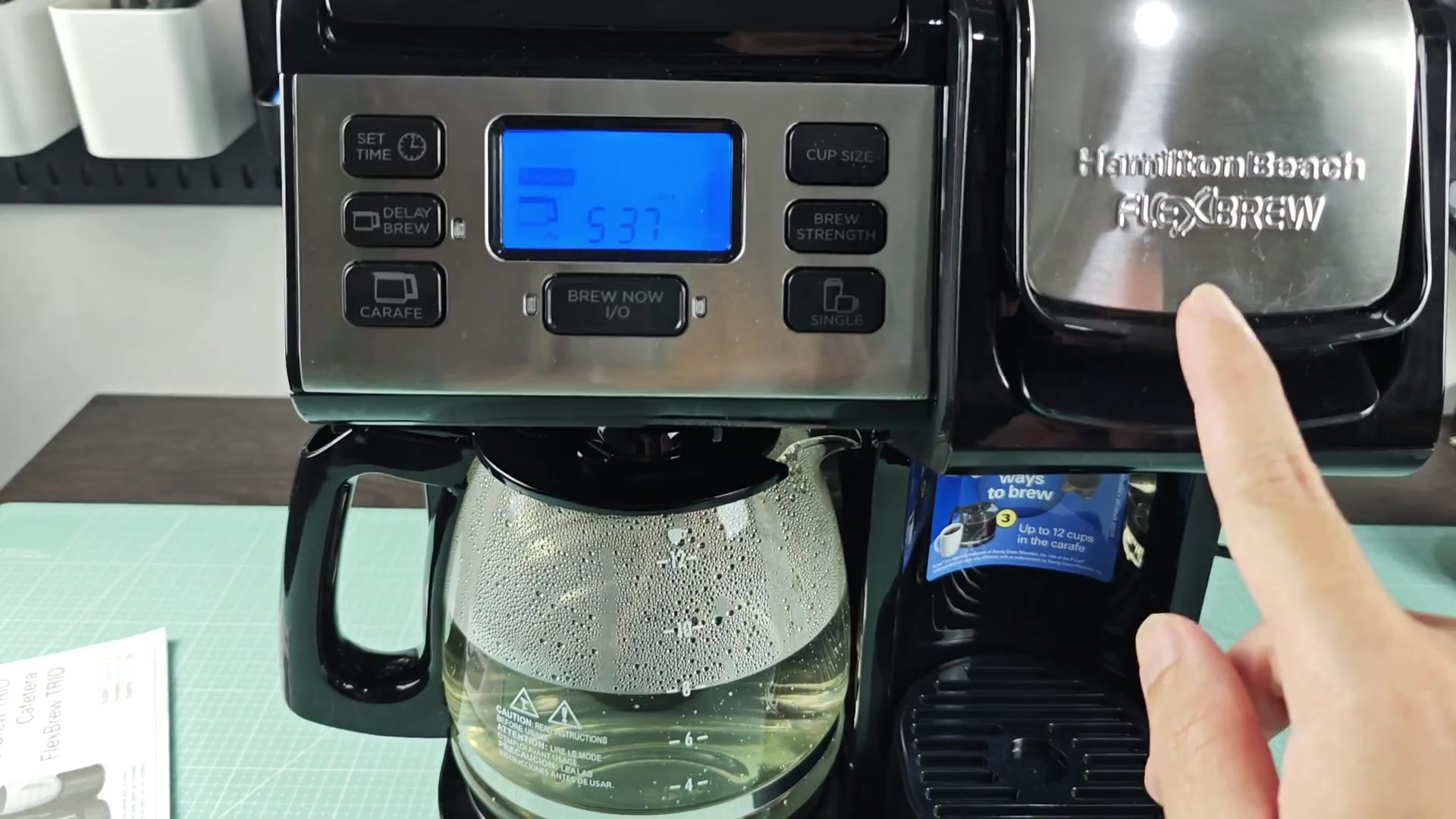
When this thing acts up, it won’t respond to your brew requests, as if it’s stuck in some sort of loop, which is annoying. No need to contact customer service just yet, though. You simply need to manually restart the device.
Restoring Power and Settings
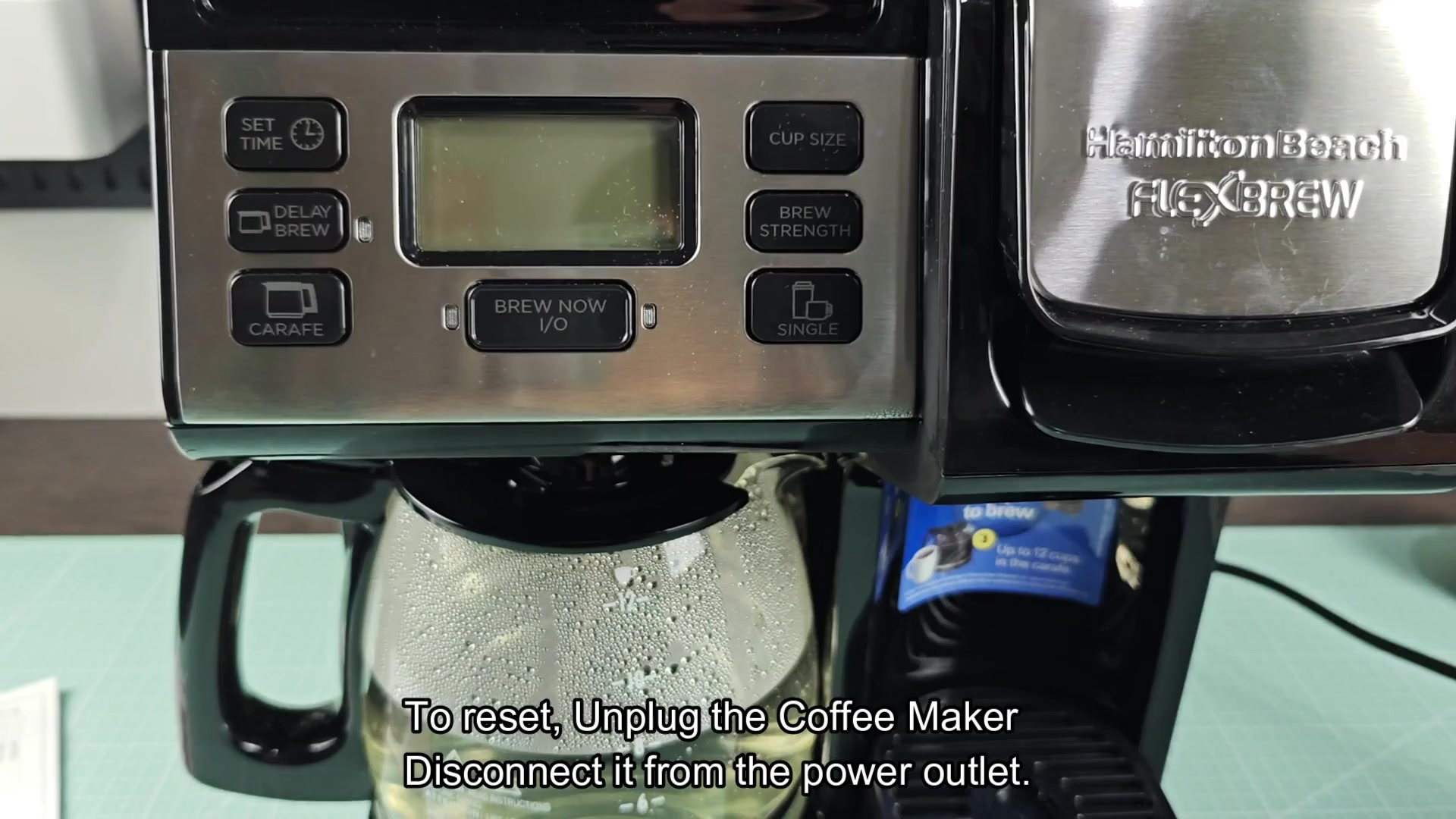
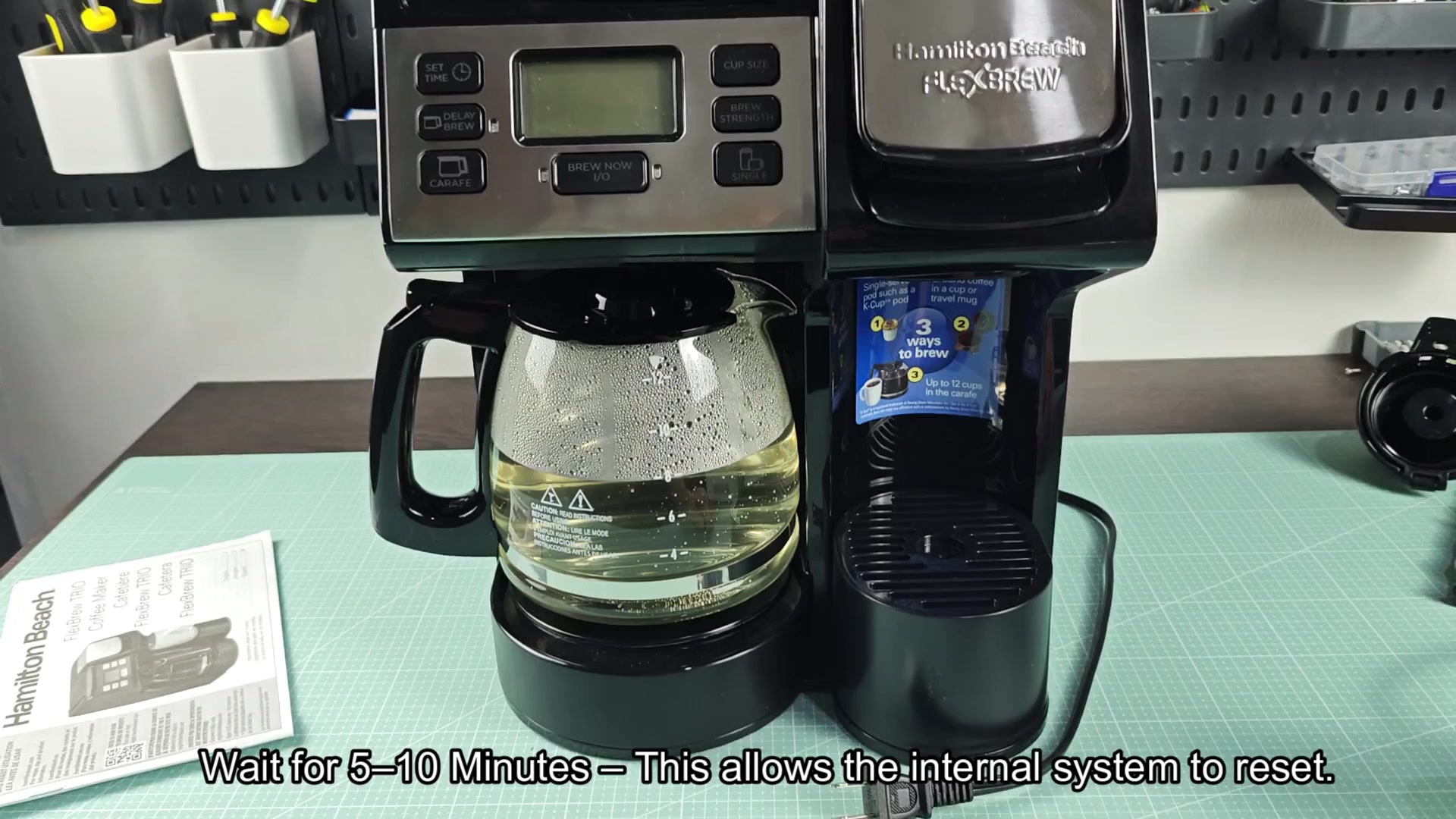
Remove power by pulling out the coffee maker’s plug, not by switching off. By removing power in this way you make sure there is no charge left on internal circuitry. Letting it sit for at least five minutes (ten would be fine) give the capacitors time to drain so the system can start from a clean slate when power returns. Then the system will be reset from scratch once you turn it back on, which works because it’s so simple. It’s hard not to be tempted to just plug that thing right in and see if it will work. But it’s important to give the insides some time to fully reset themself into their correct state. Plugging it in too quickly could mean the glitch stays.
Take this opportunity to clean the surrounding counter space outside of machine… This cleans up the kitchen during your waiting period AND distracts you from worrying about broken appliance.
Ten minutes later, simply retrieve your power cord, plug the unit in and wait for display to light up. It’ll be that same, comforting blue; a sign the unit’s been fed power once more.
But don’t expect to see the current time on-screen just yet. You’re going to need to wait. The system has been completely powered off, so the display resets itself to a default zero/out-of-memory state. This is nothing unusual when the power goes out. Any previous error states in the buffer are cleared away as well and so is the clock memory. This helps solve whatever caused the previous freeze. Once you do that, though, the machine can operate in full. To change the time, start by pressing the set time button. It’s pretty simple, just scroll up or down on the hour and minute digits until they’re what time it is on your wrist. After waiting for 10 minutes, this seems like a bit of an inconvenience, but it is required. If the time isn’t accurate then your scheduled brew won’t be either.
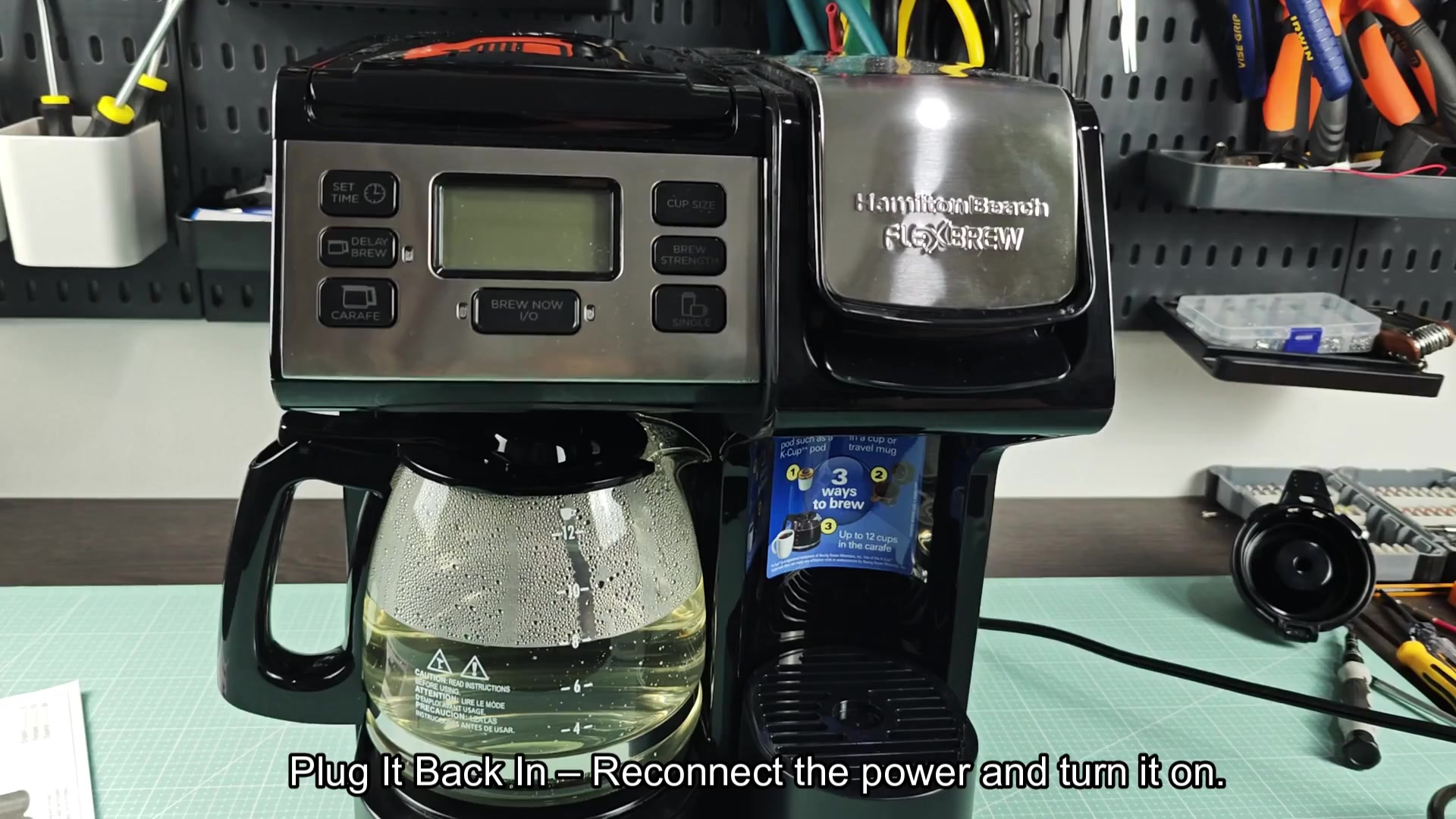
Adjusting the clock takes a few moments of button pressing.
Adjusting the clock takes a few moments and can feel tedious. To start, cycle through the digits by pressing the buttons and see if they lights up. Once you’re done, you can set it to match whatever time it is. Each button is fairly responsive (you don’t have to hold it down), but pressing it once quickly changes the individual digit.
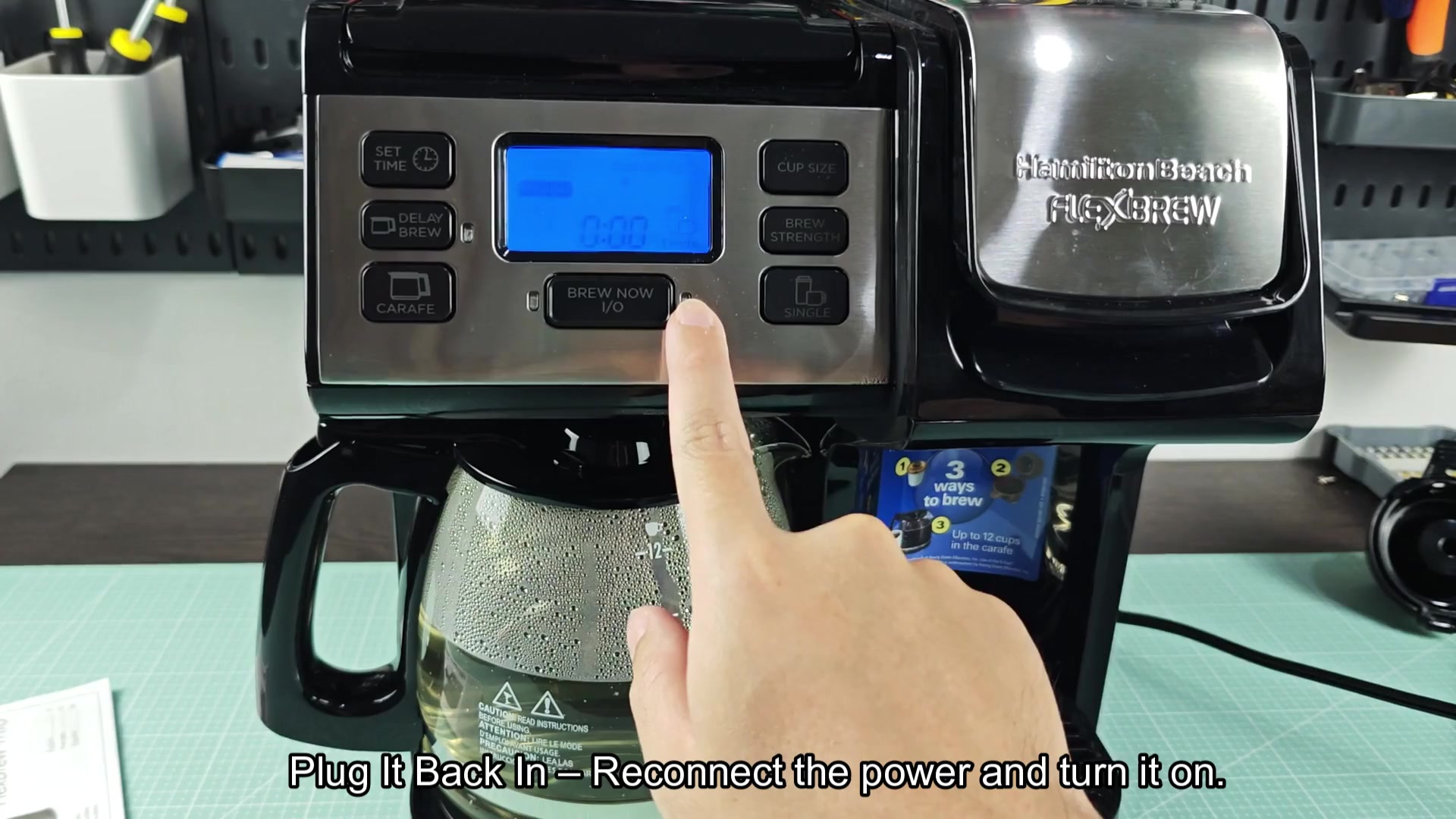
Double check that AM/PM is correct as well. This is where it’s better for something to be accurate rather than fast, it’ll make a big difference in your morning. Hit the set button again, and you confirm that time. From a software perspective, the reset is done, and the display stops flashing and locks in the new settings. It’s now ready to brew coffee. So long as there are any new commands given.
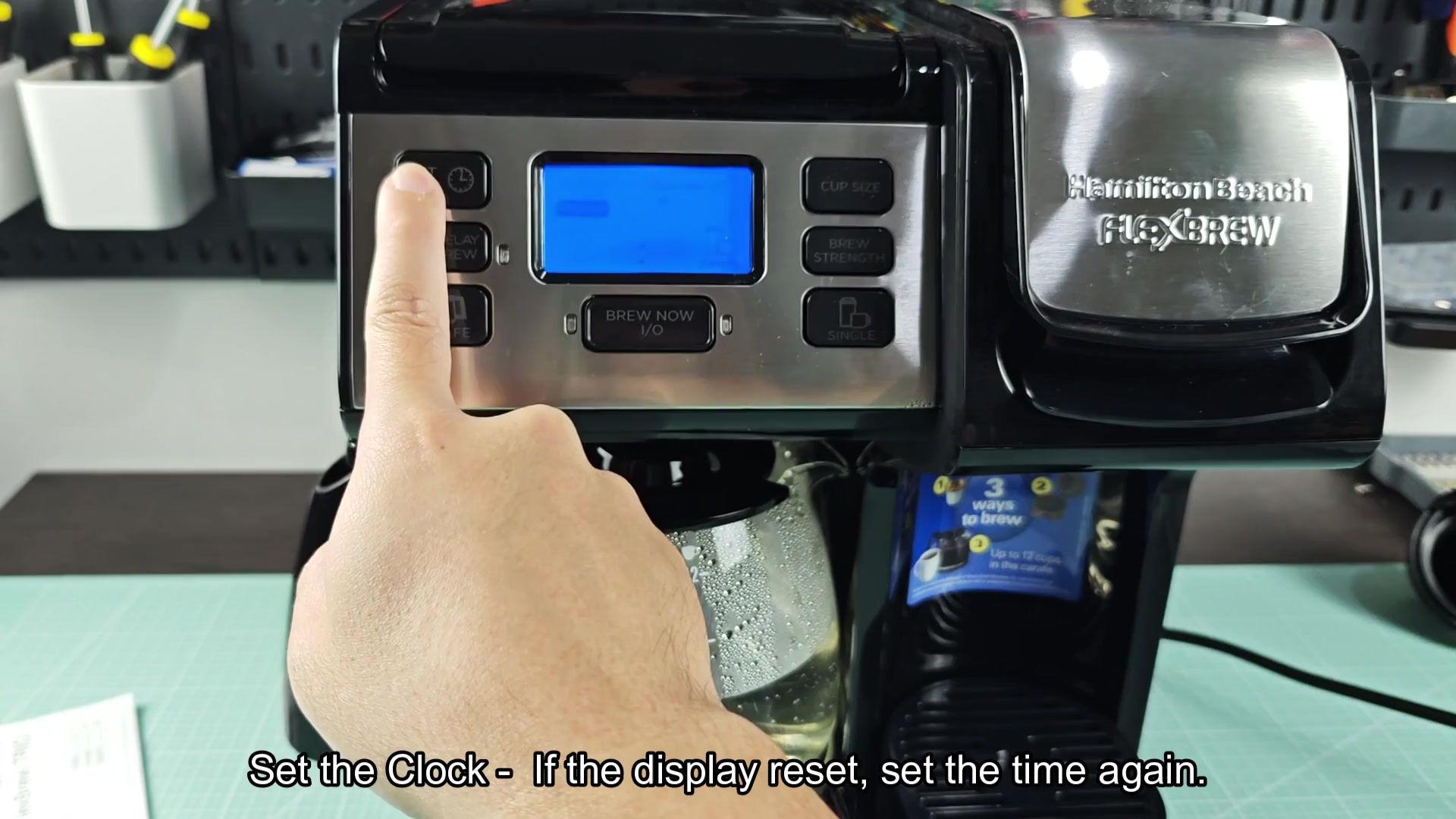
A quick glance at control panel will help you know if anything doesn’t look right. No error codes? All lights blinking the way they’re supposed to? Good to go! You reset the clock and get ready to test out another brew cycle… hoping that it clears up the earlier glitch. You put a pod into the single serve slot, add some clean water to the reservoir and hit start. It takes the input without question. Whatever was confusing the logic board is actualy clear. Hopefully your button woes are solved; at least you can now believe in this appliance again. After this easy process, the coffee just brews like normal. There are no error messages, weird sounds, nothing. Everything appears to be working fine; the volume reads correctly and water heats to what seems to be the right temperature.
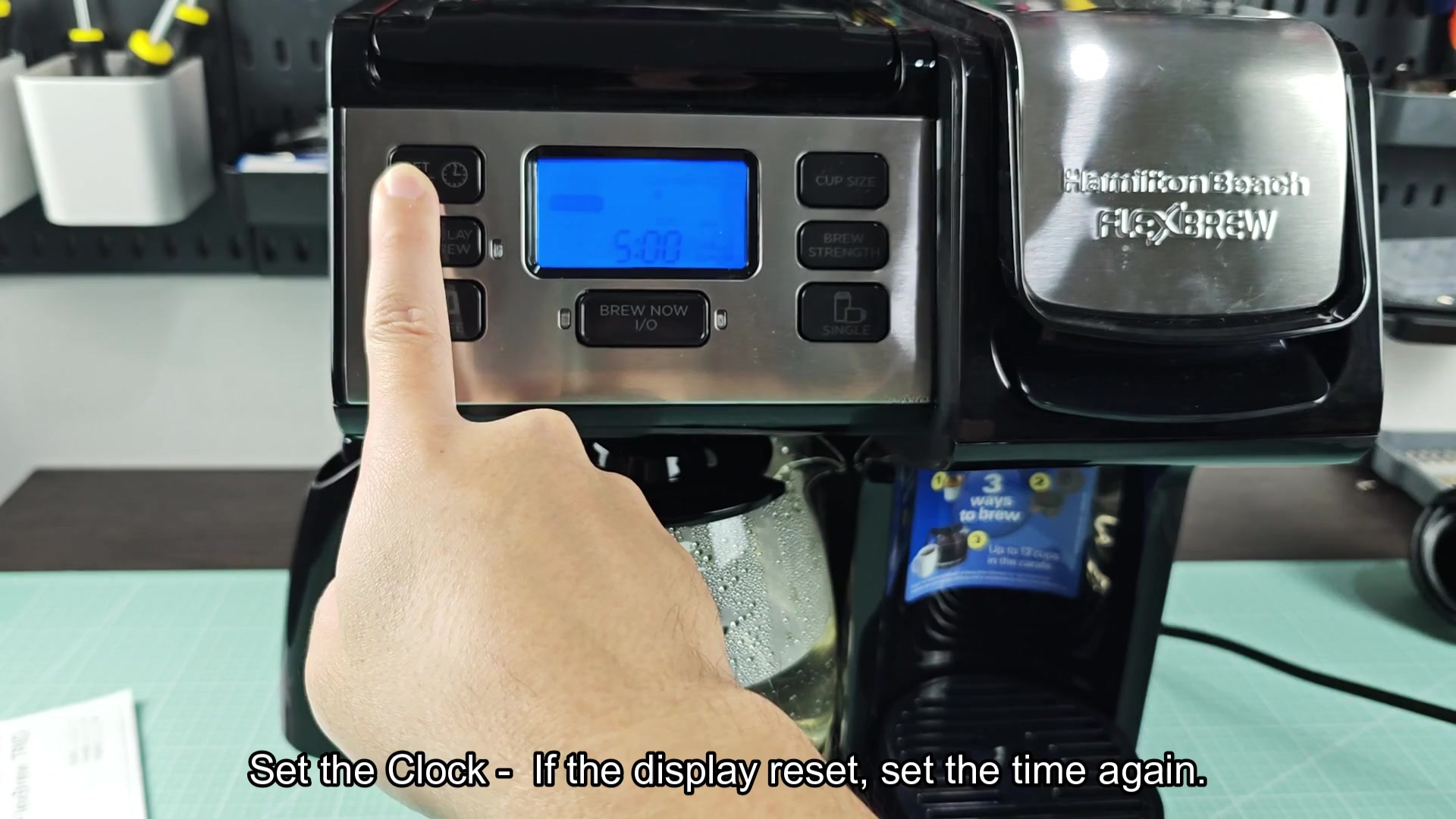
Sometimes the easiest thing to do can realy make all the difference in troubleshooting. You could of pressed every button combo known to man, but unplugging for a while actually made things better. It was worth the trouble because we didn’t need to call the professionals to fix it!