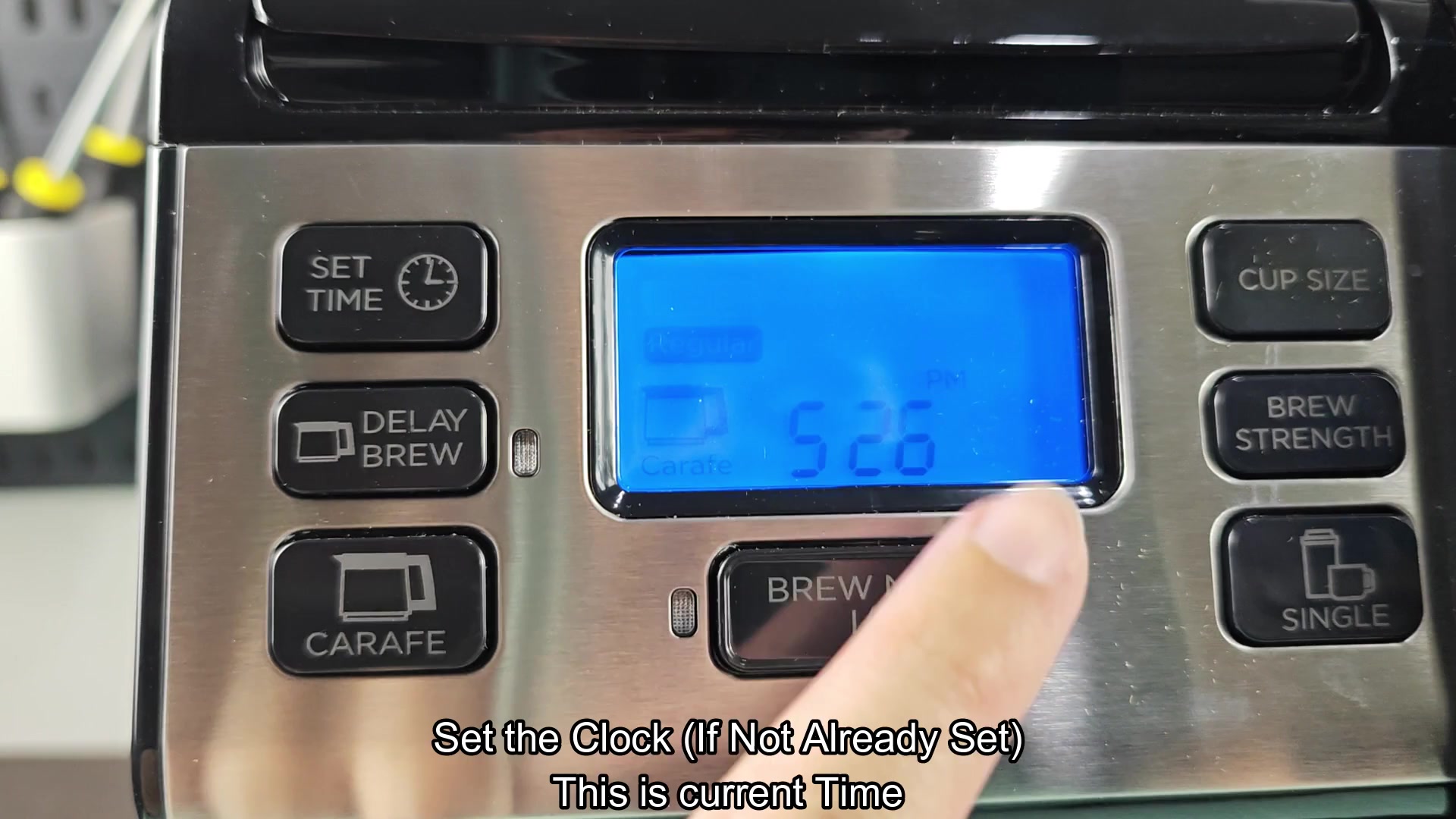
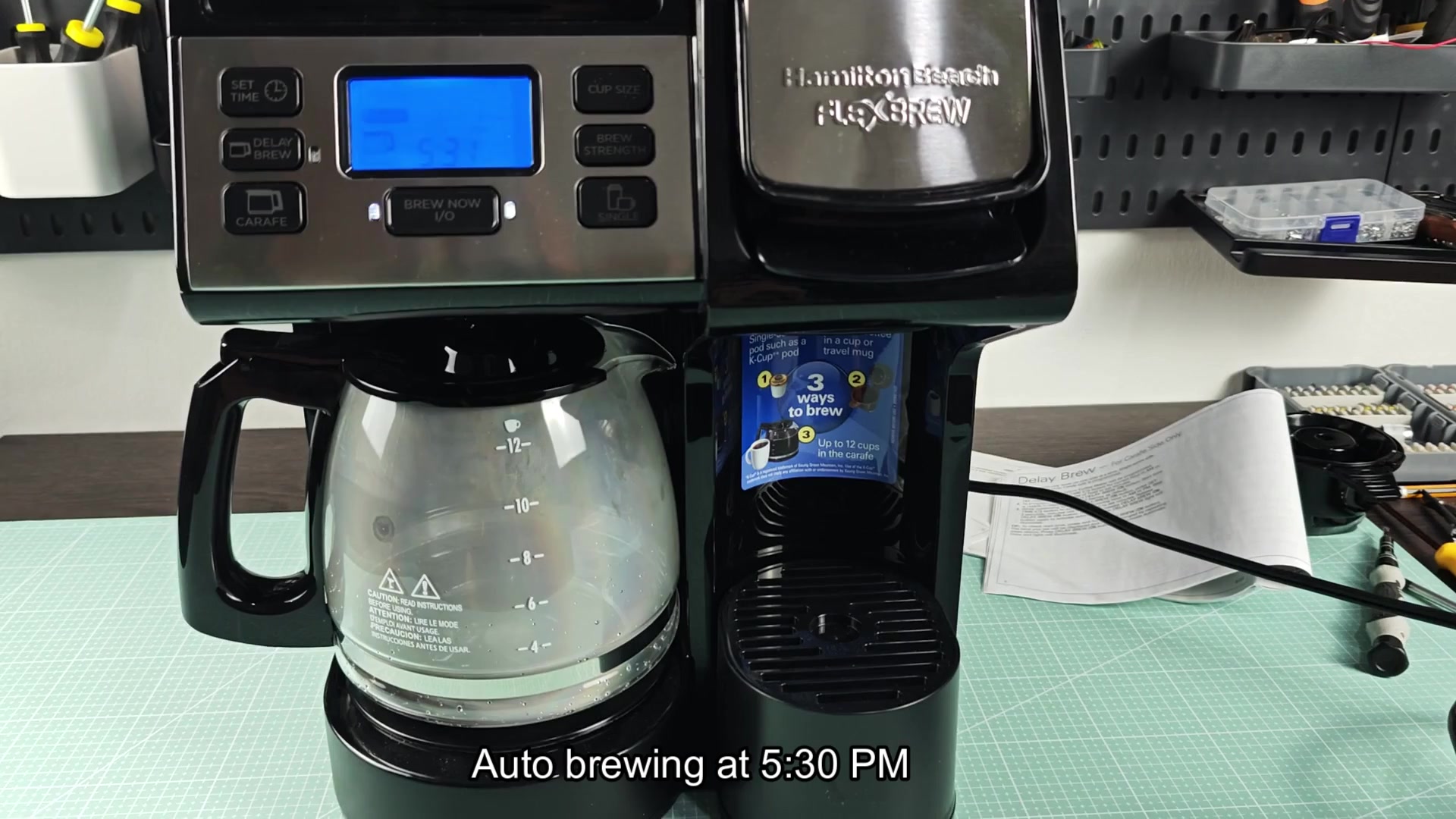
The Hamilton Beach FlexBrew has a delay brew feature so you start by setting time on the clock. Check to make sure that it display the right hour and minutes. Adjust accordingly.
This is important because without an accurate time reference, the machine doesn’t know what time it is (obviously) and can’t schedule when to start brewing.
Limitations of the Delay Feature
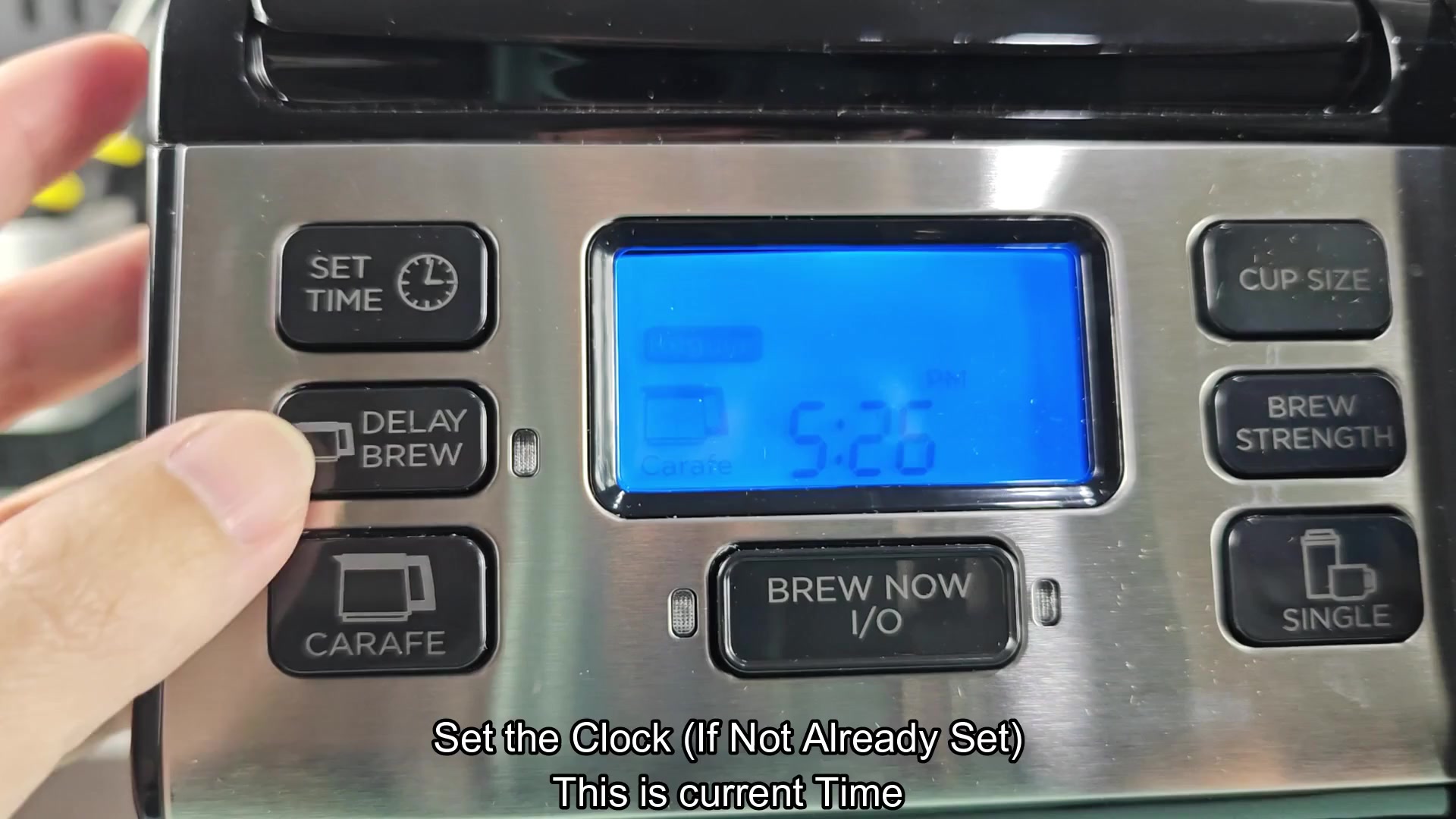
To set the time when it should begin brewing, press Set Time and then hold down the Delay Brew button. The hours appears on the display. Use those two buttons together to scroll through the hour until you get to the hour that matches your wake up time.
So if your goal is to have it brew coffee ready for you upon waking, just set the hour there. No need to change anything else; this simply lets you adjust the schedule. It may feel a little strange at first to use both hands for just two fingers, but it works nice once you get going.
Once you’ve pressed the Delay Brew button, it confirms the choice and starts the timer. The light beside the button will turn green to show that coffee maker has accepted the program and is waiting for the time to arrive.
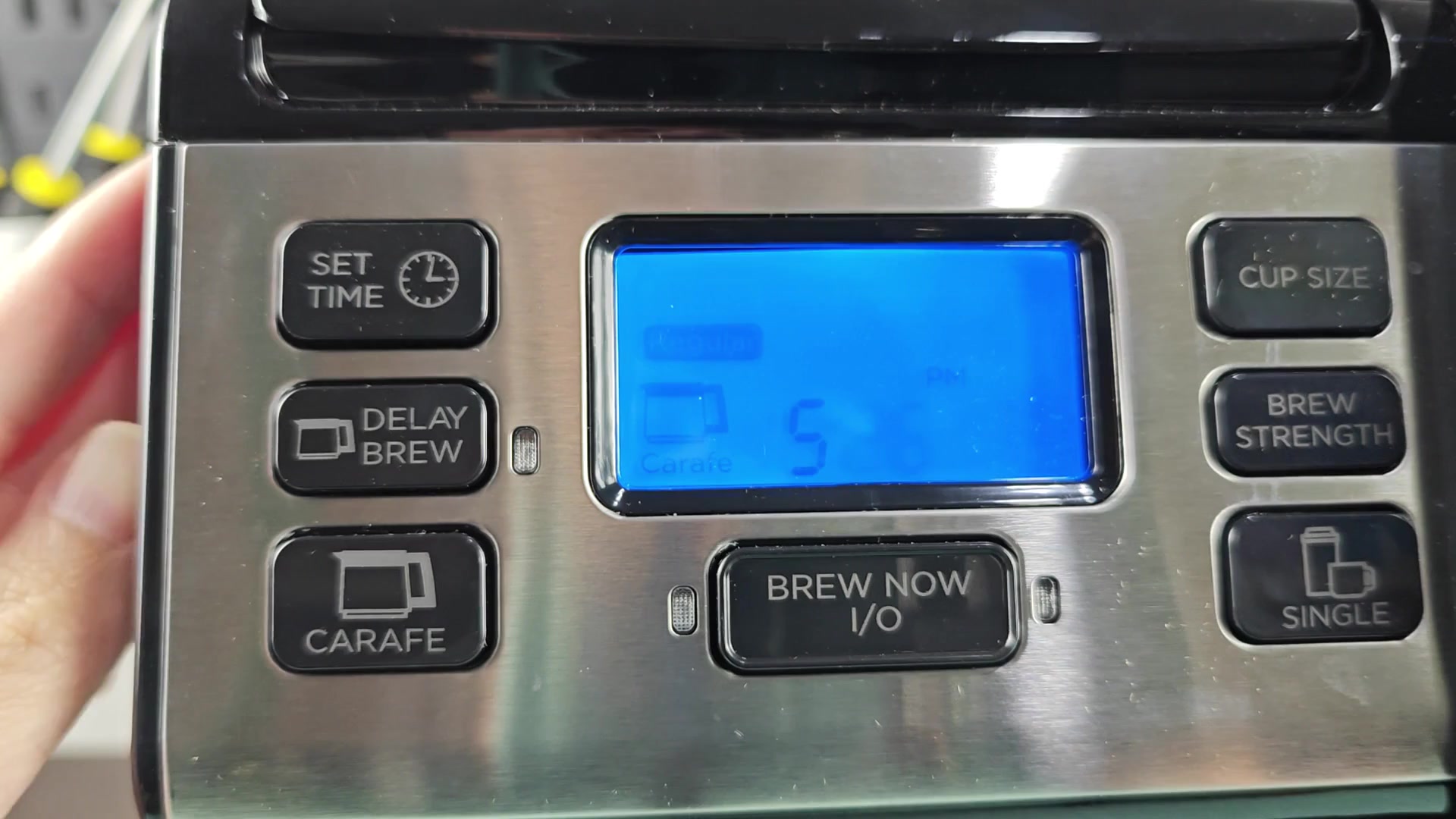
The green light also verifies that machine understands when to begin brewing. There’s no wondering if it’ll remember, the indicator let you know instantly.
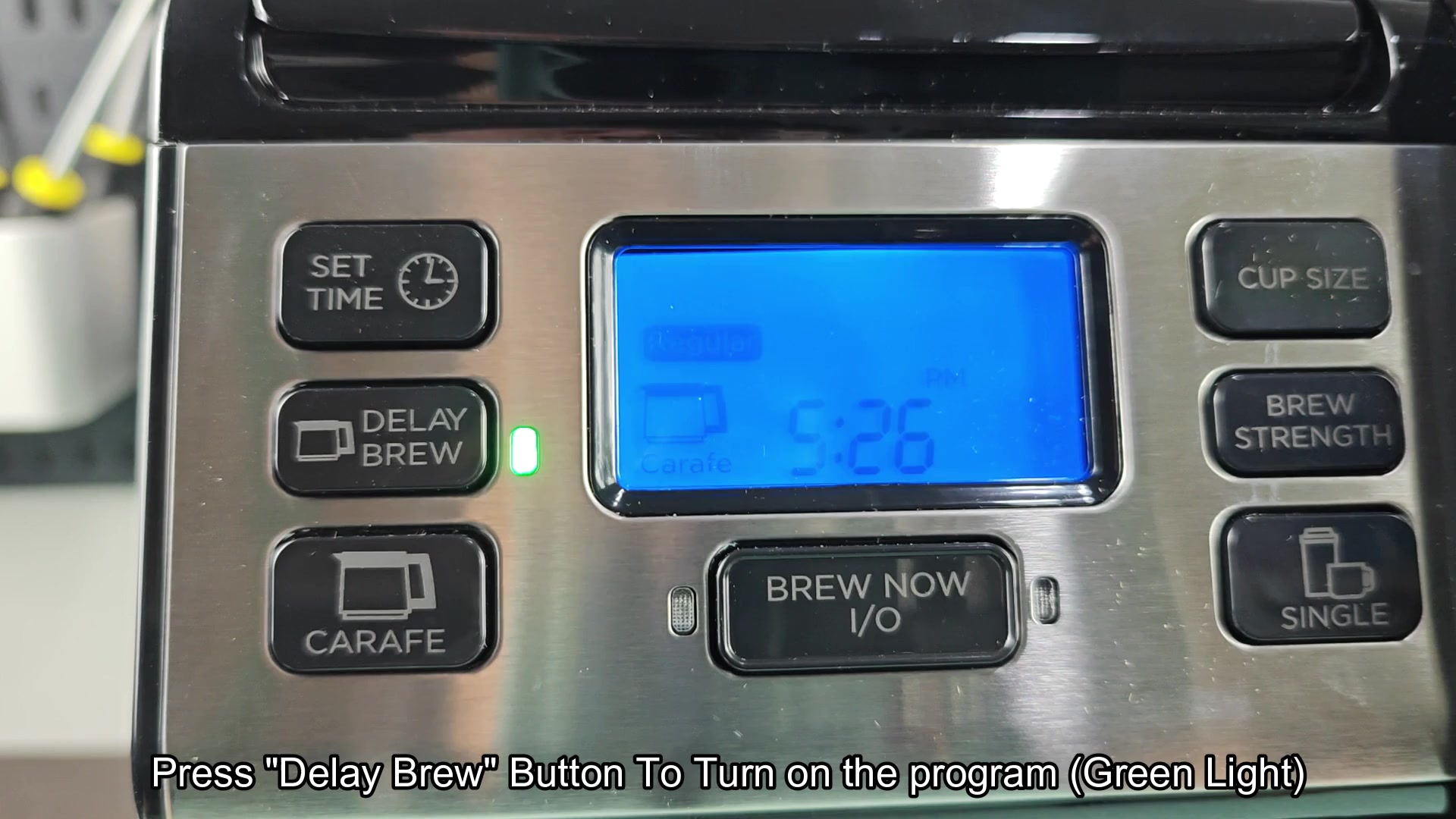
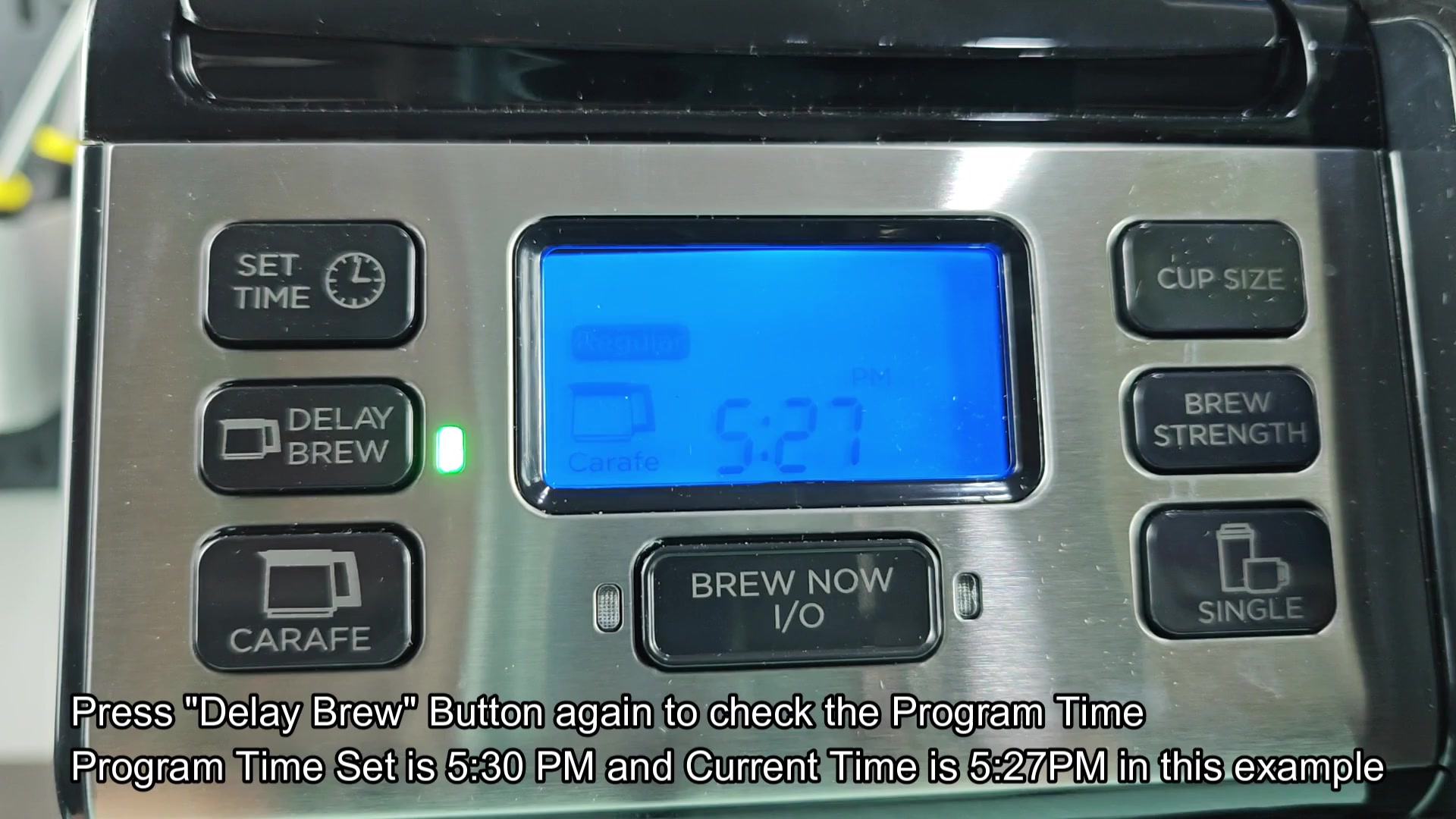
Just in case, if you’re leaving the kitchen after pressing the Delay Brew button a second time, the screen show the numbers again so you can double-check and make sure it’s set for when you want it to start brewing. It won’t make any mistakes and mess up while you’re still waking up and this way you know coffee is going to come on at the proper time. Seeing those numbers on the display show you that everything was done correctly.
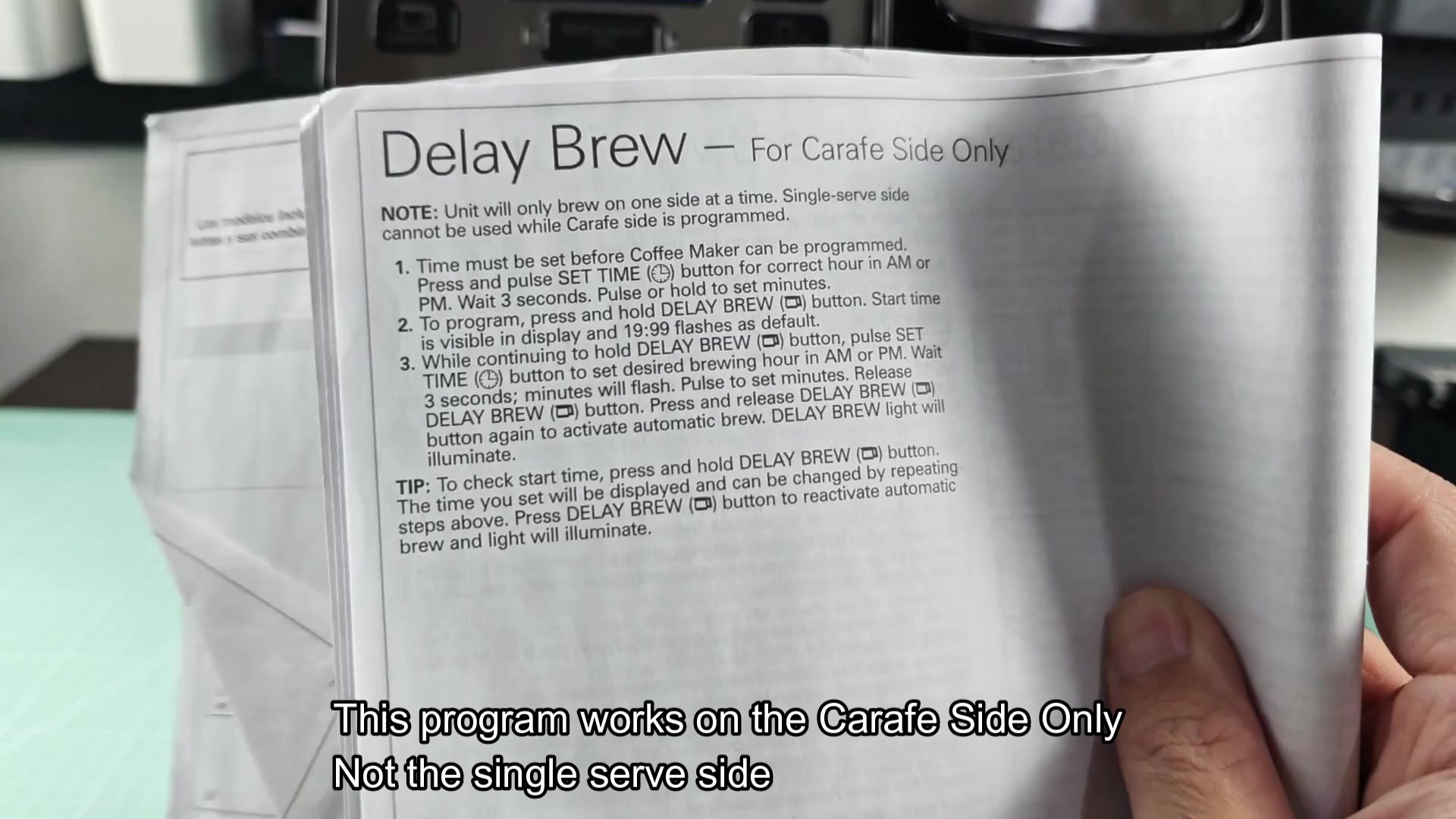
Note: The single-serve portion of machine doesn’t have a delay option at all. The delay option is limited to the carafe side. You can’t set up a timed brew option with the single-serving and K-Cup side, which must be operated manually.
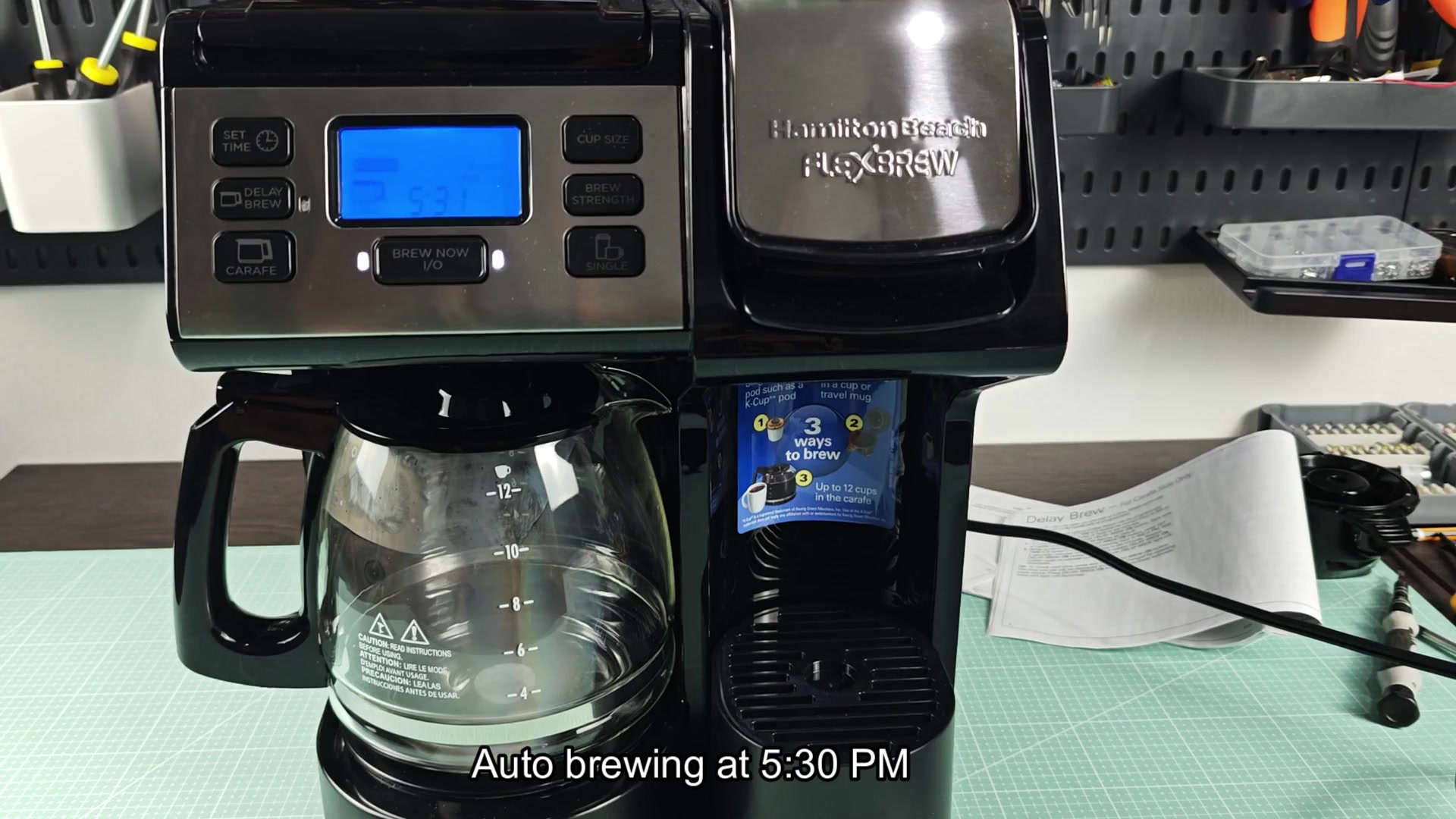
So if you want something to brew automatically, you’ll have to brew up a full pot in the glass carafes. Use the single-serve side only when you’re around to push “brew” manualy.
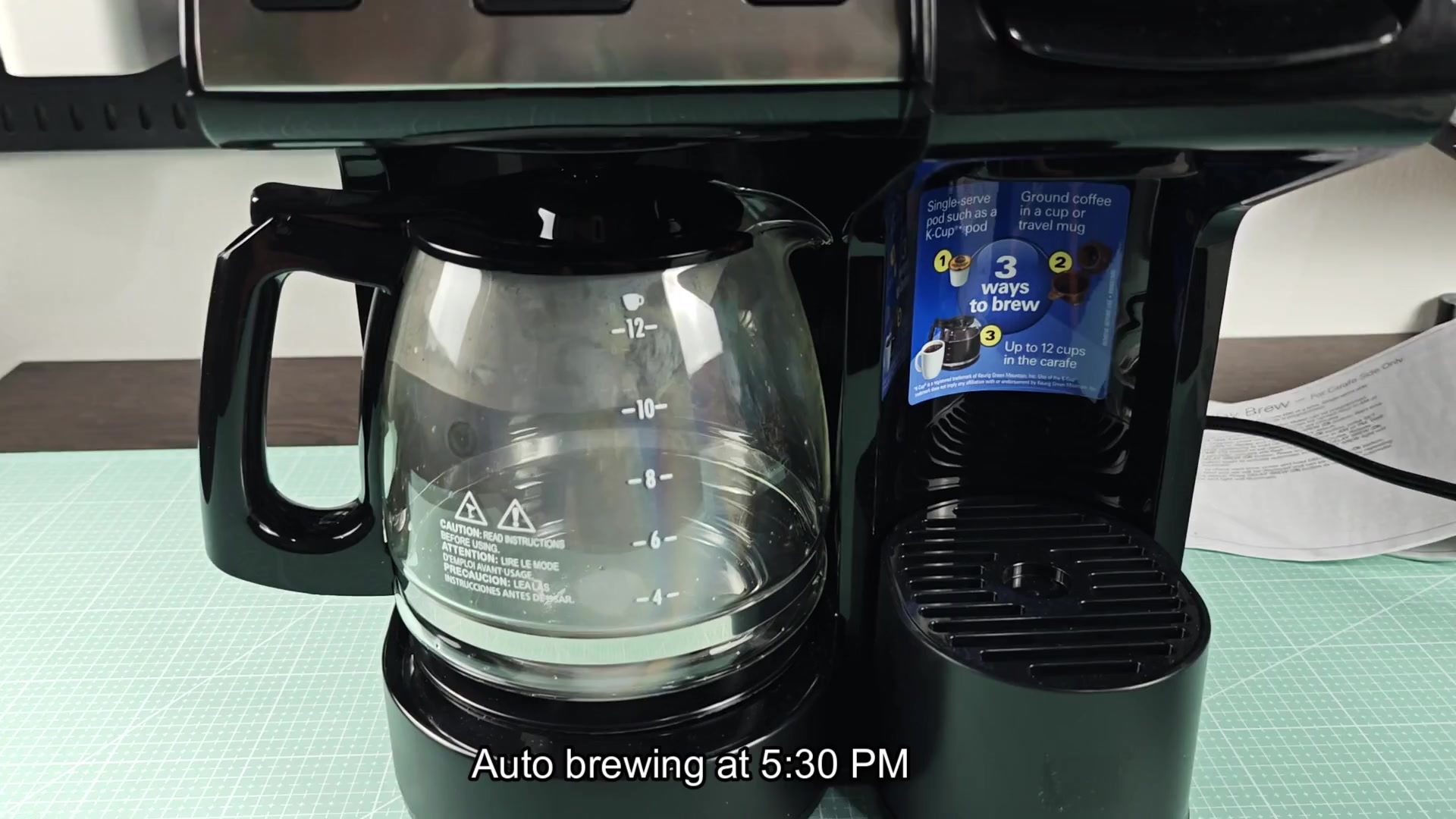
Just to be clear on the delay aspect, you’ll find this info on instruction sheet in the box. And yes, it’s as straightforward as you’d expect: “The timed brew feature is only available for the carafe,” according to the manual.
This is something they do not beat around the bush with. If you were confused about how buttons work or where the delay option belong, you don’t have to wonder anymore, it’s right there in black and white. If you decide to make an adjustment down the road, now you would of had something tangible to refer back to.