
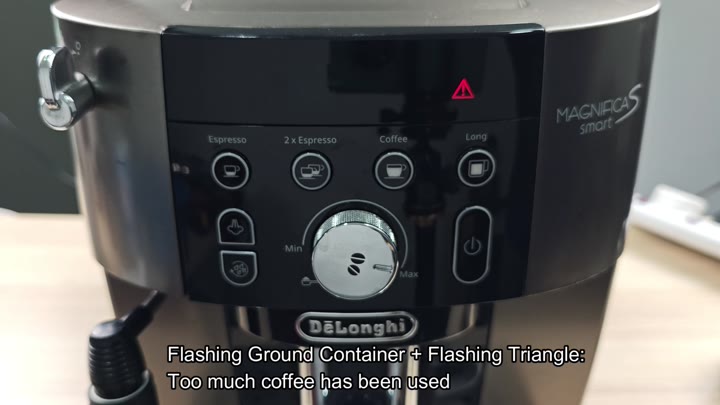
As the ground container begins to fill more rapidy than expected, there are problems with the brewing of the De’Longhi Magnifica. A flashing red triangle appears above the control panel. At the same time, the ground container light will also be flashing.
This means the machine is using to much coffee. It’s grinding too hard, creating too many grounds for one cup of coffee. And then you’ve got this vicious cycle: Every time you push a button, the machine over-grinds.
It’s frustrating.
Adjusting Grind And Strength Settings
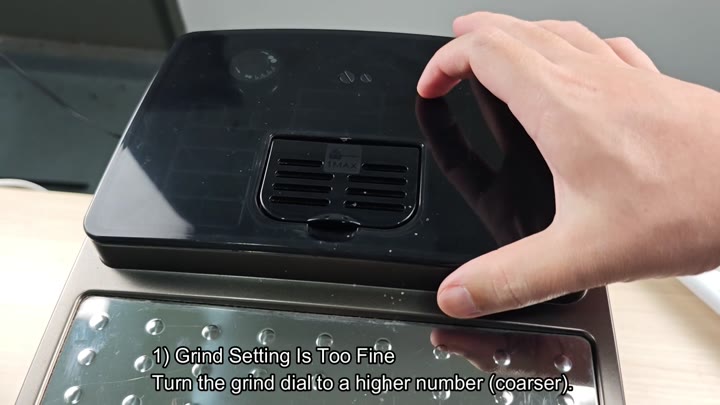
First things first: Check your grind size. Grounds that are too fine will be difficult for the machine to force water through. This often lead to overflow or over-grinding errors.
Find the grind adjustment dial located on the side of the machine. A lower number means the grind is extremely fine. To increase the grind, you’ll want to turn it up, to a higher number. The resulting grind lets water pass through the coffee puck more easily which stabilizes the pressure.
It’s an adjustment that makes it work right.
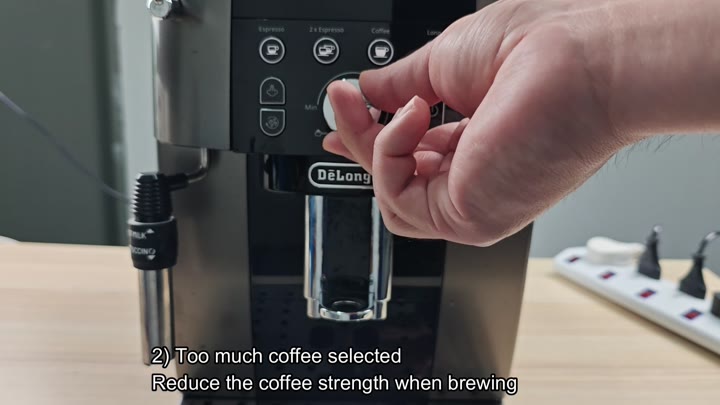
Review the coffee strength settings as well. This problem happens when you force the grinder to dispense too much coffee for the basket size by running a high strength on your brews.
Go ahead and take a gander at the control panel. See the strength is high? Lower the coffee strength setting so that less ground coffee gets dispensed with each shot. This will have a big effect on how the machine behaves. Who knew that little adjustment would matter?
Why? Because the choice of brewing program impacts the grinder’s workload. If the grinder was having trouble, chances are that you were hitting that double espresso button regularly. Double means more water + more coffee = strain. Because how you choose your brew program affects the grind size. If the grinder was having trouble grinding, chances are that you were hitting that double espresso button regularly. Double means more water + more coffee = strain.
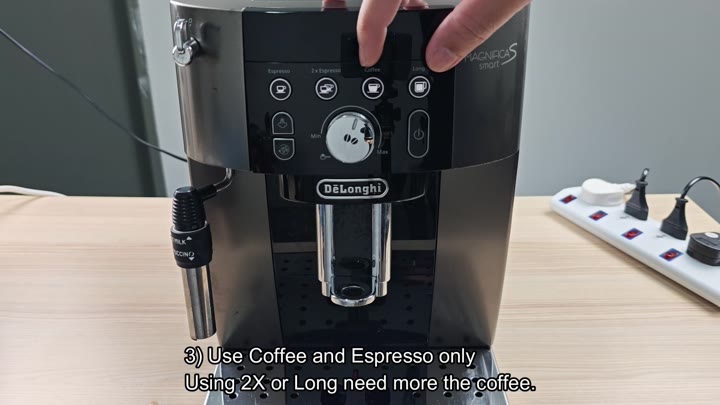
Next time out you turn off the double option and only use the single Espresso or simply Coffee option. No longer do you even select double at all. Switching to single shots reduces the load on the grinder so it has a chance to reset.
This is an easy fix.
Fortunately, it’s a simple solution.
Even with these changes though, the problem might persist a bit. Time to break it down and clean that grinder mechanism. Old coffee oils and grinds builds up on the burrs of your grinder. This creates problems where your grinder either starts slipping or overworks the beans.
To get in there, you disassemble the housing and then have access to the inner workings. Inside the gear housing, you find some dark build-up. It looks like burnt mineral deposits combined with coffee dust. Scrape it out using a tool. Now the insides are clean again and the grinding teeth works properly.
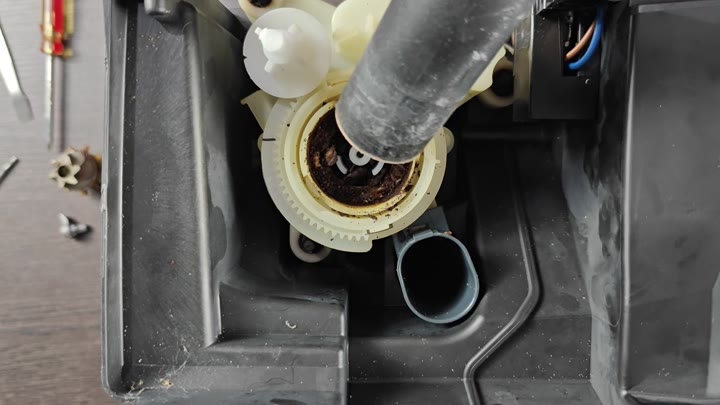
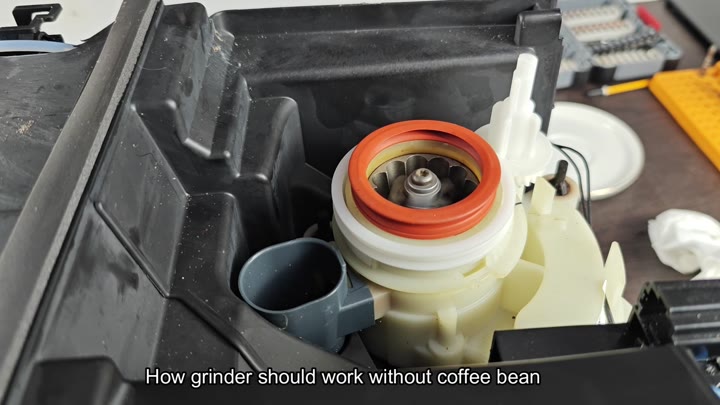
So you wash out the grinder, and put everything back together. Now you’ll run the grinder without any coffee beans in there. This will show whether or not the burrs and motor are clear of any obstruction.
Run it empty, the thing should spin freely with nothing inside. No grinding noise, no resistance. The center metal burr grinder just twirls around easily, while the white plastic housing and orange seal is nice and clean. This means the mechanical blockage is gone, and the machine feels like new again.
Ultimately, what happens? A mixture of service and settings fixes the over-grinding issue. Increase the grind number to prevent clogs. Decrease the strength to decrease the amount of coffee being fed into the brewer. Switch to single shots to put less demand on the grinder and allow for more rest. Finally, clean out the grinder to clear away physical obstructions.
You do not need to replace any parts. Machine comes back to life and functions as normal. Should of saved a service call at the repair shop! Simpler than you think. Just make an adjustment or two in your settings. Clear away the crud and you’re good to go.