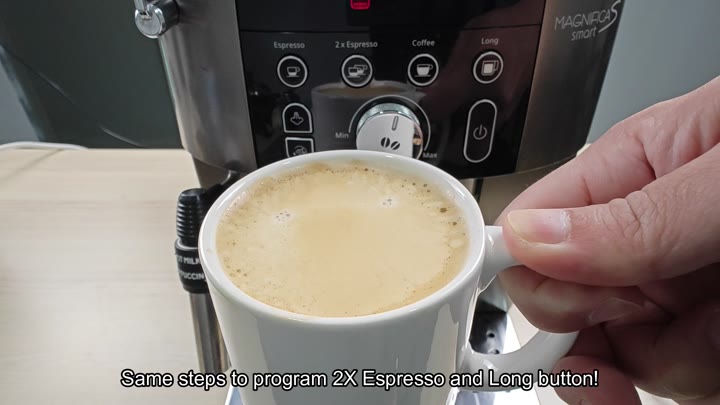
On the De’Longhi Magnifica, it’s possible to get the machine programmed to stop when it reaches whatever level of fullness works best for your mug size, but perhaps the default settings is too high or low for you. Don’t worry, it won’t involve any long searches through the menus; just a couple of button pushes and you’re set.
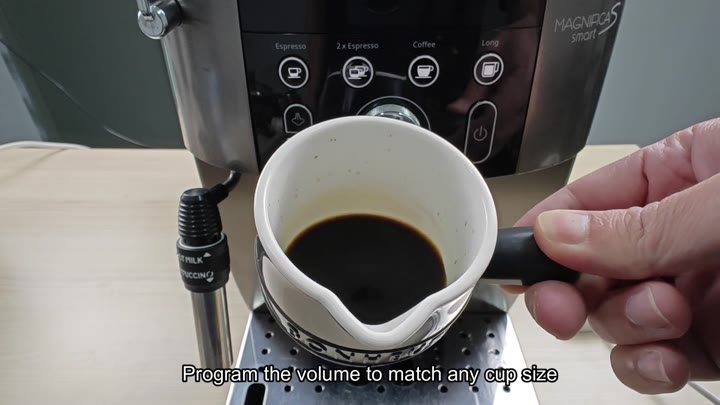
Begin with a generous-sized glass (or cup) capable of containing all of your coffee output so you don’t spill liquid during calibration. There is four buttons on the control panel: Espresso, 2x Espresso, Coffee, and Long, each of which you can calibrate at whatever size suits you best.
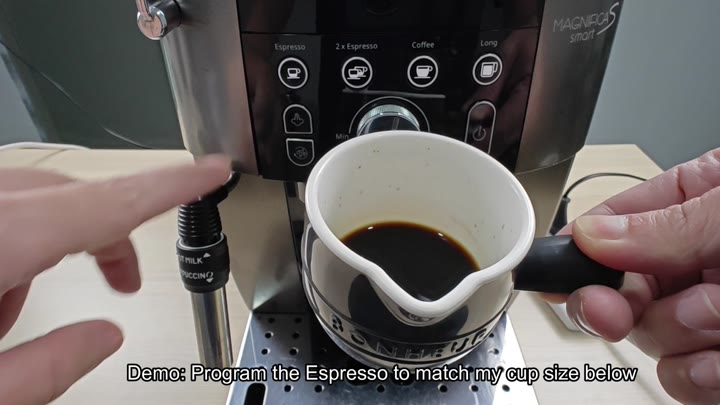
Calibrating Your Coffee Volume
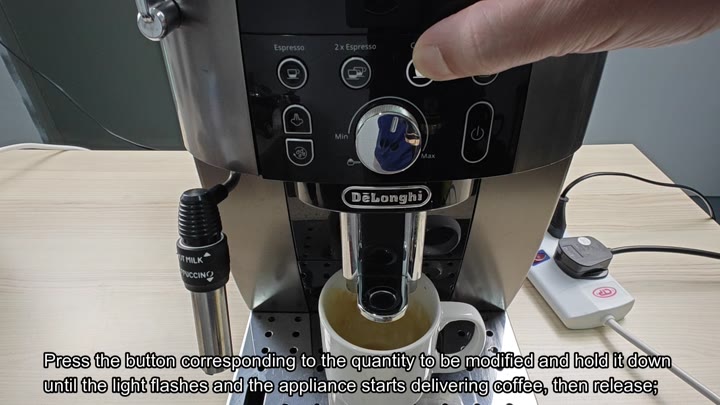
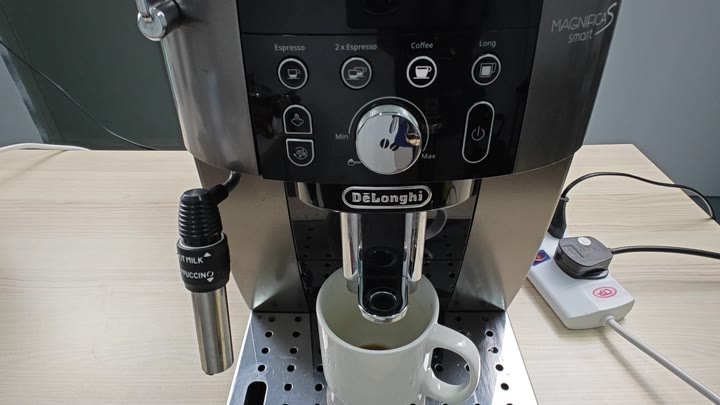
First, find the button you want to program and then simply press and hold it. Keep holding it down until the indicator light turns on and begins to flash. This indicates that the machine has entered learning mode.
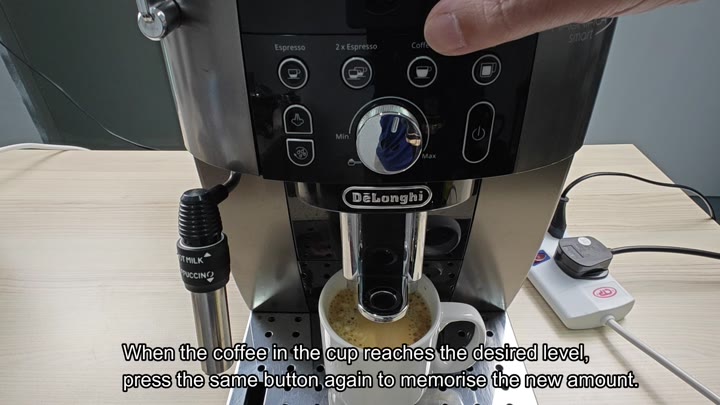
When this happens, let go of the button, the machine will immediately start the brew process. Coffee will flow from the spout into your mug; just monitor how high the liquid rise and stop pouring once it’s reached your preferred amount. It takes a bit of patience for this part, as you’re aiming to hit the sweet spot when the coffee reaches the best fill line.
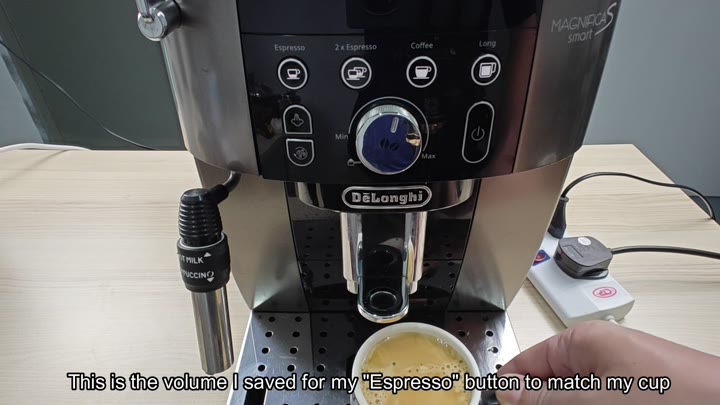
Pressing the same button will stop the brew instantly and tell the machine that’s your desired amount of coffee. Press it again when it’s up to that mark and the machine will remember the new setting.
It doesn’t ask you to jump through any hoops; no menu diving required. You just set it once and forget about it. The machine saves this new amount for future use, so it’s programmed with your specific cup size.
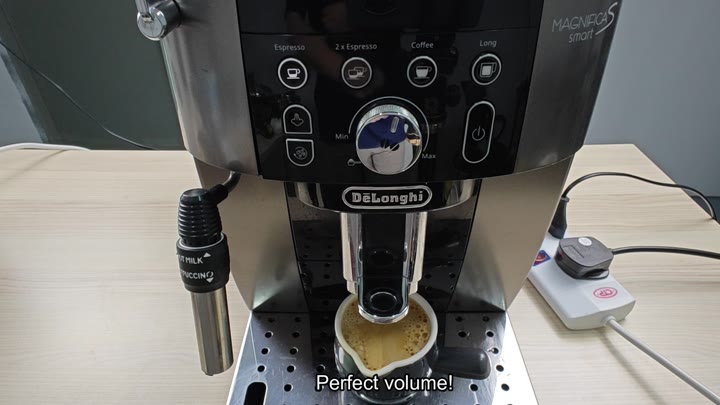
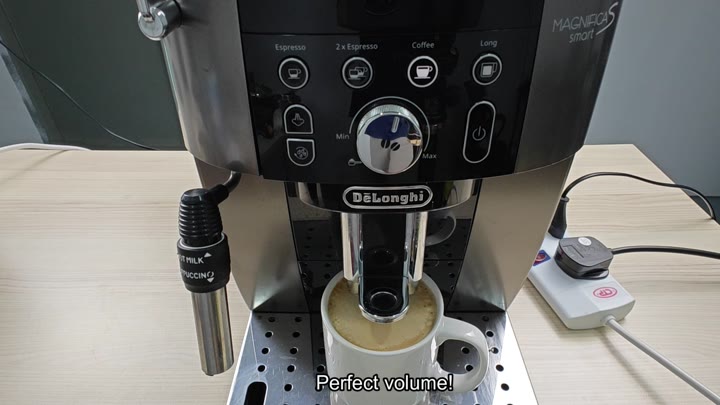
Once saved, the device will now use this new volume for all future brews, and you can re-run a test to ensure it’s working correctly. If done right, the coffee maker should of dispense exactly the same again, confirming that the setting is both reliable and consistant.
Note: There’s no reason to adjust the Min to Max volume dial on the machine; the button programming will override the overall flow rate settings. This way you’ll be able to get just the right amount every time without any overflow.
To do this with other buttons (such as Long or 2x Espresso), follow the same steps. Press and hold the button until it blinks, then let it brew, and finally tap to save the setting.
The control panel includes buttons for Espresso, 2x Espresso, Coffee, and Long, and you can adjust the volume for any of these options.
You don’t have to put it in any sort of special mode and you don’t have to reset the machine. The way it works is built right into the normal buttons.
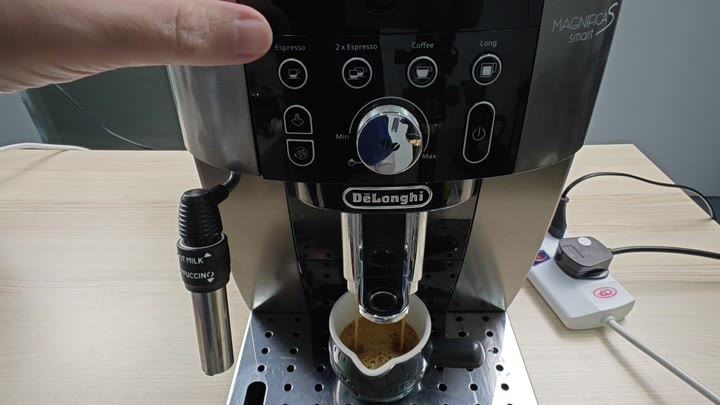
After a single attempt you quickly get the hang of how it works and it only requires a minute or two to get the desired output.
It’s a slicker system for day-to-day use, just push that button and go. No need to worry about the shot while doing it.
The coffee stops exactly when you want it to, which eliminates guessing games and partial cup.
No more guessing games. No more partially filled cups of coffee that stop right as they reaches their optimal strength. The coffee stops at the exact moment you want it to.
If you change cups later, you can reprogram the buttons again by following the same steps.
Follow the same process to reprogram the buttons if you do swap out the cups.
The machine learns what you want, and this feature adapts to your preferences for daily use.
Adapting to daily use, it will learn about what you like.
It’s set up pretty easily. The light flashes and you can see it, and the button responds well.
It doesn’t need to be manually set up; it just does its thing. And if you want to save a custom volume, it saves the new amount exactly when you press the button the second time, so no more worry there, either.
The design is customizable by the user. Once you try it, you’ll get the hang of it.
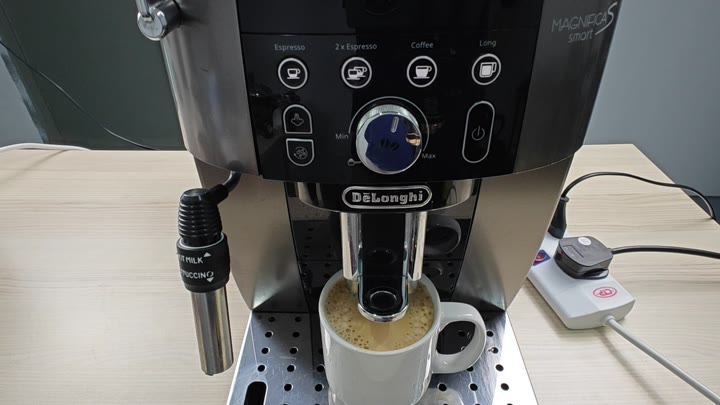
No mess, no waste, just the right amount of coffee in your mug. Perfect!