
The problem is you’ll see this message saying there’s nothing in bean container, despite having some beans. It says so in the middle of screen, and the bean container icon is solid along with a triangular alert light that blinks.
So how does it know? Well, somehow the sensor isn’t reading the beans properley. Instead, it sees no beans when in fact hopper is full of dry, intact beans.
Common Causes of Sensor Errors
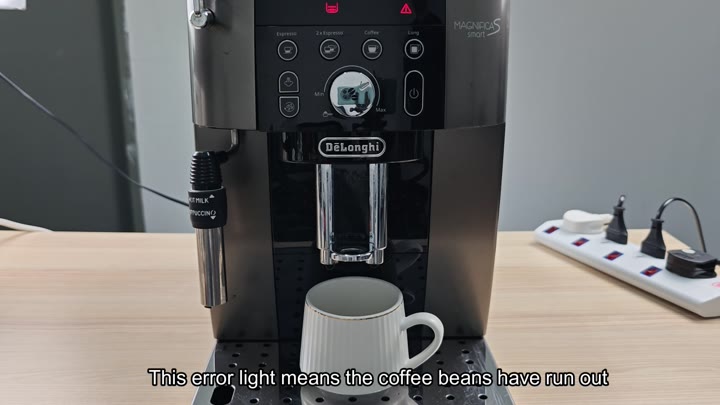
In this state, the machine won’t brew or even attempt to grind. When you go check on it, nothing change; the buttons that should be lit up are not and all you see onscreen is an error message. It’s tempting to call customer service at this point. But who wants to wait when they need their coffee now?
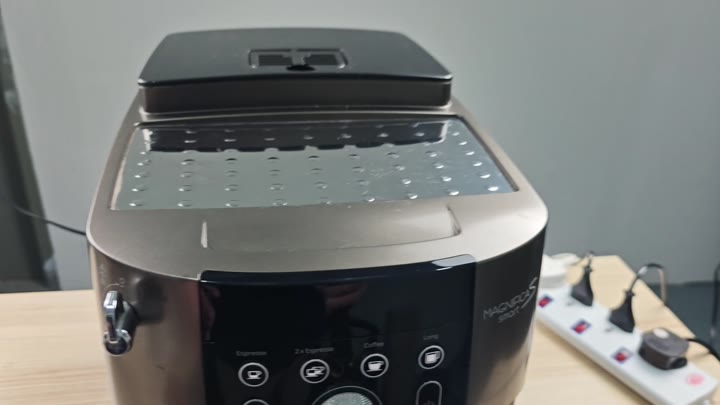
I guess that’s not the fault of a lack of coffee, but of some sort of sensor.
So first check to see if beans show up in the hopper. Then take a look at grinder mechanism. Nothing physically blocking it? No debris?
Auto-grinder machines can be fussy, and sometimes they’re just confused about what setting you have them on. They might think that the hopper are full when it isn’t. Sometimes you’ll visually inspect and see nothing wrong with it, and yet the machine is convinced that there’s nothing in there.
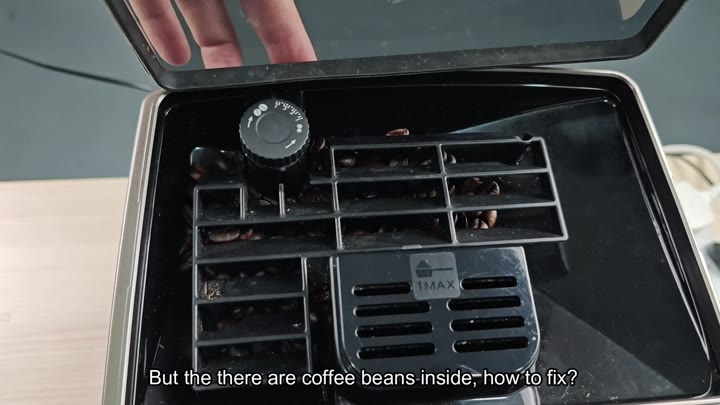
Most of the time, it’s due to the grind setting. If you’ve got that thing turned to fine, then I’d try adjusting that first. Turning it down even just one click will solve the problem.
A very fine grind setting can cause the grinder to read beans incorrectly and get clogged up. Turning it back slightly helps sensor read correctly.
Adjust it, press start, and machine should be operating as normal once more. The error light goes out and water runs through the grounds where it’s supposed to run. You have an espresso in your mug before you know it, all without needing a new part or a trip to the repair shop.
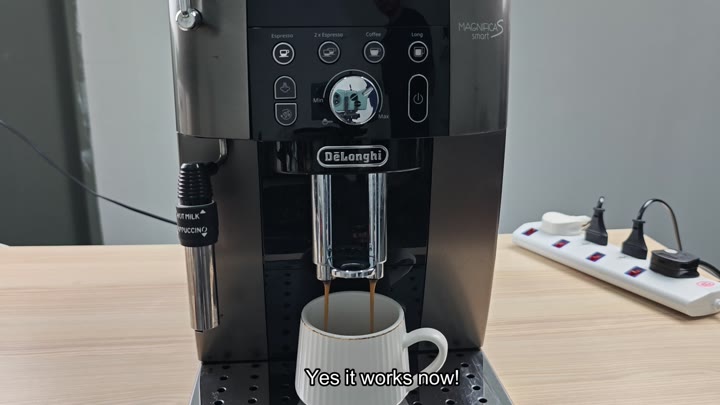
It takes only a few seconds and is such an easy solution to this problem.
This one will trigger if you have too fine of a grind. The machine can’t read level of beans correctly. Most people jump straight to looking for a mechanical failure, but they overlook the fact that it’s also an issue with the setting.
Adjusting your grind size will save you time (and headache) from troubleshooting unneccessarily. This will be something to keep in mind so you won’t get bothered by this false alarm again.
After fixing it, your machine is up-and-running and you can get back to enjoying that fresh cup of java ASAP. To avoid future mistakes, we recommend leaving the grinder setting slightly coarse, too. You don’t need any tools; just turn the dial and everything will run smoothly. It would of been a simple fix for consistent results each and every time.