
Have you ever had your Panasonic microwave lock onto a single cooking program? You know what I’m talking about, you can’t get it to begin another cooking cycle and you can’t even erase the display?
It happens all too often and you don’t need a repairman to fix it. Just perform this little reset and you should of be back in business.
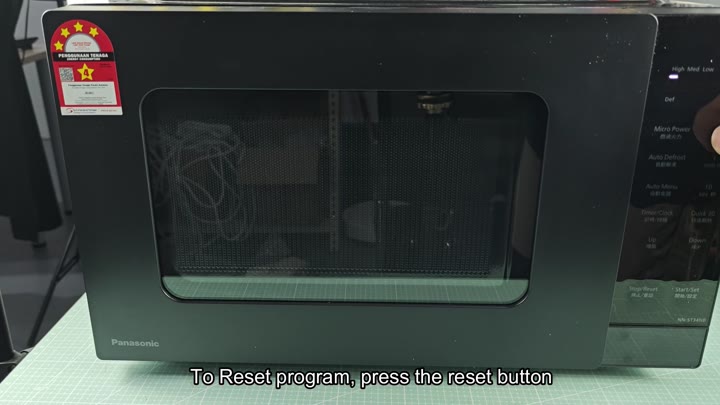
This is a simple solution.
How to Reset Your Microwave
The first thing you want to do is try hitting the control panel itself. Many Panasonic units has a separate reset button on their keypad, in fact, they shares the same button as the stop button.
To hit reset, simply hold the button down for a moment and it will erase the current program running. It will display on the screen that it has erased your prior settings. This is the simplest approach; no need to cut off power for it.
You hit the button… But then what? If you hit it to fast, perhaps it didn’t register your button push. So you pause and hold the button down for a moment.
In doing that, it interrupts whatever program is currently running in the microwave. It does a sort of soft reset of the immediate programming. The microwave reacts to that input. The timer pauses and no longer counts down.
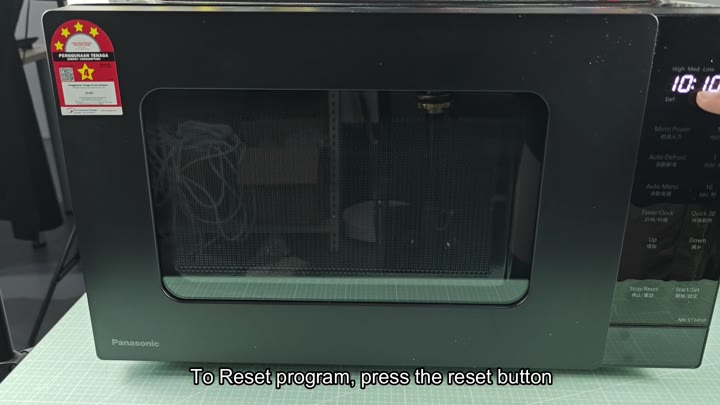
But what happens when that doesn’t work? What if the button won’t get it going? It locks the program on the screen and your unit seems to freeze there.
The data stays in memory but you can’t just push the button to get out of it, something has gone wrong and you’re stuck in a glitch. How do you overcome it? It is simple: use another approach to hard reset the whole unit.
So then you choose to restart the unit. What does this mean? You totally shut off electricity. Unplug the microwave from the wall socket.
Let it sit there for a bit. That will remove any lingering electricity from the circuit board. That will force the internal computer to reset itself. It puts things back into default mode. That’s your brute-force solution; the thing you do if the button approach doesn’t work.
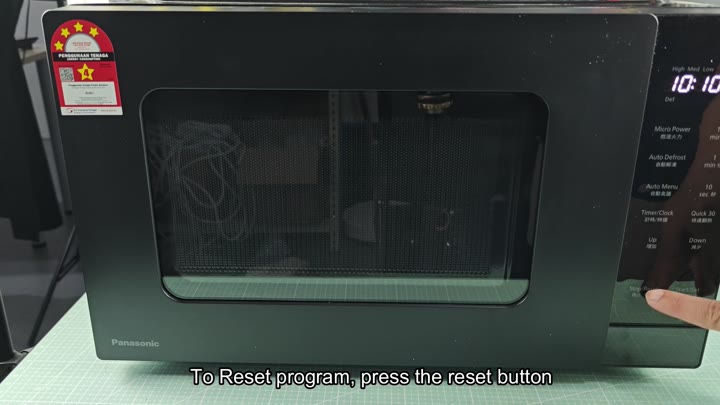
Now you unplug the unit. The indicators turn off, and the screen becomes totally blank. Yep, that’s proof positive; the juice has been shut off. Sometimes folks think the microwave is off when it is really just sitting in standby mode. By unplugging it, there’s no room for confusion.
You wait a minute or so. That’s important because it gives the capacitors time to release their charge and lets the reset do its thing.
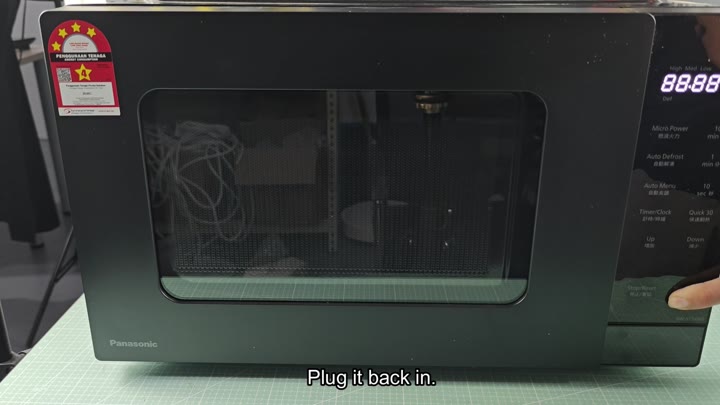
Now you put the microwave back into service. After waiting, the digital display lights up again, flickering to life. Now it displays either nothing or perhaps the current time.
Whatever was on there before? Gone. What happened? The system rebooted itself, going back to square one.
So you attempt to begin another timer. Success! Everything appears normal. The microwave is once more doing what microwaves do. And if the button didn’t fix it, this does.
The lesson of this experience is that the Reset Button is your friend and your first line of defense when things go wrong. It’ll clear temporary programming glitches fast.
And if that doesn’t help, the trusty back up is unplugging the unit which will restore the factory default status on the control board. No tools required. No opening the case. Just the correct sequence and a bit of patience.
Those two things addresses almost every kind of reset necessary. No fancy diagnostics required. Unplug it and plug it back in. Or use the button. It is simple stuff. Microwave is back in working order without any programming lockups.