
It’s a Samsung microwave on your kitchen counter. The display screen show nothing at all, just totally black. There is no power indicator light. No time.
Maybe it’s dead? A battery in there went south? Maybe one of those electronic part inside got fried? That would make sense. After all, what else could cause that if not a failure of some kind? And you don’t want to call for service; the thing is brand new.
Understanding the Eco Mode
First you inspect plug, perhaps it’s just come loose from electrical outlet? Nope; the cord sits snugly in the socket and nothing else on that circuit are acting wonky. OK, so microwave has power. But why isn’t display lighting up?
Next you scan over control panel for a hidden switch or reset button. At least one should be visible, right? Nope, not yet.
Moving along you see a tiny button marked with an ECO in one corner. In the gloom of early morning, that button is easy missed. You push hard and the screen flickers slightly but stays black.
That’s not good; you’d hoped it would of come up. The screen not lighting makes you wonder if the button affects heating different than the display logic.
When you consider new appliances, you consider their energy saving options. Lots of them has standby modes where they switch into an energy-saving mode (usually screen off, lights off). That sounds like kind of thing that could easily be switched on and forgotten. Maybe someone accidental flipped the switch while cleaning around it at some point.
And so you hold down the ECO button again, for a little longer this time. Perhaps you need to hold it down for longer to turn setting on and off? Still nothing appears on the screen, and still you’re annoyed at its refusal to respond. Is there something obvious about the interface that you’re not getting or is this just a software bug?
Ah, but you also remember pushing the button won’t actualy alter the state, but merely confirm it. You take another glance at the little icons next to word ‘ECO’. A tiny leaf: it’s using green energy.
Yep, this is confirmation of what you suspected: you’re in power-saving mode. Push the button again, short and sharp.
The screen comes alive with bright white digits on black background. There’s the clock, at 15:29. It is clear as day. You’re glad it happened, and the annoyance quick dissolves.
What seemed like a puzzling issue turns out to be quite easy to solve. Basically, Eco Mode just makes the clock invisible when it’s not being used (saving power).
Now that we know this, I’m not as spooked by the darkness anymore. It’s simply an Eco Mode feature performing its duty. If you’d like to see the time all the time, turn it back on.
If conserving power takes precedence over knowing what time it is, leave it on. Here is the lesson. Take a moment to inspect those buttons next time something go wrong; don’t immediately assume your hardware has died.
The solution can be obvious sometimes
That’s correct, that “ECO” button isn’t just a design element. That button also turns on and off those parts of your display. Next time you find yourself with a blank screen again, think back to this tip. You won’t need to go to technician. No complicated diagnostics is involved.
The solution was as easy as pressing one button. Phew, good to know that your microwave can still be used without problems. While the display didn’t reflect this, the clock continued ticking inside. Good to have some faith in your appliance’s general reliability. In the end you decided to keep the Eco Mode switch disabled.
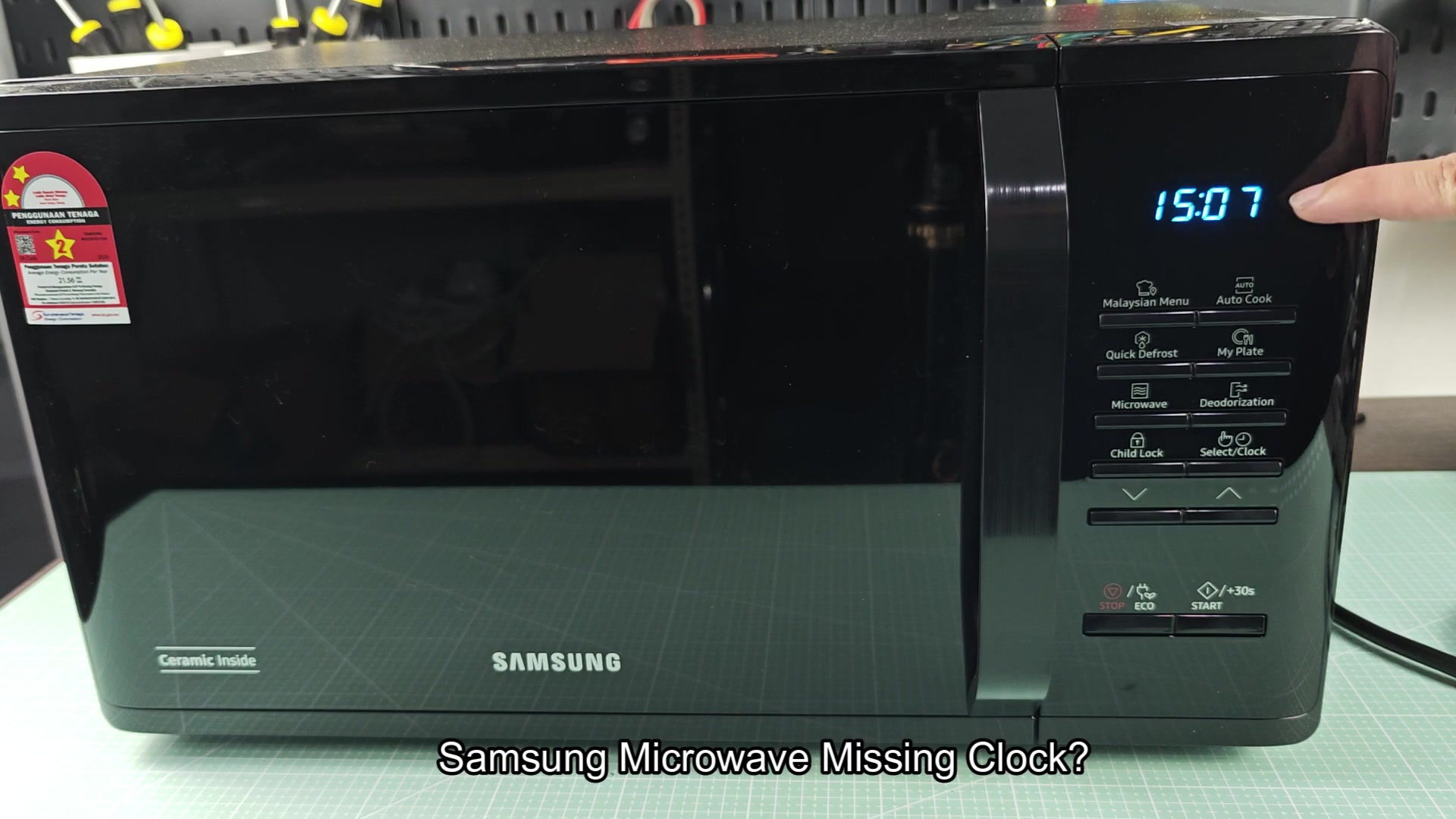
I know you like being able to see what time it is when you reheat your leftovers or make some popcorn. But also, it’s nice to know how to turn it back on in case you ever forget. Or maybe you’ll wait until those super high electricity rates kick in and flip it back on to save a few pennies.
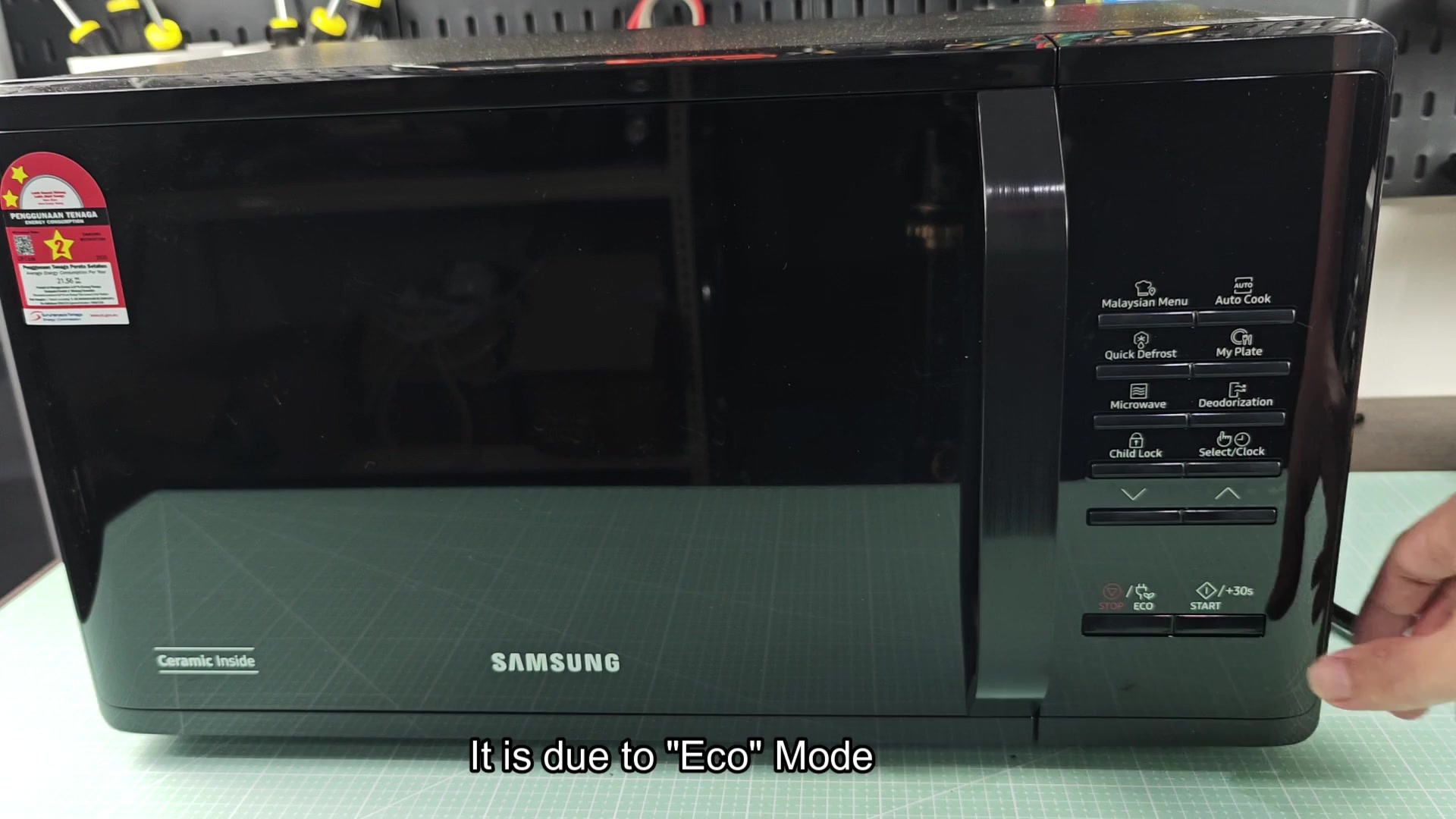
From start to finish, the entire ordeal only lasted under 5 minutes. Today you learned something new about your kitchen appliance. It wasn’t a costly fix or a dramatic repair.
A little patience and a little basic troubleshooting went a long way. Sometimes technology realy isn’t as complicated as we think it is.