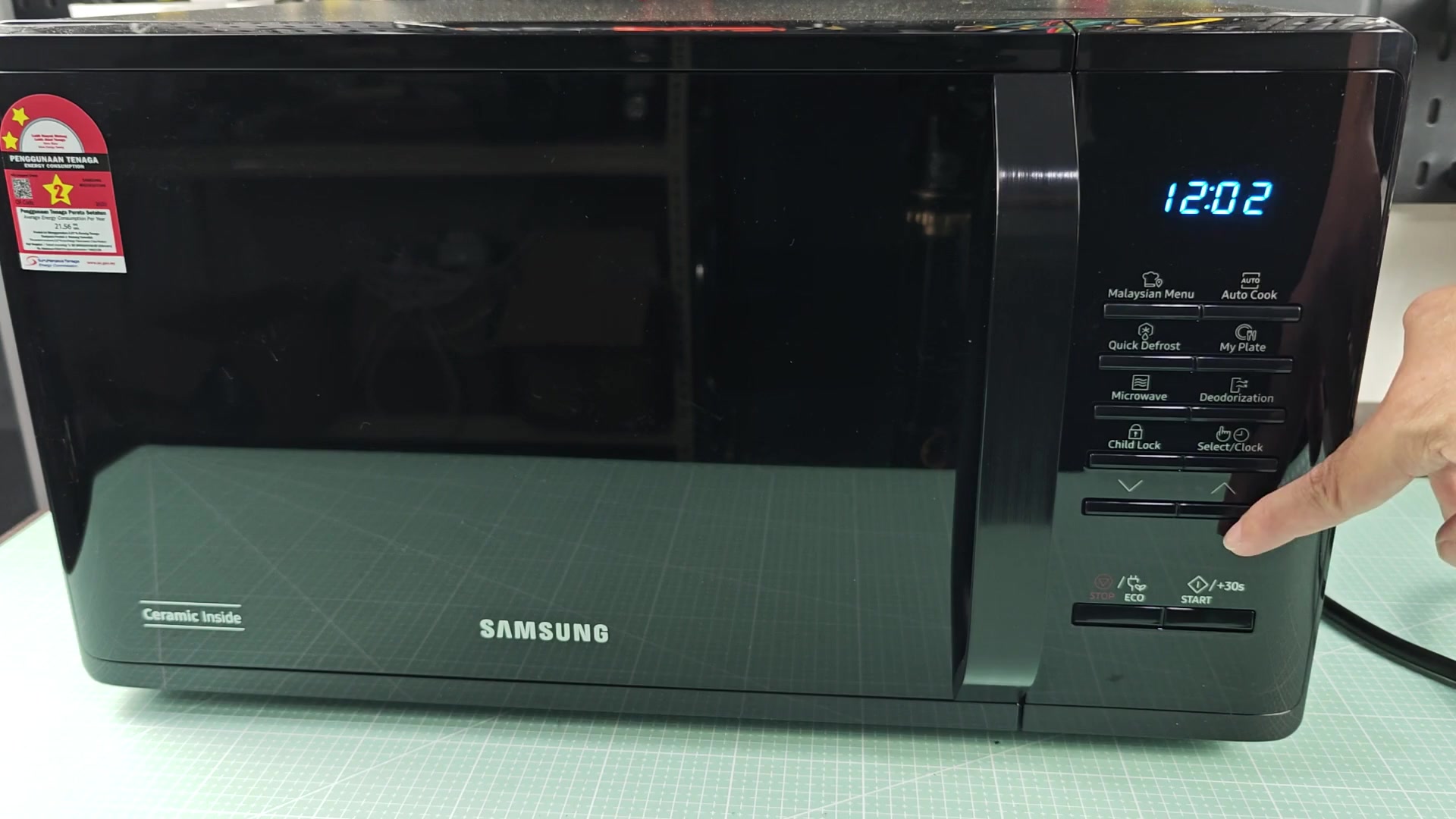
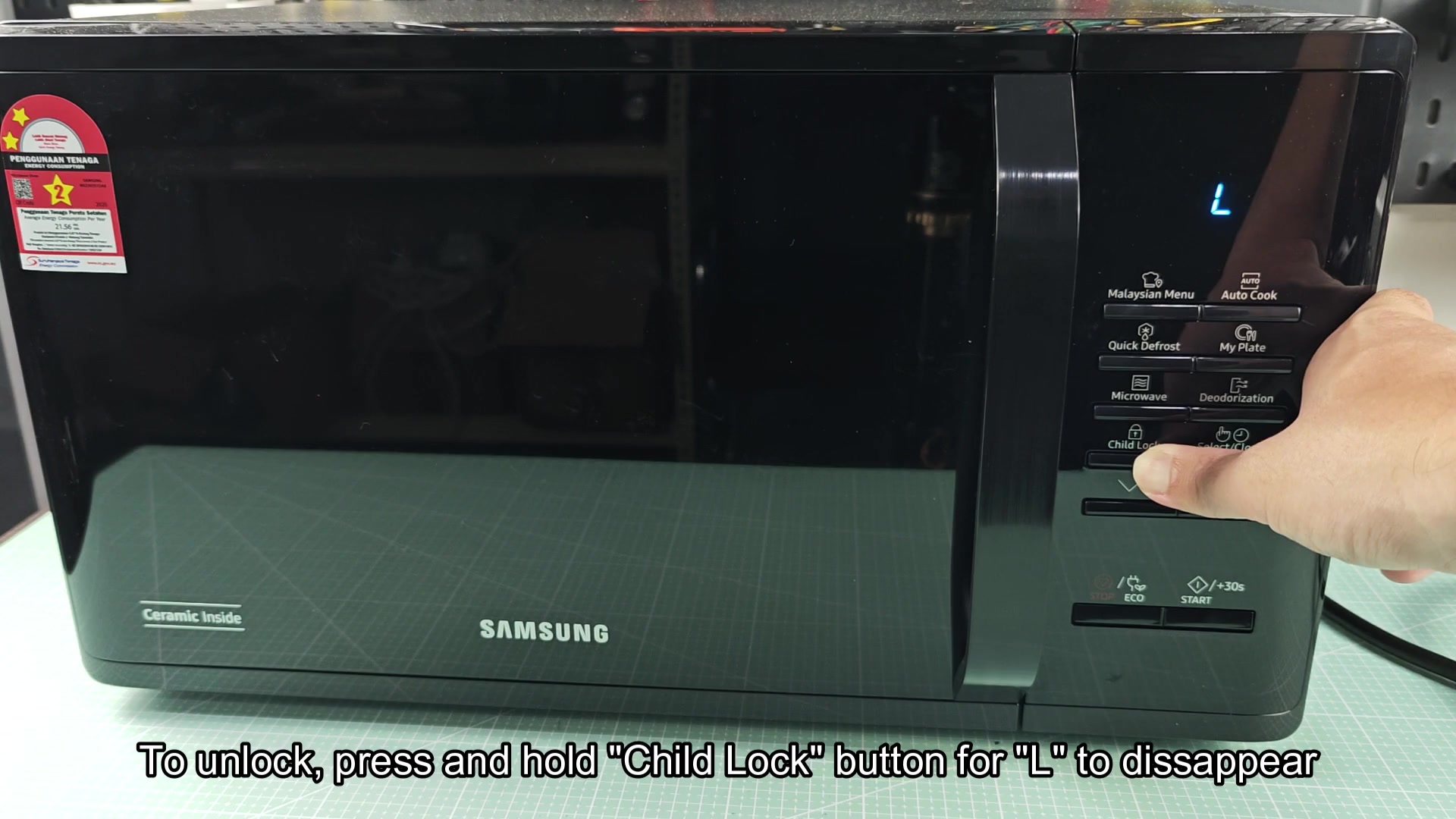
On the right-hand side of the panel is a button labeled Clock/Select and Child Lock button sits next to it. To engage the child lock, you push and hold down this button for approximately three seconds. There’s no visual feedback at first so you’ll just wait while timer ticks by.
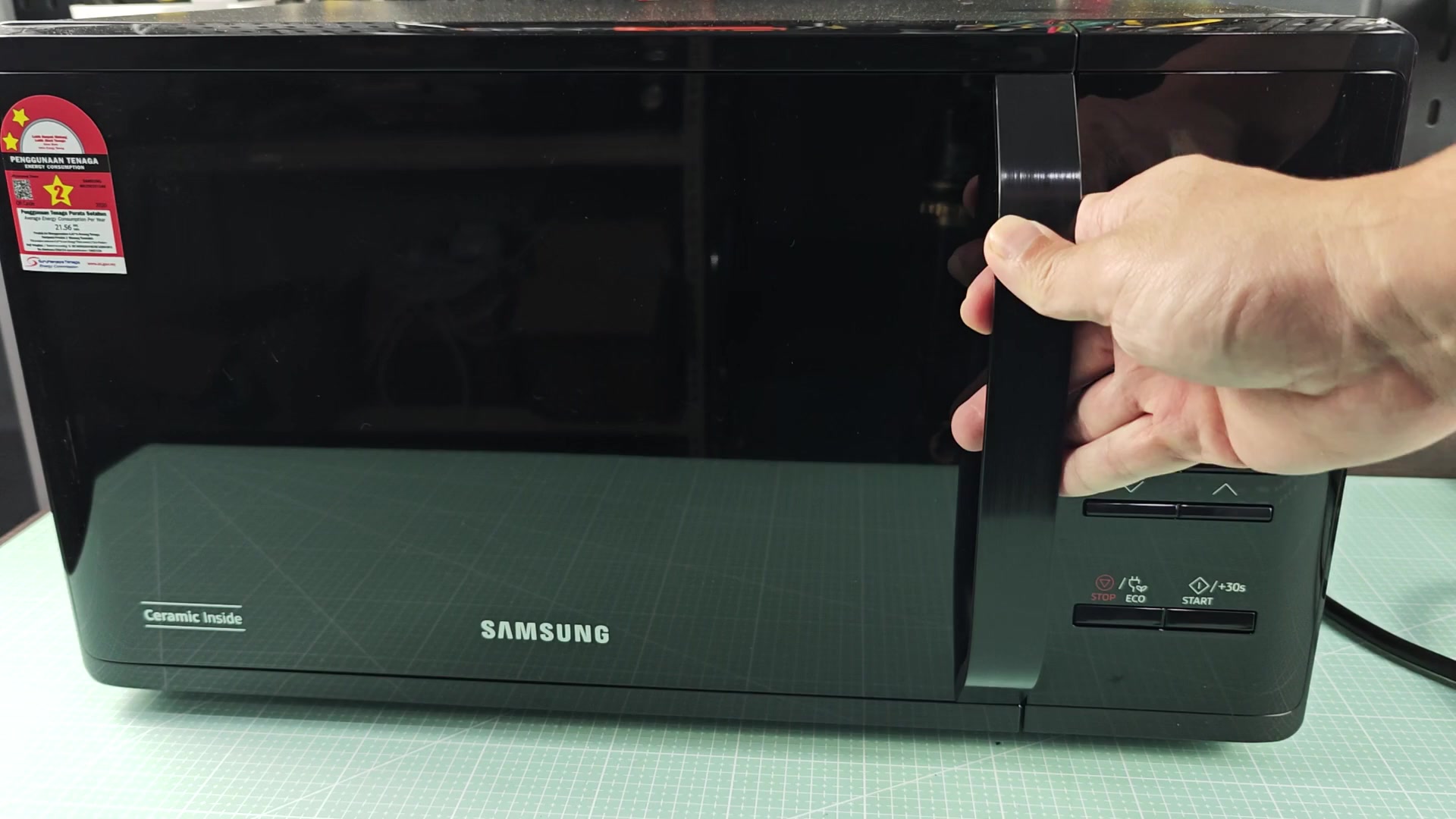
For three seconds, press the button; then digital display will show a “L,” which indicates it’s locked. That “L” is short for word: Locked.
How to Unlock the Child Lock
Once you see this indication, rest assured system has received your request and no other buttons is operable on the unit. No need to push another key to begin cycle or change the time.
And to truly check whether this lock engages or not, you push hard on the Start button and see if it override the safety setting, in other words, see if it will respond or nope out. In this case, there’s no response, no beeping microwave, no buttons responding as “L” continues to display on the screen.
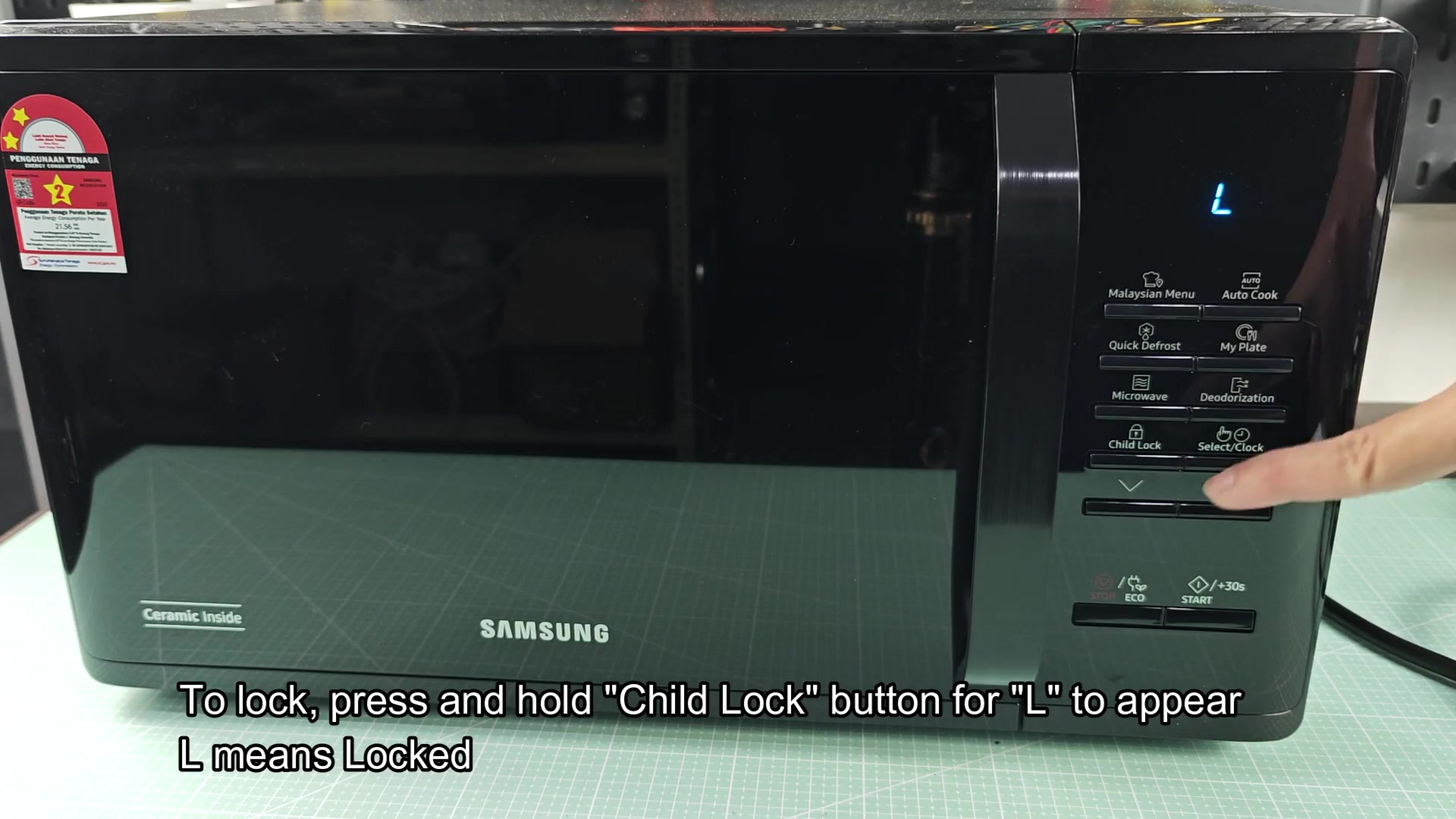
So, you’re reassured that this thing isn’t going to get turned on inadvertantly, especially with children running around… Helpful!
As with the lock, unlocking is equally easy, you use the same button that you used to lock it. Pressing the button down again won’t do anything until you’ve pressed it down for another three seconds; it’s the same real world action as before, but this time it unlock the microwave instead of locking it. Keep your finger on the plastic key, watching screen closely.
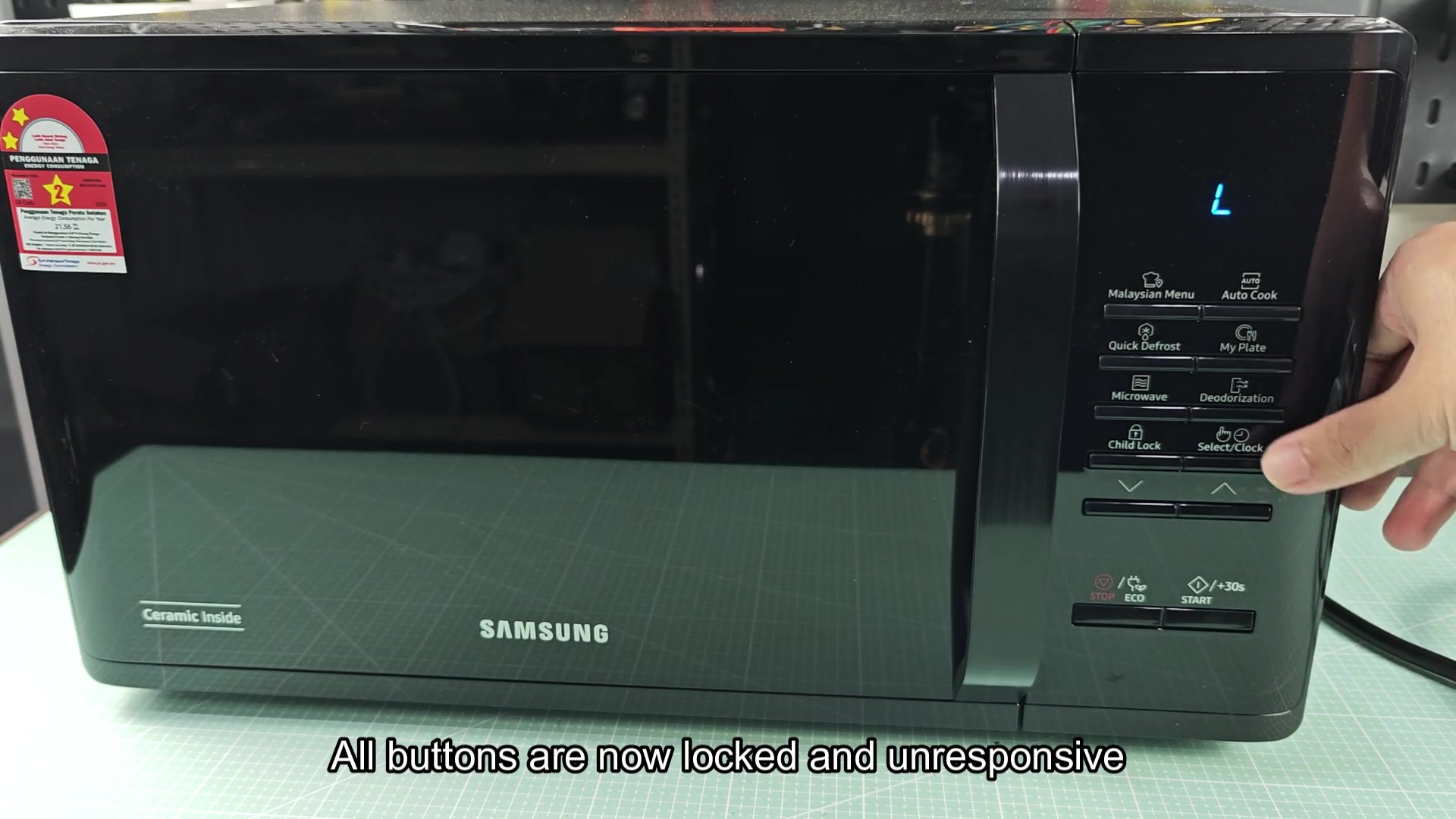
After a few minutes, when timer goes off, the screen will be blank with no sign of blue “L.” The clock will pop up again onscreen.
That’s your cue that control panel is back online; all buttons are now live and available to you. Now it’s safe to select whatever settings you want for your meal.
It’s a very simple solution to save all of us lots of headaches day-in-and-day-out without having to worry if somebody actualy hits the wrong combination of buttons when they’re popping some corn. It locks on and unlocks on command which is an under-the-radar but essential component for any kitchen appliance.

Now that you know how to deal with this setting, your microwave are running like a well-oiled machine.