
When you see a blinking light (the “descale” light) on your DeLonghi La Specialista, that’s telling you the machine need to be cleaned internally. The coffee continues tasting good, so you can just let the light blink away, but eventually you’ll notice the temperature isn’t as consistent and brewing will also take longer.
Why not get ahead of it? Get the maintenance done now instead of later.
Starting the Descaling Process
If your tank has a water filter remove it before running the clean cycle. This prevents potential clogs during the cleaning cycle.
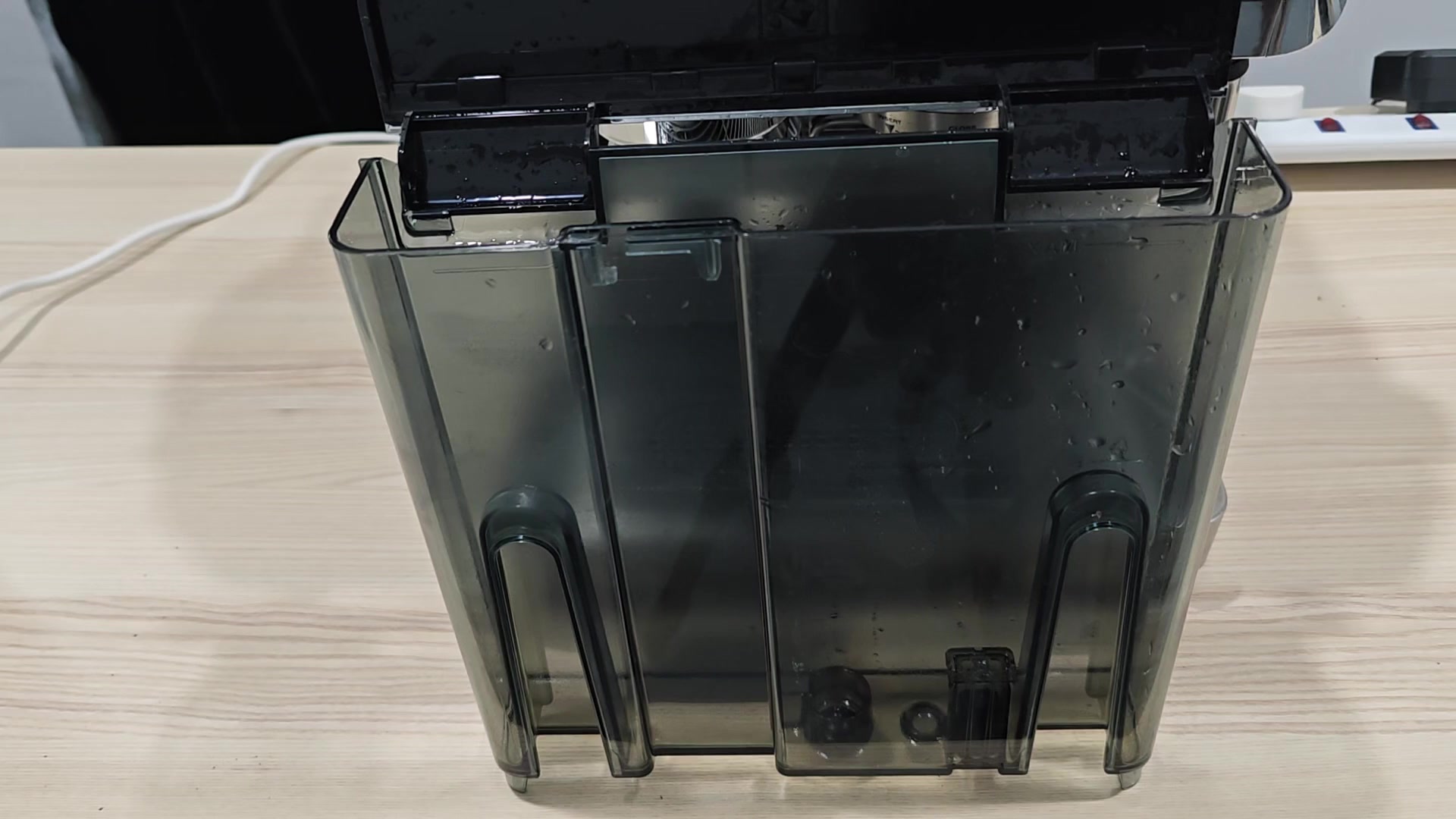
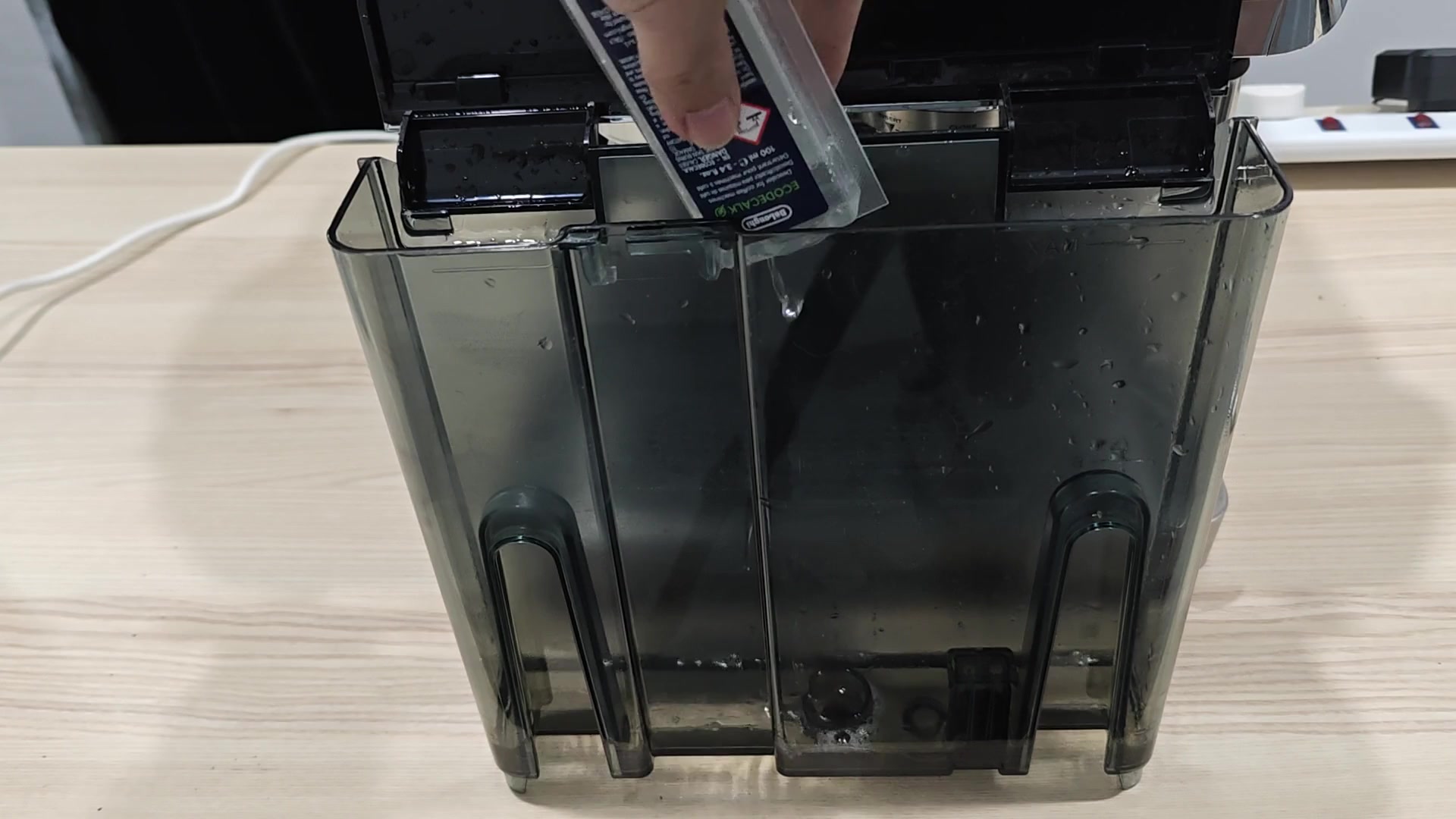
Next add 100mls of the descale solution straight into the reservoir. Why 100mls? Because this is the exact amount that the machine’s sensors will detect and register as correct. Any less and they will error any more and it may leave residue behind. Be accurate with this measurement.
Fill the rest of the tank with fresh water up to Level B mark (not all the way to the max line). The reason for this is that you want some room in the tank during the purge cycle, enough room to allow the water and purifying solution to mix effectiveley without spilling (pun intended!). A lot of folks make this mistake by rushing it along. Just take your time here and set the fill level accordingly.
Place a large metal container under both nozzle to catch all the dirty water and chemical mixture coming out. Replace the tank firmly back on the machine until it snaps into place. You don’t want any leaks when that pump is running full blast so make sure you have a solid base before pressing start.
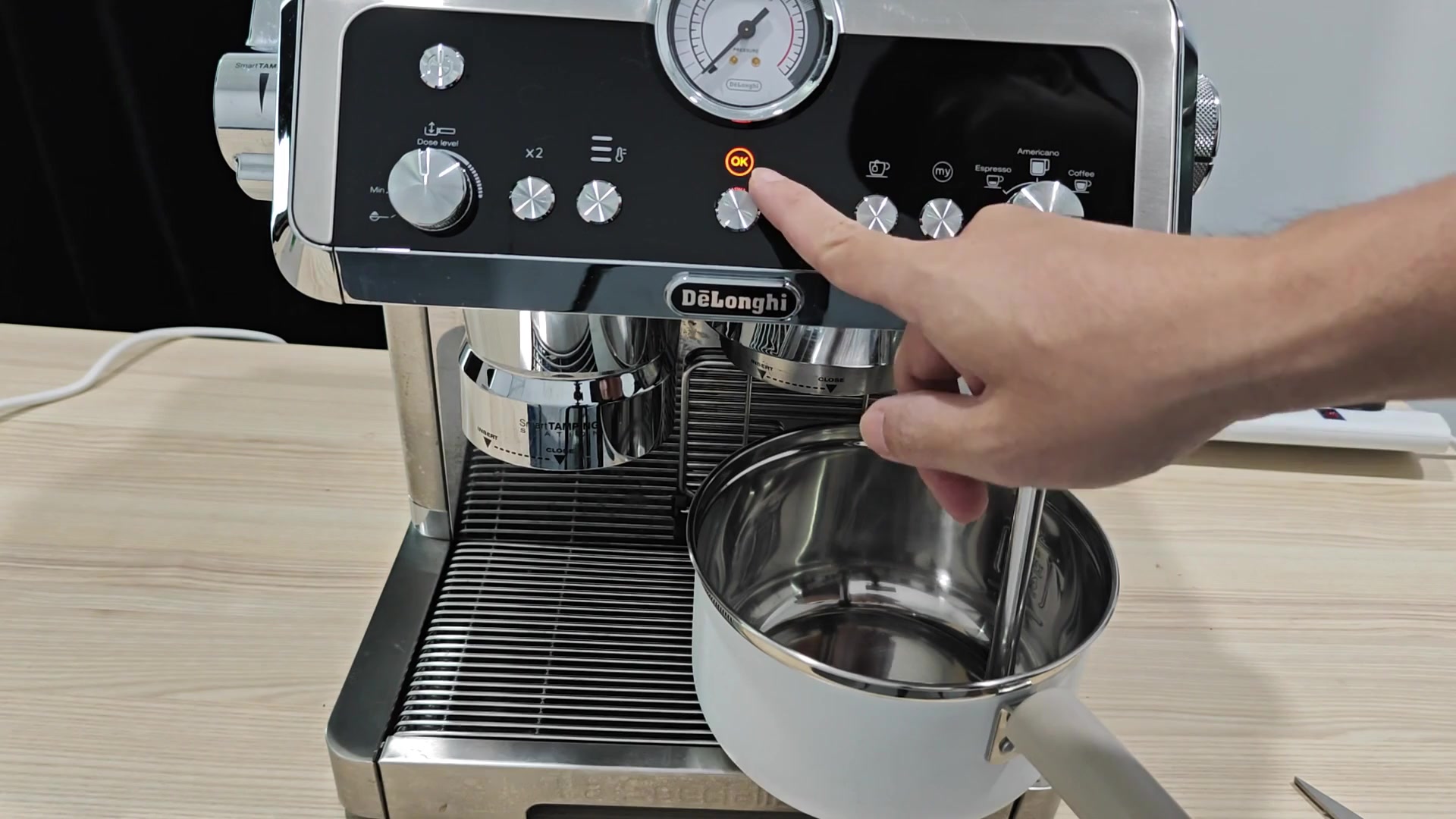
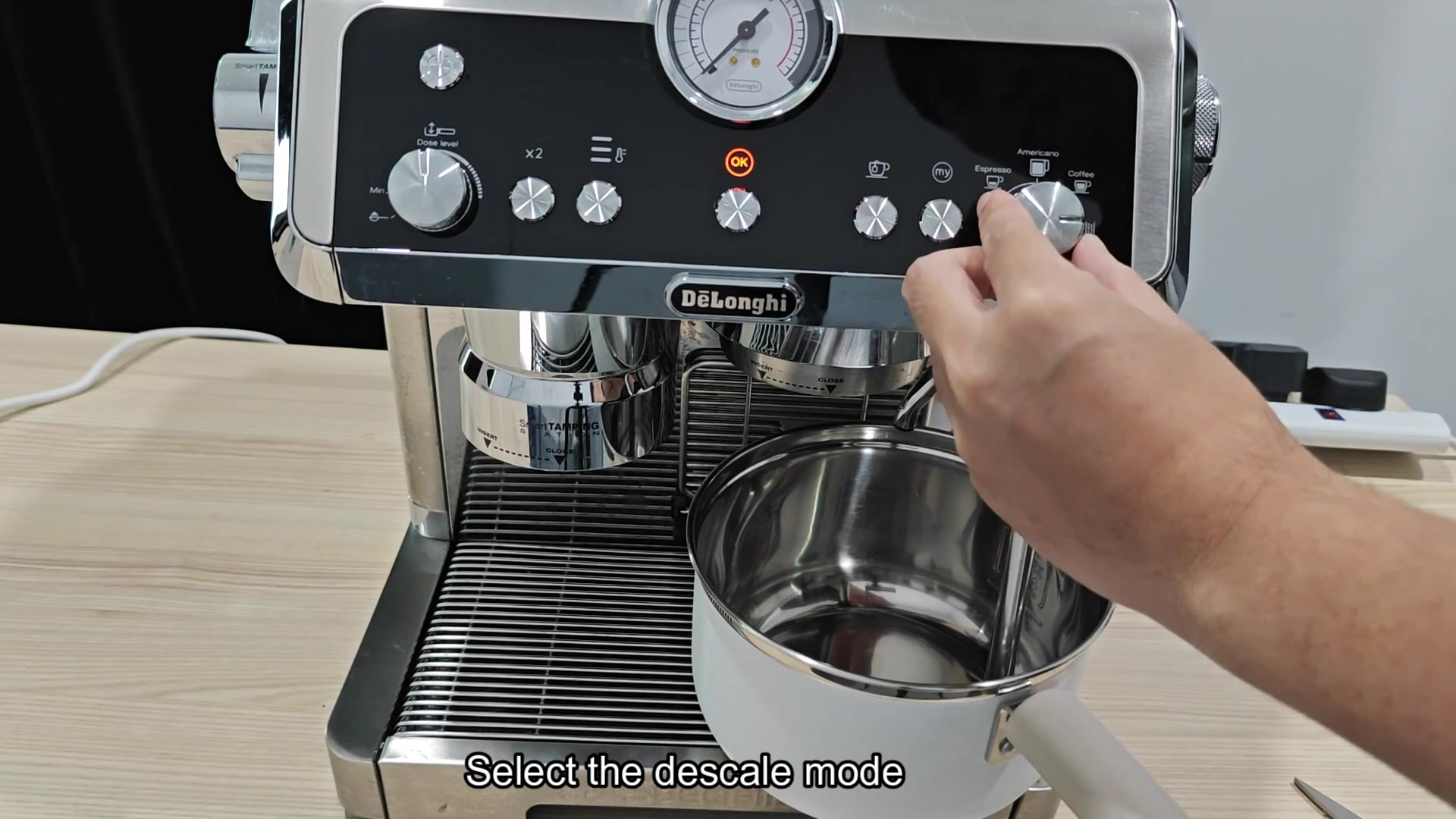
You turn the right-hand knob to “Descale.” You see a bright orange OK button appear on the screen; this indicates that the machine is prepped and waiting for you to start the process. Push the orange OK button and away it goes. The screen will change and you’ll hear internal pump hum.
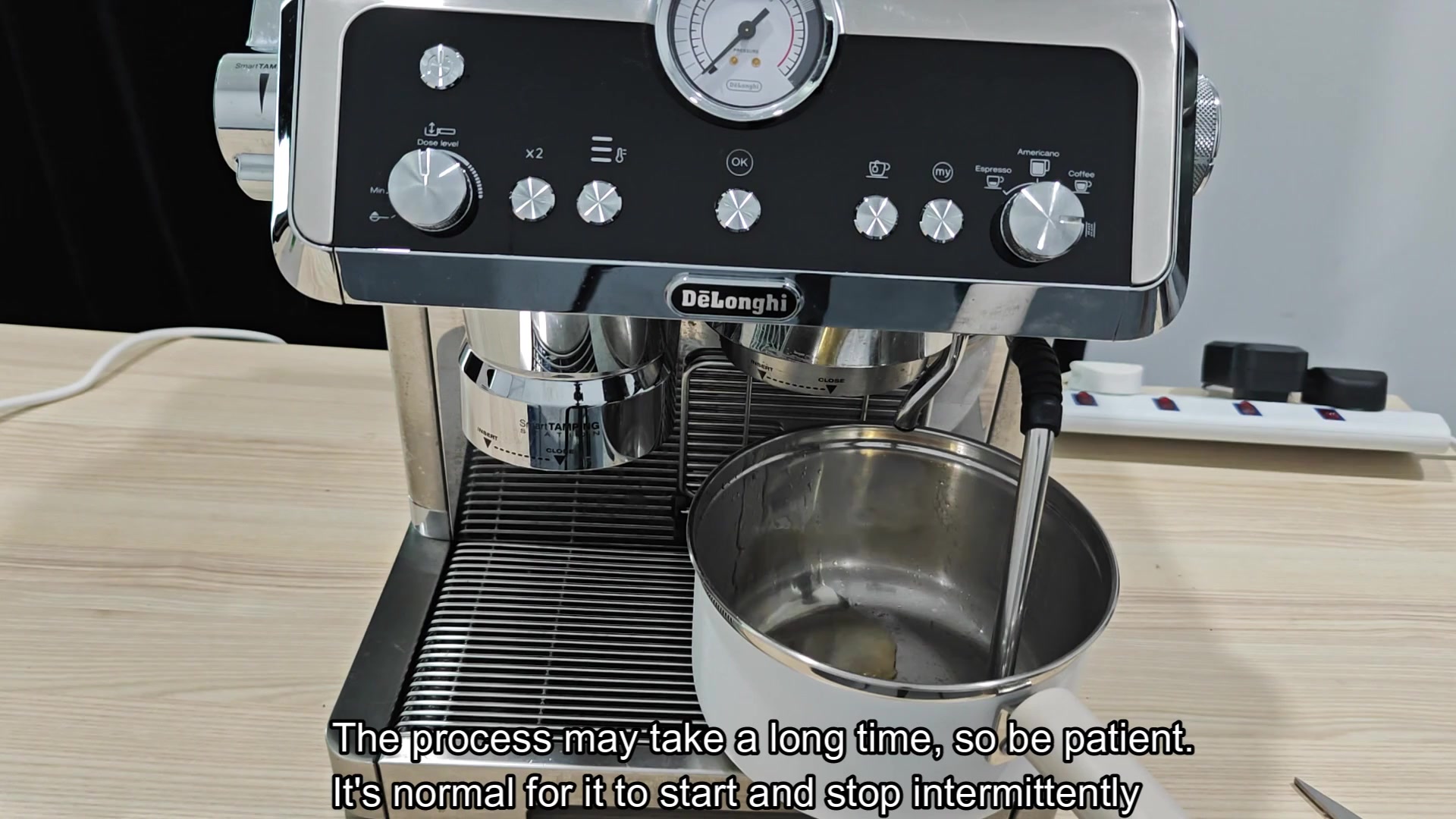
As it flushes various components throughout your system, it starts and stops intermittently which means the descaling cycle do not happen instantly. Watch it go to work but be patient because there will be brief pauses in flow between bursts. The first stage can last a long time so plan accordingly.

Let the tank completely run dry (the panel will have a light that says “water empty“). To avoid putting old solution back into the rinse cycle, dump whatever’s in the bucket under the nozzles down the drain. Fill the tank to capacity with clean water as you’ll need this step to work through the rest of the process.
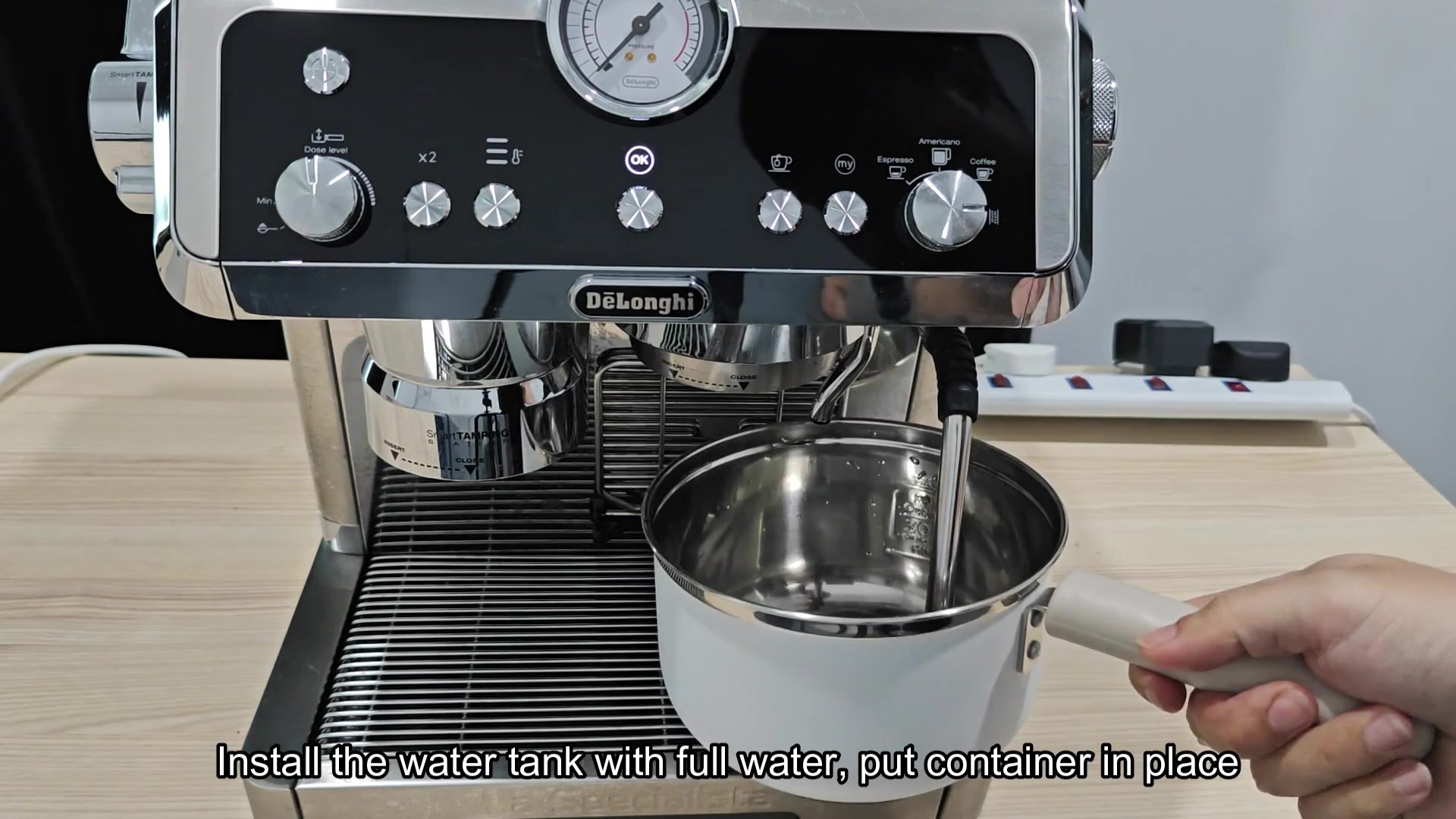
Replace the full tank then press the OK button again. Now the machine is still flushed internally but only with clean water which should flush out all leftover descaler from boiler and pipes. Wait while the water runs through until it’s no longer chemical- looking (cloudy) or running out. That way you’ll know your coffee will soon be tasting like usual again.
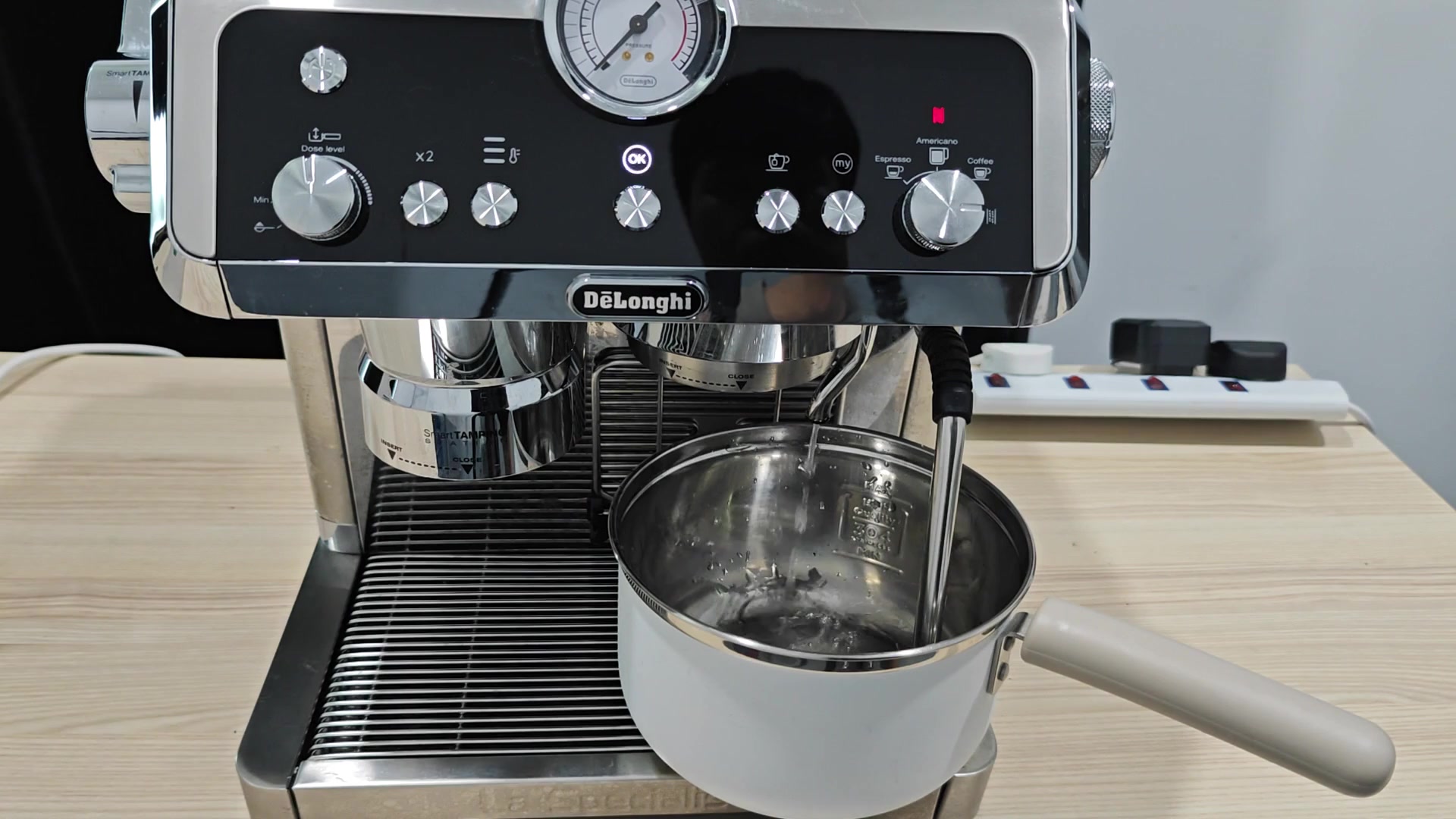
It’ll also start to get a bit quieter as it’s nearing completion, which will still have water slowly streaming from around the steam wand and group head. You’ll notice that movement inside the container has slowed down a lot.
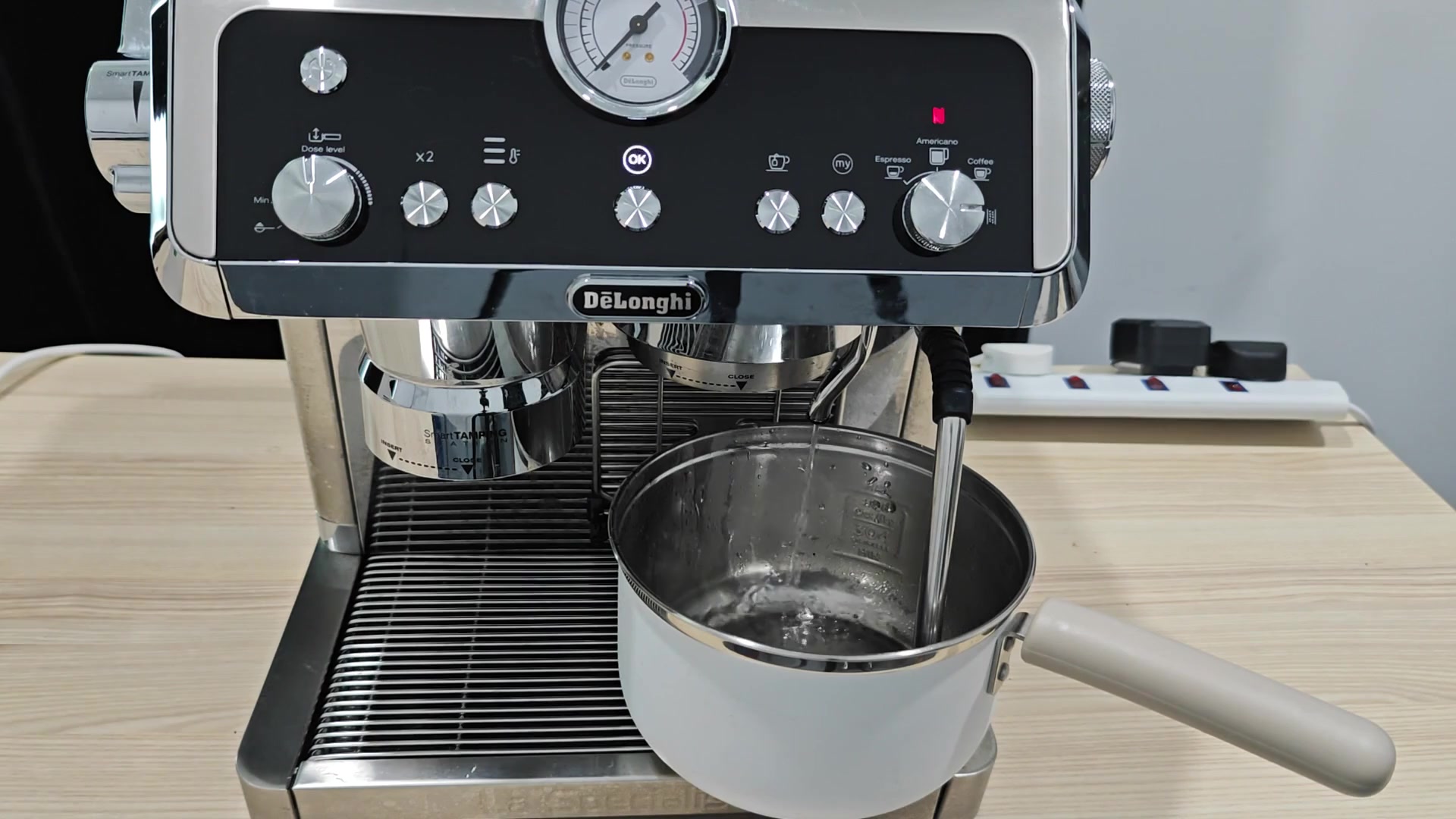
No error messages should of appear on your display screen at this point in the process either but do check the tank periodically so it doesn’t empty all the way out by the time the cycle completes.
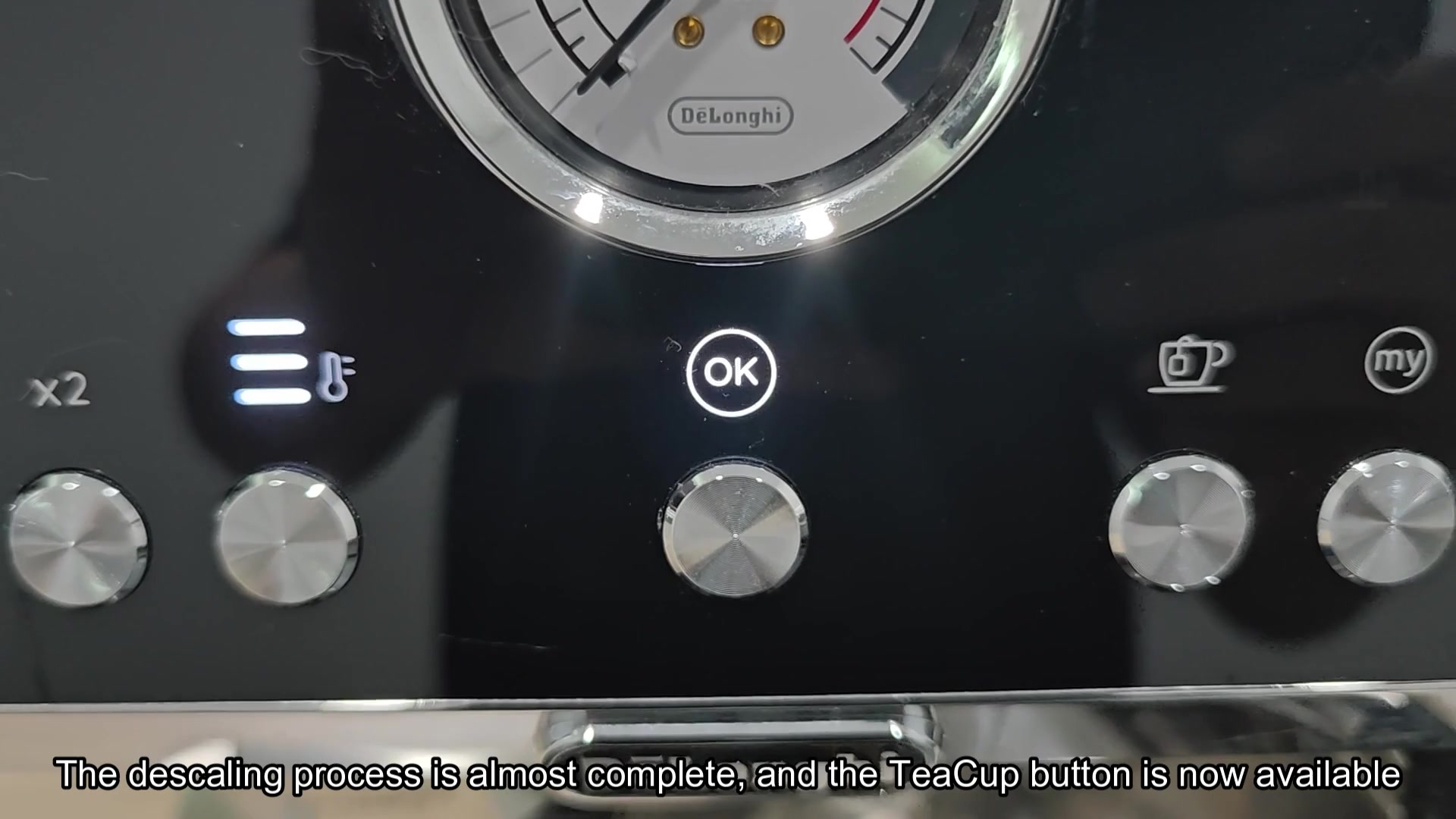
Once you’ve run the rinse cycle through, you’ll notice that cup button light becomes solid, indicating the descale cycle is finished. All residue in the paths inside the machine are gone.
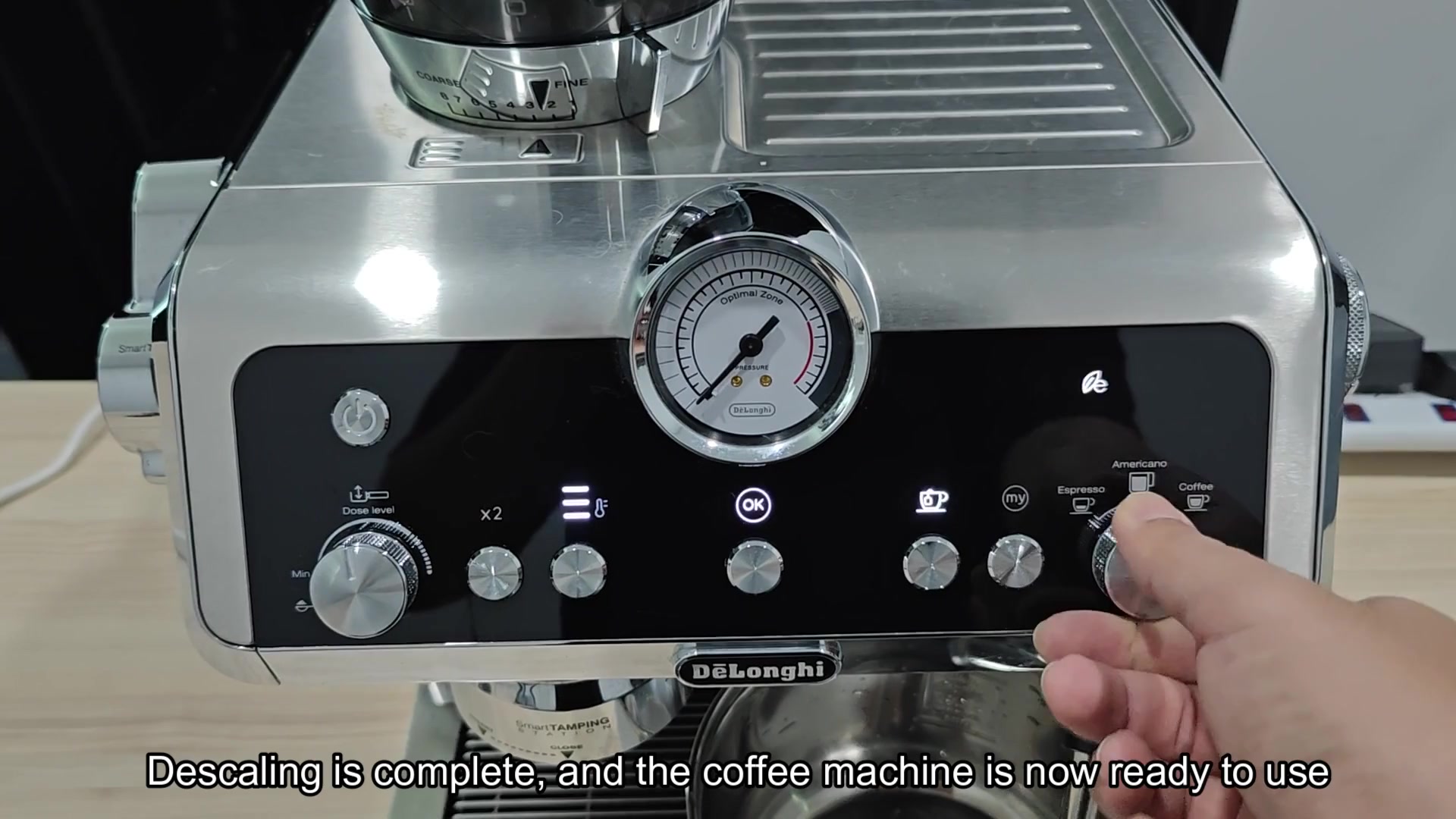
Return the dial to the regular brew setting to reset the panel lights to their default state. You’re all done! Your DeLonghi La Specialista is sparkling clean and ready for some freshly brewed espresso.
