The buttons are not responding on your Instant Pot
This will halt any cooking process in its tracks! You pressed a button but there is no response. The screen goes blank and fail to respond or light up. That is not good!
Check for Pressure Issues
There are typicaly only two causes for this problem: an issue within the appliance itself or a problem caused by pressure build-up. If you know which one it is, then you’ll save yourself time (and money on repairs!). Here is how you break them down to find the cause.
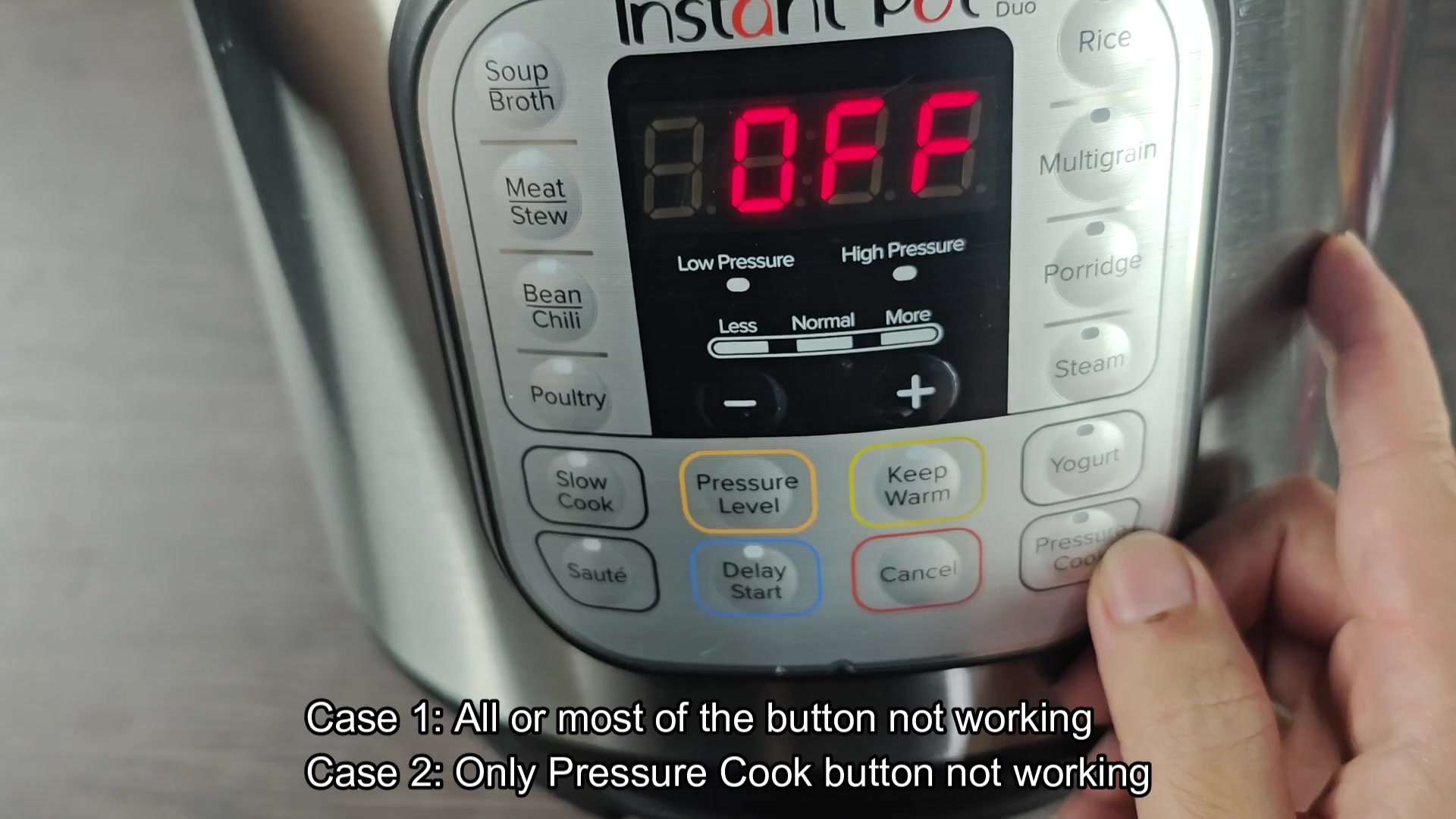
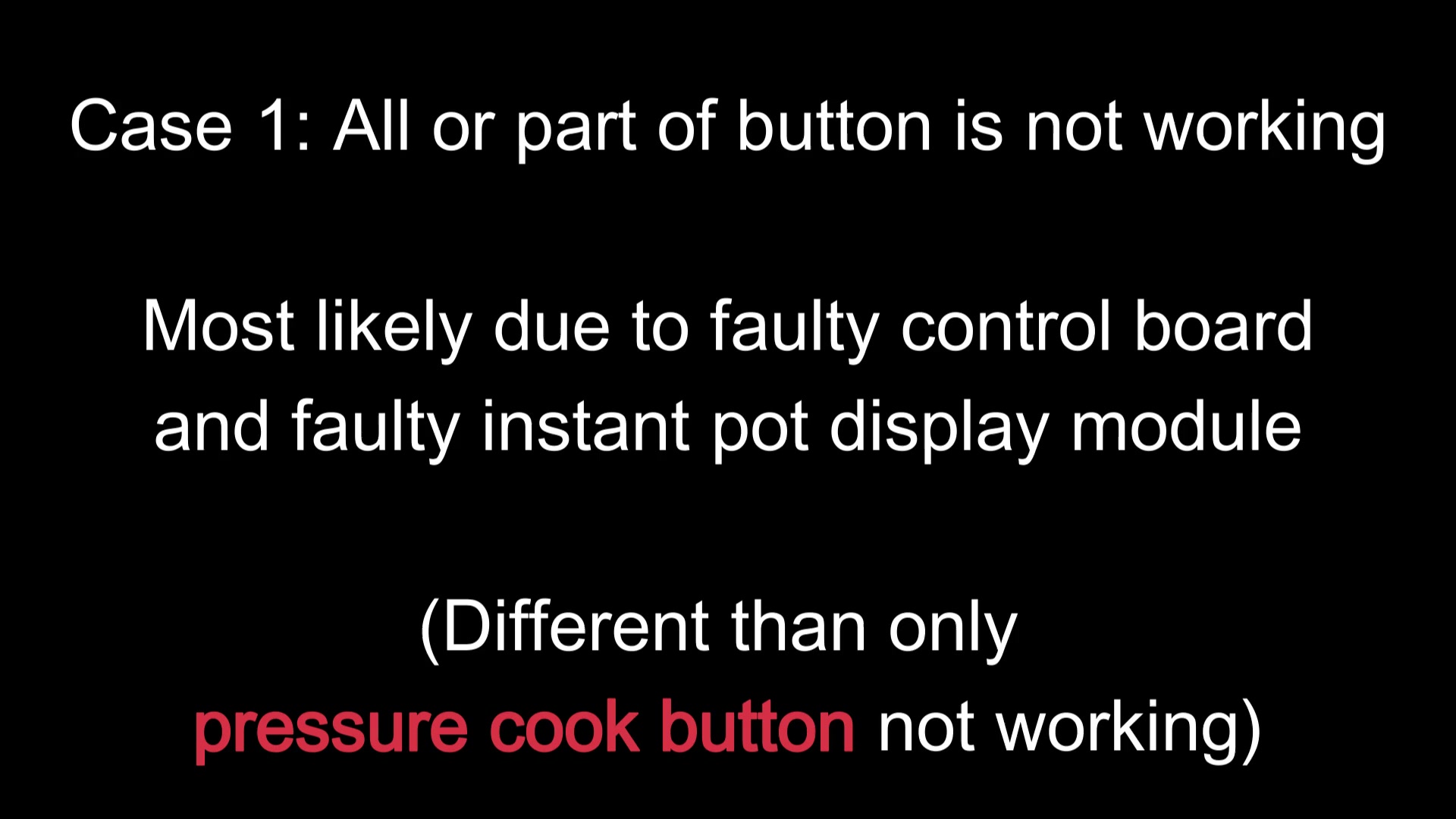
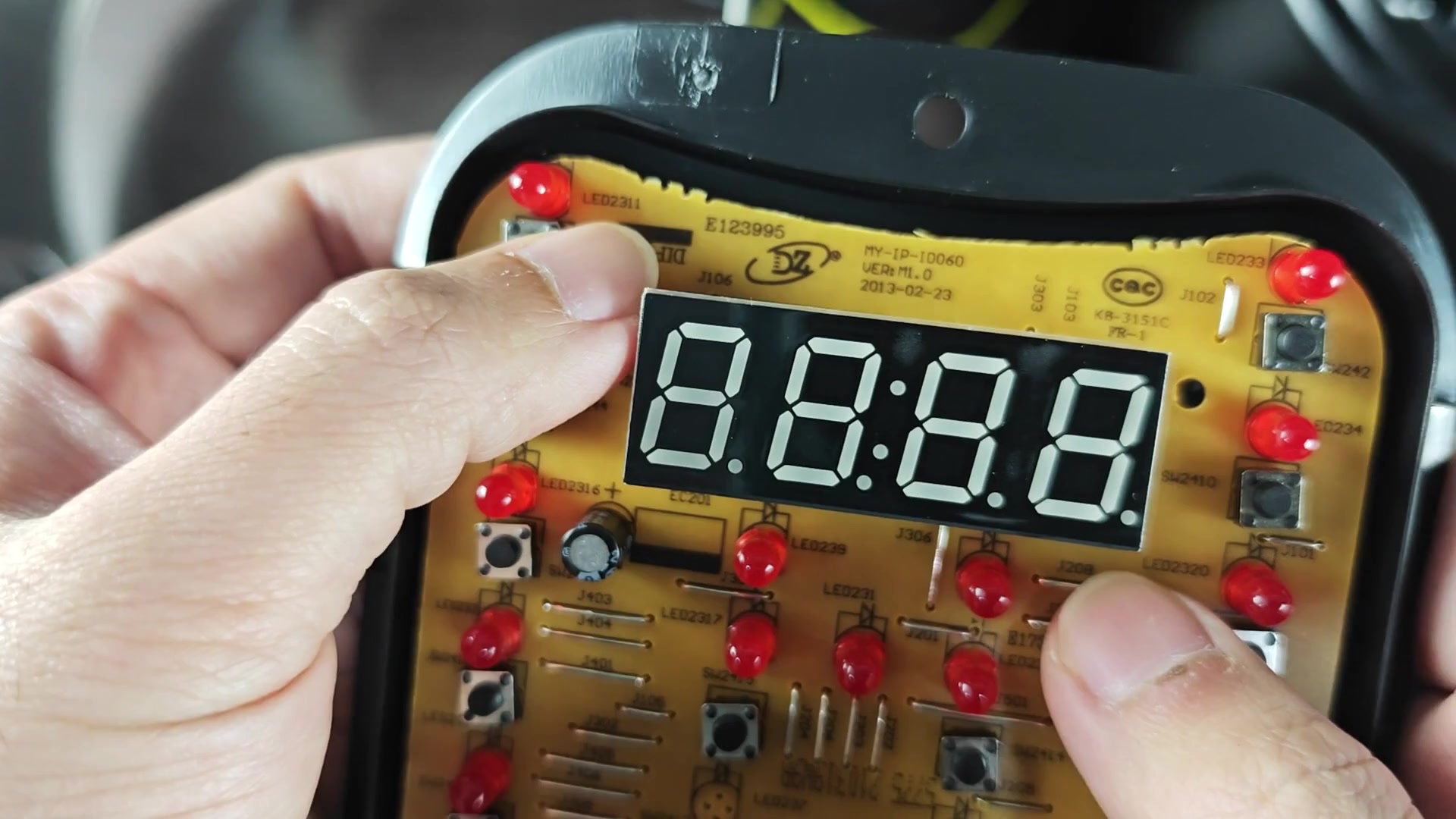
If every single button is dead, it indicate a hardware issue. Usually, the problem is the display module going bad, or the main control board just quitting on you. They receives all the electrical signals and when either one quits, then the entire unit freeze.
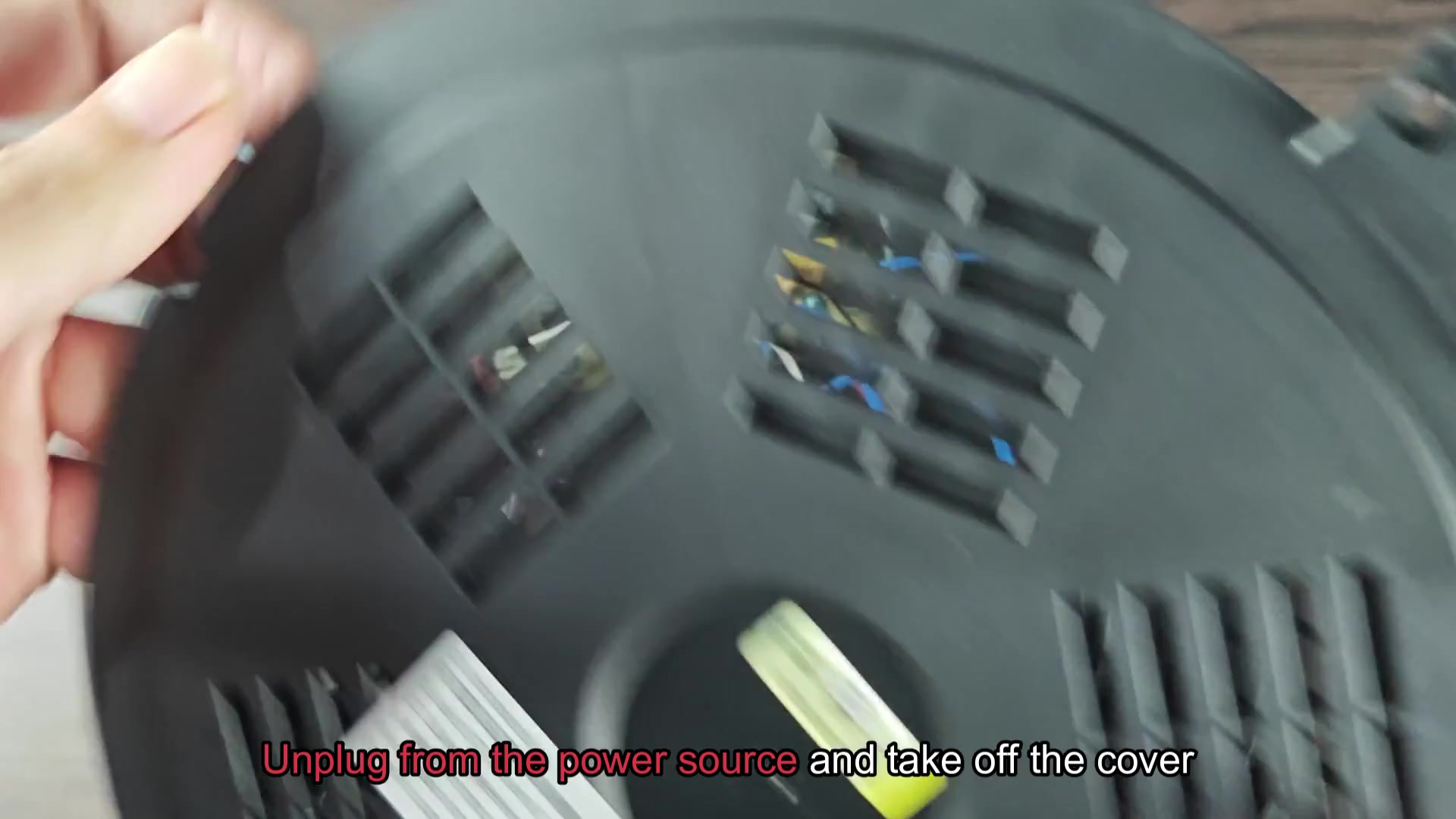
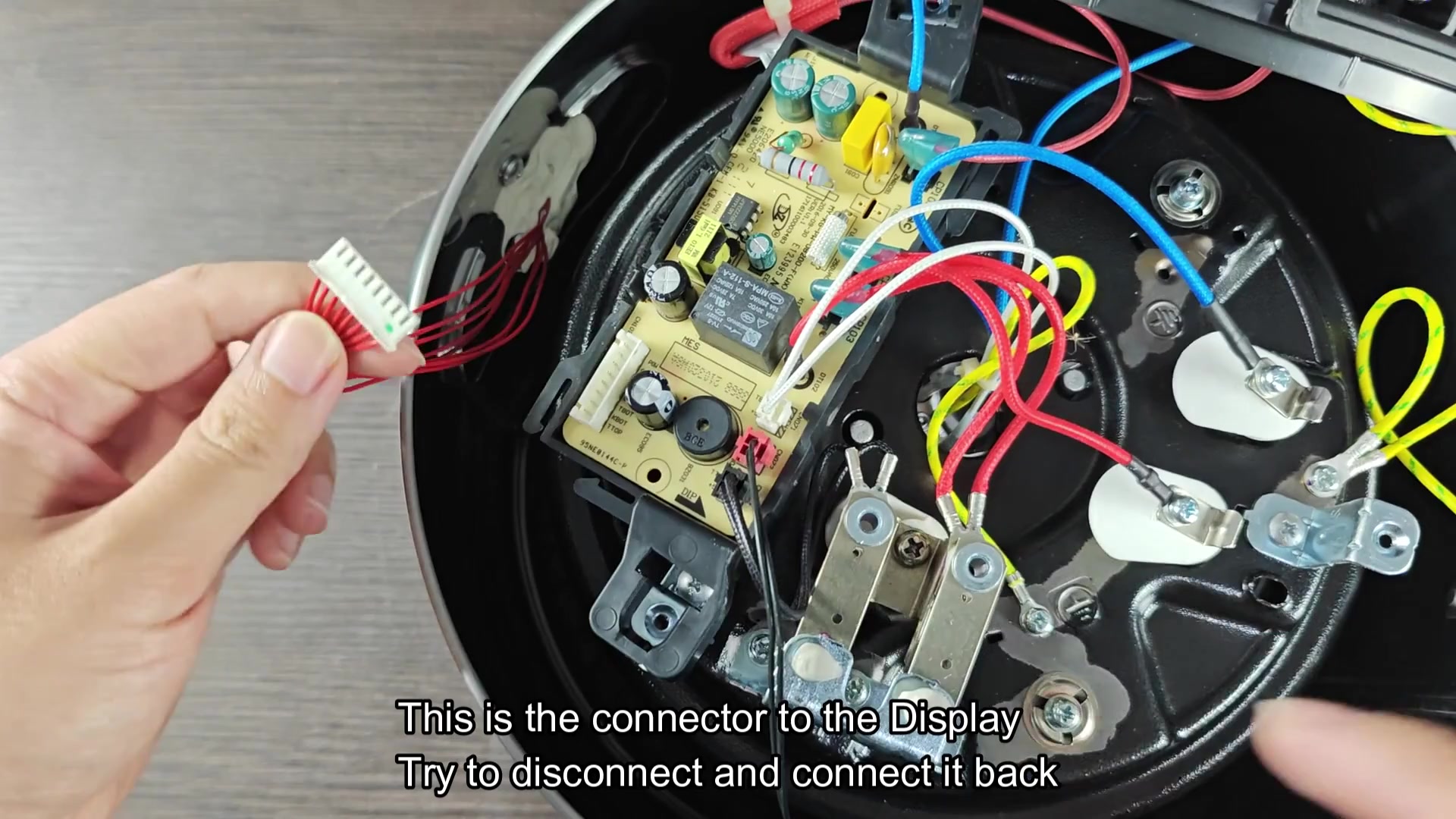
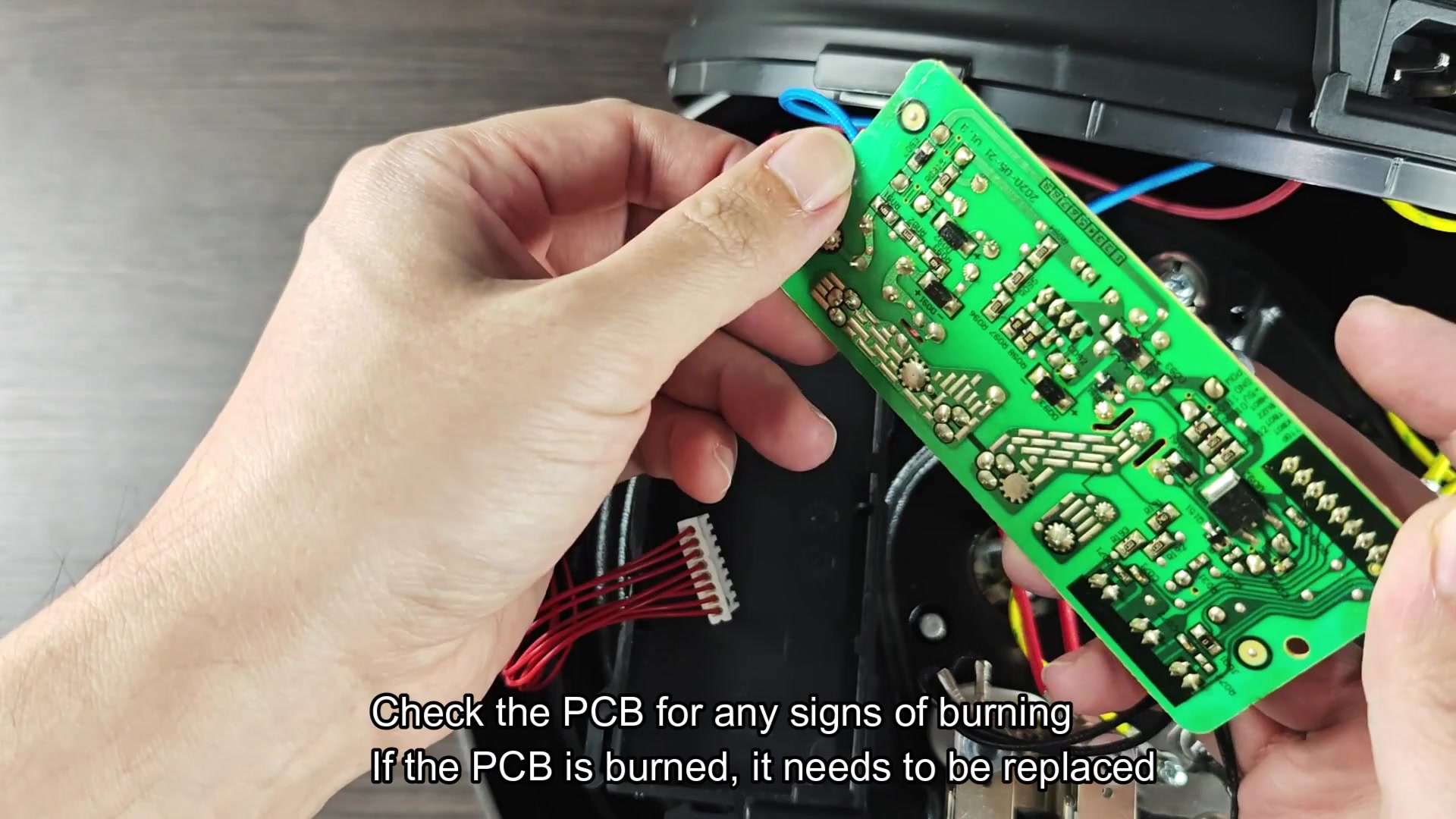
To get at them, you just pop off bottom cover and below that is the brain of the machine. Everything connect via wires, including blue and red ones. There’s also a printed circuit board in the middle that resembles a green square filled with chips. Examine this very carefully. Any signs of burn marks are a bad thing. If there are charred areas, then it has been subjected to some kind of heat. Black scorching will require replacement of the board. Attempting to solder it would of be both useless and dangerous.
Another offender is the display connector which goes into the main board. Over time connections becomes loose and vibration from cooking will also do its damage. You can try unplugging it and reconnecting it. Make sure to unplug it first for safety’s sake.
Sometimes doing this will get the unit back on line instantly, so go ahead and check the buttons. If they still don’t work then there may be a problem with the display itself or perhaps the display module went bad. Online you’ll find replacement panels for your particular model number. These runs anywhere from $20-ish and changing one out isn’t too hard if you’re handy.
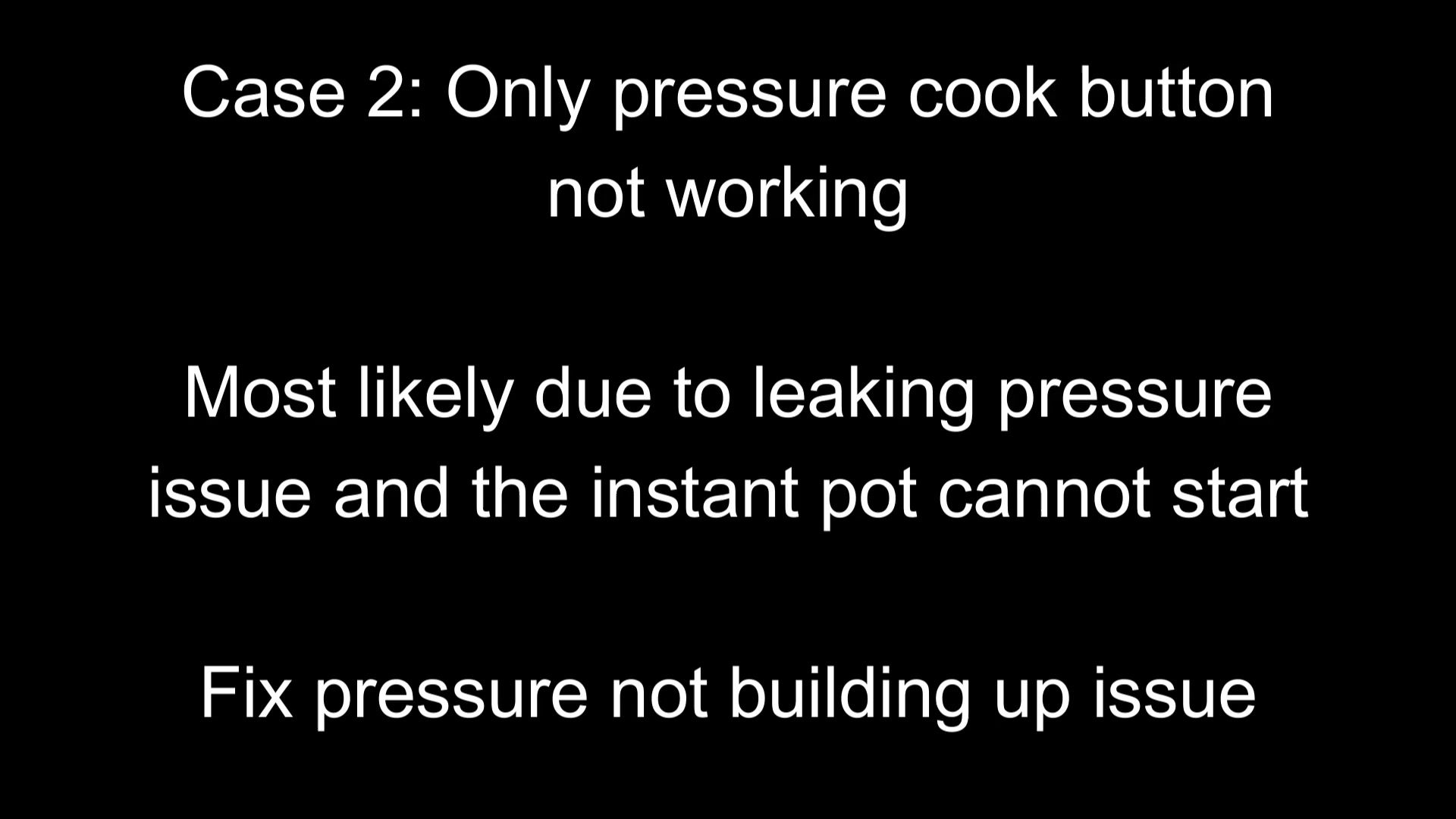
Then imagine just having one button go out on you, like the pressure cook button. That’s what happens to a lot of owners and it’s not because the button was literal broken. It’s usually because it can’t seal well enough for it to build up any pressure. So, it won’t turn on until it has pressure. The pressure cooker protects itself from doing an empty run. And it’s this safeguard that confuses folks into thinking the control panel went bad.
But the electronics work just fine; there is just a sealing problem. First thing to look at is your steam release handle. It needs to be in sealing position. If it’s sitting open (venting), then there is no pressure building and the button will never respond. It’s an easy error to make, double check that valve setting.
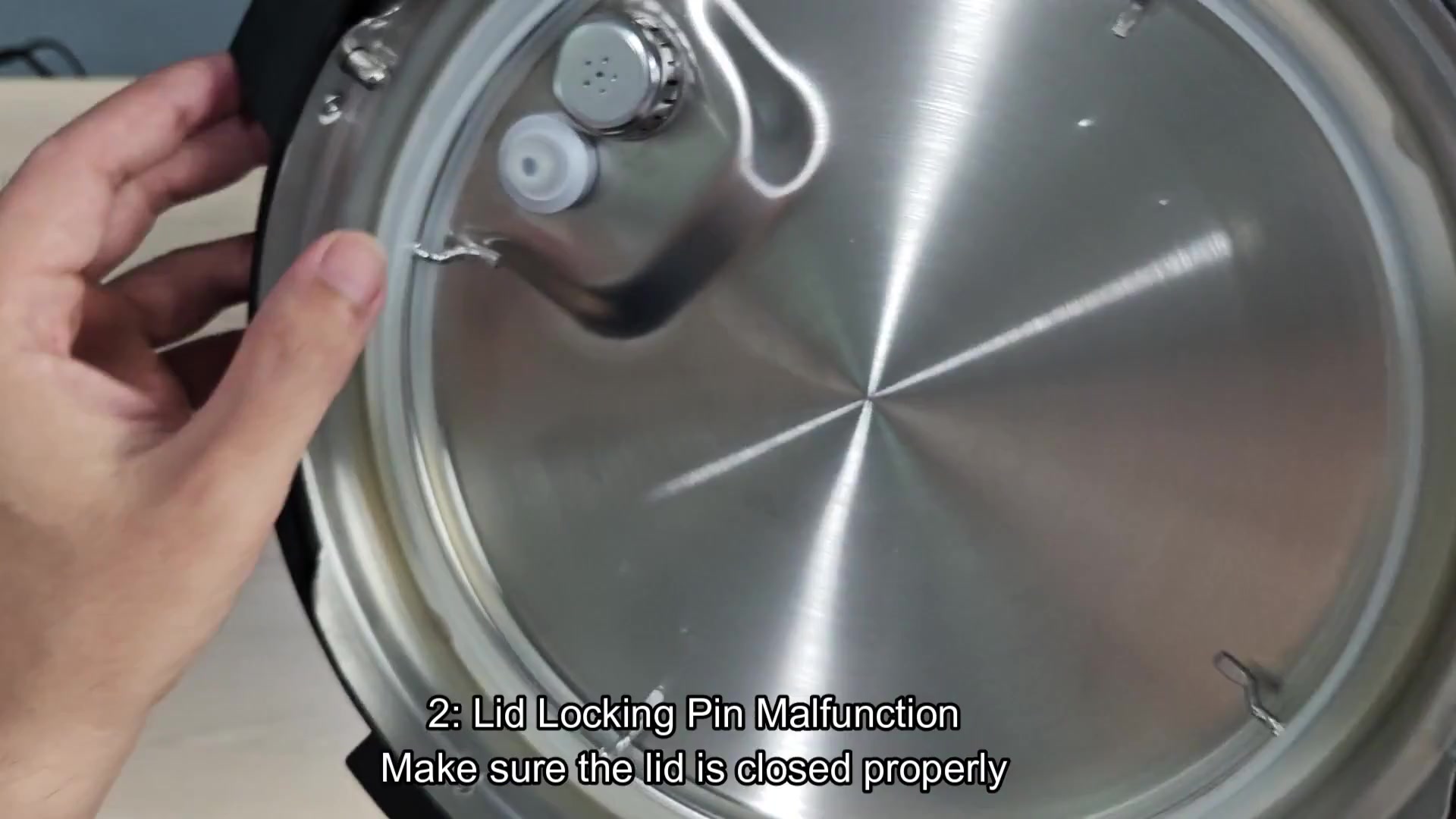
And then the lid mechanism; that’s where the locking pins need to engage correctly. The machine won’t start cooking unless the lid close tightly; the sensors know if it doesn’t and it shuts down. Twist the lid on completely until you hear it “click” into place.
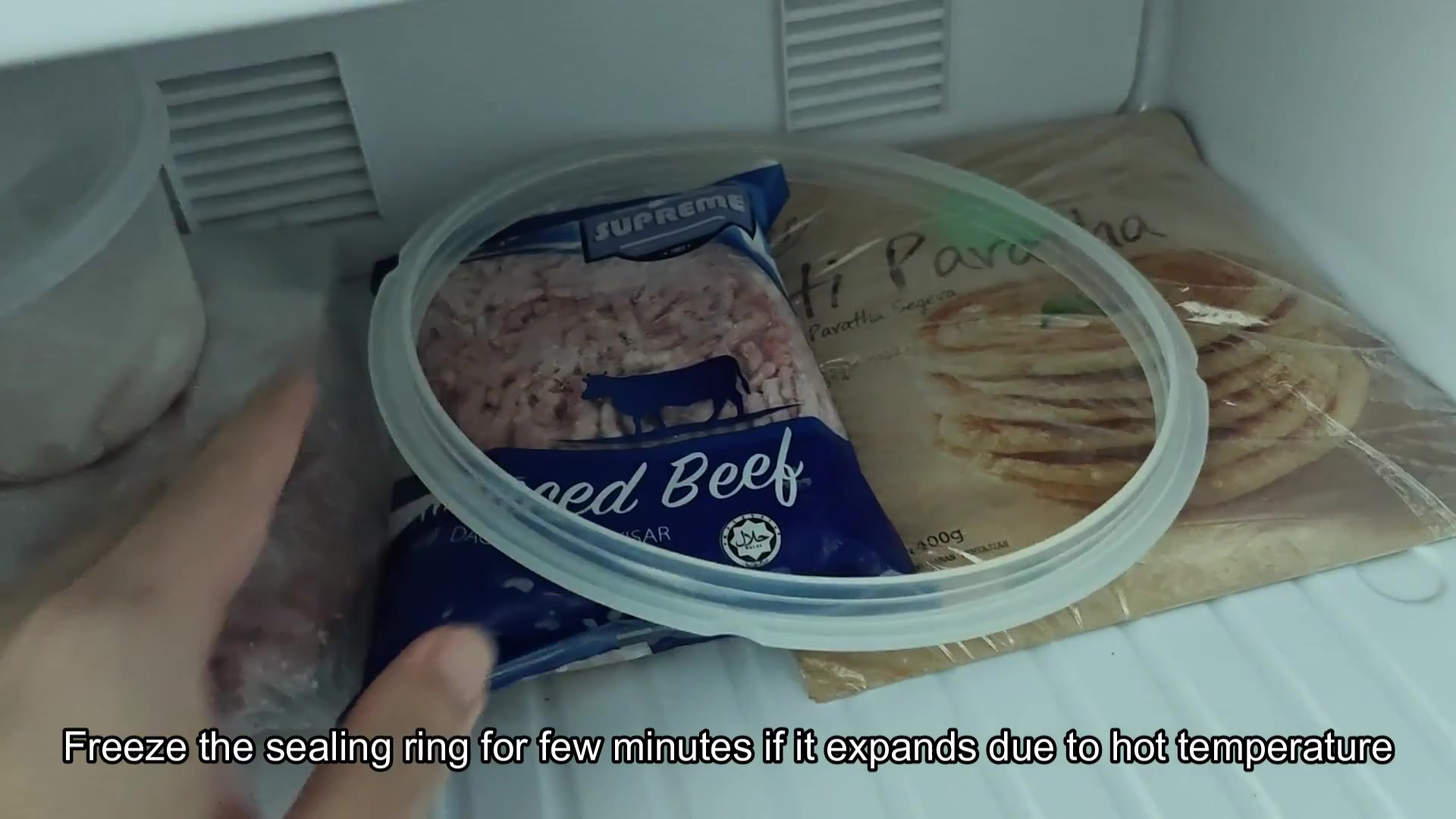
And also take a look at the silicone sealing ring inside the rim of the lid. Steam can get out if the ring is damaged, and the lid can leak if it’s installed incorrectly as well. Unhook the ring, remove it, and check for any tears, make sure it sits evenly all the way around. If it appears stuck or swollen, pull the ring out and pop it in freezer for a minute or two (the cold reduces it and makes it fit snug again). Carefully re-install it, which has solved the problem in several case.
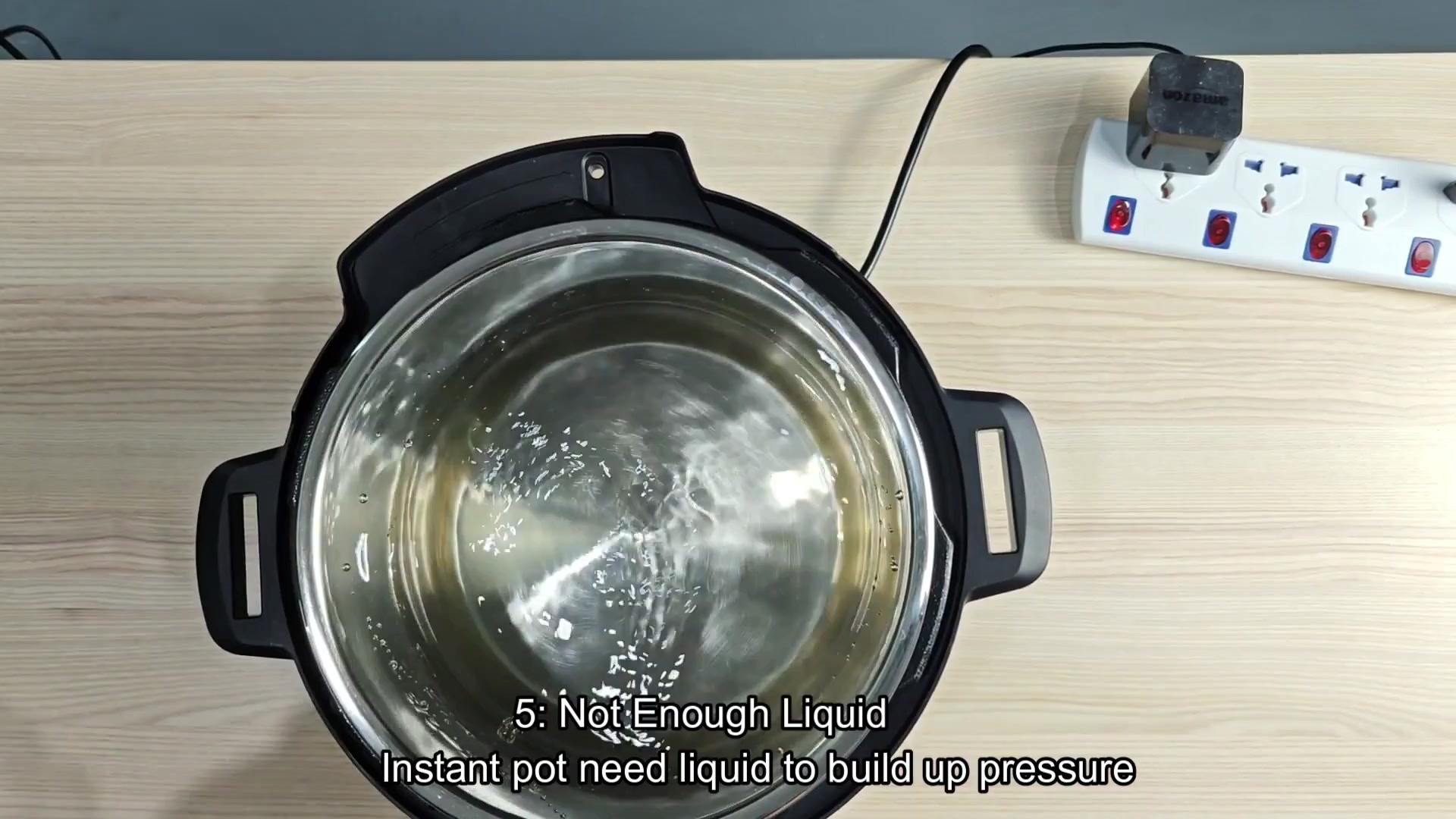
Pressure cookers rely on steam made by water. Not enough water = no steam = no pressure. To ensure pressure develops, you must have at least a cup of water in the pan (although certain foods may require more). Check your recipe instructions carefully because some dishes need more liquid than others. When there’s not enough liquid, the sensor goes off and the button won’t do anything until you correct it.

Lastly, avoid putting dirty pans into the cooker. Any burnt-on food particles stuck to the bottom will block heat transfer; therefore, remove all bits with a scraping tool. This ensures even heat distribution and a cleaner-cooking pot every single time.
The good news is that fixing this requires some patience, but it’s worth the diagnosis. Before you open up any hardware, do a few quick tests to rule out pressure-related button issues. Most button malfunctions are not electrical; instead, they are pressure related.
If you have ruled out all of the above, then it might be an electrical problem. The fix for most is straightforward. Keep some spare rings on hand just in case. Regular maintenance prevents future headaches and your Instant Pot will last longer than that way. You’ll enjoy your meal, uninterrupted by tech issues, and cooking go smoothly again.