
Something is wrong with your morning routine: the coffee maker’s flashing “Add Water” message indicates something isn’t working right. But how? Because the water tank are definitely filled!
This perplexing error code has left you with a blinking display even after youve tried pressing various buttons. Time to do some troubleshooting; and check certain parts in proper sequence to get things back up and running ASAP.
Troubleshooting Common Sensor Errors
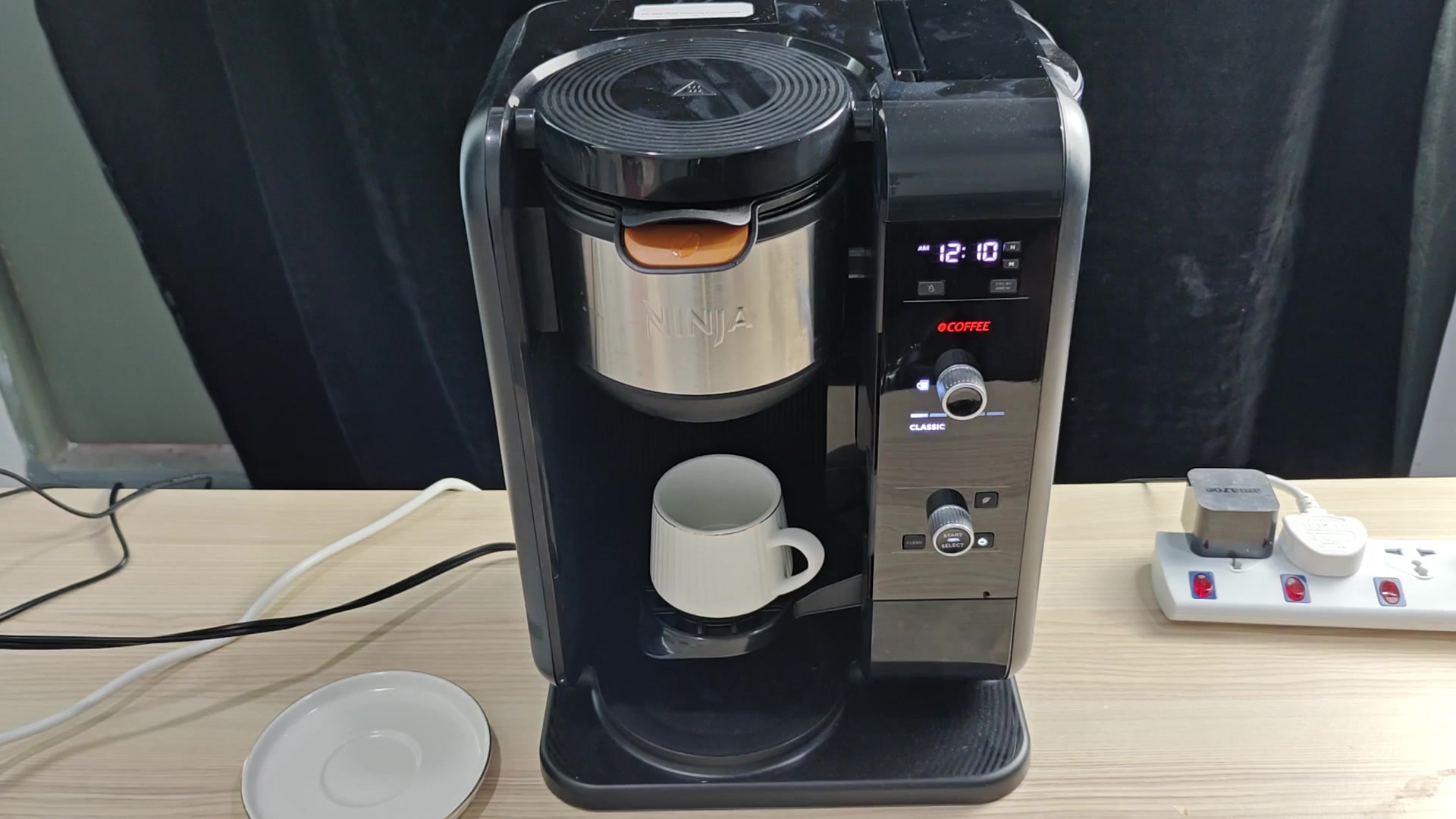
To start with we took a good look at the water reservoir. It have some pretty hard to see lines etched on its side. There’s also a minimum fill line where it needs to be in order to properly operate the sensor.
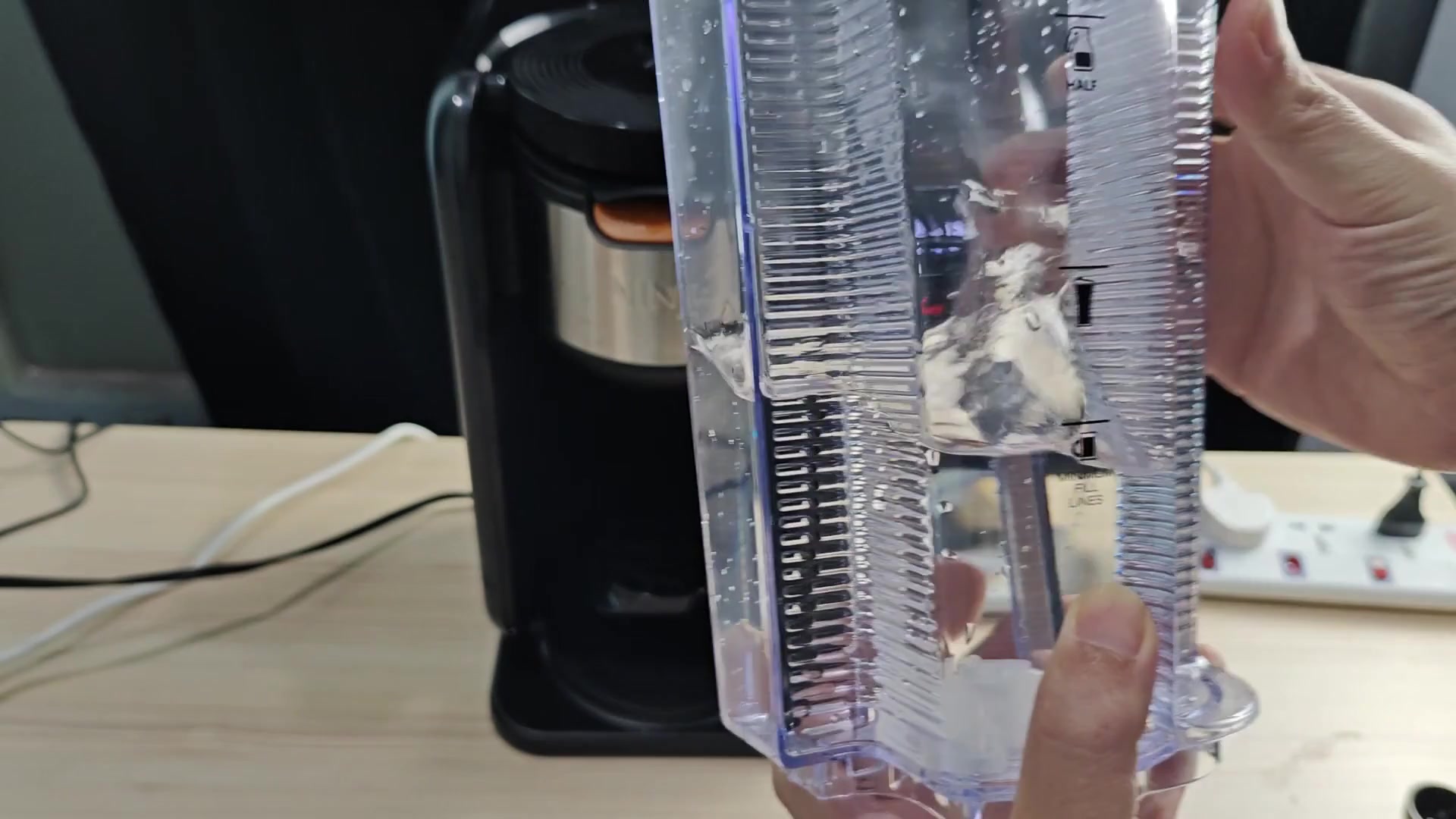
If your reservoir is below this fill line, then although your tank may appear filled, the sensor will believe otherwise. This cause it to send out this specific code when it believes the water level to be low.
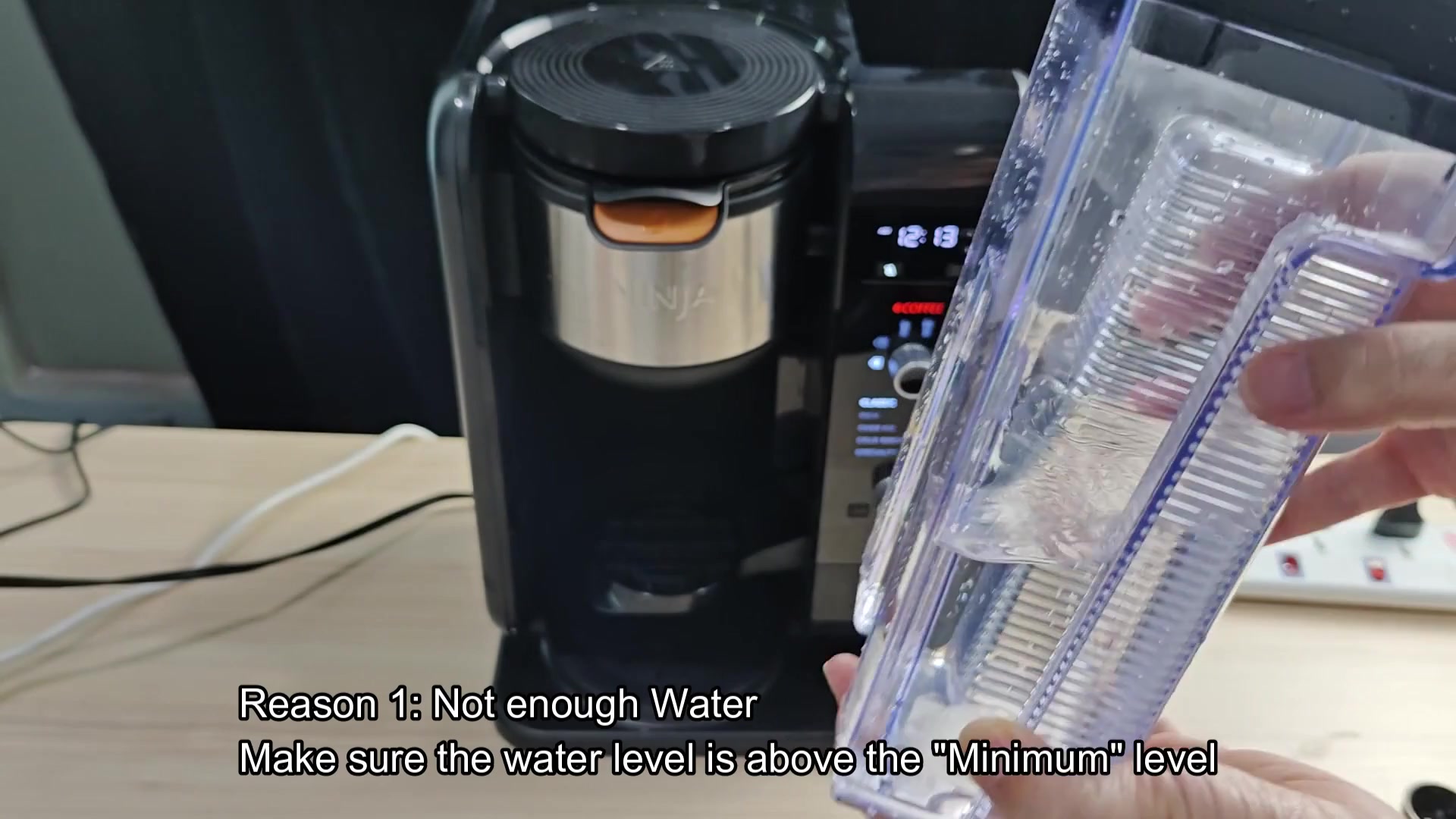
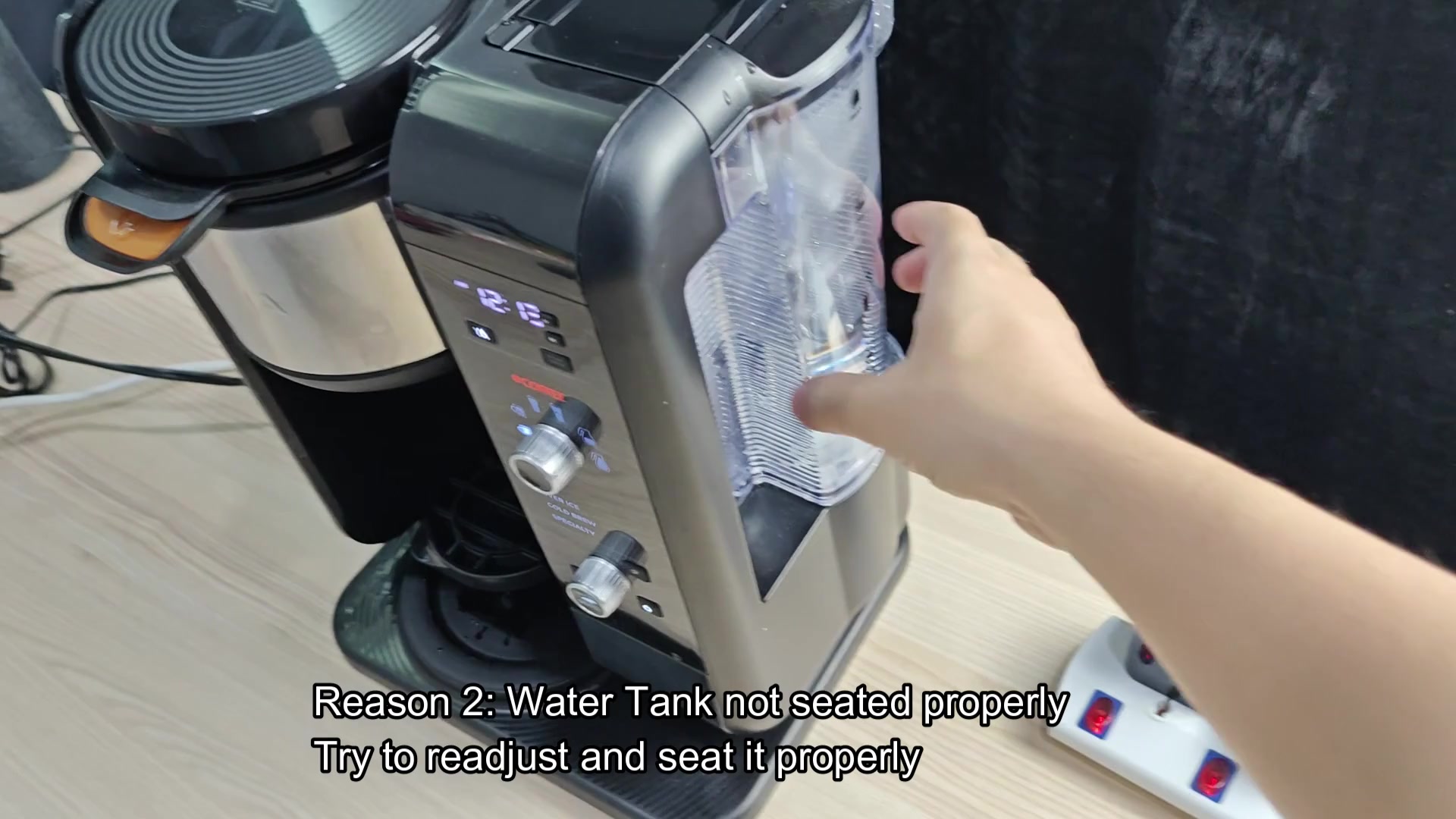
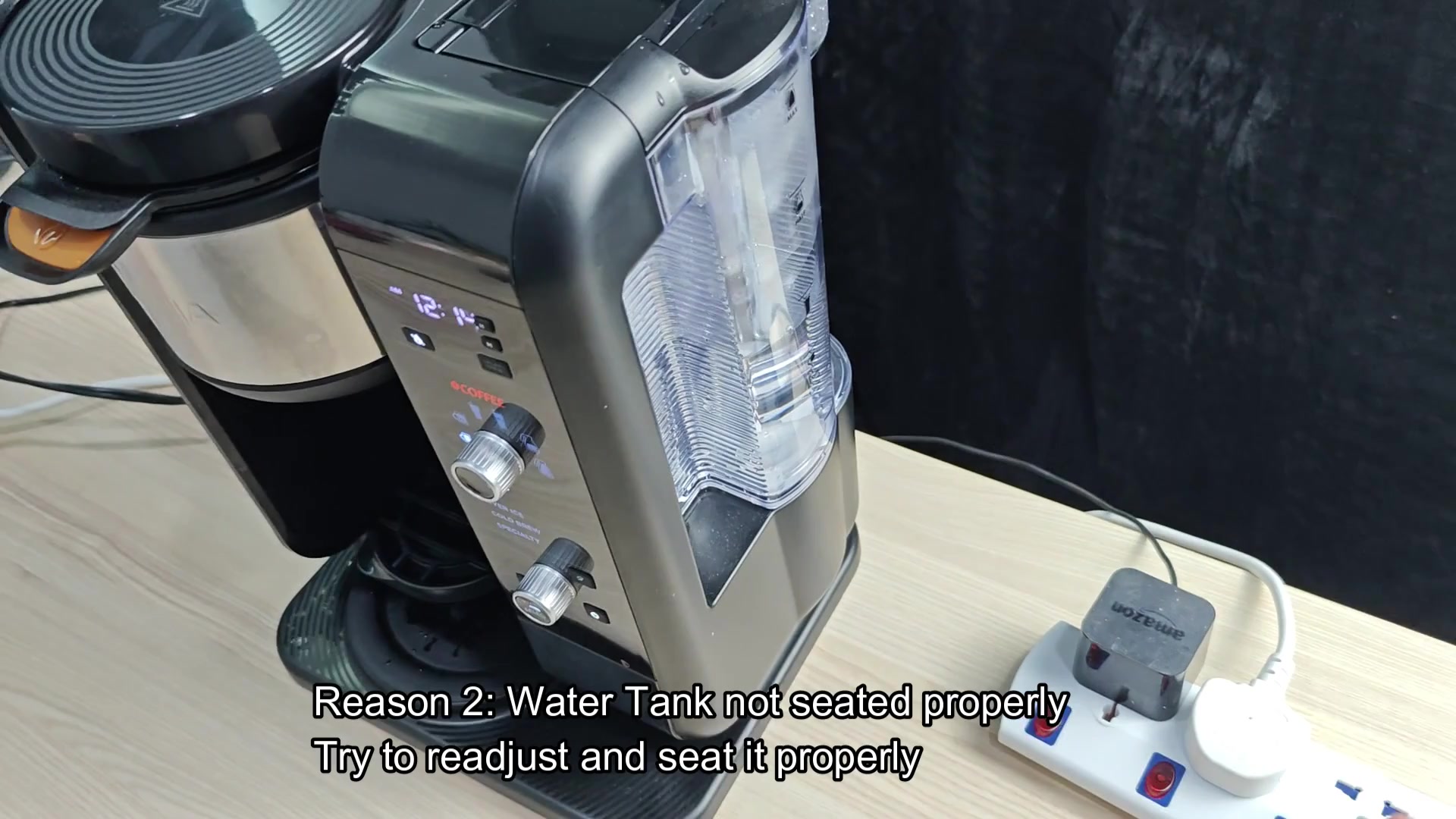
Lastly, check that the tank sits correctly on the machine. If it isn’t in there right, then it will slip out some and won’t always connect. As long as the reservoir isn’t all the way clicked into place, the sensor can’t see the water.
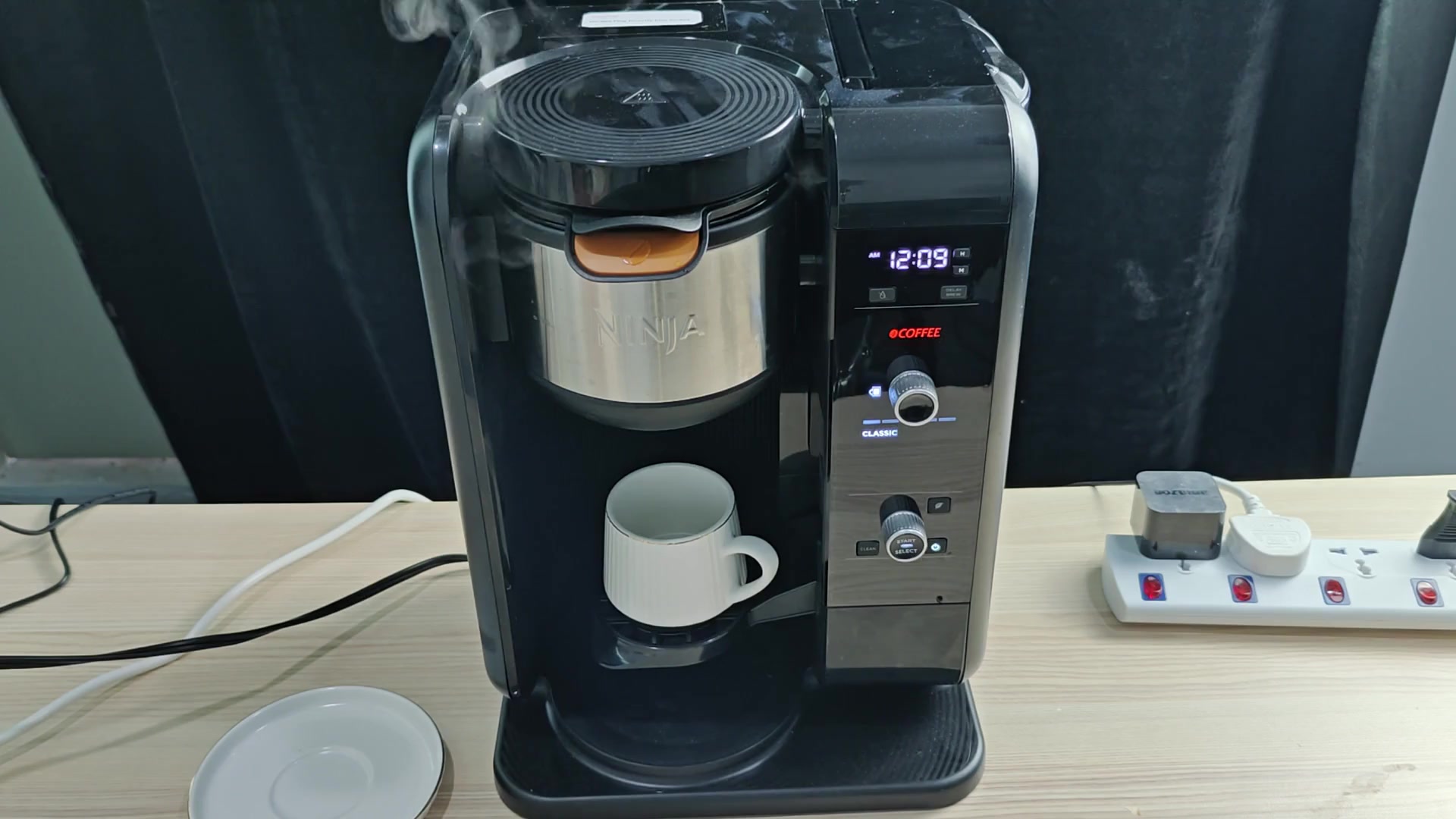
Simply removing and replacing the tank should of do the trick to get it seated well. More often than not, your display will change as soon as the unit sees the tank again, which means the error are resolved.
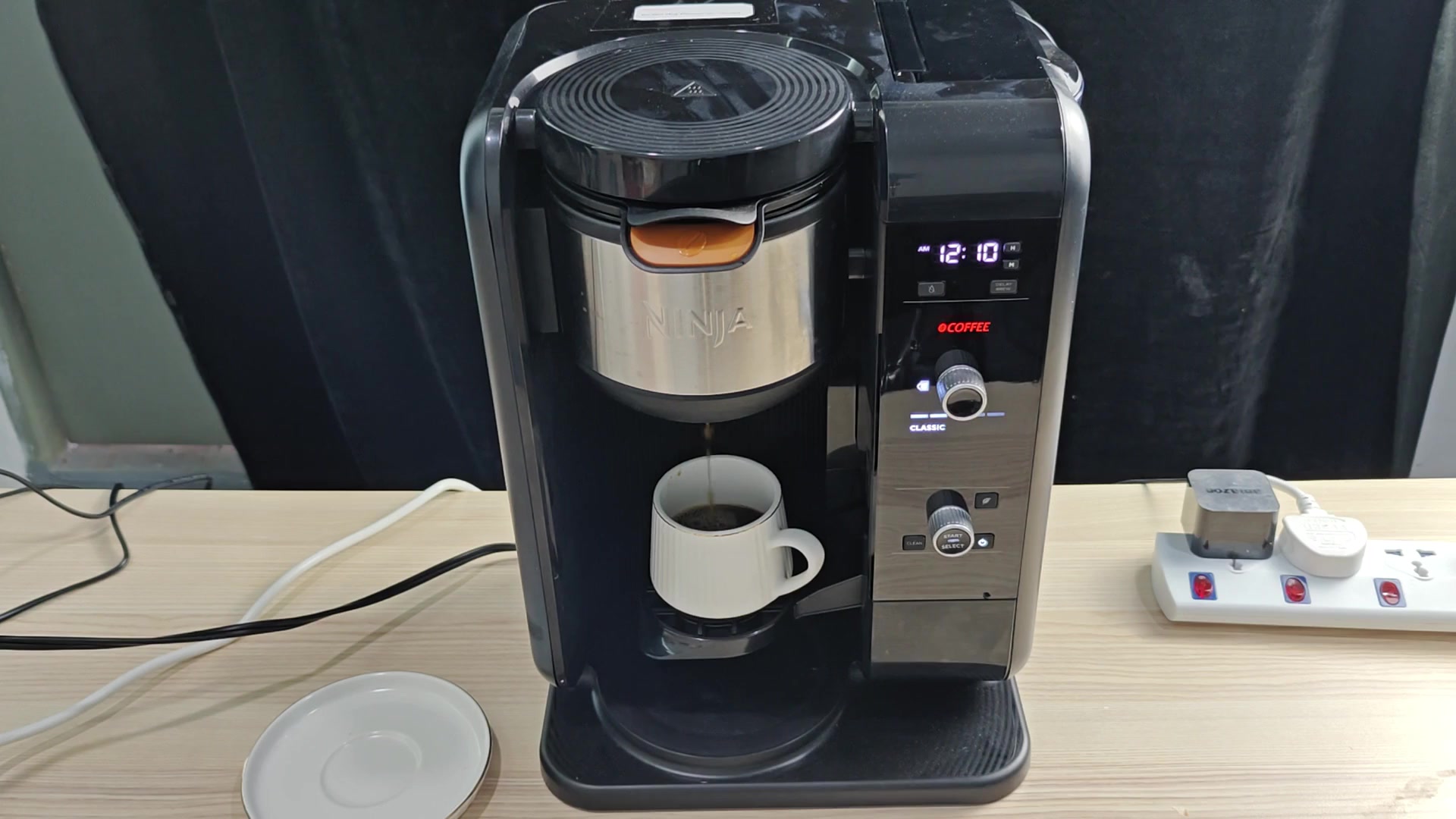
The other possibility is that there are air bubbles in the lines. When you press the start button, the pump turns on and spins but finds only air instead of liquid, which cause an air blockage that stops the flow of water.
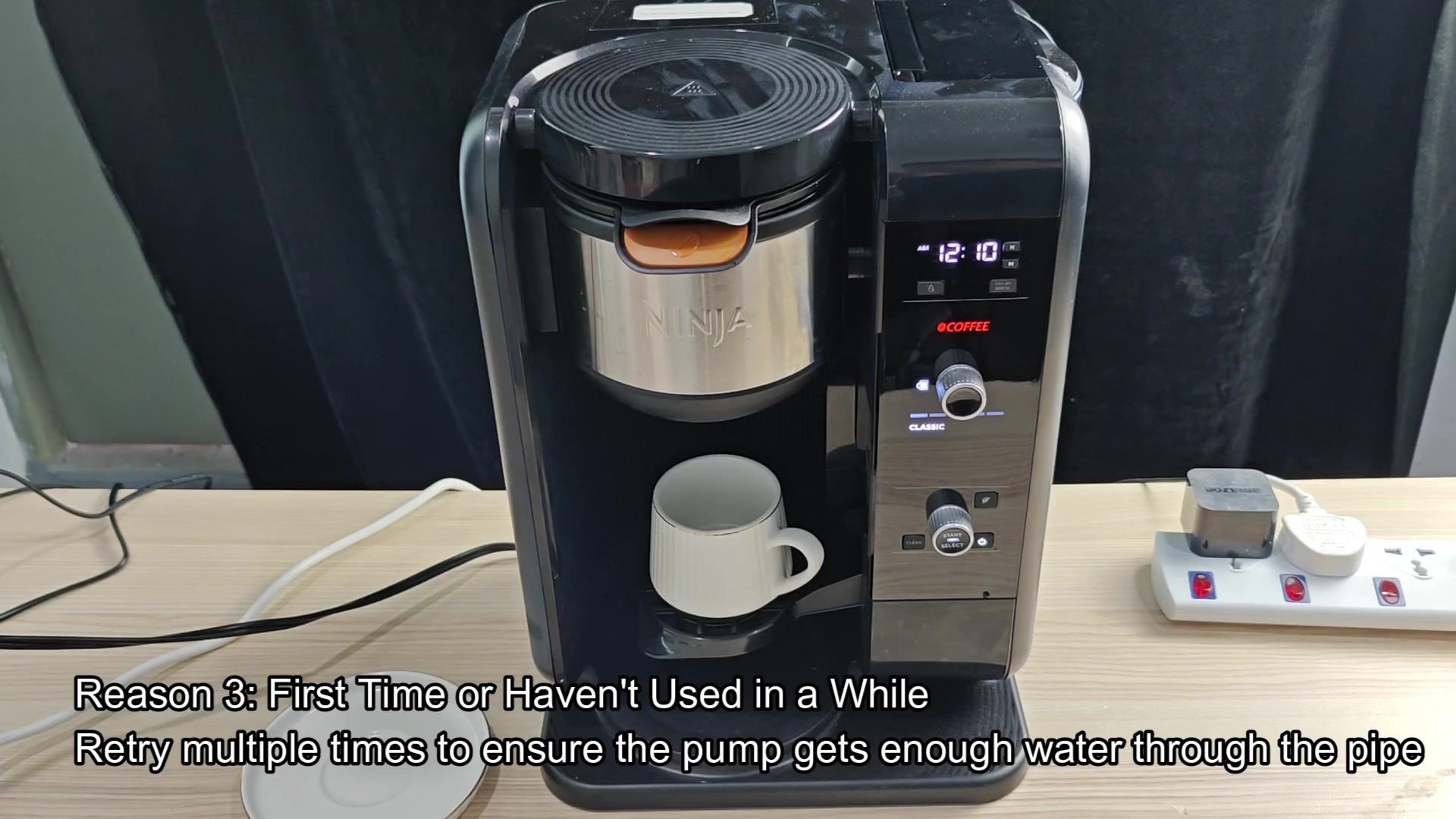
Pushing the start button a couple of times will force some water through the tubes and purge the system, eliminating the air and allowing it to move liquid through as normaly.
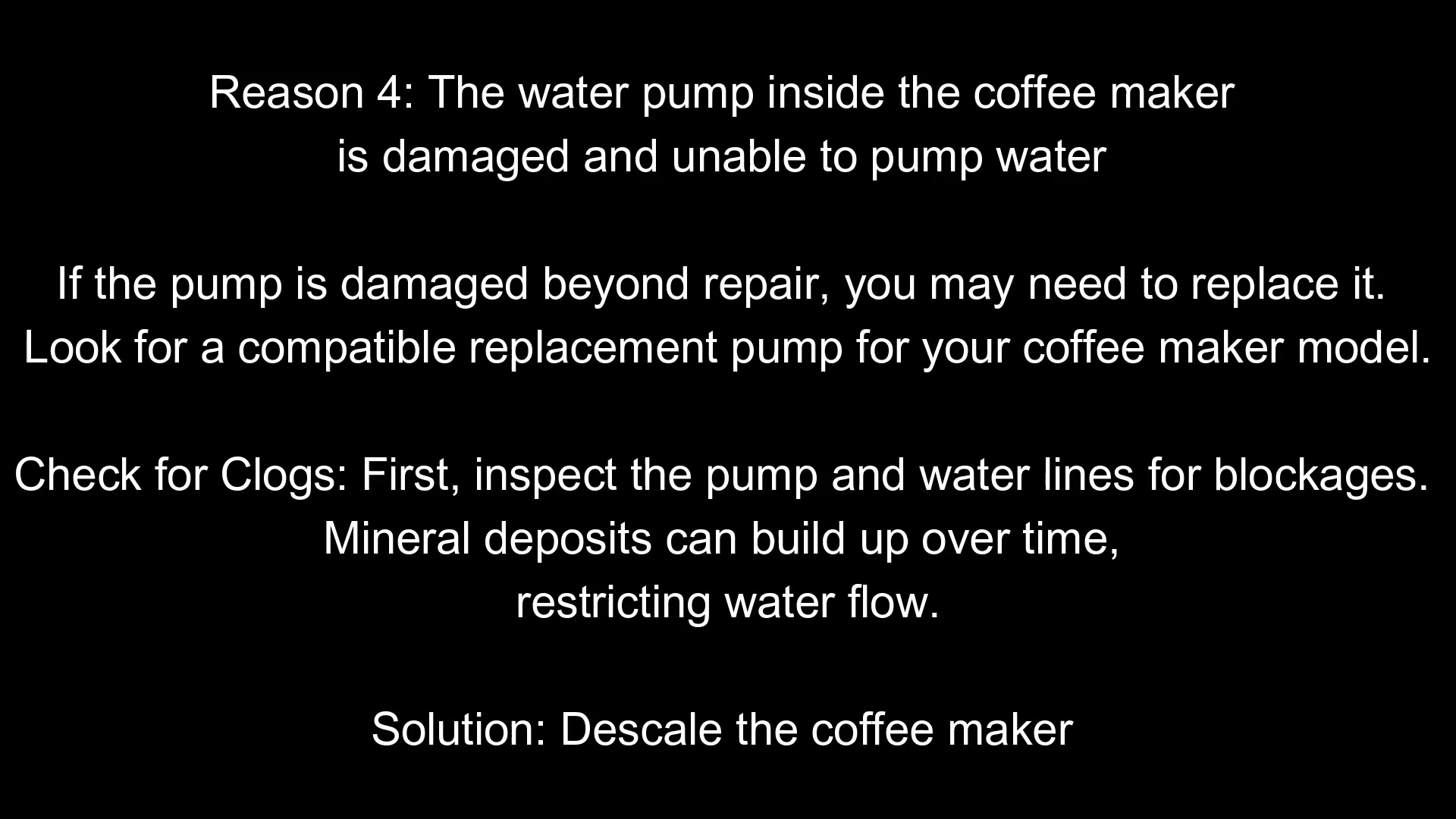
Other times it’s something more mechanical that needs to be descaled. In hard water areas, minerals will deposit on your internal tube and clog them, which restricts flow.
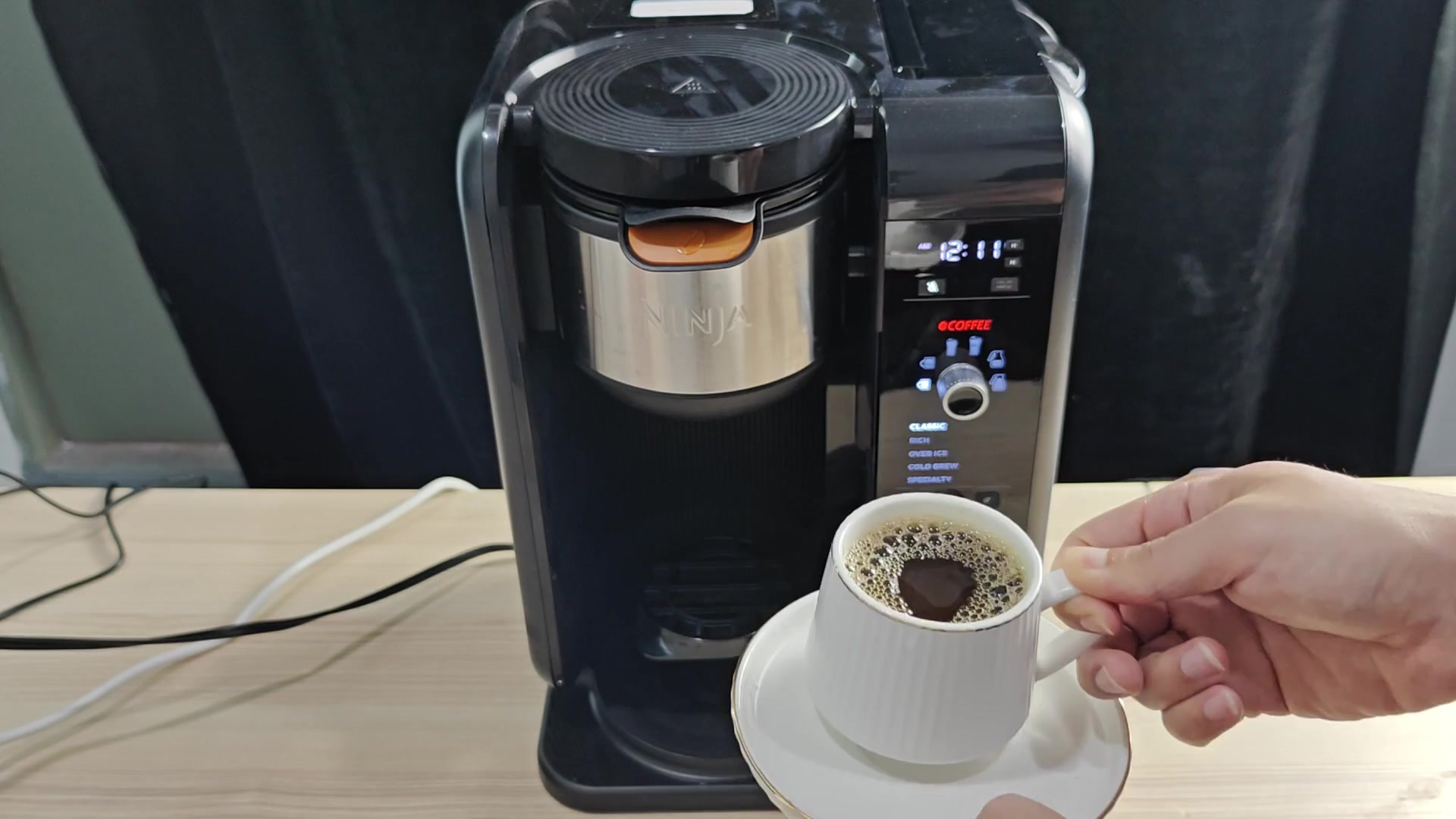
When this happens there is not enough flow for the sensor to register anything other than zero flow. It think there isn’t any water present but really, the water just can’t make it through. By descaling the unit you clear the pathways out and the pump can then push water along freely.
After you do your maintenance, watch the brew cycle closely. Is it coming out in a steady stream, no sputtering, no stuttering? Does it seem like the right temperature?
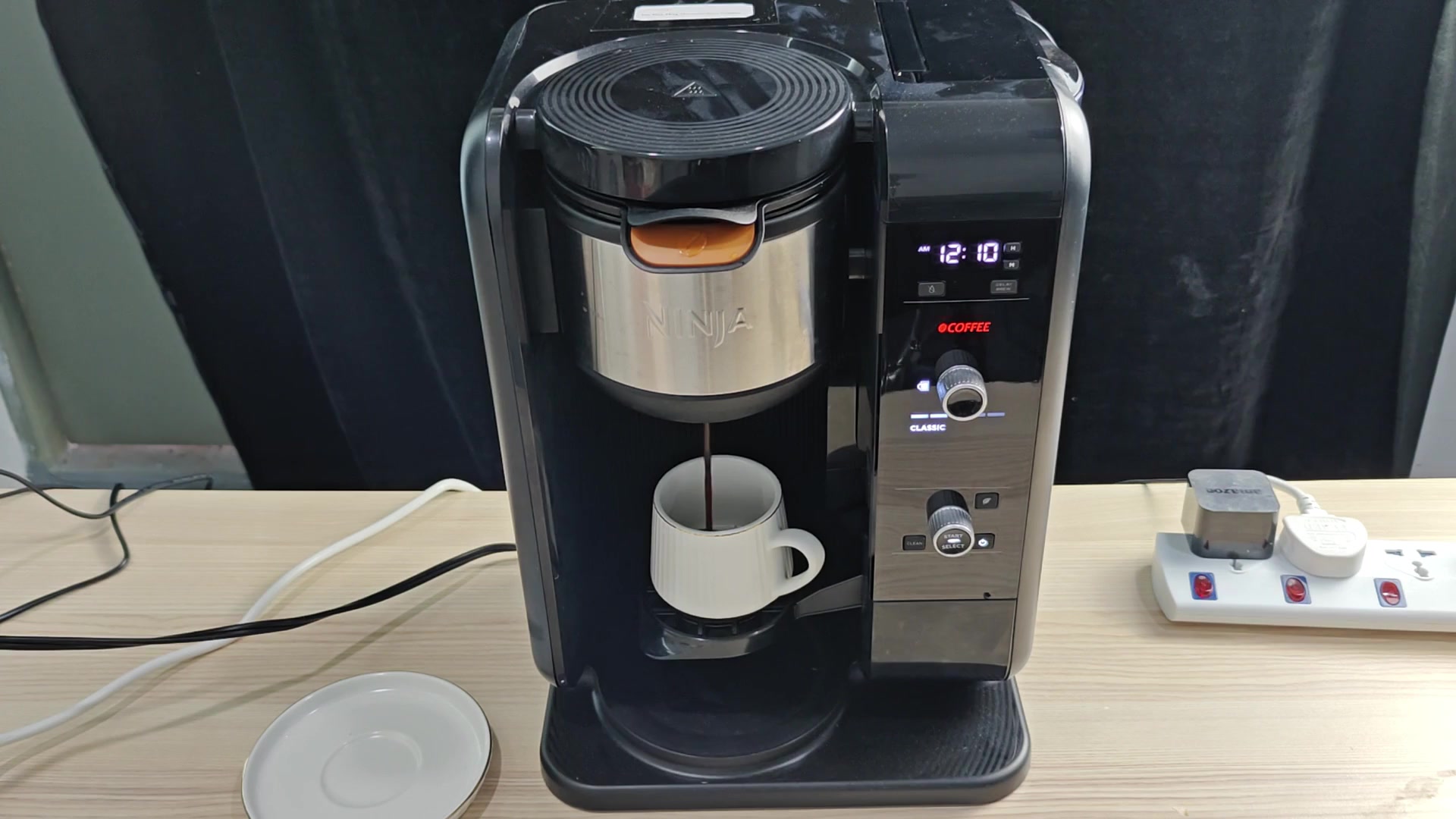
If all goes well, it does, and the coffee’s normal; the display stop flashing red errors and switches back to the time. Your error is gone and the morning routine is once again saved, so you can breathe easy.
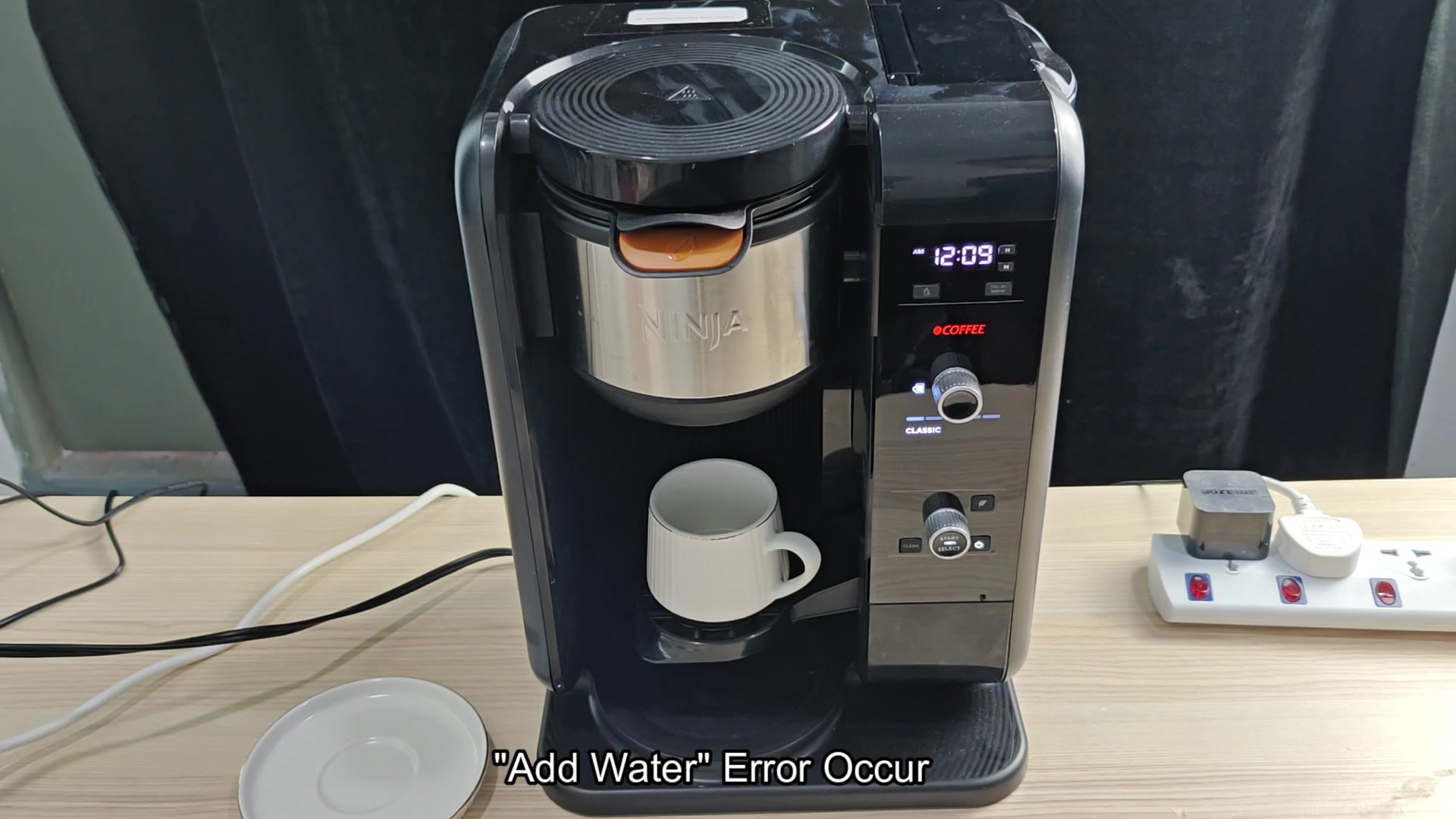
Most of these fixes are simple: first check your water level, then make sure everything sits correctly, pull some air if necessary, and finally try descaling if you haven’t already. This will address the majority of the “false” error codes due to blockages or sensors not reading properly.
Sensors are fickle things requiring a clean signal based off clean components, so regular maintenance can save you having larger problems down the road.